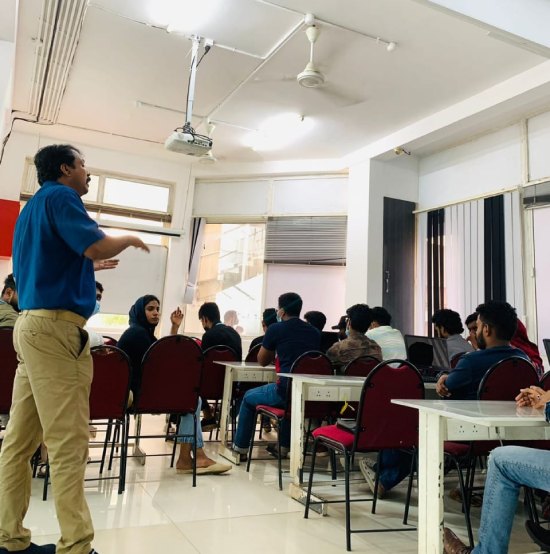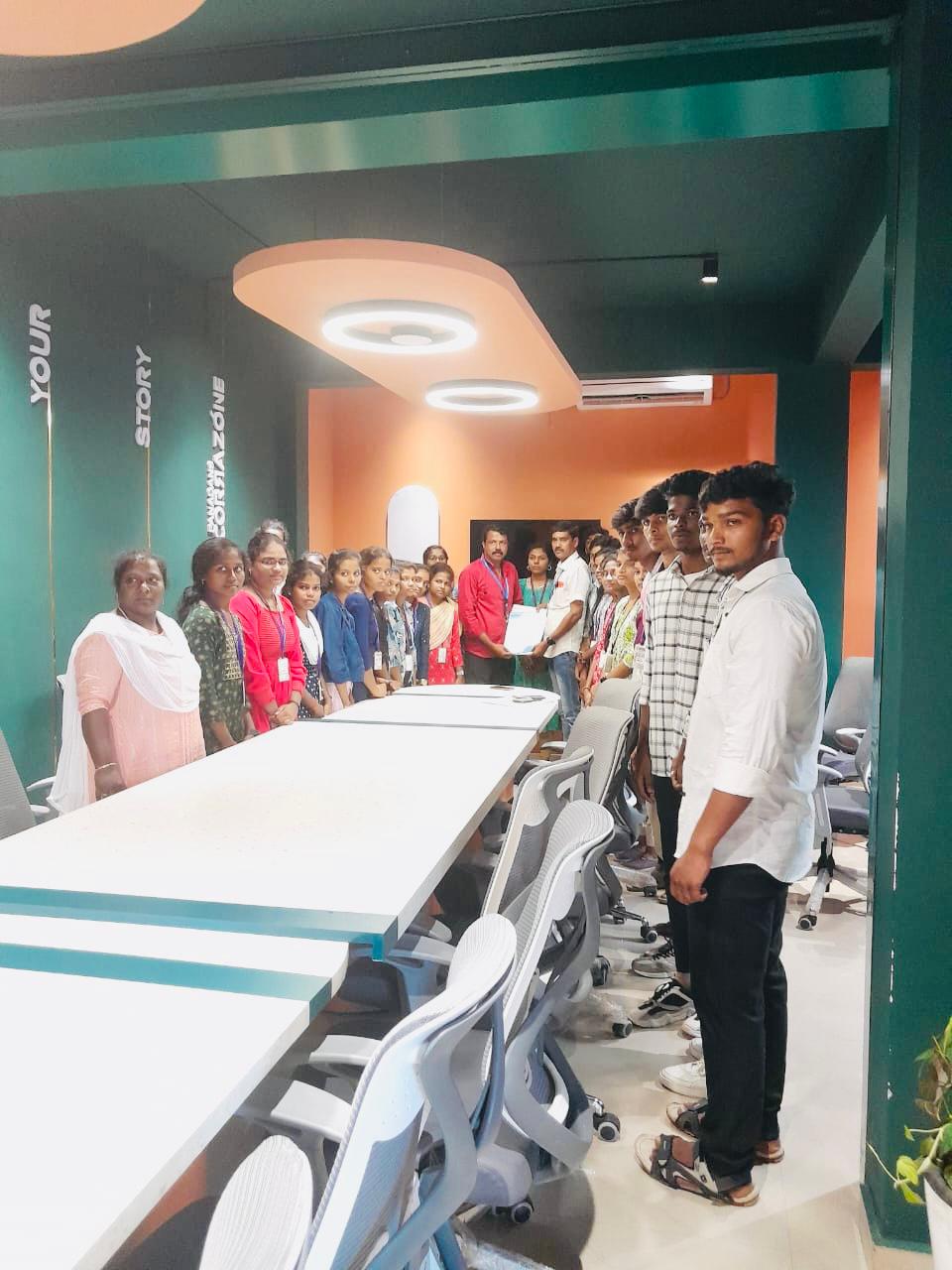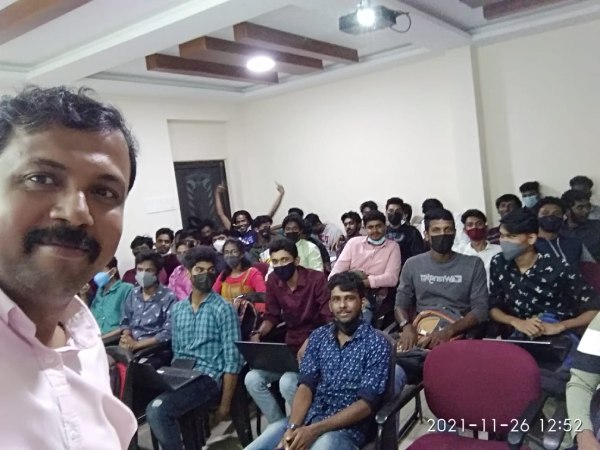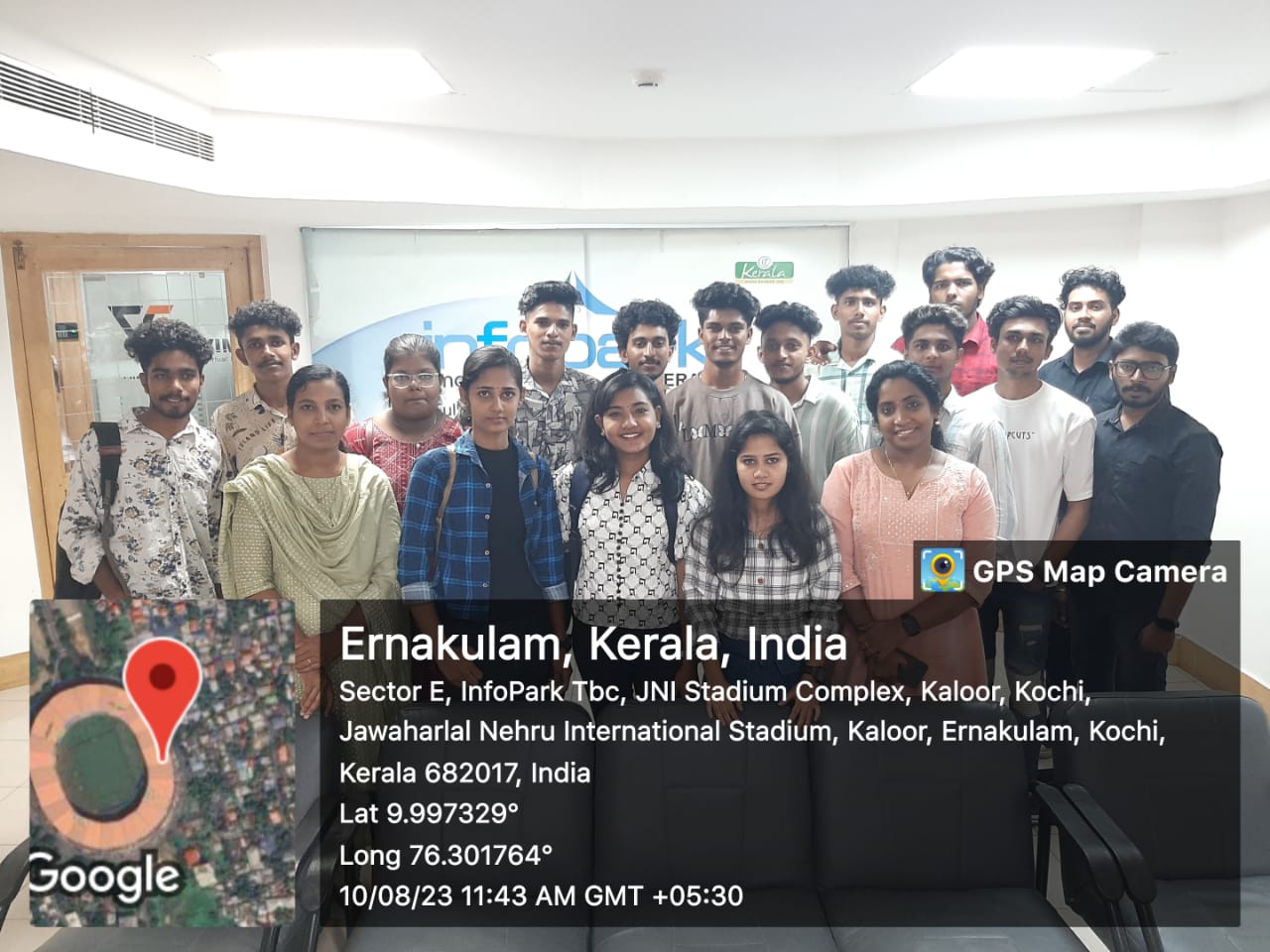
Autodesk Maya Online Live Class by Experts

Our Training/Internship Process

Autodesk Maya Online Live Classes in Geneva | Free Demo Training

Autodesk Maya - Syllabus, Fees & Duration

Overview of Maya

  • Understanding the Maya interface
  • Setting up files and Maya projects
  • Configuring viewports
  • Customizing the interface
  • Navigating the Maya workspace
  • Using the hotbox and marking menus
  • Selecting objects
  • Using the Move tool
  • Rotating and scaling objects
  • Working with pivots
  • Understanding the Channel Box
  • The Attribute Editor

Maya Scenes

  • Organizing Maya Scenes
  • Working with the Outliner
  • Dealing with hierarchies
  • Object groups
  • Exploring Hypergraph
  • Hiding and showing objects
  • Working with layers
  • Working with selection masks

Working with Polygons

  • Creating Polygonal Models
  • Differences between NURBS and polys
  • Selecting polygonal components
  • Using Soft Select and reflection
  • Sculpting with the Sculpt tool
  • The Combine and Separate commands
  • Working with subdivision surfaces

Working with Meshes

  • Working with edge loops
  • Using Edge Flow for smooth geometry
  • Reorienting geometry using Spin Edge
  • Drawing detail with the Connect tool
  • Mirroring geometry
  • Modeling with nonlinear deformers
  • Modeling with lattices

NURBS-based Modelling

  • Refining NURBS Models
  • Extracting NURBS curves from surfaces
  • Open/ Close curves and surfaces
  • Creating curves on a surface
  • Projecting curves on surfaces
  • Trimming NURBS surfaces
  • Using fillets to connect surfaces
  • Converting NURBS to polygons

Using Materials

  • Creating Materials
  • Overview of Maya renderers
  • The basics of materials
  • Creating and applying maps
  • Using bitmaps as texture
  • Working with the Hype shade window
  • Using the Ramp material
  • Displacement and bump maps
  • Mental ray materials

Using Textures

  • Applying Textures
  • Texture mapping
  • Projecting textures on surfaces
  • Applying multiple materials
  • UV mapping
  • The UV Texture Editor

Rendering your Scene

  • Render Settings
  • Lights and lighting types
  • Rendering shadows
  • Camera basics
  • Depth of field
  • Motion Blur
  • Reflections and refractions
  • Matching lights and shadows to images
  • Batch rendering

Animating in Maya

  • The animation interface
  • Set Key
  • The Graph Editor
  • The Dope Sheet
  • Animating objects along spline paths
  • Ghosting animation
  • Animation playback using Playblast
  • Creating animation cycles

Download Syllabus - Autodesk Maya
This syllabus is not final and can be customized as per needs/updates
 
10000+
20+
50+
25+

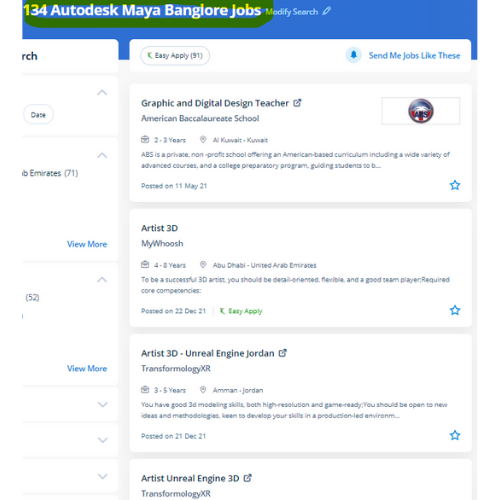
Autodesk Maya Jobs in Geneva

Enjoy the demand

Find jobs related to Autodesk Maya in search engines (Google, Bing, Yahoo) and recruitment websites (monsterindia, placementindia, naukri, jobsNEAR.in, indeed.co.in, shine.com etc.) based in Geneva, chennai and europe countries. You can find many jobs for freshers related to the job positions in Geneva.

  • Graphic Designer
  • Maya Trainer
  • Motion Graphic Designer
  • Generalist 3d
  • Technical Designer
  • Interior Designer
  • Designing Trainer
  • Freelance Graphic Designer
  • 3d designer
  • AutoCAD Draftsman

Autodesk Maya Internship/Course Details

Autodesk Maya internship jobs in Geneva
Autodesk Maya Trainees will get to search out excuses for all the ideas from basics to advanced level. . This software has no exception however others have their own strengths and weaknesses. they are even culpable for writing the program content which can be a mixture of absolute diligence and their promoting expertise. Our live training classes are handled by specialists in this field and the syllabus starts from the basics to the most advanced of the subject our team can assist you If a candidate gets any doubts or errors while using this. The Maya interface, the Maya philosophy, 3D modeling, texturing, lighting, and rendering are introduced to the students. Upon victorious completion of this course you will be able to: work in a production environment, perceive the mechanics of Maya, be able to create 3d models using a kind of techniques, work with materials to the texture you models, perceive the way to light a scene, be able to create animations, stage a scene and understand photography and know how to make output to be used in post-production. whether or not you’re wanting to begin a new career within the 3D animation industry, or incorporate 3D animations into your existing work for broadcast or the web. additionally, Maya is very optimized for using and editing new Python scripts or MEL within the daily workflow. Students can learn the flexibleness to create a top-quality CG base character which will be used for customizing games, machinima, animations, portfolios, and programming based mostly on computer science graphics courses consistent with industry standards and techniques.


Meet a Few of our Industry Experts 🚀 Your Pathway to IT Career

Sahil

Mobile: +91 9895490866
Location: Online (Geneva, Switzerland)
Qualification: M.sc(Comp.Sci)

Experience: Skills : JavasScript Java C++ HTML5 CSS3 Tailwind CSS React js React Redux Git MongoDB SQL Building visually appealing user-friendly  more..

kritika

Mobile: +91 9895490866
Location: Online (Geneva, Switzerland)
Qualification: Graduated

Experience: Having more than 1 5 years of experience as Odoo developer Skills - python Odoo php MySQL django html css  more..

Suhaila

Mobile: +91 8301010866
Location: Online (Geneva, Switzerland)
Qualification: Btech in computer science and engineering

Experience: Android application developer Java developer  more..

Banoth

Mobile: +91 8301010866
Location: Online (Geneva, Switzerland)
Qualification: B. Tech (ECE)

Experience: Programming :-c c++HTML python word MSexcel Operating system:-Windows Ubuntu Linus   more..

Srividhya

Mobile: +91 89210 61945
Location: Online (Geneva, Switzerland)
Qualification: B.tech information technology

Experience: I have been working as a professional designer for four years collaborating with various companies and products I have a  more..

Suman

Mobile: +91 89210 61945
Location: Online (Geneva, Switzerland)
Qualification: MCA

Experience: I have near about 2 yr experience in android field  more..

Remya

Mobile: +91 91884 77559
Location: Online (Geneva, Switzerland)
Qualification: btech cse

Experience: html css php dreamweaver web designing web developer  more..

Kashish

Mobile: +91 91884 77559
Location: Online (Geneva, Switzerland)
Qualification: M.com

Experience: With two years of experience as a dedicated PTE (Pearson Test of English) trainer I bring comprehensive expertise to my  more..

Akshay

Mobile: +91 89210 61945
Location: Online (Geneva, Switzerland)
Qualification: Msc-IT

Experience: Backend development: Java (Core & Advanced) Java Servlets JSP Spring (Boot MVC Data) Hibernate Node js Tomcat • Frontend development:  more..

Kuldip

Mobile: +91 98474 90866
Location: Online (Geneva, Switzerland)
Qualification: B.E(Information Technology)

Experience: Hello sir mam Myself Mulani Kuldip I have 1 year experience in Android development I came to know that you’re  more..

Nancy

Mobile: +91 8301010866
Location: Online (Geneva, Switzerland)
Qualification: MCA

Experience: Expert in manual testing Mainly concerned on mobile application testing (Android and iOS) and web application &server testing   more..

Neenu

Mobile: +91 91884 77559
Location: Online (Geneva, Switzerland)
Qualification: Btech

Experience: I am an experienced php programmer  more..

Manish

Mobile: +91 91884 77559
Location: Online (Geneva, Switzerland)
Qualification: MTech

Experience: python sql machine learning scikit-learn numpy scipy matplotlib pandas linear-regression logistic-regression decisiontrees random-forest adaboost xgboost hierarchical-clustering k-means  more..

varre

Mobile: +91 9895490866
Location: Online (Geneva, Switzerland)
Qualification: M.Tech

Experience: angular javascript c#Application for Angular JS  more..

Parveena

Mobile: +91 91884 77559
Location: Online (Geneva, Switzerland)
Qualification: B.Tech

Experience: CCNA CCNP ROUTING JNCIA and networking concepts  more..

Deepraj

Mobile: +91 91884 77559
Location: Online (Geneva, Switzerland)
Qualification: Bachelor in Technology

Experience: I have a experience of two + years and have worked on versatile android projects with core concepts involving background  more..

Prakash

Mobile: +91 94975 90866
Location: Online (Geneva, Switzerland)
Qualification: Bsc

Experience: A self-taught video editor & Graphic Designing with 8 years of experience who is looking for every chance to improve  more..

Sanjay

Mobile: +91 8301010866
Location: Online (Geneva, Switzerland)
Qualification: Btech

Experience: Almost 6 years experience in nodejs angular reactjs nextjs aws python etcApplication for Node JS  more..

Success Stories

The enviable salary packages and track record of our previous students are the proof of our excellence. Please go through our students' reviews about our training methods and faculty and compare it to the recorded video classes that most of the other institutes offer. See for yourself how TechnoMaster is truly unique.

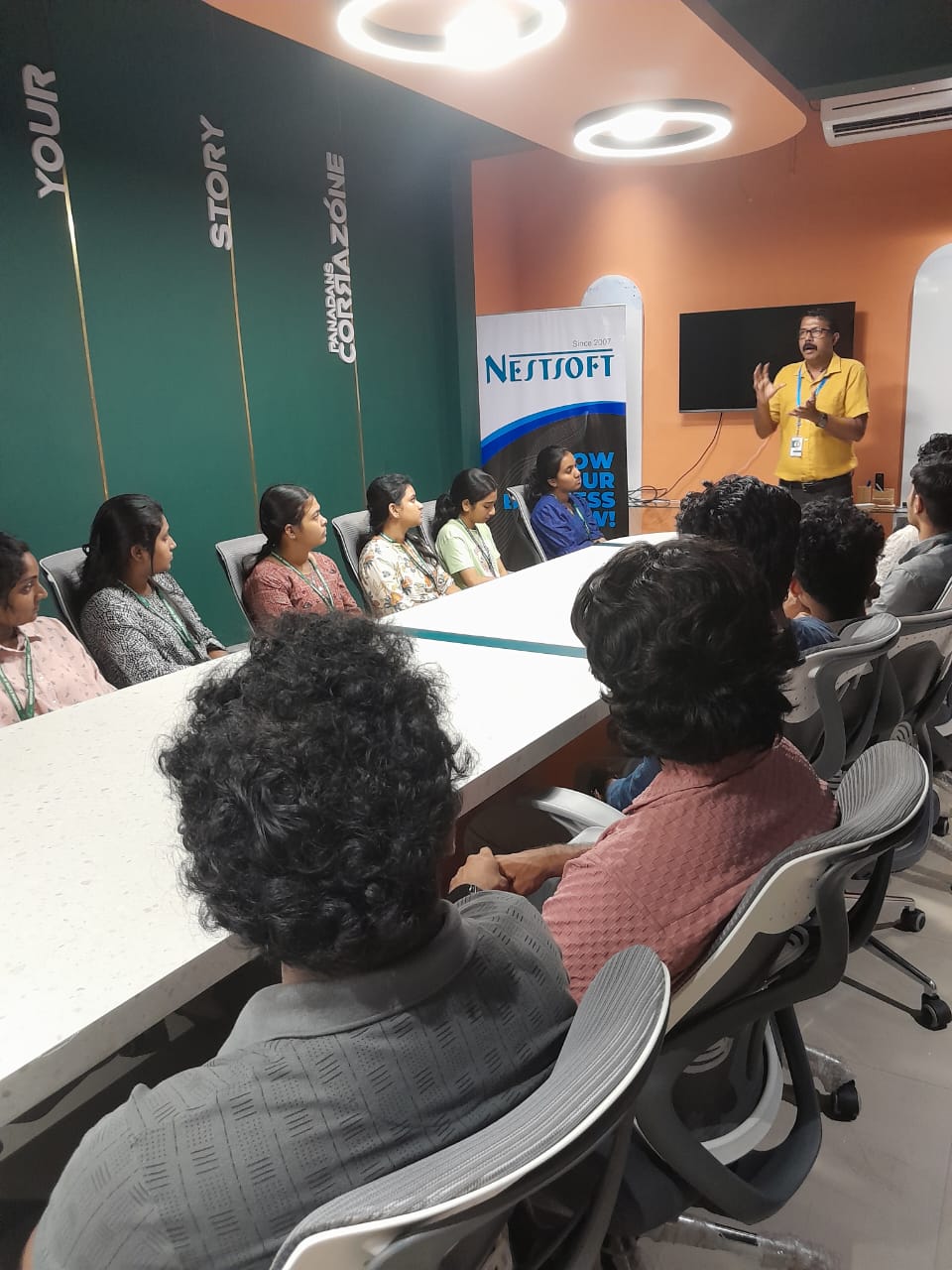
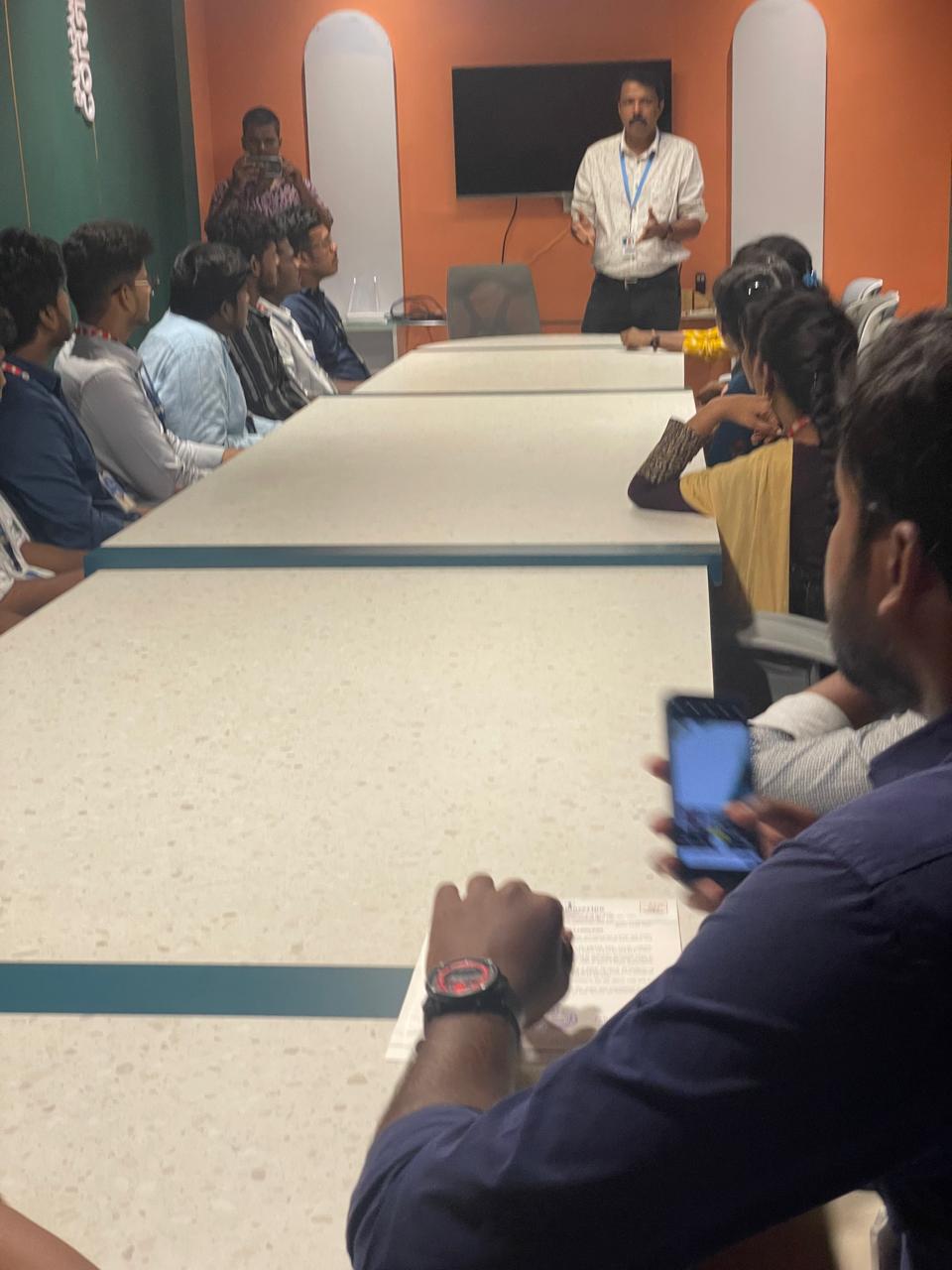
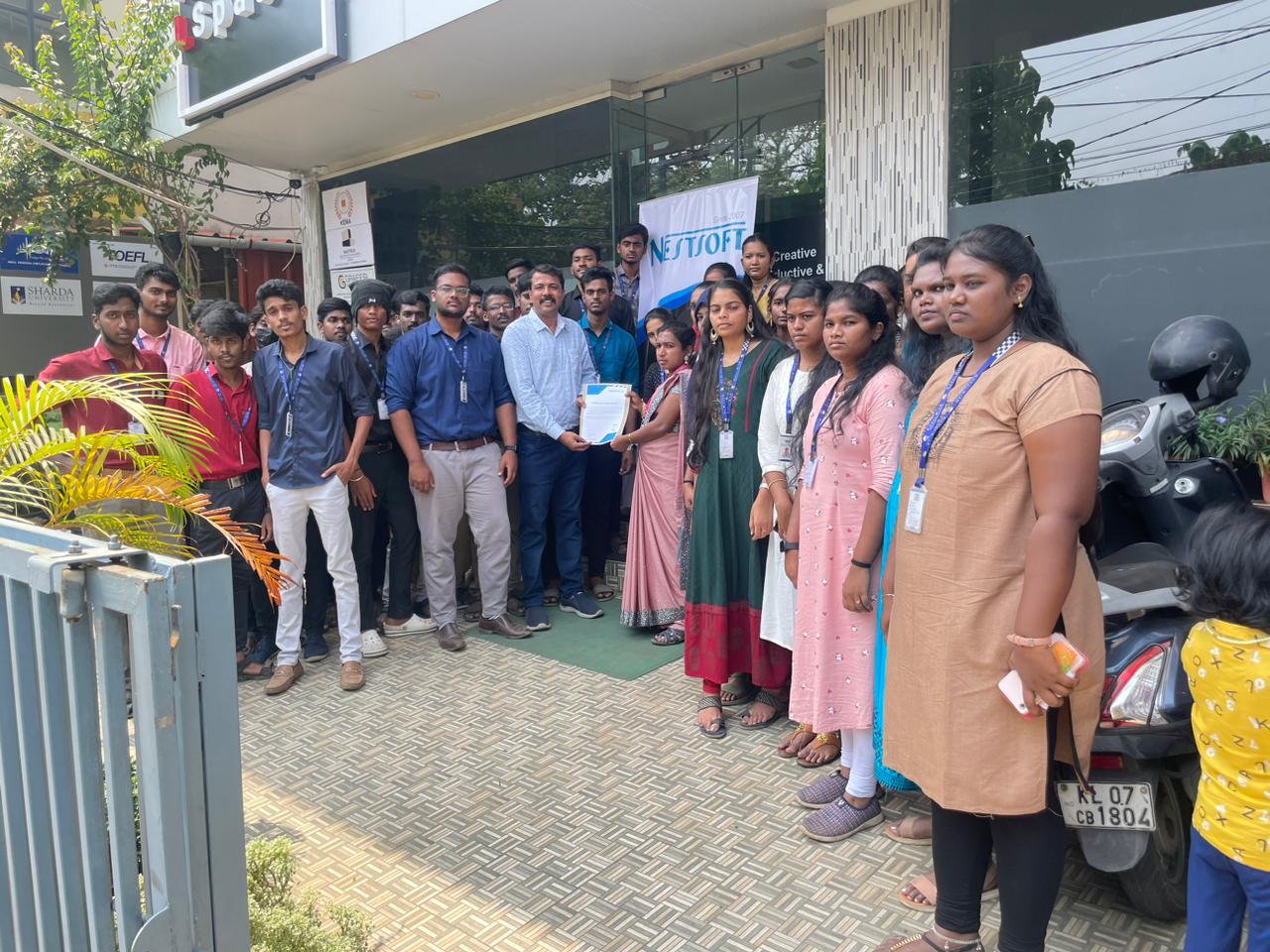
Photos of Training / Internships

Internship/projects in geneva

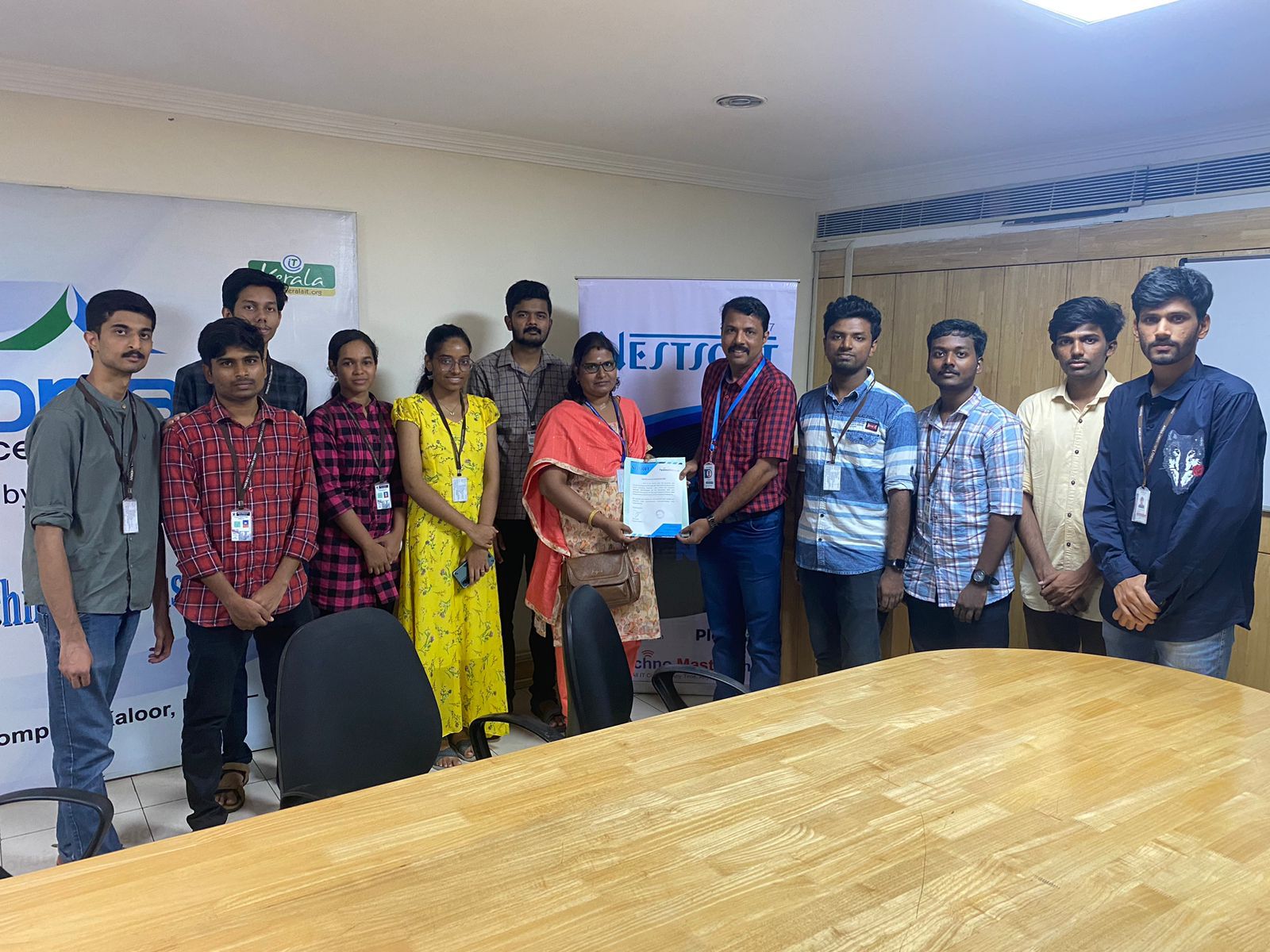
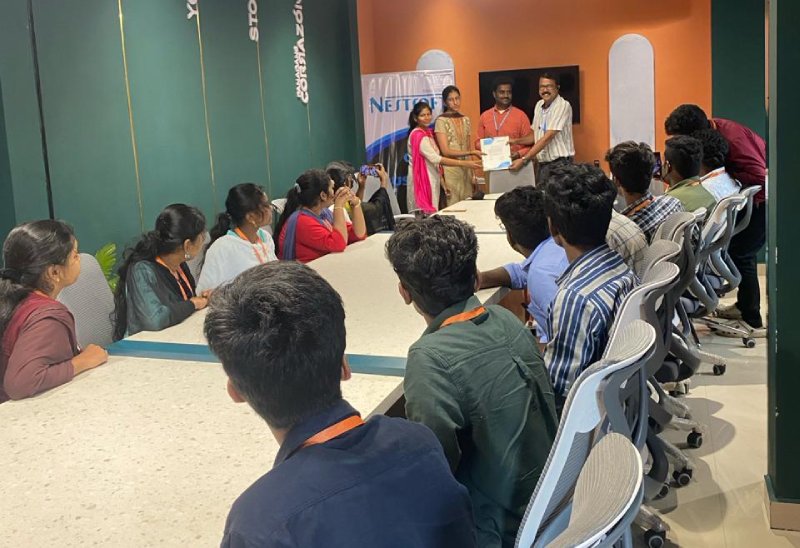
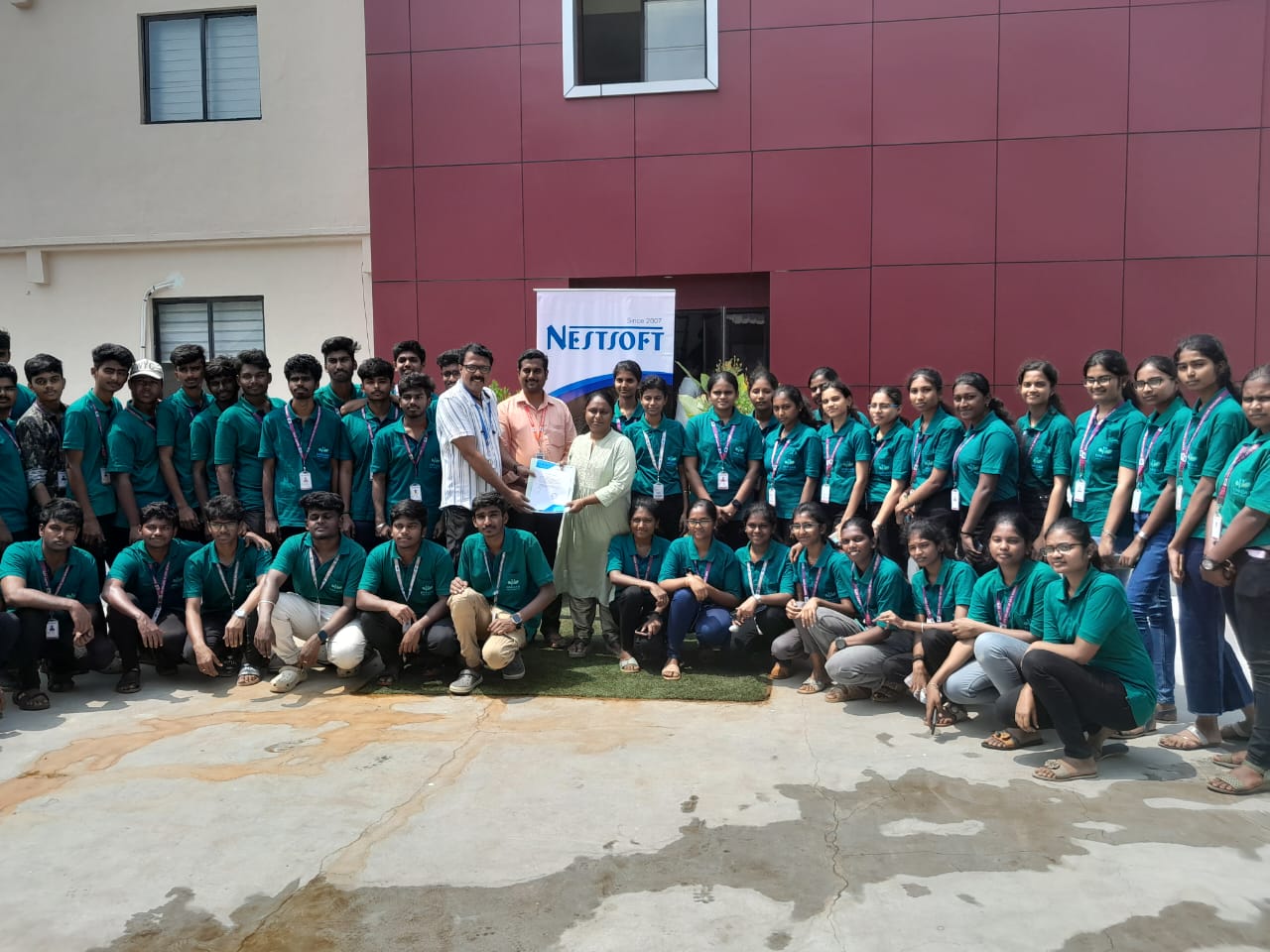
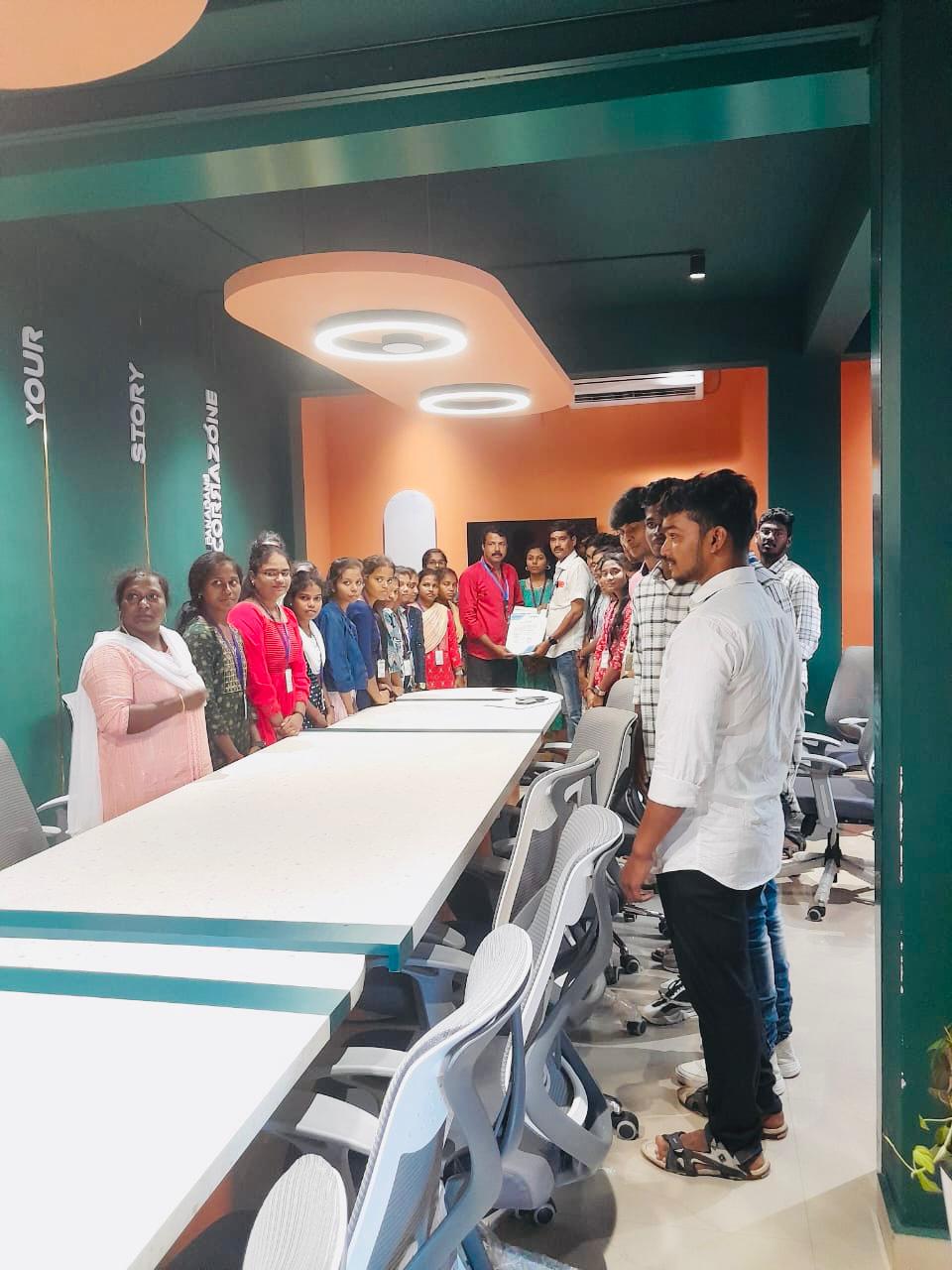
Trained more than 10000+ students who trust Nestsoft TechnoMaster

Get Your Personal Trainer