Send enquiry ⏎

Final Cut Pro X Online Live Class by Experts

Our Training/Internship Process

Final Cut Pro X Online Live Classes in Solothurn | Free Demo Training

Final Cut Pro X - Syllabus, Fees & Duration

MODULE 1: Working with the Interface

  • Final Cut Pro Interface
  • Following a Workflow
  • Working with Projects
  • Working with Bins
  • Working with the Timeline and Canvas
  • Adjusting the Timeline

MODULE 2: Marking and Editing

  • Playing Clips in the Viewer
  • Marking Clips
  • Preparing to Edit
  • Making Overwrite Edits
  • Adding Audio
  • Backing Up Sequences
  • Inserting Clips

MODULE 3: Editing in the Timeline

  • Manipulating Clips in the Timeline
  • Editing in the Timeline

MODULE 4: Other Editing Options

  • Editing Sound Bites
  • Marking in the Timeline
  • Replacing Edits
  • Deleting Clips and Gaps
  • Storyboard Editing

MODULE 5: Single-Sided Trimming

  • Trimming
  • Dragging to Trim
  • Rippling Edits
  • Using the Razor Blade Tool
  • Trimming in the Viewer
  • Extending an Edit

MODULE 6 : Two-Sided Trimming

  • Trimming Two Edit Points
  • Rolling Edit Points
  • Slipping Clip Content
  • Slipping by Numbers and Shortcuts
  • Adjusting Clip Placement
  • Using the Trim Edit Window

MODULE 7: Master Clips, Sub clips, and Markers

  • Working with Master Clips
  • Working with Sub Clips
  • Working with Markers

MODULE 8: Customizing a Project

  • Customizing Browser Columns
  • Customizing the Interface
  • Choosing Settings and Preferences

MODULE 9: Capturing Video

  • Connecting Sources for Capture
  • Previewing and Marking Your Source
  • Logging Your Clips
  • Preparing to Capture
  • Capturing Options
  • Setting Capture Preferences

MODULE 10: Importing and Exporting

  • Importing
  • Exporting Files
  • Exporting with Compressor
  • Reconnecting Media

MODULE 11: Working with Audio

  • Hearing and Seeing Audio
  • Adjusting Audio Levels
  • Working with Audio Clips
  • Working with Sync

MODULE 12: Applying Transitions

  • Understanding Transitions
  • Applying Audio Transitions
  • Applying Video Transitions
  • Working with Other Transitions
  • Rendering Transitions
  • Favorite and Default Transitions

MODULE 13: Mixing Audio Tracks

  • Adding and Organizing Audio Tracks
  • Applying Audio Key frames
  • Mixing Tracks in Real Time
  • Using the Voice Over Tool

MODULE 14: Adding Filters

  • Understanding Filters
  • Applying Video Filters
  • Sharing and Saving Filters
  • Applying Audio Filters
  • Applying Corrective Filters

MODULE 15: Building a Composite Image

  • Compositing Clips
  • Adding Generated Items
  • Changing Filter Parameters in the Timeline
  • Rendering and Exporting Comps

MODULE 16: Creating Motion Effects

  • Adjusting Views
  • Creating Motion Effects

MODULE 17: Adding Text and Graphics

  • Working with Text Generators

MODULE 18: Finishing and Outputting

  • Finishing Audio and Video
  • Exporting Finished Sequences
  • Outputting to Tape
  • Recapturing an Offline Project
  • Backing Up Projects

MODULE 19: Video Transition Effects

  • Applying Video Transitions
  • Removing Transitions
  • Render Bars and RT Extreme
  • Rendering
  • RAM Previews
  • Adjusting Transition Settings
  • Saving Favorite Transitions
  • Default Transition

MODULE 20: Video Filter Effects

  • Applying Video Filters
  • djusting Filter Settings
  • Removing Filters
  • Saving Favorite Filters
  • Saving Window Layouts for Effects
  • Recommended Window Layouts for Effects

MODULE 21: Speed Effects

  • Constant Speed Effects
  • Variable Speed Effects
  • Freeze Frames

MODULE 22: Motion Effects

  • Basic Motion
  • Crop
  • Distort
  • Opacity
  • Drop Shadow
  • Motion Blur
  • Motion Paths
  • Working with Color Mattes
  • Working with Garbage Mattes
  • Pan and Zoom
  • Viewing Options

MODULE 23: Compositing with Nests

  • Superimpose Edits
  • Nesting
  • Exporting a QuickTime Self-Contained Movie
  • Exporting a QuickTime Reference Movie

MODULE 24: Additional Effects Techniques

  • Add Edits to Minimize Rendering
  • Paste Attributes
  • Auto Render
  • Render Manager
  • Applying Filters as Transitions
  • Creating Perspective

MODULE 25: Composite Modes

  • Add
  • Difference
  • Subtract
  • Multiply
  • Screen

MODULE 26: Chroma Keyer

  • Chroma Keyer
  • Color Smoothing, 4:1:1 and 4:2:2
  • Spill Suppressor, Blue and Green

MODULE 27: Color Correction Concepts

  • Color Correction Environment
  • Color Correction Goals
  • Neutralizing Mac OS X
  • Calibrating Broadcast Monitors

MODULE 28: Working with Broadcast Safe Video

  • Video Scopes
  • Color Correction Window Layouts
  • Range Check
  • Color Corrector 3-way

MODULE 29: Correcting White Balance

  • Correcting White Balance

MODULE 30: Balancing a Scene

  • Copying Filter Controls
  • Frame Viewer

MODULE 31: Secondary Color Correction

  • Changing a Specific Color
  • Isolating a Color for a Black and White Background

MODULE 32: Additional Color Effects

  • Combining Color Correction with Composite Modes
  • Isolating Multiple Colors for a Black and White Background

MODULE 33: Media Management

  • Reconnecting Media
  • Deleting Media Files
  • Find
  • Render Manager
  • Media Manager

MODULE 34: Compressor

  • Preparing for Compressor
  • Adding Files to the Batch Window
  • Selecting Presets
  • Preview
  • Creating Presets
  • Setting Destinations
  • Setting Output Files
  • Submitting to the Batch Monitor
  • Droplets

Download Syllabus - Final Cut Pro X
This syllabus is not final and can be customized as per needs/updates
   
10000+
20+
50+
25+

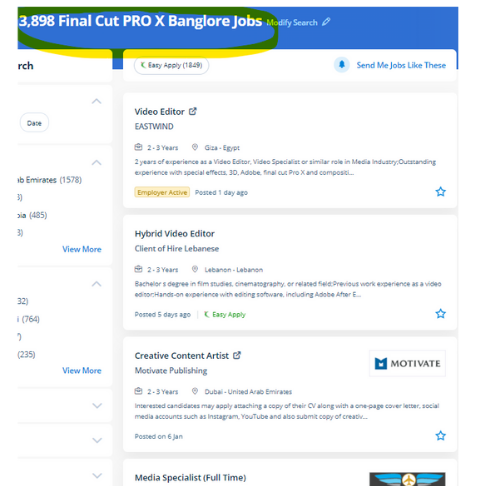
Final Cut Pro X Jobs in Solothurn

Enjoy the demand

Find jobs related to Final Cut Pro X in search engines (Google, Bing, Yahoo) and recruitment websites (monsterindia, placementindia, naukri, jobshybrid.com, indeed.co.in, shine.com etc.) based in Solothurn, chennai and europe countries. You can find many jobs for freshers related to the job positions in Solothurn.

  • Videographer
  • Creative Designer
  • Photo & Video Editor
  • Video Editor Intern
  • UI/UX Designer
  • Creative Video Editor
  • Assistant Video Editor
  • Social Media Video Editor
  • Creative Graphic Designer
  • Motion Designer

Final Cut Pro X Internship/Course Details

Final Cut Pro X internship jobs in Solothurn
Final Cut Pro X . it is widespread among filmmakers and one of the most widely famous & used film programs on the market yet as well provides non-linear, non-destructive editing of any QuickTime-compatible video format. using final cut pro you can} able to smooth and speedy video editing. after completion of the course if you have got doubt regarding this our trainers can forever assist you. using final cut pro's ability to simply modify and correct issues with color & lighting, you'll be able to produce your video in a natural look and beauty. Final Cut Pro (FCP) X could be a non-linear trackless video editing application created by Apple for the mac. throughout this training session, our specialists can assist users in simplifying their workflow perform editing tasks with efficiency, and teach regarding the various editing ways. Learn to apply final cut pro to make a video, inform powerful stories, correct color—even the way to layer video. register today and pick out discover a convenient time and mode of training in our assured schedule for a year ahead. This course can teach you about the final cut pro software.


Meet a Few of our Industry Experts 🚀 Your Pathway to IT Career

Bikram

Mobile: +91 8301010866
Location: Online (Solothurn, Switzerland)
Qualification: B.tech

Experience: I have 1 year experience in canva design  more..

Sreedeep

Mobile: +91 9895490866
Location: Online (Solothurn, Switzerland)
Qualification: Mca

Experience: Working as a software developer in bicoders solution kinfra (angular and flutter)Application for Angular JS  more..

Arabinda

Mobile: +91 94975 90866
Location: Online (Solothurn, Switzerland)
Qualification: BCA

Experience: Skills: JavaScript programming Library design CSS proficiency PHP proficiency Project Management HTML expertise Laravel NET development VBScript Microsoft ASP NET  more..

saurav

Mobile: +91 91884 77559
Location: Online (Solothurn, Switzerland)
Qualification: BCA

Experience: Golang python Rust Backend postgres mongodb linux  more..

sudip

Mobile: +91 91884 77559
Location: Online (Solothurn, Switzerland)
Qualification: BCA(COMPUTER HARDWARE NETWORKING)

Experience: Computer hardware networking Arround 12 years |   more..

surjayan

Mobile: +91 94975 90866
Location: Online (Solothurn, Switzerland)
Qualification: B.sc Hons graduate

Experience: MORE THAN 2 year of experience as a mern stack plus react native developer nodejs reactjs react native no sql  more..

Neeraj

Mobile: +91 94975 90866
Location: Online (Solothurn, Switzerland)
Qualification: MCA

Experience: 10+Year of exaperience Developed 25+ application for android platform  more..

murlee

Mobile: +91 91884 77559
Location: Online (Solothurn, Switzerland)
Qualification: Bca,mba

Experience: Android developer kotlin java  more..

Neenu

Mobile: +91 9895490866
Location: Online (Solothurn, Switzerland)
Qualification: Btech

Experience: I am an experienced php programmer  more..

Chandrakanto

Mobile: +91 98474 90866
Location: Online (Solothurn, Switzerland)
Qualification: Graduate

Experience: Java html css and angular Language skill german Application for Angular JS  more..

Priyal

Mobile: +91 8301010866
Location: Online (Solothurn, Switzerland)
Qualification: MCA

Experience: Skills & Experience: DevOps Engineer with expertise in independent web application development proficient in Python Bash Docker Kubernetes Jenkins AWS  more..

Prachi

Mobile: +91 8301010866
Location: Online (Solothurn, Switzerland)
Qualification: B.Tech

Experience: Dear HR I'm pursuing Bachelor's of Technology in Computer Science from Shambhunath Institute of Engineering and Technology Allahabad I have  more..

Rohan

Mobile: +91 91884 77559
Location: Online (Solothurn, Switzerland)
Qualification: Bca

Experience: I worked on node js angular js javascript mongo dB server also completed core java html css webtect certification from  more..

Sanu

Mobile: +91 91884 77559
Location: Online (Solothurn, Switzerland)
Qualification: Graduation On Going

Experience: I have 3+ years of experience in web design field In Web I Know Html CSS JavaScript jQuery Bootstrap Framework  more..

Dhiraj

Mobile: +91 94975 90866
Location: Online (Solothurn, Switzerland)
Qualification: Bachelor of engineering

Experience: I worked on 2 3 projects in Mern stack I have little bit knowledge in Java I completed web development  more..

Natasha

Mobile: +91 98474 90866
Location: Online (Solothurn, Switzerland)
Qualification: BE IT

Experience: I have 3+ years of experience with digital marketing all modules that includes on-page seo off page seo social media  more..

Suraj

Mobile: +91 91884 77559
Location: Online (Solothurn, Switzerland)
Qualification: B.Tech

Experience: Hi I’m a MERN Stack developer looking for an opportunity to gain experience and work on real world projects I  more..

sreena

Mobile: +91 89210 61945
Location: Online (Solothurn, Switzerland)
Qualification: B-tech, CSE

Experience: I have 6 year experience in web designing and content management system and from last one and half years i  more..

Sreehari

Mobile: +91 94975 90866
Location: Online (Solothurn, Switzerland)
Qualification: BTech

Experience: Html css javascript angular mongodb react nodejsApplication for Meanstack Developer Mean Stack  more..

Aditi

Mobile: +91 94975 90866
Location: Online (Solothurn, Switzerland)
Qualification: currently doing btech

Experience: python kali linux packet tracer cyber security fundamentals networking fundamentals ethical hacking fundamentals team work problem solving  more..

Harinder

Mobile: +91 94975 90866
Location: Online (Solothurn, Switzerland)
Qualification: Master in computer application

Experience: Network administration Software Hardware and networking Pythons java linux |   more..

Soja

Mobile: +91 94975 90866
Location: Online (Solothurn, Switzerland)
Qualification: Btech

Experience: Software testing  more..

Raiyan

Mobile: +91 94975 90866
Location: Online (Solothurn, Switzerland)
Qualification: Graduated

Experience: Experienced Android Developer with 4 6 years of hands-on experience in full mobile lifecycle development Skilled in UI design API  more..

Vaibhav

Mobile: +91 91884 77559
Location: Online (Solothurn, Switzerland)
Qualification: Diploma

Experience: I have a great knowledge in the field of designing and developing both for designing I use Figma and Adobe  more..

Success Stories

The enviable salary packages and track record of our previous students are the proof of our excellence. Please go through our students' reviews about our training methods and faculty and compare it to the recorded video classes that most of the other institutes offer. See for yourself how TechnoMaster is truly unique.


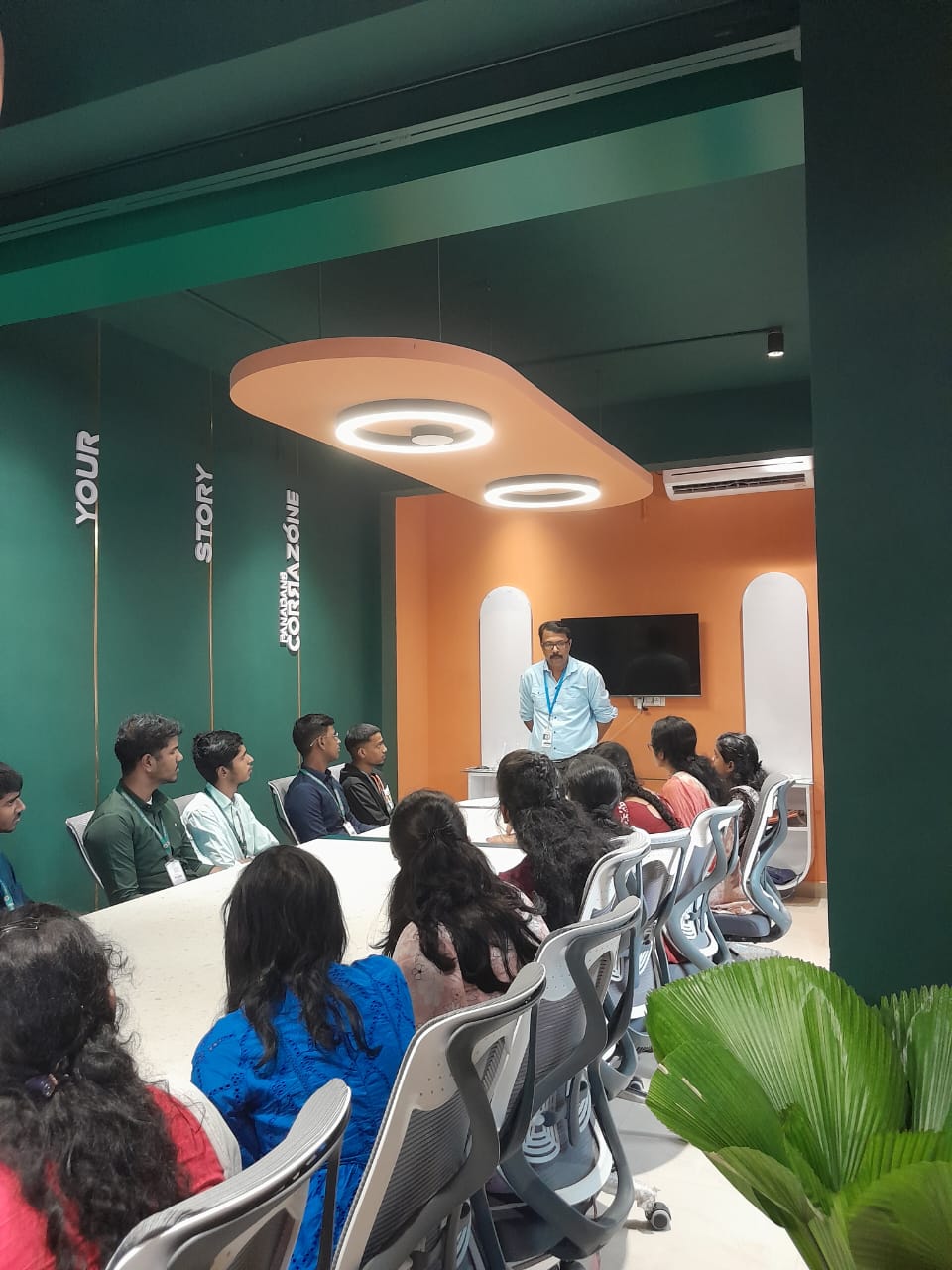
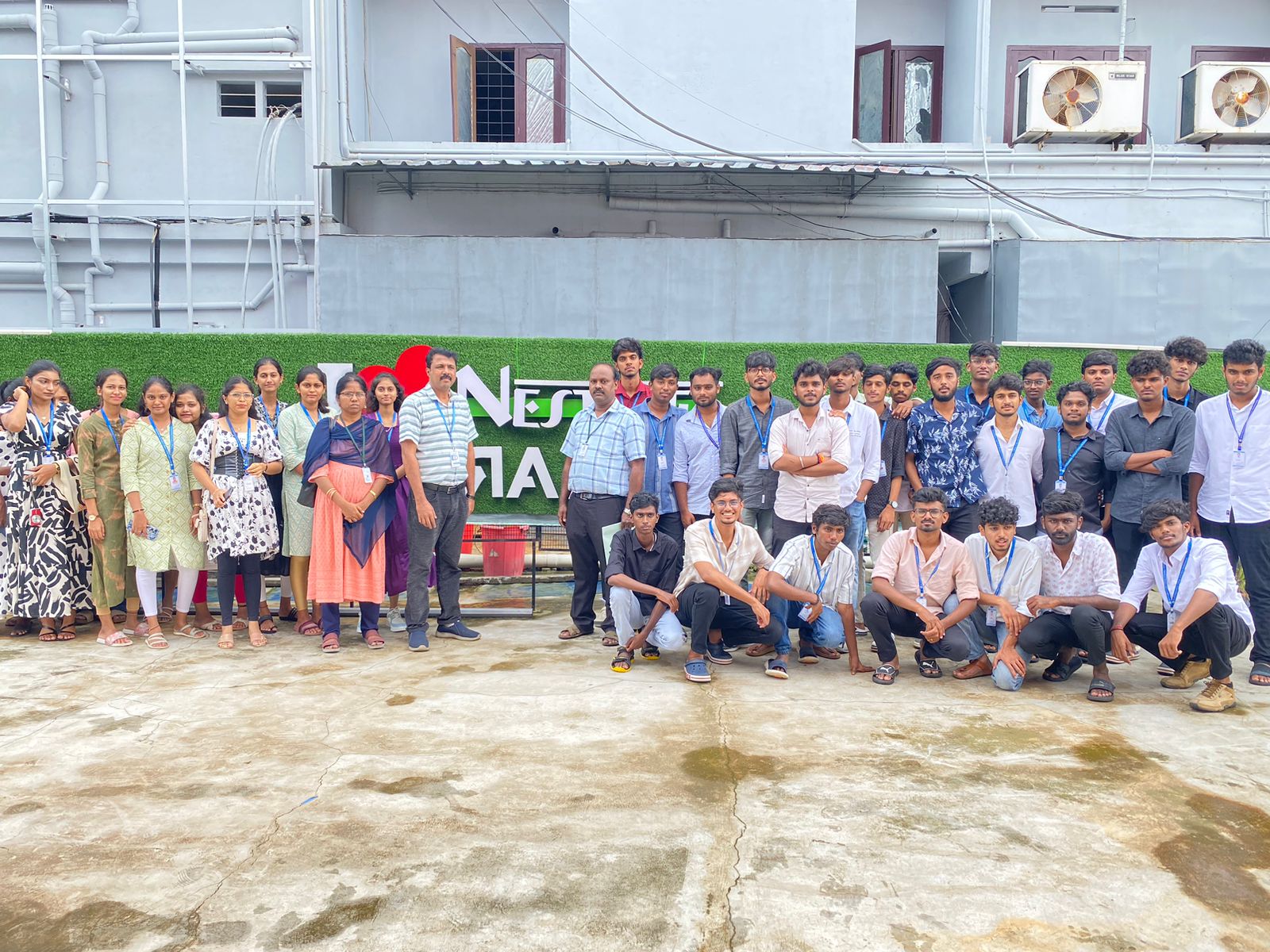
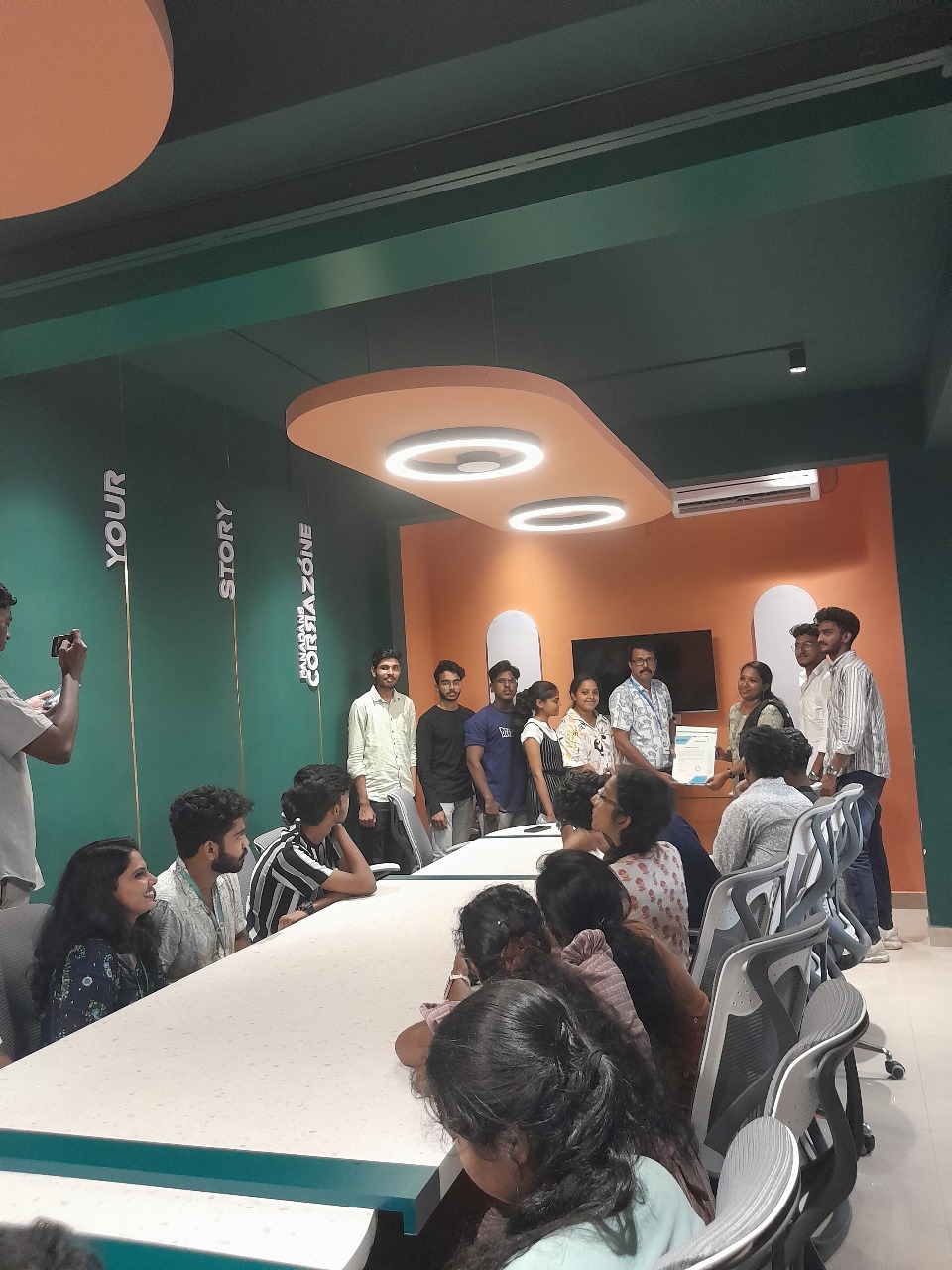
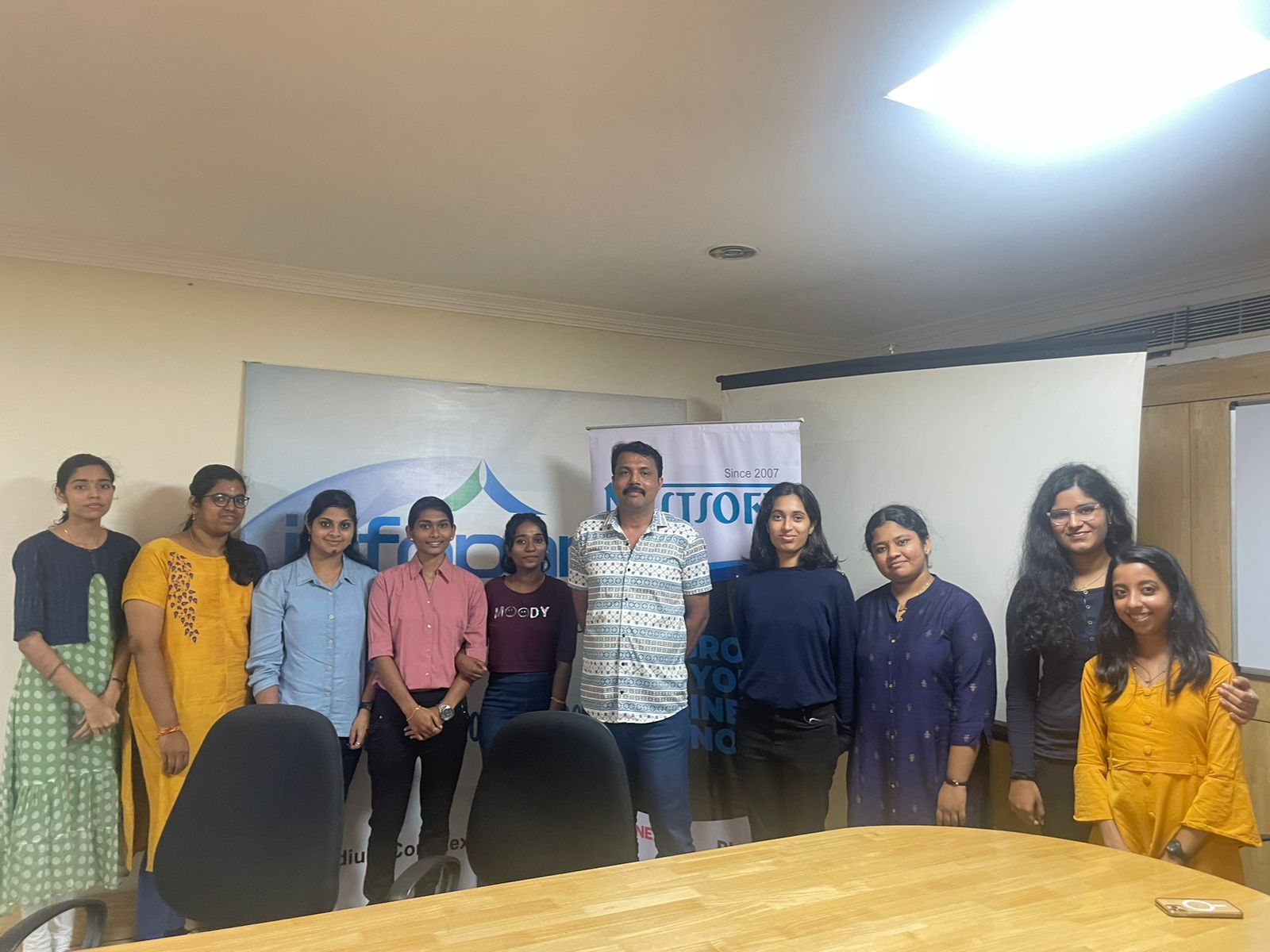
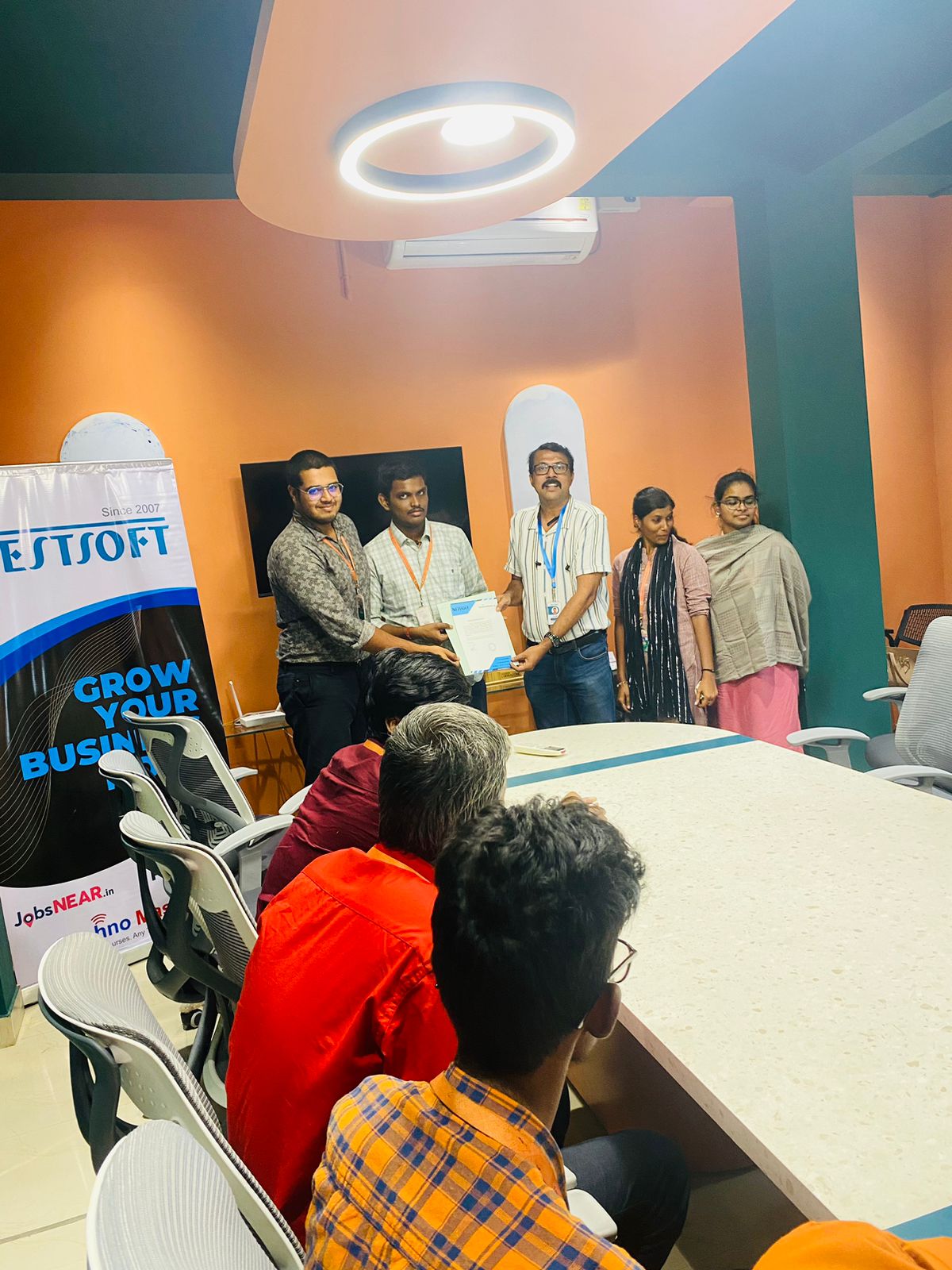
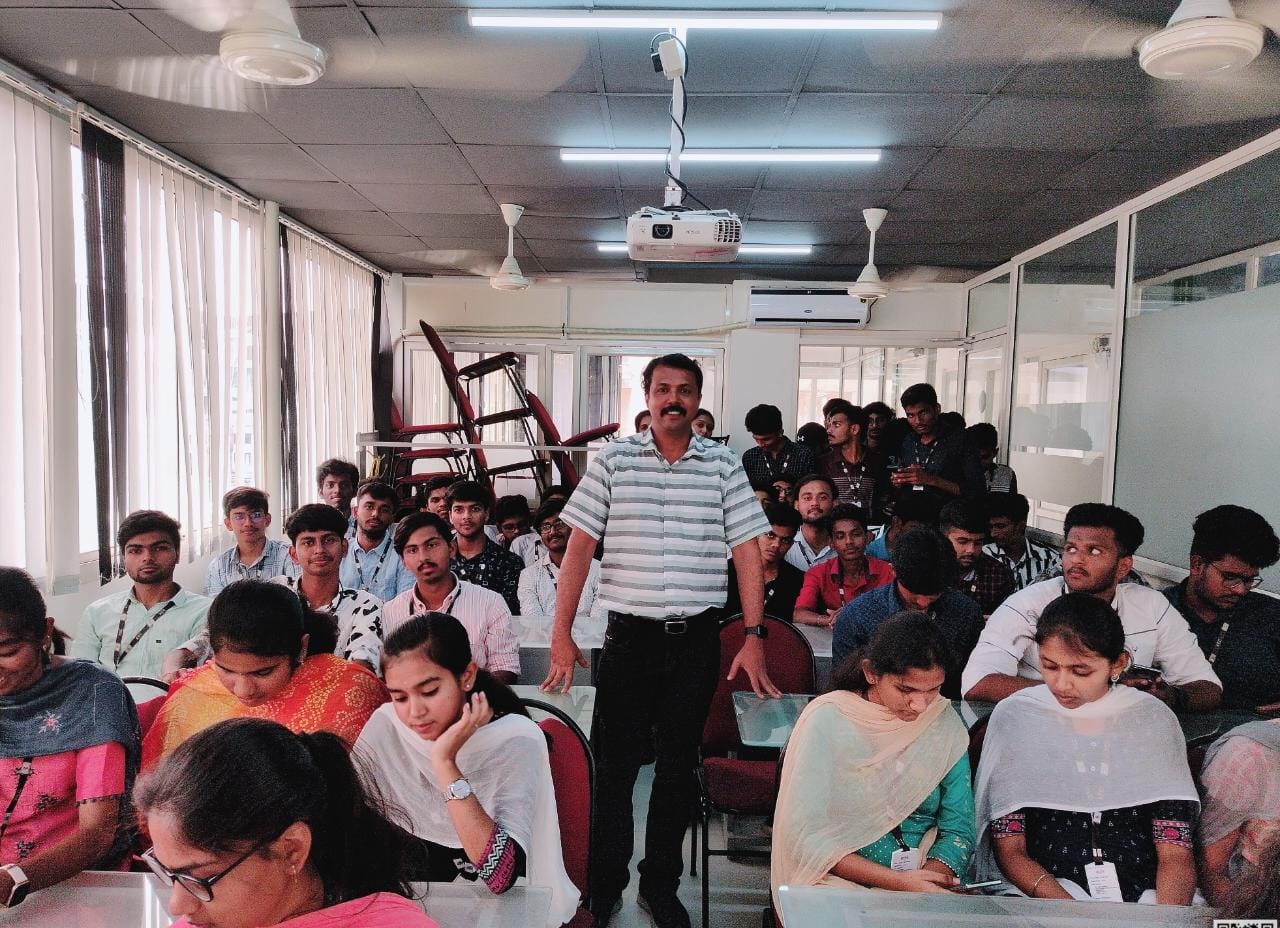
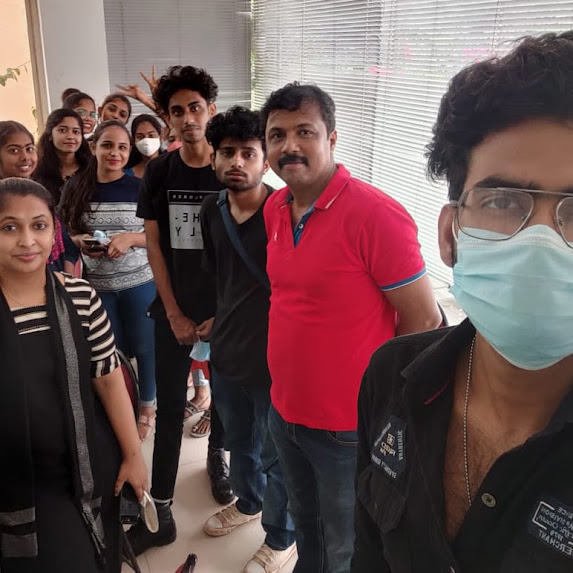
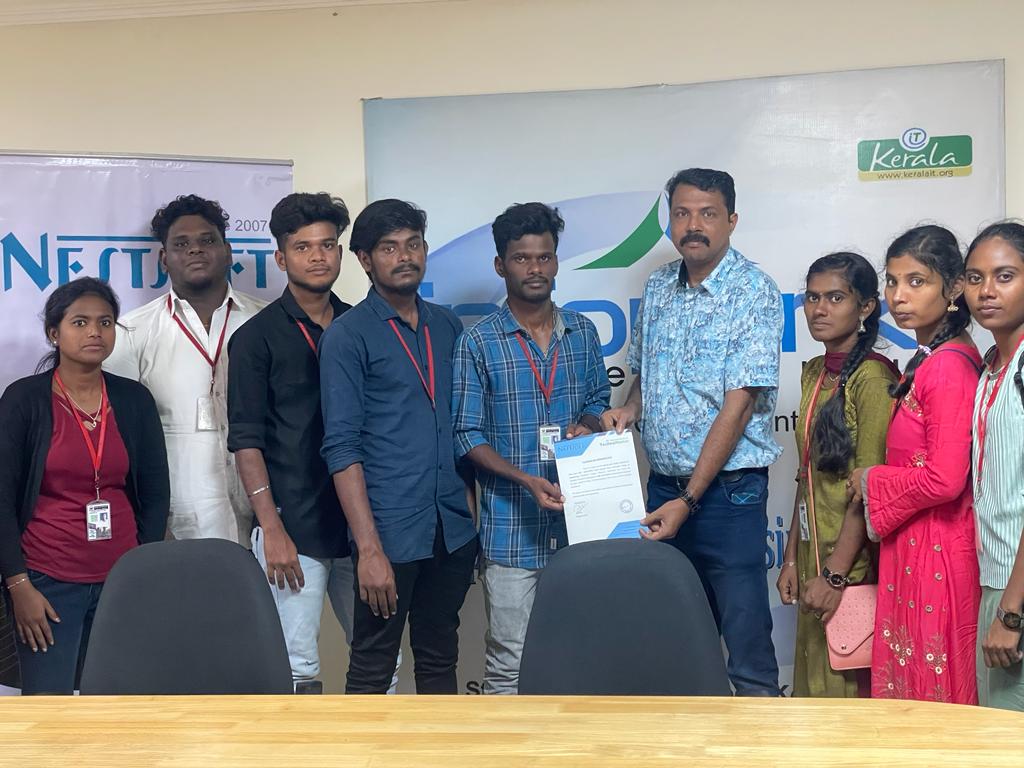
Photos of Training / Internships

Internship/projects in solothurn

Trained more than 10000+ students who trust Nestsoft TechnoMaster

Get Your Personal Trainer