Send enquiry ⏎

MCSE Online Live Class by Experts

Our Training/Internship Process

MCSE Online Live Classes in Lucerne | Free Demo Training

MCSE - Syllabus, Fees & Duration

MODULE 1

  • Windows Server 2012 Overview
  • Overview of Windows Server 2012 Management
  • Installing Windows Server 2012
  • Post-Installation Configuration of Windows Server 2012
  • Introduction to Windows PowerShell

MODULE 2

  • Introduction to Active Directory Domain Services
  • Overview of AD DS
  • Overview of Domain Controllers
  • Installing a Domain Controller

MODULE 3

  • Managing Active Directory Domain Services Objects
  • Managing User Accounts
  • Managing Group Accounts
  • Managing Computer Accounts
  • Delegating Administration

MODULE 4

  • Automating Active Directory Domain Services Administration
  • Using Command-line Tools for Administration
  • Using Windows PowerShell for Administration
  • Performing Bulk Operations with Windows PowerShell

MODULE 5

  • Implementing IPv4
  • Overview of TCP/IP
  • Understanding IPv4 Addressing
  • Subnetting and Supernetting
  • Configuring and Troubleshooting IPv4

MODULE 6

  • Implementing DHCP
  • Installing a DHCP Server Role
  • Configuring DHCP Scopes
  • Managing a DHCP Database
  • Securing and Monitoring DHCP

MODULE 7

  • Implementing DNS
  • Name Resolution for Windows Client and Servers
  • Installing and Managing a DNS Server
  • Managing DNS Zones

MODULE 8

  • Implementing IPv6
  • Overview of IPv6
  • IPv6 Addressing
  • Coexistence with IPv6
  • IPv6 Transition Technologies

MODULE 9

  • Implementing Local Storage
  • Overview of Storage
  • Managing Disks and Volumes
  • Implementing Storage Spaces

MODULE 10

  • Implementing File and Print Services
  • Securing Files and Folders
  • Protecting Shared Files and Folders Using Shadow Copies
  • Configuring Network Printing

MODULE 11

  • Implementing Group Policy
  • Overview of Group Policy
  • Group Policy Processing
  • Implementing a Central Store for Administrative Templates

MODULE 12

  • Securing Windows Servers Using Group Policy Objects
  • Windows Security Overview
  • Configuring Security Settings
  • Restricting Software
  • Configuring Windows Firewall with Advanced Security

MODULE 13

  • Implementing Server Virtualization with Hyper-V
  • Overview of Virtualization Technologies
  • Implementing Hyper-V
  • Managing Virtual Machine Storage
  • Managing Virtual Networks

MODULE 14

  • Administering windows server
  • Deploying and Maintaining Server Images
  • Configuring and Troubleshooting Domain Name System
  • Maintaining Active Directory Domain Services
  • Managing User and Service Accounts
  • Implementing a Group Policy Infrastructure
  • Managing User Desktops with Group Policy
  • Configuring and Troubleshooting Remote Access
  • Installing, Configuring, and Troubleshooting the Network Policy Server Role
  • Implementing Network Access Protection
  • Optimizing File Services
  • Configuring Encryption and Advanced Auditing
  • Implementing Update Management
  • Monitoring Windows Server 2012

MODULE 15

  • Configuring Advanced Windows Server Services
  • Implementing Advanced Network Services
  • Implementing Advanced File Services
  • Implementing Dynamic Access Control
  • Implementing Distributed Active Directory Domain Services Deployments
  • Implementing Active Directory Domain Services Sites and Replication
  • Implementing Active Directory Certificate Services
  • Implementing Active Directory Rights Management Services
  • Implementing Network Load Balancing
  • Implementing Failover Clustering
  • Implementing Failover Clustering with Hyper-V
  • Implementing Disaster Recovery
  • Download Syllabus - MCSE
    This syllabus is not final and can be customized as per needs/updates
   
10000+
20+
50+
25+

MCSE Jobs in Lucerne

Enjoy the demand

Find jobs related to MCSE in search engines (Google, Bing, Yahoo) and recruitment websites (monsterindia, placementindia, naukri, jobshybrid.com, indeed.co.in, shine.com etc.) based in Lucerne, chennai and europe countries. You can find many jobs for freshers related to the job positions in Lucerne.

  • Windows Administrator
  • Network Manager
  • Systems Administrator
  • Systems Engineer
  • IT Support Engineer
  • Technical Consultant
  • IT consultant
  • Systems Administrator
  • SQL Server Administrators
  • Database Backup Administrators

MCSE Internship/Course Details

MCSE internship jobs in Lucerne
MCSE The candidate will be able to set up a window server using a server image, create active directory domain servers forests, troubleshoot and monitor networks, manage users and permissions, secure network and user data, and design server infrastructure after completing MCSE training from NESTSOFT in Lucerne. MCSE online training in a specific Lucerne is a job-oriented course. The MCSE syllabus has been intended to cover every relevant topic. Artificial intelligence, computer science, cyber security, information security, information systems, information technology management, and machine learning are among the major topics covered in the MCSE. Microsoft certified solution expert (MCSE) is regarded as one of the most prestigious credentials among IT professionals. The Microsoft Certified Solutions Associate (MCSA) certification qualifies a candidate for the professional-level certification MCSE. Students who want to clear up any questions can benefit from one-on-one teaching and can submit an email with any questions. We are capable of designing and constructing networks. The trained individual can come up with a unique solution to a problem in the business and create it from the ground up. NESTSOFT training will teach you about server environments, DHCP, DNS servers, IP addressing, and routing, among other topics.


Meet a Few of our Industry Experts 🚀 Your Pathway to IT Career

Pournima

Mobile: +91 98474 90866
Location: Online (Lucerne, Switzerland)
Qualification: BE

Experience: I am a NET developer with 3 years of experience in developing and maintaining web applications using ASP NET MVC  more..

Neha

Mobile: +91 91884 77559
Location: Online (Lucerne, Switzerland)
Qualification: MBA-IT

Experience: 6 months experience at Synchronik as a jr developer and project co-ordinator   more..

KRISHNAPRIYA

Mobile: +91 89210 61945
Location: Online (Lucerne, Switzerland)
Qualification: Mtech cs

Experience: Manual testing Sdlc Test cases Test scenarios Bug Reporting Sql July 2014- Dec 2014 - Software Engineer Trainee Image Infosystems  more..

Mohammed

Mobile: +91 91884 77559
Location: Online (Lucerne, Switzerland)
Qualification: BTech

Experience: I have experience in digital marketing training in SEO SMM PPC wordpress content marketing  more..

divya

Mobile: +91 98474 90866
Location: Online (Lucerne, Switzerland)
Qualification: btech mtech

Experience: software testing   more..

Narra

Mobile: +91 91884 77559
Location: Online (Lucerne, Switzerland)
Qualification: B. Tech

Experience: My Skills :SDLC STLC Agile Java Automation Testing as well as Manual testing API Testing Mobile Application Testing Automation Framework  more..

Sahil

Mobile: +91 98474 90866
Location: Online (Lucerne, Switzerland)
Qualification: M.sc(Comp.Sci)

Experience: Skills : JavasScript Java C++ HTML5 CSS3 Tailwind CSS React js React Redux Git MongoDB SQL Building visually appealing user-friendly  more..

Bhagyashree

Mobile: +91 9895490866
Location: Online (Lucerne, Switzerland)
Qualification: Master of computer Applications MCA

Experience: I have trained for six months in java full stack developer skills  more..

Nikita

Mobile: +91 94975 90866
Location: Online (Lucerne, Switzerland)
Qualification: Msc computer science

Experience: I have good knowledge of c java kotlin Android I have experience for Android developer I am currently working Brainoid  more..

Trupti

Mobile: +91 9895490866
Location: Online (Lucerne, Switzerland)
Qualification: B.E in computer science

Experience: I have 1+ experience in application development skills java kotlin Android sdk rest api intergation roomdatabase and firebase   more..

sureshkumar

Mobile: +91 89210 61945
Location: Online (Lucerne, Switzerland)
Qualification: M.Sc

Experience: html and css php sql javascript laravel macromedio dreamviwer  more..

Sandhya

Mobile: +91 91884 77559
Location: Online (Lucerne, Switzerland)
Qualification: MCA

Experience: Net developer 6 months  more..

Pratiksha

Mobile: +91 94975 90866
Location: Online (Lucerne, Switzerland)
Qualification: UI/UX Design

Experience: I’m skilled in understanding user needs through research interviews surveys I design user-friendly interfaces and ensure information is organized logically  more..

Aila

Mobile: +91 91884 77559
Location: Online (Lucerne, Switzerland)
Qualification: B.Tech

Experience: I have experience in Linux and windows operating systems l know Linux basic commands The skills I have Burp suite  more..

Akhand

Mobile: +91 89210 61945
Location: Online (Lucerne, Switzerland)
Qualification: B.Tech

Experience: Android studio Android development Java Kotlin MVVM MVP MVC OOPS   more..

Raihana

Mobile: +91 8301010866
Location: Online (Lucerne, Switzerland)
Qualification: BCA

Experience:  Monitor security alerts and incidents  Analyze security events to identify potential threats and vulnerabilities  Assist in incident  more..

Anakha

Mobile: +91 94975 90866
Location: Online (Lucerne, Switzerland)
Qualification: MCA

Experience: C++ C java javascript python Ms office Mysql HTML CSS Shell Scripting Android basics PHP Communication Leadership adaptability Willingness to  more..

bhaghya

Mobile: +91 9895490866
Location: Online (Lucerne, Switzerland)
Qualification: msc computer science

Experience: skill in web designig wordpress knowledge in dream weaver ecplise experience of 3 months  more..

Athul

Mobile: +91 9895490866
Location: Online (Lucerne, Switzerland)
Qualification: B Tech Mechanical Engineering

Experience: I am a fresher Test engineer with 6 months of experience in manual testing Knowledge of various SDLC models Test  more..

Sneha

Mobile: +91 94975 90866
Location: Online (Lucerne, Switzerland)
Qualification: B Tech

Experience: HTML css sass angular figma photoshop sktech illustrate git invision balsamic  more..

Avnish

Mobile: +91 8301010866
Location: Online (Lucerne, Switzerland)
Qualification: B. E.

Experience: I have experience in front end developer and I want to change my job in software testing my skills are  more..

Parveena

Mobile: +91 91884 77559
Location: Online (Lucerne, Switzerland)
Qualification: B.Tech

Experience: CCNA CCNP ROUTING JNCIA and networking concepts  more..

Gaurav

Mobile: +91 98474 90866
Location: Online (Lucerne, Switzerland)
Qualification: BE

Experience: manual testing automation testing selenium api mysql jira unix git functional testing regrassion testing  more..

sarang

Mobile: +91 9895490866
Location: Online (Lucerne, Switzerland)
Qualification: Btech

Experience: Dear sir I am Sarang R lm completed Btech in CUSAT University I have 6 months trainee experience as an  more..

Success Stories

The enviable salary packages and track record of our previous students are the proof of our excellence. Please go through our students' reviews about our training methods and faculty and compare it to the recorded video classes that most of the other institutes offer. See for yourself how TechnoMaster is truly unique.

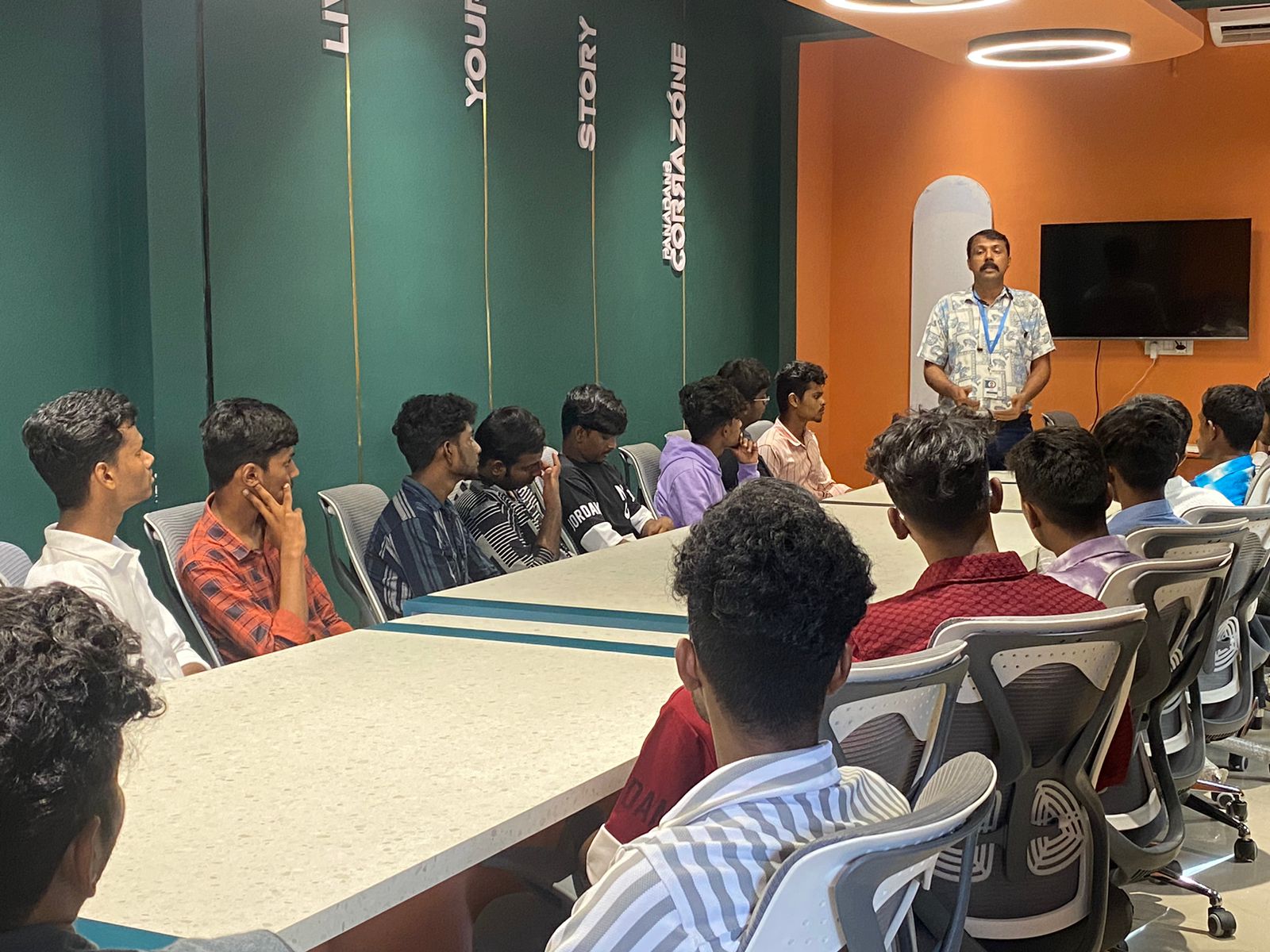
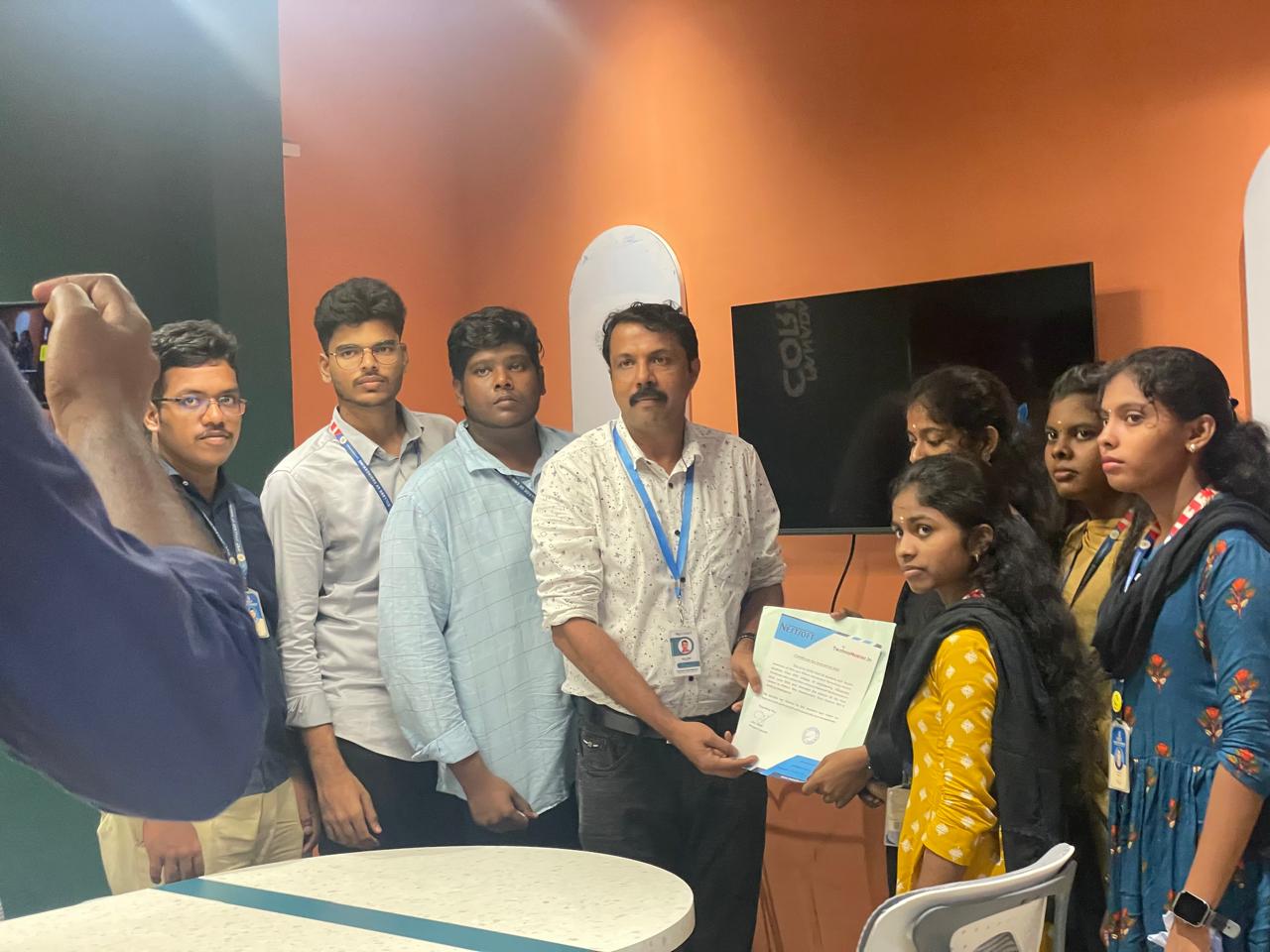
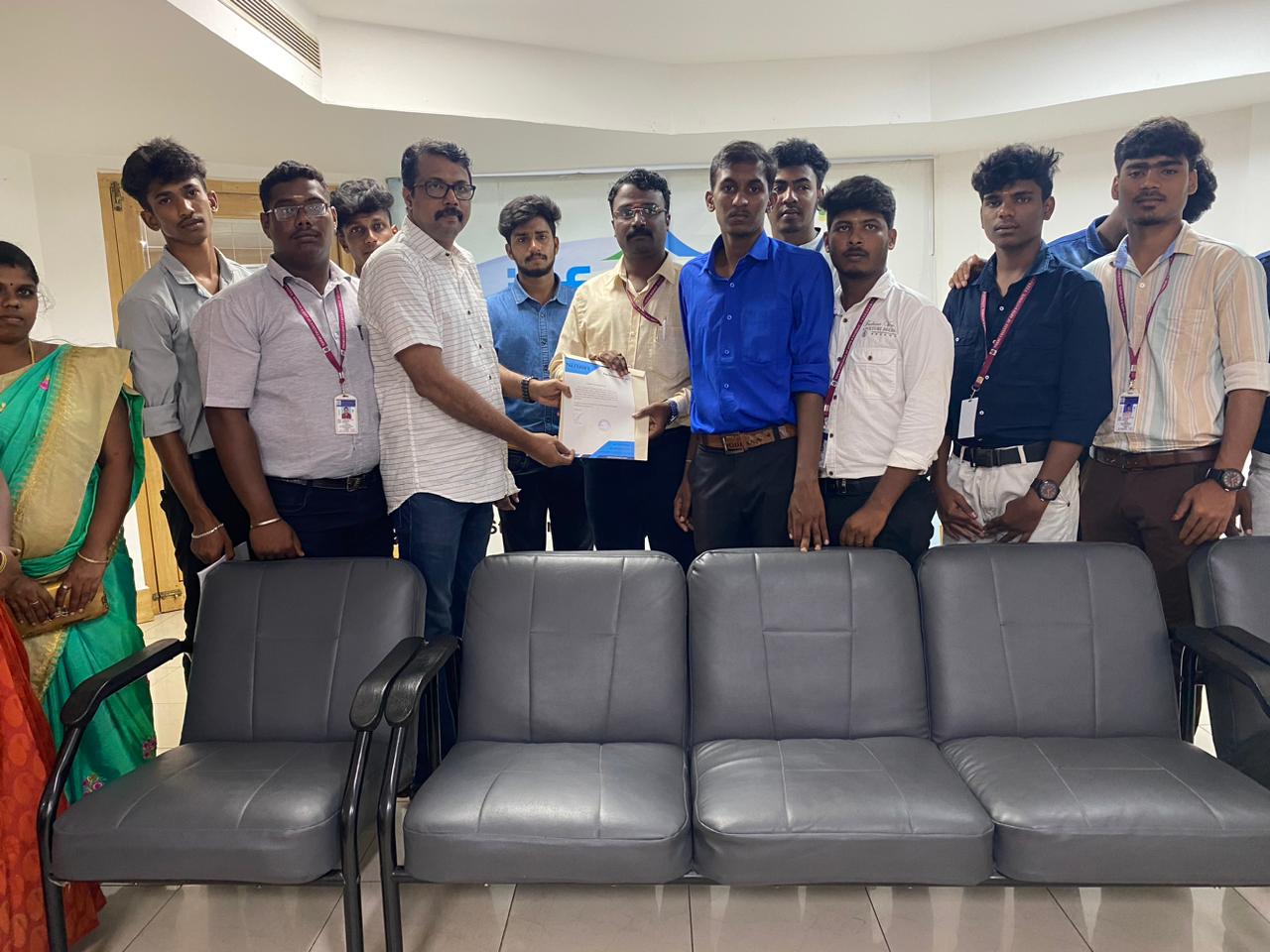
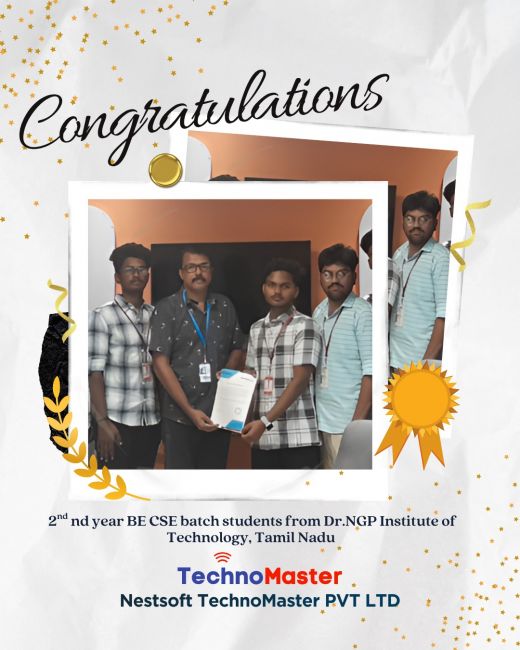
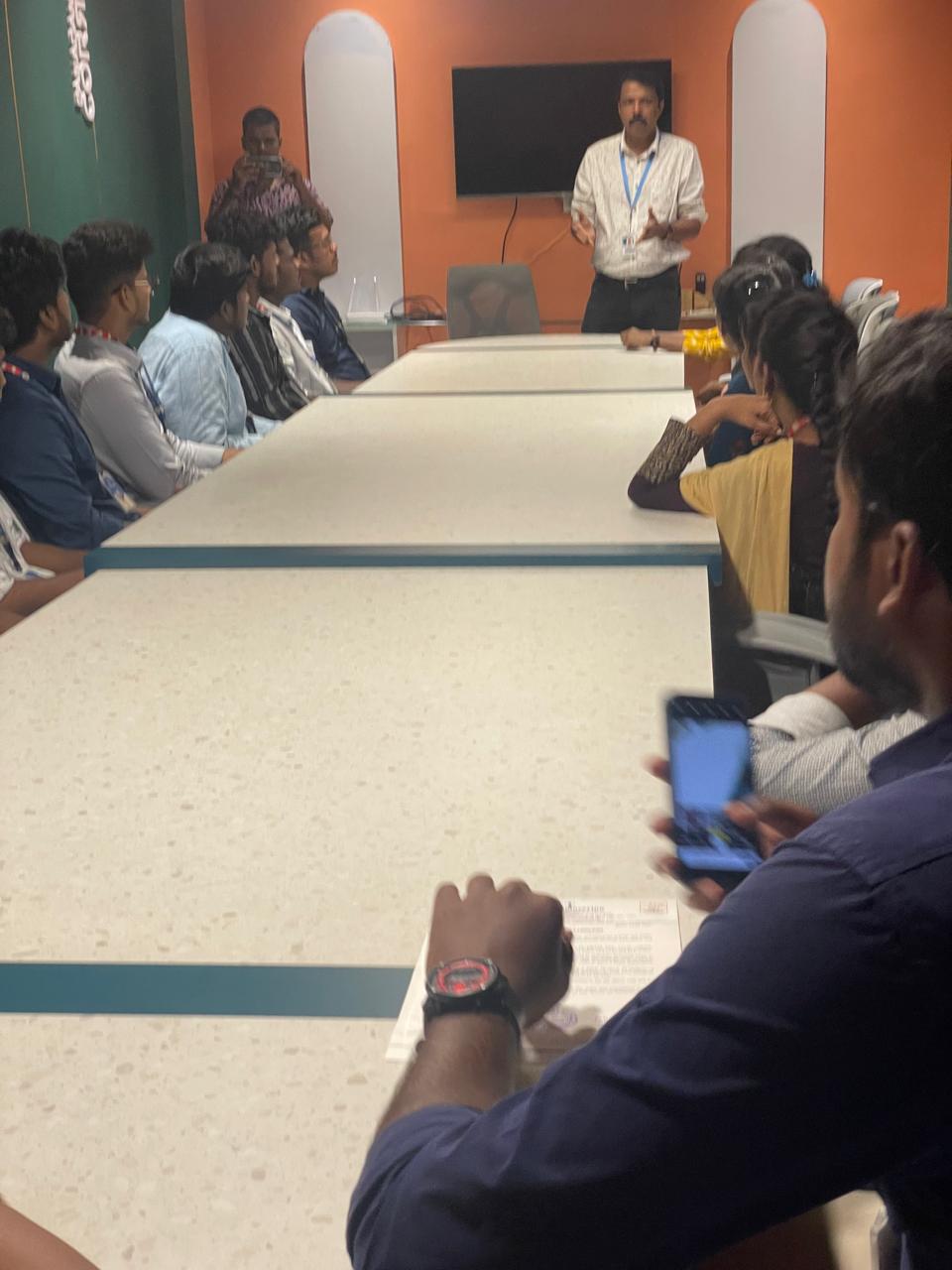
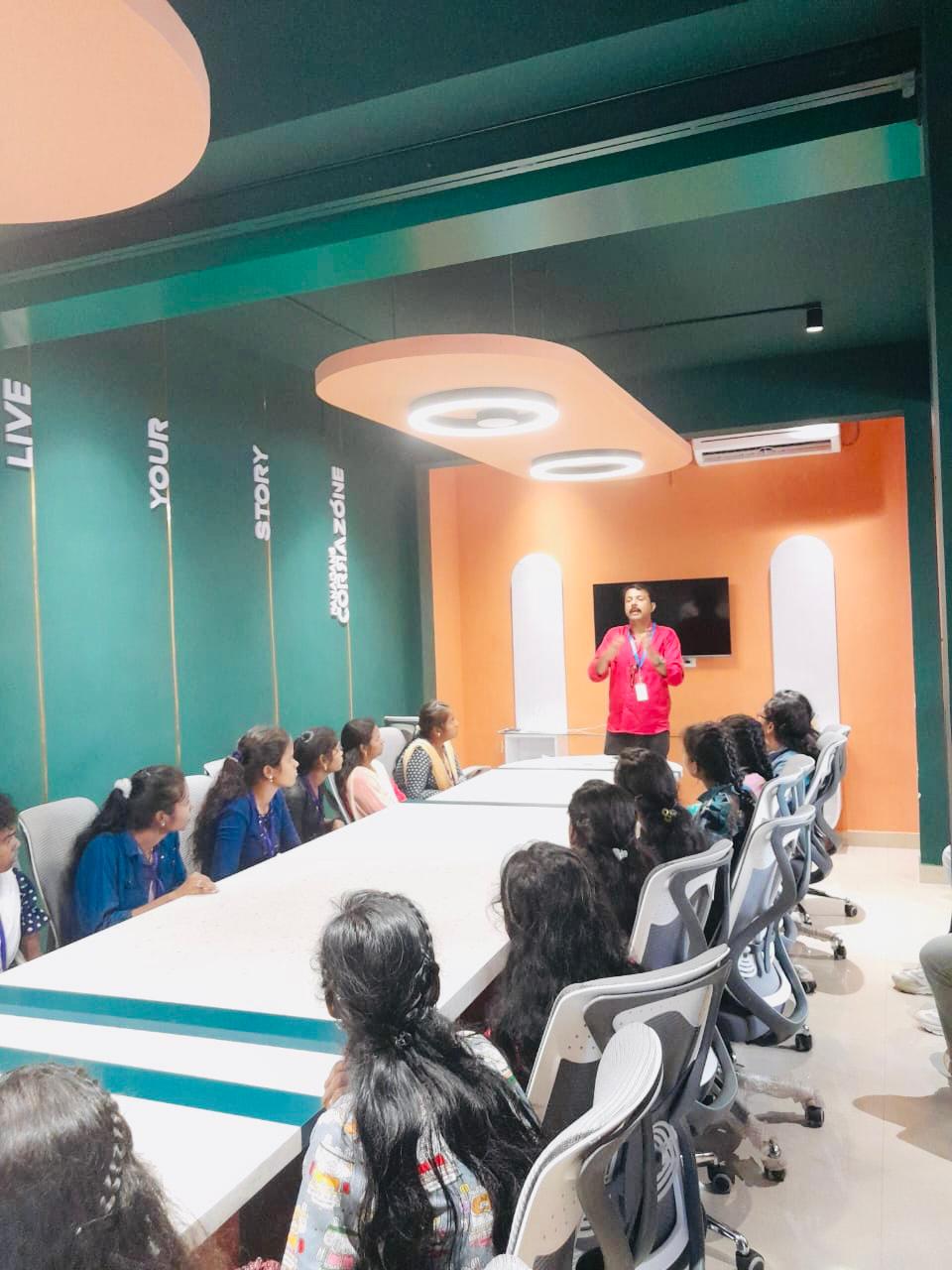
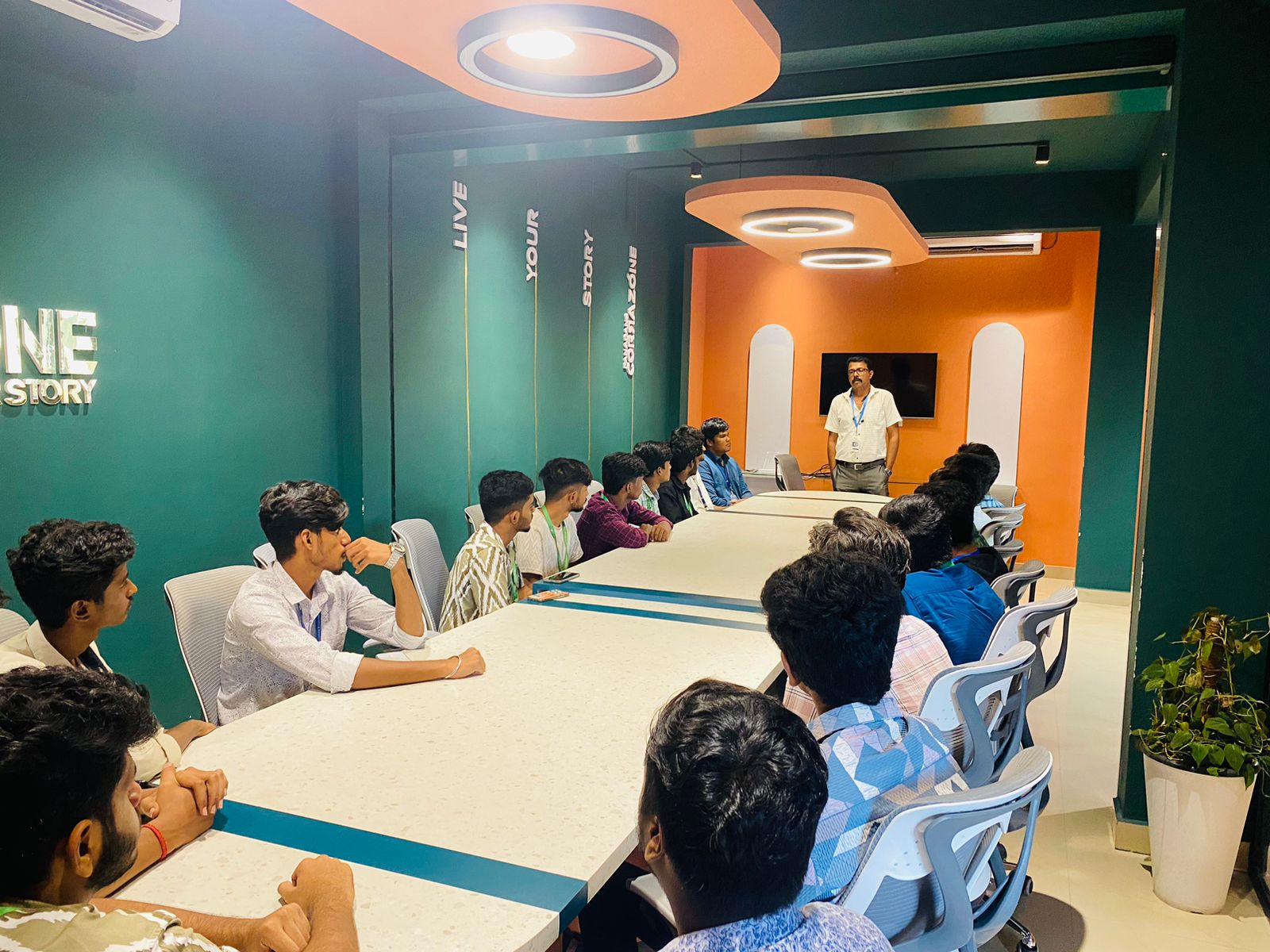
Photos of Training / Internships

Internship/projects in lucerne

Trained more than 10000+ students who trust Nestsoft TechnoMaster

Get Your Personal Trainer