Send enquiry ⏎

Microsoft Excel Online Live Class by Experts

Our Training/Internship Process

Microsoft Excel Online Live Classes in Thun | Free Demo Training

Microsoft Excel - Syllabus, Fees & Duration

Microsoft Excel Course Syllabus


Module 1: Introduction to Excel

  • Overview of Excel interface and ribbon
  • Workbook and worksheet basics
  • Understanding cells, rows, and columns
  • Data entry and editing (numbers, text, and formulas)
  • Saving, opening, and sharing Excel files

Module 2: Basic Excel Functions and Features

  • Using basic formulas and functions (SUM, AVERAGE, MIN, MAX)
  • Understanding absolute, relative, and mixed cell references
  • Formatting cells (font, alignment, number formats)
  • Conditional formatting basics
  • Working with dates and time

Module 3: Managing Data

  • Sorting and filtering data
  • Creating and managing tables
  • Data validation techniques
  • Removing duplicates
  • Working with text (Text to Columns, CONCATENATE, LEFT, RIGHT, MID, TRIM)

Module 4: Data Visualization with Charts

  • Creating basic charts (bar, line, pie, column)
  • Customizing chart elements (titles, legends, axes)
  • Introduction to sparklines
  • Combo charts and secondary axes

Module 5: Intermediate Excel Features

  • Using advanced functions (IF, VLOOKUP, HLOOKUP, INDEX, MATCH)
  • Logical and text functions (LEN, SUBSTITUTE, SEARCH)
  • Working with named ranges
  • PivotTables and PivotCharts
  • Grouping and summarizing data in PivotTables

Module 6: Advanced Excel Techniques

  • Nested functions (e.g., IF with AND/OR, INDEX-MATCH combinations)
  • Advanced conditional formatting rules
  • Data analysis using What-If Analysis (Goal Seek, Scenario Manager)
  • Introduction to Macros (recording and running basic macros)
  • Using Excel with external data sources

Module 7: Data Analysis and Reporting

  • Advanced filtering techniques
  • Creating dashboards with Excel
  • Using Power Query for data transformation
  • Introduction to Power Pivot for data modeling
  • Advanced chart techniques (waterfall, Gantt chart)

Module 8: Collaboration and Productivity

  • Sharing and protecting workbooks
  • Tracking changes and using comments
  • Collaborative editing in Excel (online versions)
  • Workbook and worksheet protection techniques

Module 9: Excel Shortcuts and Best Practices

  • Essential keyboard shortcuts
  • Efficiency tips for faster data entry
  • Avoiding common errors in formulas and data
  • Best practices for creating professional spreadsheets

Module 10: Excel for Specialized Use Cases (Optional)

  • Excel for finance: financial formulas and templates
  • Excel for project management: Gantt charts and trackers
  • Excel for inventory management and logistics
  • Excel for HR: employee trackers and payroll templates

Assessment and Certification

  • Hands-on projects: Build dashboards, analyze datasets, and create reports
  • Quizzes at the end of each module
  • Final practical test
  • Certification upon successful course completion

Download Syllabus - Microsoft Excel
This syllabus is not final and can be customized as per needs/updates
   
10000+
20+
50+
25+

Microsoft Excel Jobs in Thun

Enjoy the demand

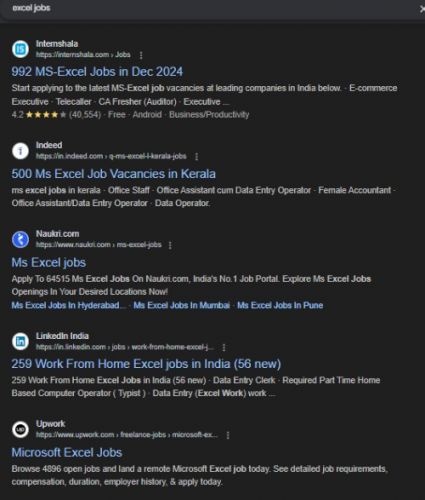
Find jobs related to Microsoft Excel in search engines (Google, Bing, Yahoo) and recruitment websites (monsterindia, placementindia, naukri, jobshybrid.com, indeed.co.in, shine.com etc.) based in Thun, chennai and europe countries. You can find many jobs for freshers related to the job positions in Thun.

  • Data Analyst
  • Financial Analyst
  • Business Analyst
  • Project Manager
  • Accountant
  • Human Resources (HR) Specialist
  • Supply Chain Specialist
  • Marketing Analyst
  • Administrative Assistant
  • Operations Manager

Microsoft Excel Internship/Course Details

Microsoft Excel internship jobs in Thun
Microsoft Excel Designed for beginners and advanced users alike, this course covers essential skills, advanced functionalities, and real-world applications to help you efficiently analyze data, create reports, and streamline workflows. , . Master the art of Microsoft Excel, the world's leading spreadsheet application, with this comprehensive course. Whether you're managing personal finances, generating professional reports, or working with complex datasets, this course equips you with the tools to excel.


Meet a Few of our Industry Experts 🚀 Your Pathway to IT Career

Vinayak

Mobile: +91 91884 77559
Location: Online (Thun, Switzerland)
Qualification: Master of computer applications

Experience: Php Java python c sql  more..

Ninad

Mobile: +91 9895490866
Location: Online (Thun, Switzerland)
Qualification: B.Tech

Experience: I have good knowledge of linux SQL and cybersecurity With this i have 6 months hands on experience on full  more..

Navjot

Mobile: +91 91884 77559
Location: Online (Thun, Switzerland)
Qualification: BTech CSE

Experience: I have 3 years of experience as Angular developer I am ready to start from today onwards Please revert if  more..

Anju

Mobile: +91 8301010866
Location: Online (Thun, Switzerland)
Qualification: MCA

Experience: Worked as faculty sales and it professional Team oriented Strong communication skills Quick adaptability Programming language java python c Database  more..

Renuka

Mobile: +91 89210 61945
Location: Online (Thun, Switzerland)
Qualification: MCA

Experience: Hi I am Renuka Software Developer in php and mysql plat form presently looking for change  more..

Pragnesh

Mobile: +91 98474 90866
Location: Online (Thun, Switzerland)
Qualification: MCA-III

Experience: Android programming HTML CSS JAVA SCRIPT  more..

Himani

Mobile: +91 8301010866
Location: Online (Thun, Switzerland)
Qualification: BE Computer

Experience: Experience with all stages of development life cycle for dynamic project Develop project concepts and maintain optimal workflow Mostly interaction  more..

Beena

Mobile: +91 98474 90866
Location: Online (Thun, Switzerland)
Qualification:

Experience: I am very much interested in applying for the QA position in your company My Name is Beena Babu I  more..

Yash

Mobile: +91 91884 77559
Location: Online (Thun, Switzerland)
Qualification: Bachelor's

Experience: Professional Canva Designer did my past Job in Designer field and i use to create design using canva Clients i  more..

Mahalakshmi

Mobile: +91 89210 61945
Location: Online (Thun, Switzerland)
Qualification: B.Tech

Experience: 1 HTML 2 CSS 3 Java Programming 4 Web development 5 Microsoft word 6 Video editing 7 Git and github  more..

Dhiraj

Mobile: +91 98474 90866
Location: Online (Thun, Switzerland)
Qualification: MSc Computer science

Experience: I have a good knowledge in web development and coding language I worked on some college projects in my academic  more..

Ammaneshwari

Mobile: +91 98474 90866
Location: Online (Thun, Switzerland)
Qualification: B.E (CSE)

Experience: I am completed Java manual testing and automation testing with selenium course I have certificate   more..

Akbar

Mobile: +91 91884 77559
Location: Online (Thun, Switzerland)
Qualification: B.Tech

Experience: Computer hardware and networking CCNA |   more..

wanbiangmi

Mobile: +91 91884 77559
Location: Online (Thun, Switzerland)
Qualification: MCA

Experience: reactjs programming language   more..

Hetvi

Mobile: +91 94975 90866
Location: Online (Thun, Switzerland)
Qualification: BCA

Experience: I am skilled wordpress developer with intesne knowledge of digital marketing and SEO I have high proficiency in english language  more..

Parveena

Mobile: +91 91884 77559
Location: Online (Thun, Switzerland)
Qualification: B.Tech

Experience: CCNA CCNP ROUTING JNCIA and networking concepts  more..

Punitkumar

Mobile: +91 89210 61945
Location: Online (Thun, Switzerland)
Qualification: Bachelor of computer science

Experience: I have a knowledge of cloud computing and python I have a completed my diploma in cyber security and Ethical  more..

Vivek

Mobile: +91 8301010866
Location: Online (Thun, Switzerland)
Qualification: BCA

Experience: Web development projects and pursuing course in data science   more..

karan

Mobile: +91 91884 77559
Location: Online (Thun, Switzerland)
Qualification: Btech

Experience: Reactjs nodejs angular mongodb html css javascript typescriptApplication for Meanstack Developer Mean Stack  more..

Manoj

Mobile: +91 94975 90866
Location: Online (Thun, Switzerland)
Qualification: Btech

Experience: android developer firebase retrofit java kotlin flutter dart  more..

Shraddha

Mobile: +91 98474 90866
Location: Online (Thun, Switzerland)
Qualification: Bacholer of computer engineering

Experience: I have good knowledge of cyber security and ethical Hacking I have also done internship in cyber security and Ethical  more..

Manoj

Mobile: +91 8301010866
Location: Online (Thun, Switzerland)
Qualification: B-tech

Experience: Odoo python xml html css Postgres and Git 1 2 years of experience in odoo  more..

Ashutosh

Mobile: +91 91884 77559
Location: Online (Thun, Switzerland)
Qualification: B.tech CSE

Experience: Front end developer HTML CSS Javascript Bootstrap 1+ year experienced as a Web developer at Invisor Technologies   more..

Anupama

Mobile: +91 89210 61945
Location: Online (Thun, Switzerland)
Qualification: BSc Computer Science

Experience: Software testing functional testing api testing  more..

Success Stories

The enviable salary packages and track record of our previous students are the proof of our excellence. Please go through our students' reviews about our training methods and faculty and compare it to the recorded video classes that most of the other institutes offer. See for yourself how TechnoMaster is truly unique.

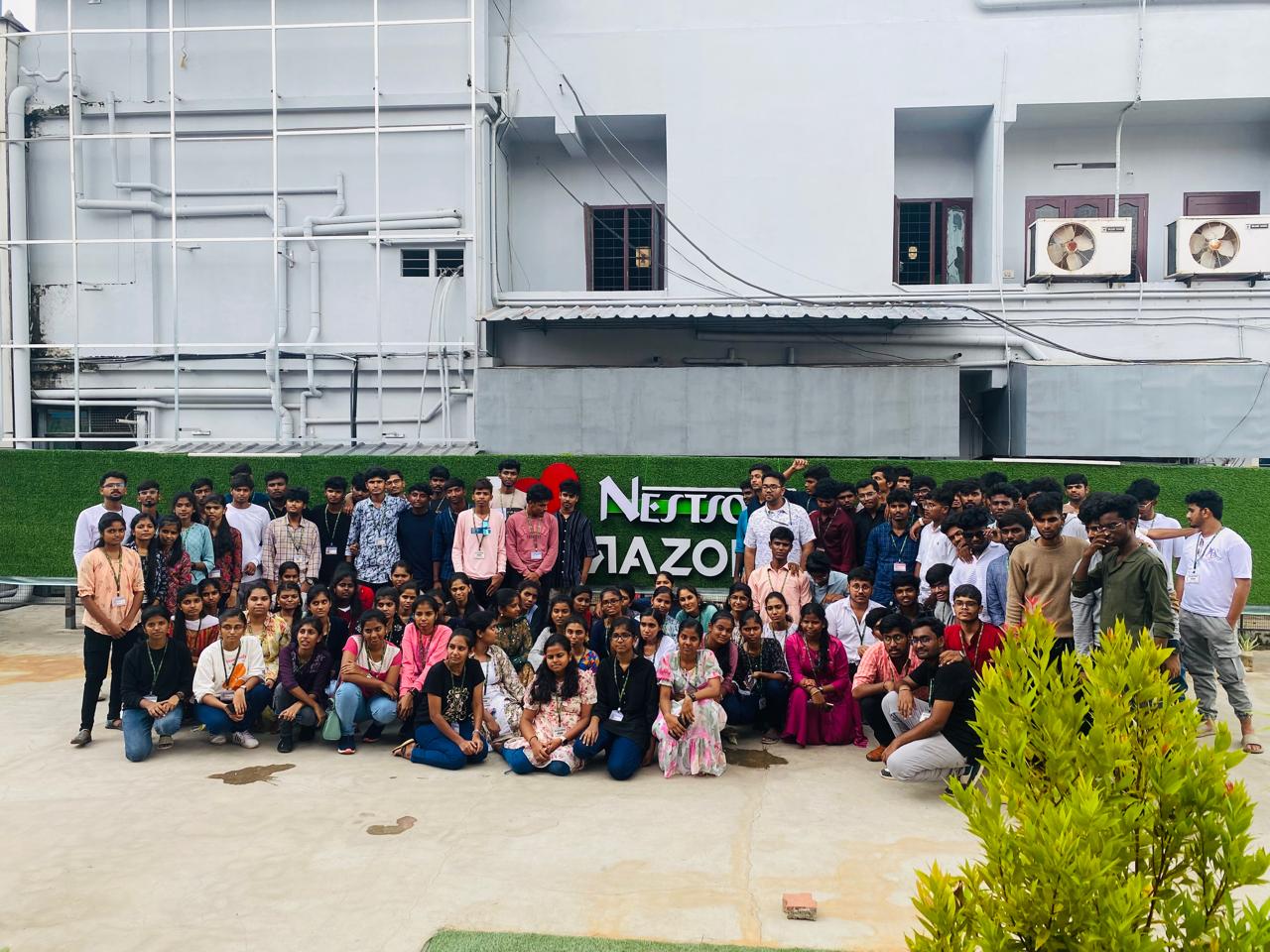
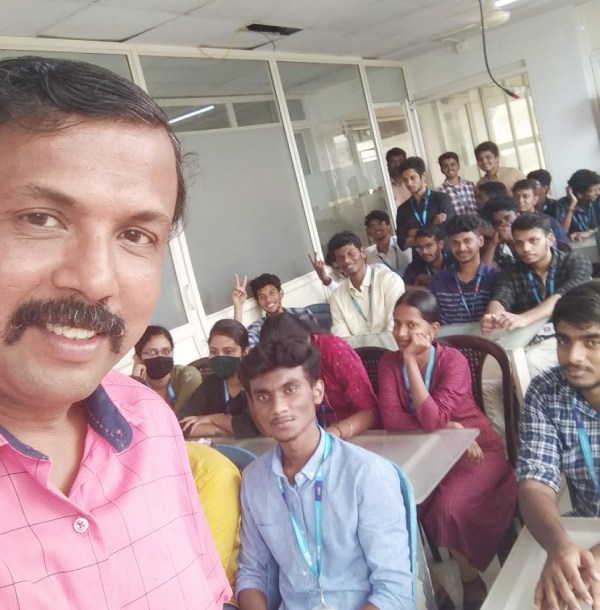
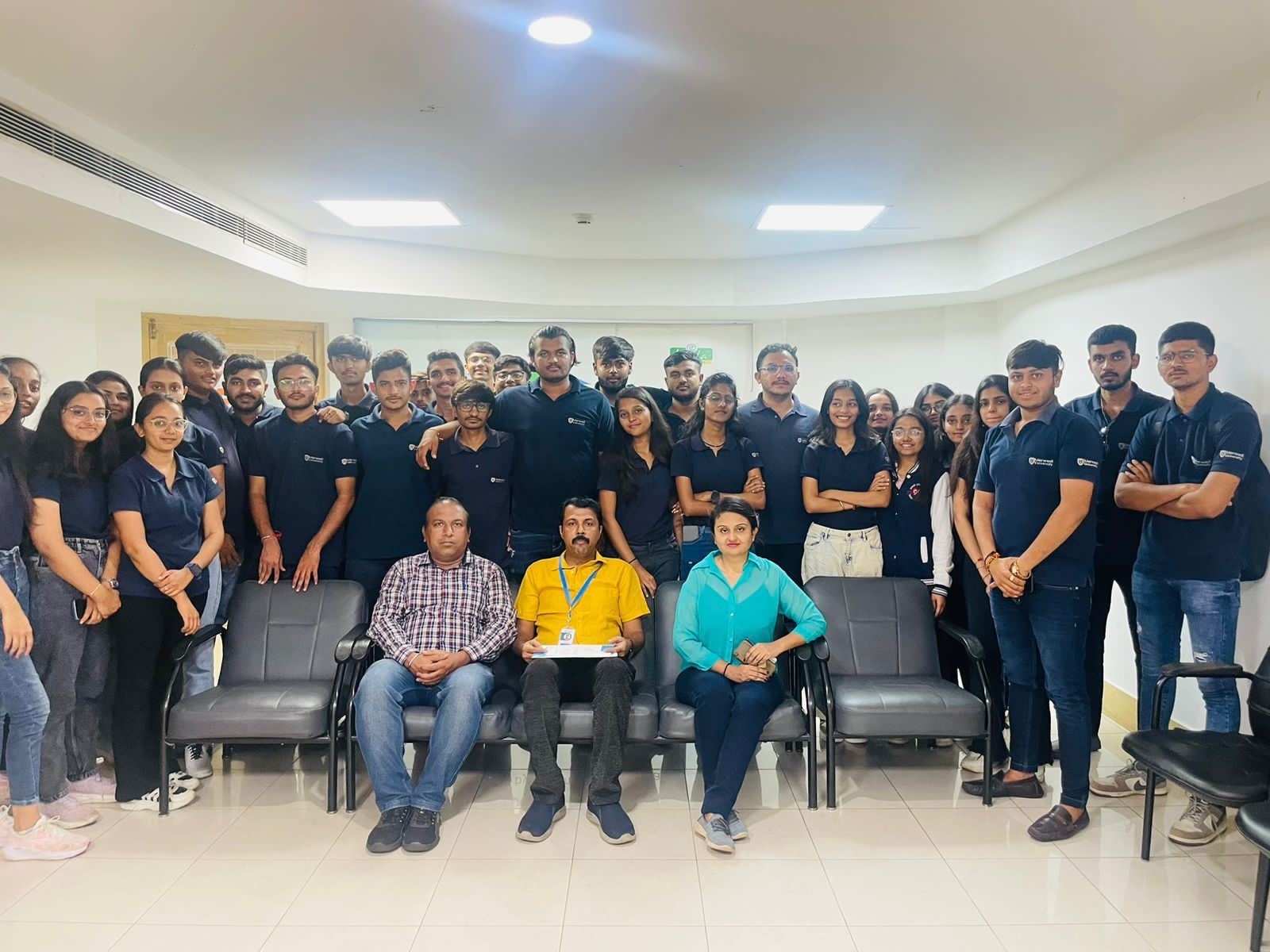
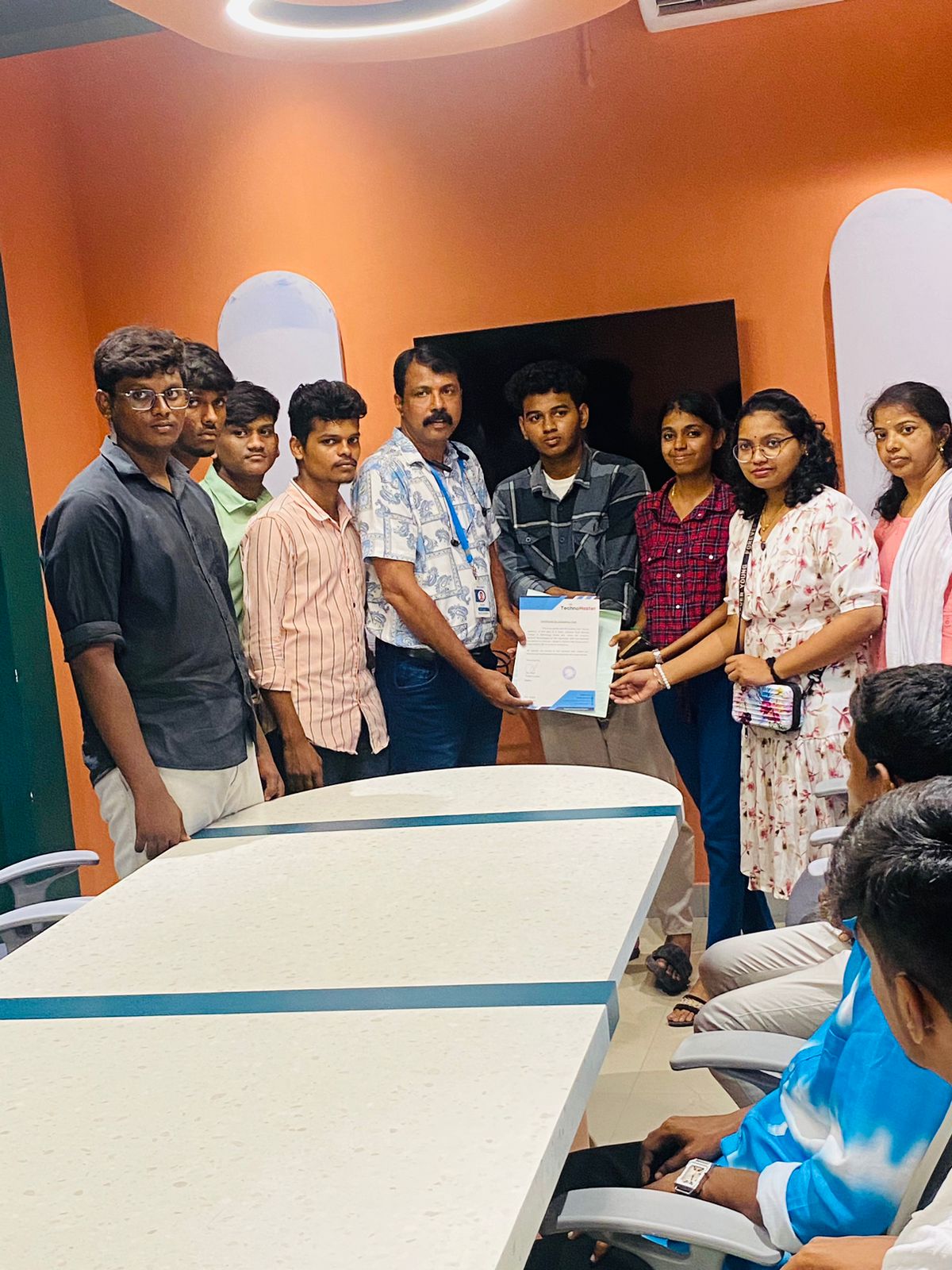
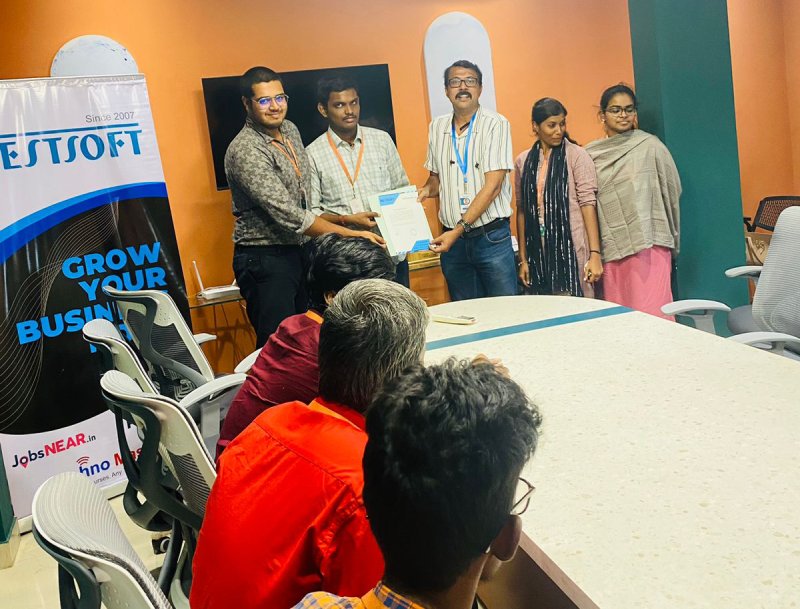
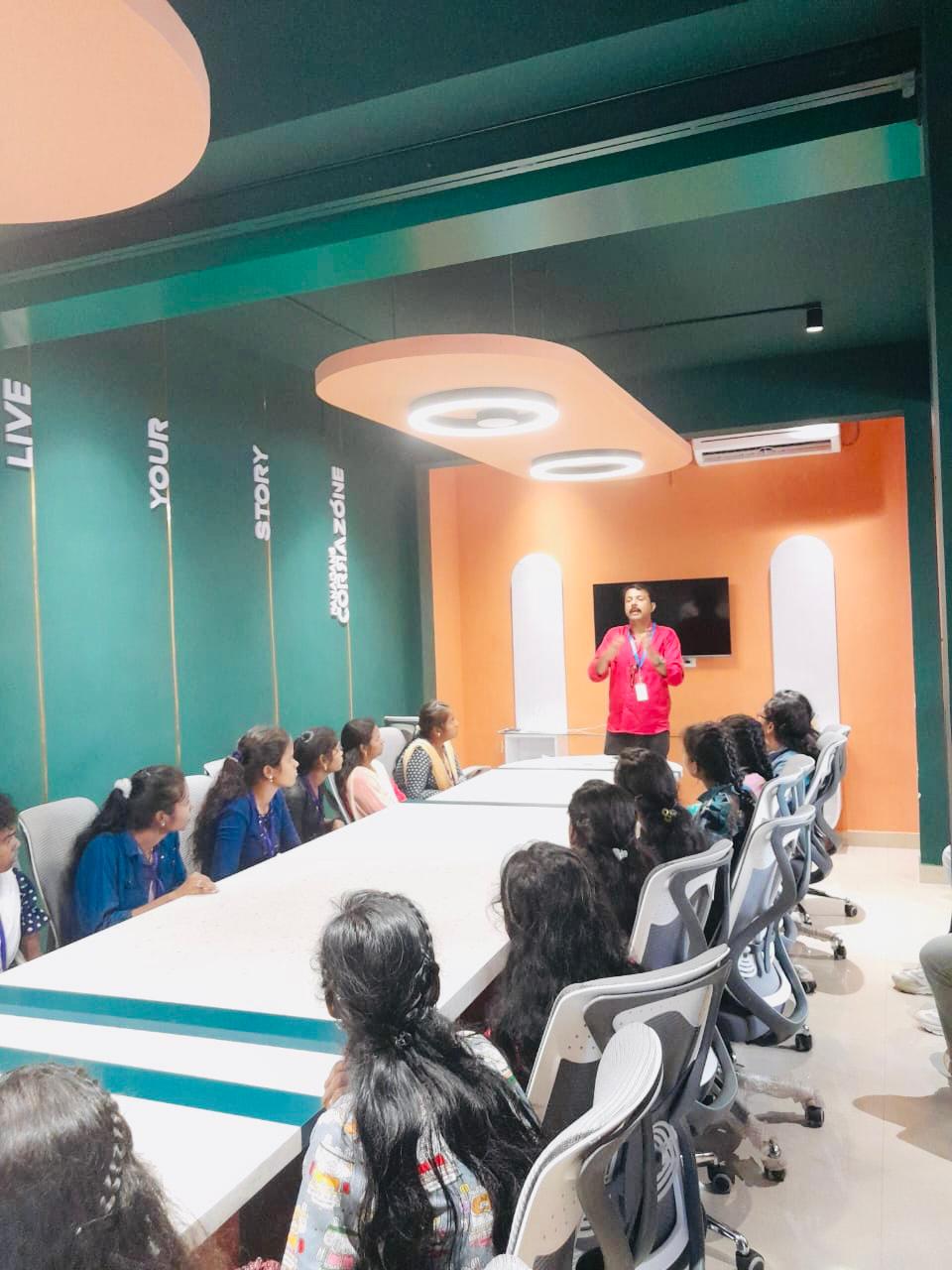
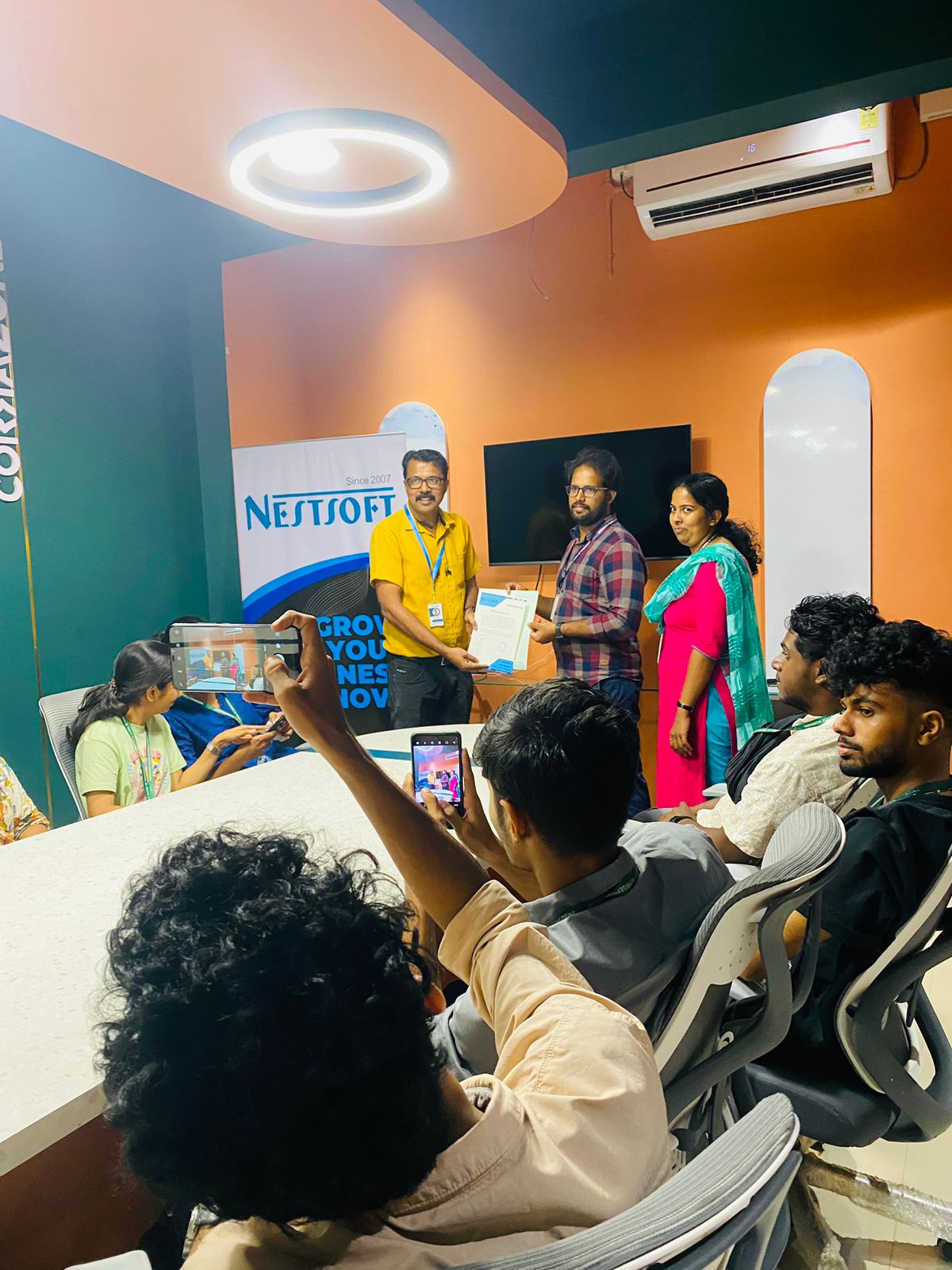
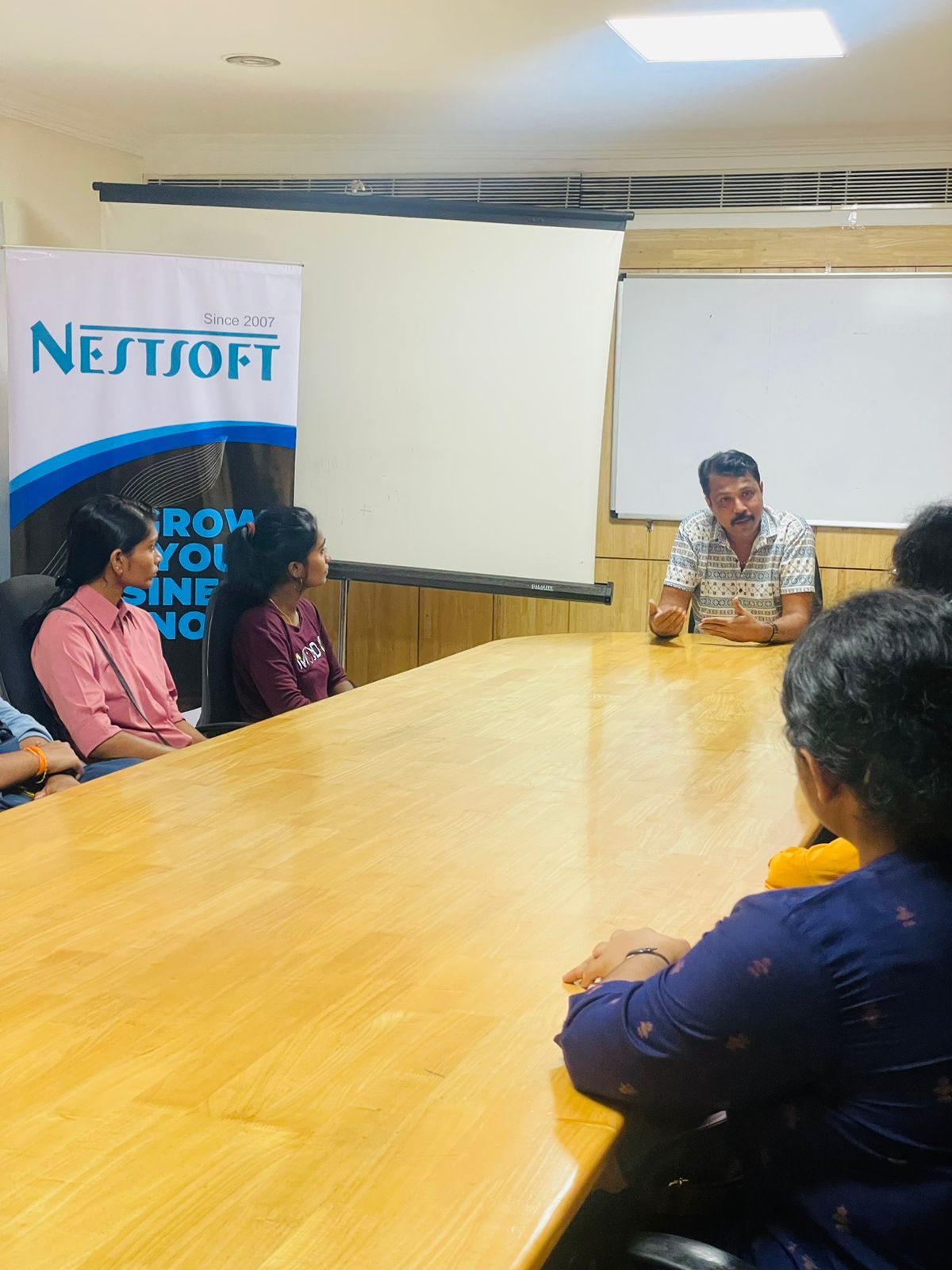
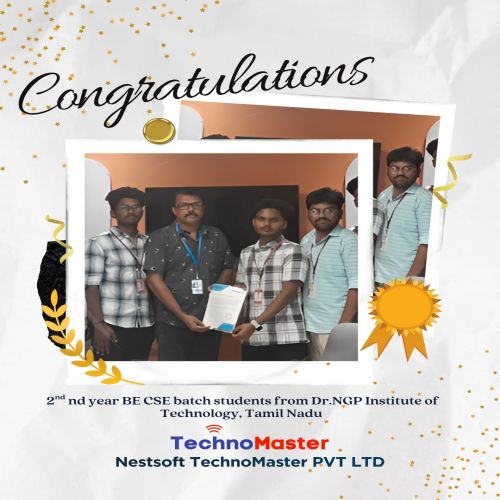
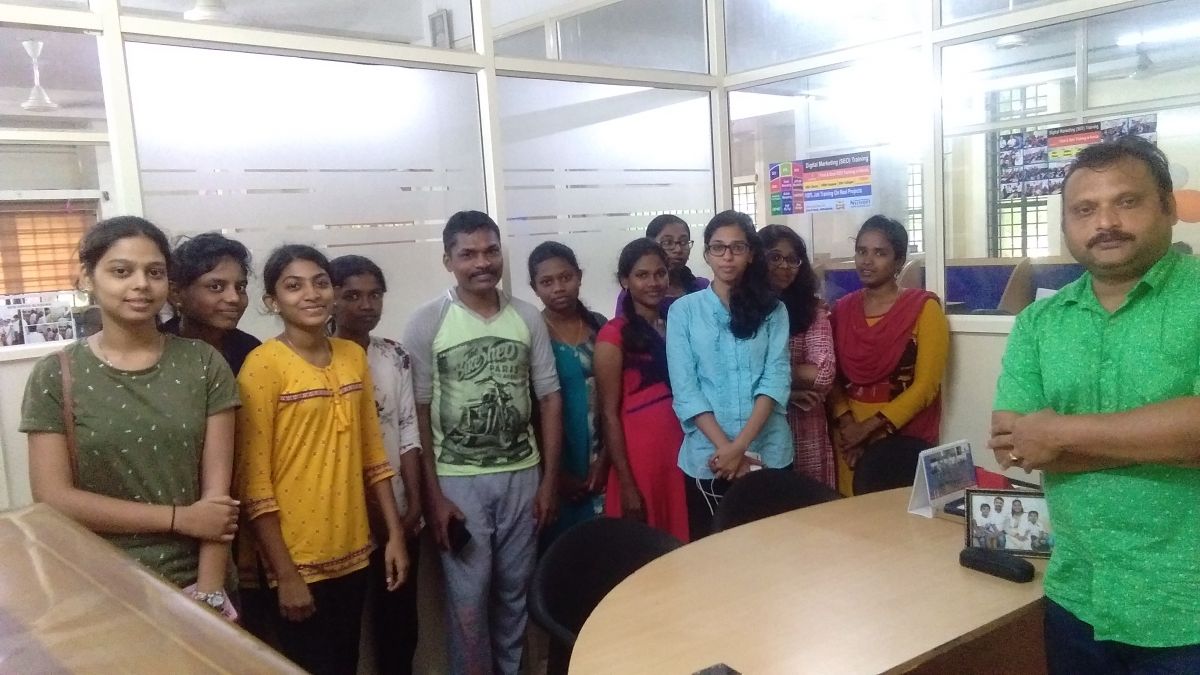
Photos of Training / Internships

Internship/projects in thun

Trained more than 10000+ students who trust Nestsoft TechnoMaster

Get Your Personal Trainer