Send enquiry ⏎

Adobe Illustrator Online Live Class by Experts

Our Training/Internship Process

Adobe Illustrator Online Live Classes in Bern | Free Demo Training

Adobe Illustrator - Syllabus, Fees & Duration

      Module 1: Introduction to Illustrator (1.5 hrs)

    • Overview of Vector Graphics vs. Raster Graphics
    • Illustrator Interface and Navigation
      • Artboards and Workspaces
      • Tools Panel and Properties Panel
    • Creating and Saving Documents
    • Understanding File Formats (AI, EPS, SVG, PDF)

      Module 2: Basic Drawing Tools (2 hrs)

    • Shapes and Paths
      • Rectangle, Ellipse, Polygon, Line tools
      • Working with Fill and Stroke
    • Pen Tool Basics
      • Drawing and Editing Paths
      • Anchor Points and Handles
    • Using the Pencil and Brush Tools

      Module 3: Colors and Gradients (1.5 hrs)

    • Understanding the Color Panel
      • RGB vs. CMYK Modes
      • Swatches and Global Colors
    • Gradients and Gradient Mesh
    • Applying Transparency and Blending Modes

      Module 4: Working with Text (1.5 hrs)

    • Creating and Formatting Text
      • Character and Paragraph Panels
    • Converting Text to Outlines
    • Text on a Path and Text Wrap

      Module 5: Layers and Organizing Artwork (1.5 hrs)

    • Layers Panel Overview
      • Grouping and Ungrouping Objects
      • Locking, Hiding, and Rearranging Layers
    • Clipping Masks
    • Using Guides, Grids, and Smart Guides

      Module 6: Advanced Tools and Effects (2 hrs)

    • Pathfinder and Shape Builder Tools
    • Using the Appearance Panel
      • Applying Effects (Drop Shadow, Outer Glow, etc.)
    • Working with Symbols
    • Creating Patterns

      Module 7: Image Tracing and Masking (1.5 hrs)

    • Image Trace Tool
    • Creating and Using Clipping Masks
    • Opacity Masks for Advanced Effects

      Module 8: Exporting and Finalizing Projects (1.5 hrs)

    • Preparing Artwork for Print vs. Digital
    • Exporting File Formats (PNG, SVG, PDF, etc.)
    • Packaging Files for Clients or Printers

      Module 9: Hands-on Project (2 hrs)

    • Creating a Simple Logo Design
    • Designing a Business Card or Poster
    • Applying Learned Skills to a Practical Task

Download Syllabus - Adobe Illustrator
This syllabus is not final and can be customized as per needs/updates
   
10000+
20+
50+
25+

Adobe Illustrator Jobs in Bern

Enjoy the demand

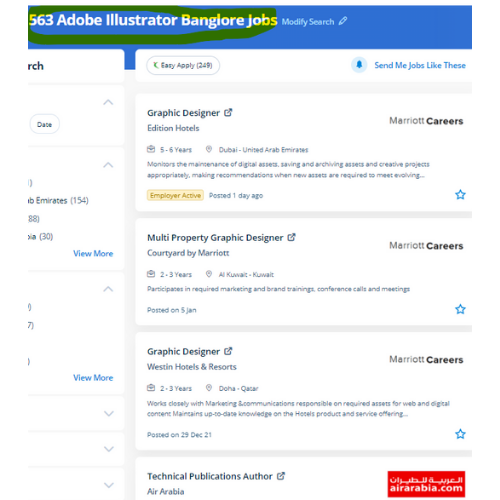
Find jobs related to Adobe Illustrator in search engines (Google, Bing, Yahoo) and recruitment websites (monsterindia, placementindia, naukri, jobshybrid.com, indeed.co.in, shine.com etc.) based in Bern, chennai and europe countries. You can find many jobs for freshers related to the job positions in Bern.

  • Graphic Designer
  • Graphic Trainer
  • Industrial Designer
  • Web Designer
  • Freelance Graphic Designer
  • Illustrator Designer
  • Design Assistant
  • Creative Designer
  • Digital UI/UX Designer
  • Female Graphic Designer

Adobe Illustrator Internship/Course Details

Adobe Illustrator internship jobs in Bern
Adobe Illustrator The illustrator CC interface contains the tools, panels, menu, command, document, window, and artboards you will use when creating or editing an illustrator document. Most of the print and screen designers use illustrator to make styles and artwork. Why Adobe Illustrator is so Good ?: It gives a helpful user interface Print at high resolution Good for drawing illustrations Files create in manageable sizes It Is Compatible with All Computer Systems Adobe illustrator could be a sensible tool as you'll see from the deserves we shared. Adobe illustrator files ar place into an Adobe Photoshop layer and keep the vector qualities. probably illustrator is the best editor for vector graphics and it produces artworks with pixel-perfect accuracy. you can use Adobe artist on all computer systems so long as the operating system is updated. We, at Nestsoft, are making our students prepared by coaching them on all the updated software and tools used for designing. Nestsoft institute offers one of the most effective Adobe illustrator courses. you will learn all illustrator tools and techniques abundant from basics to advanced. you'll be able to use it to create web and print images and therefore the user interface is useful.


Meet a Few of our Industry Experts 🚀 Your Pathway to IT Career

jaivansh

Mobile: +91 98474 90866
Location: Online (Bern, Switzerland)
Qualification: CEH

Experience: Because of my special combination of expertise abilities and enthusiasm for cybersecurity I think I'm a great fit for this  more..

Achutha

Mobile: +91 8301010866
Location: Online (Bern, Switzerland)
Qualification: B.Sc

Experience: I have experience in manual testing and automation testing with jira software Jenkins automation testing of Selenium with Java testNG  more..

surjayan

Mobile: +91 9895490866
Location: Online (Bern, Switzerland)
Qualification: B.sc Hons graduate

Experience: MORE THAN 2 year of experience as a mern stack plus react native developer nodejs reactjs react native no sql  more..

Insiya

Mobile: +91 91884 77559
Location: Online (Bern, Switzerland)
Qualification: B.A(literature) Masters(Mass Communication)[ongoing]

Experience: 2 years of freelance graphic design experience Fluent in Canva   more..

Kriti

Mobile: +91 89210 61945
Location: Online (Bern, Switzerland)
Qualification: BTech in computer science and engineering

Experience: Html css javascript react native bootstrap sass scss   more..

Tanu

Mobile: +91 91884 77559
Location: Online (Bern, Switzerland)
Qualification: B.Tech

Experience: As a Junior Android Developer at Waterwala Labs Pvt Ltd I specialize in implementing the Model-View-ViewModel (MVVM) architecture and modern  more..

R.Jeniha

Mobile: +91 9895490866
Location: Online (Bern, Switzerland)
Qualification: B.sc computer science

Experience: 4 years of experience Proficient in figma Certified in web design   more..

Bhushan

Mobile: +91 9895490866
Location: Online (Bern, Switzerland)
Qualification: Bachelor of engineering

Experience: I completed my bachelor of engineering in computer technology I have completed more projects in Java and Frontend development   more..

nazeema

Mobile: +91 89210 61945
Location: Online (Bern, Switzerland)
Qualification: Graduate

Experience: I have 2 years of experience in WordPress and web development I have strong strong contribution in Html Css php  more..

Bhakti

Mobile: +91 91884 77559
Location: Online (Bern, Switzerland)
Qualification: B.arch

Experience: Skills User research User Centric research & Design Information Architecture Creative Problem Solving Figma Proficiency in Design Tools - Adobe  more..

Laxmi

Mobile: +91 91884 77559
Location: Online (Bern, Switzerland)
Qualification: Graduation

Experience: Hii I am a uiux designer and as an uiux designer creating the user interface and user research including wireframing  more..

Vignesh

Mobile: +91 94975 90866
Location: Online (Bern, Switzerland)
Qualification: BCA

Experience: HTml css python django ms office and 7 month experience in data entry  more..

Fathimath

Mobile: +91 89210 61945
Location: Online (Bern, Switzerland)
Qualification: Bsc computer science

Experience: 6month internship of software testing   more..

Falah

Mobile: +91 91884 77559
Location: Online (Bern, Switzerland)
Qualification: Diploma

Experience: Iam very good in Web design &developing  more..

Gincy

Mobile: +91 9895490866
Location: Online (Bern, Switzerland)
Qualification: B.Tech

Experience: Angular Ionic developer with 9+ year experienceApplication for Angular JS  more..

Muhabath

Mobile: +91 89210 61945
Location: Online (Bern, Switzerland)
Qualification: Btech

Experience: Manual testing Selenium Java Automation testing  more..

Vala

Mobile: +91 89210 61945
Location: Online (Bern, Switzerland)
Qualification: B.E(IT)

Experience: Front-end development (html css) Fresher   more..

Ganesh

Mobile: +91 98474 90866
Location: Online (Bern, Switzerland)
Qualification: BE in Electronics and Communication Engineering

Experience: Ethical Hacking Python Devops Data analysis Web development Cyber security  more..

Khemraj

Mobile: +91 94975 90866
Location: Online (Bern, Switzerland)
Qualification: MCA

Experience: Java html css dotnet asp net MVC c# c  more..

Kavita

Mobile: +91 9895490866
Location: Online (Bern, Switzerland)
Qualification: B.E.Computer

Experience: I have total 4 year experience I am work as Android developer for 2 years 1 year work as Redhat  more..

prem

Mobile: +91 8301010866
Location: Online (Bern, Switzerland)
Qualification: B-tech

Experience: I am a skilled UI UX designer with nearly one year of professional experience My design expertise encompasses Figma UI  more..

Shubham

Mobile: +91 8301010866
Location: Online (Bern, Switzerland)
Qualification: Bse Graduate

Experience: I have total 3 year and 9 month of experience in both manual and automation testing   more..

Nandkishor

Mobile: +91 89210 61945
Location: Online (Bern, Switzerland)
Qualification: MCA

Experience: 1 Hotel Management Project The coding language using java Used mvc designed patter for using swing in front end and  more..

Satti

Mobile: +91 94975 90866
Location: Online (Bern, Switzerland)
Qualification: B.tech

Experience: python HTML CSS AUTOCAD CATIA  more..

Success Stories

The enviable salary packages and track record of our previous students are the proof of our excellence. Please go through our students' reviews about our training methods and faculty and compare it to the recorded video classes that most of the other institutes offer. See for yourself how TechnoMaster is truly unique.

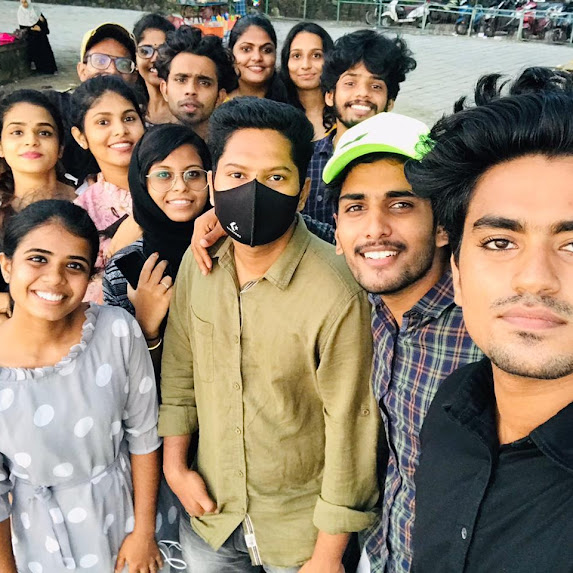
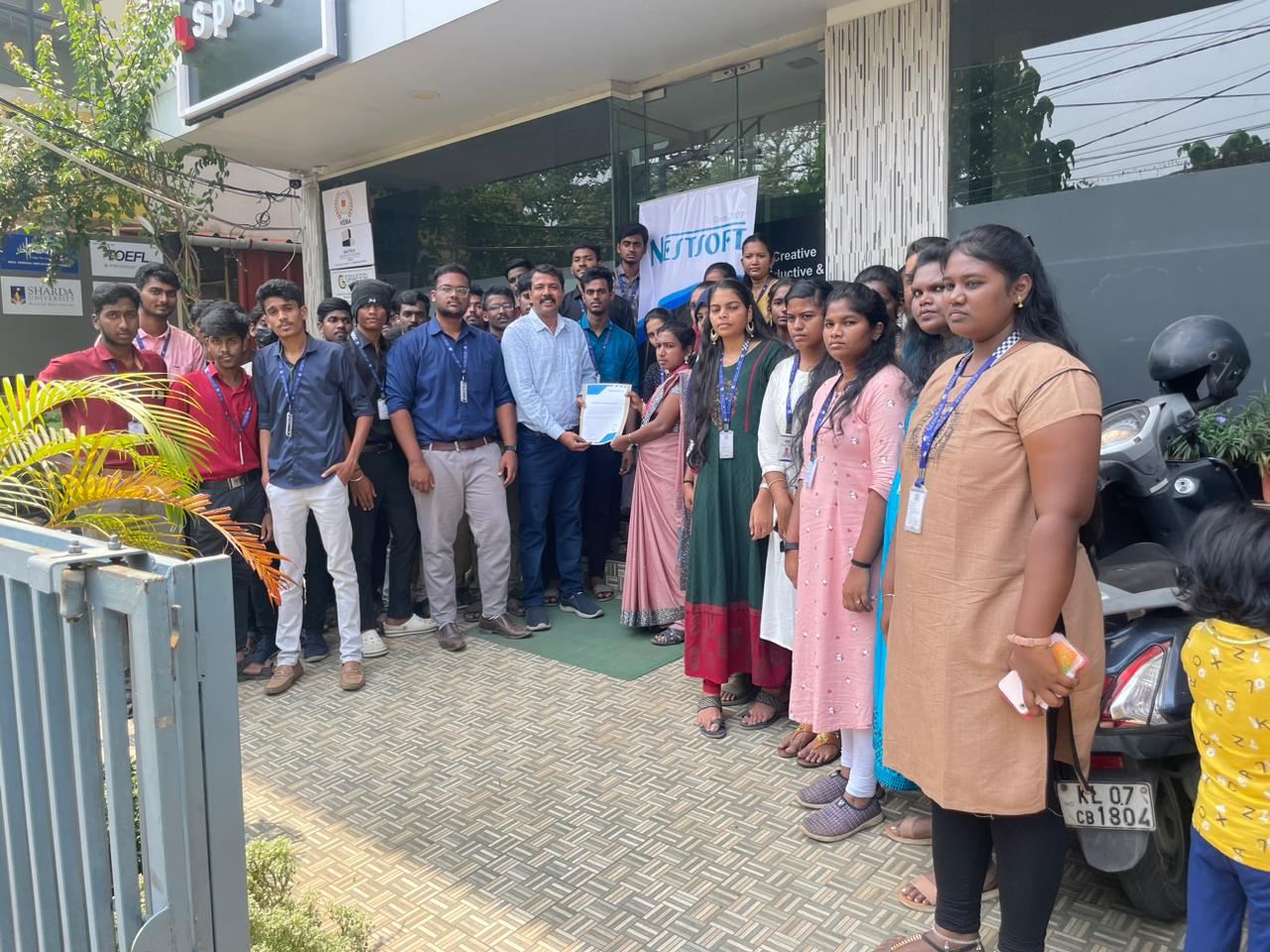
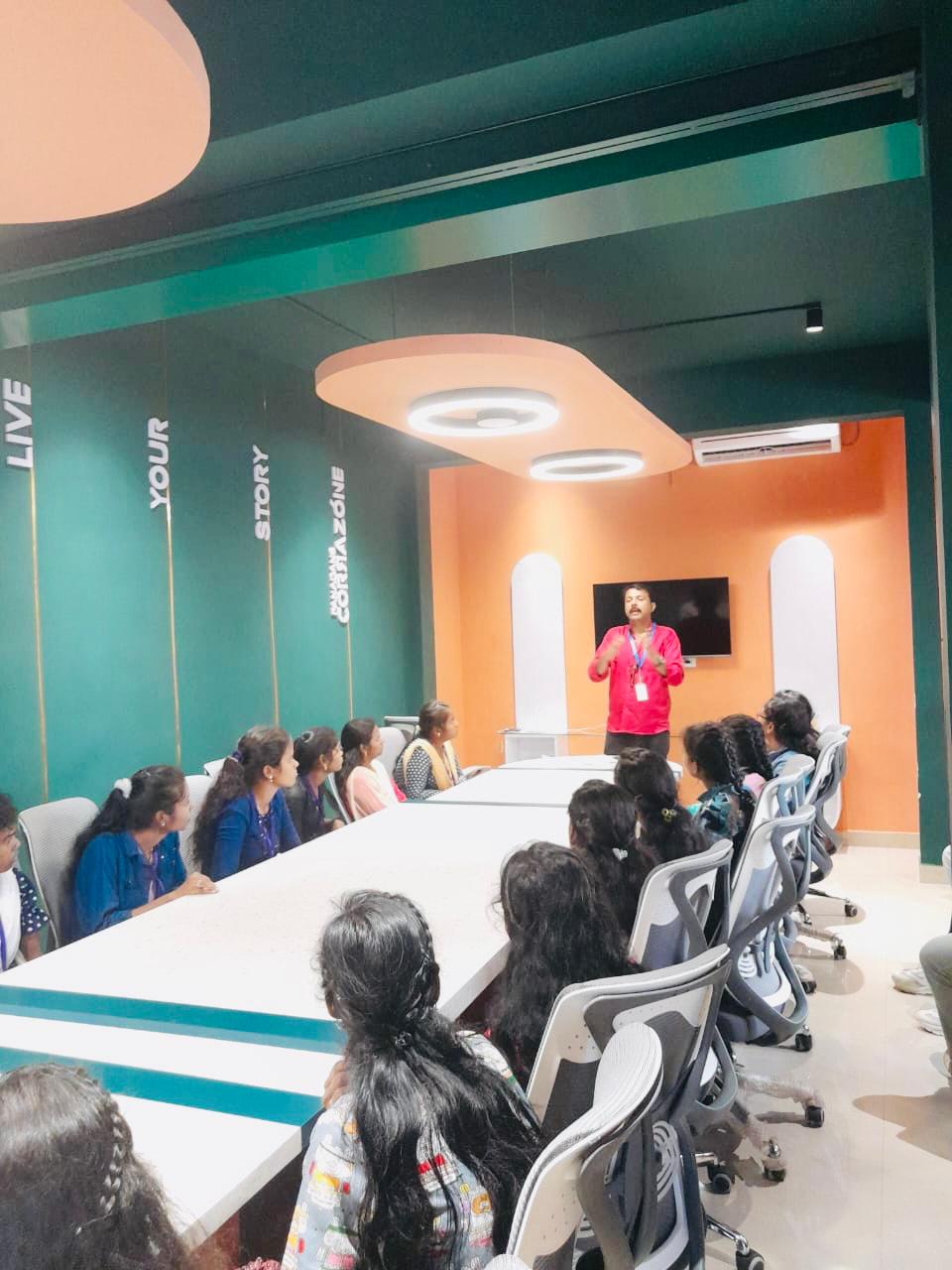
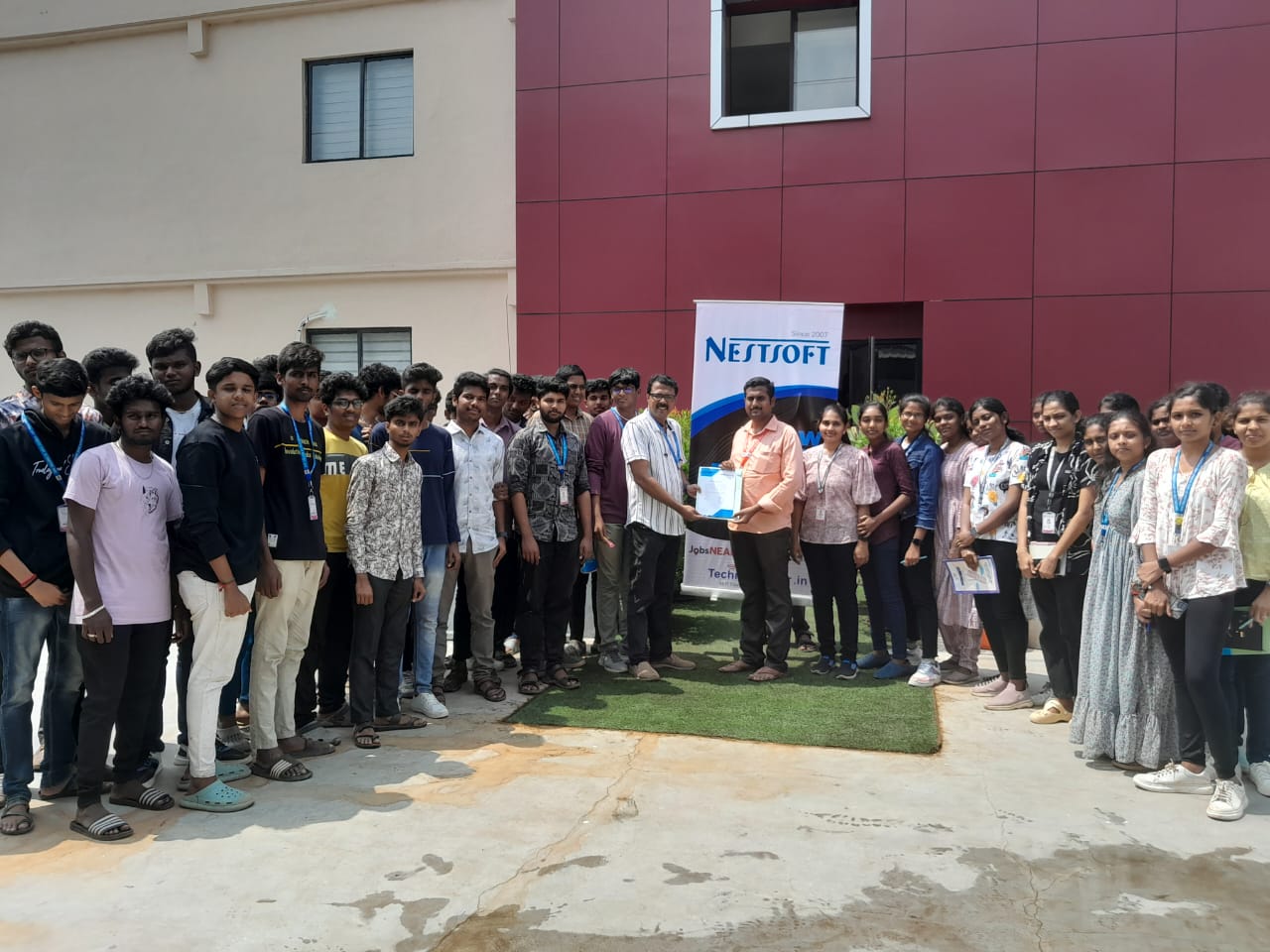
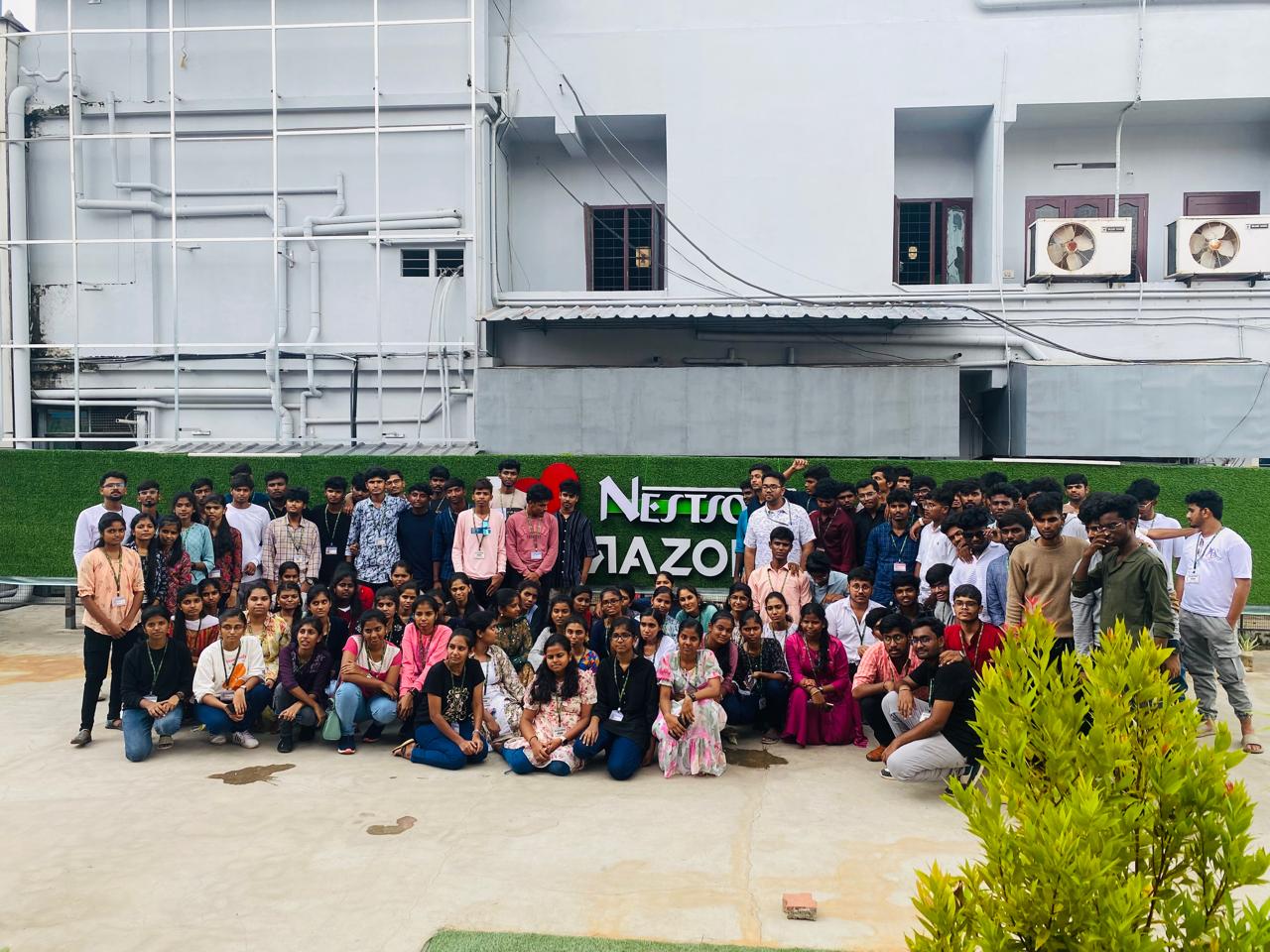
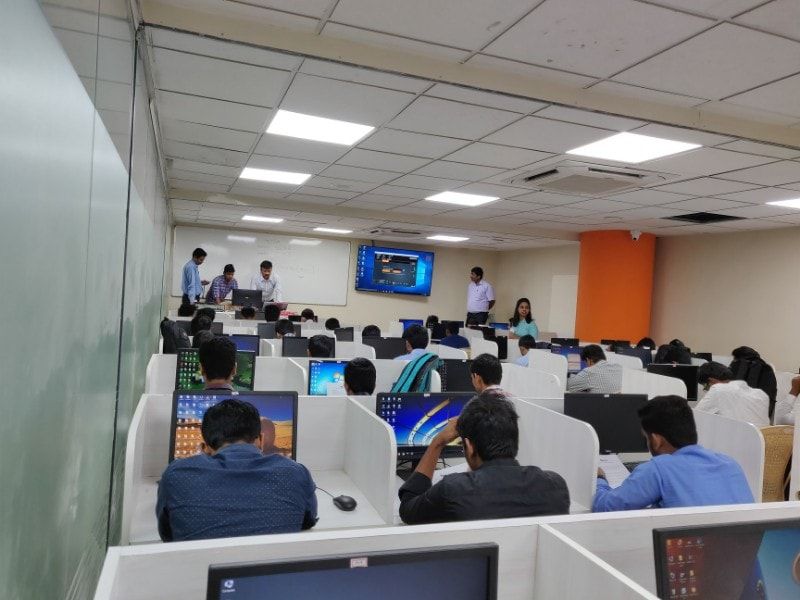
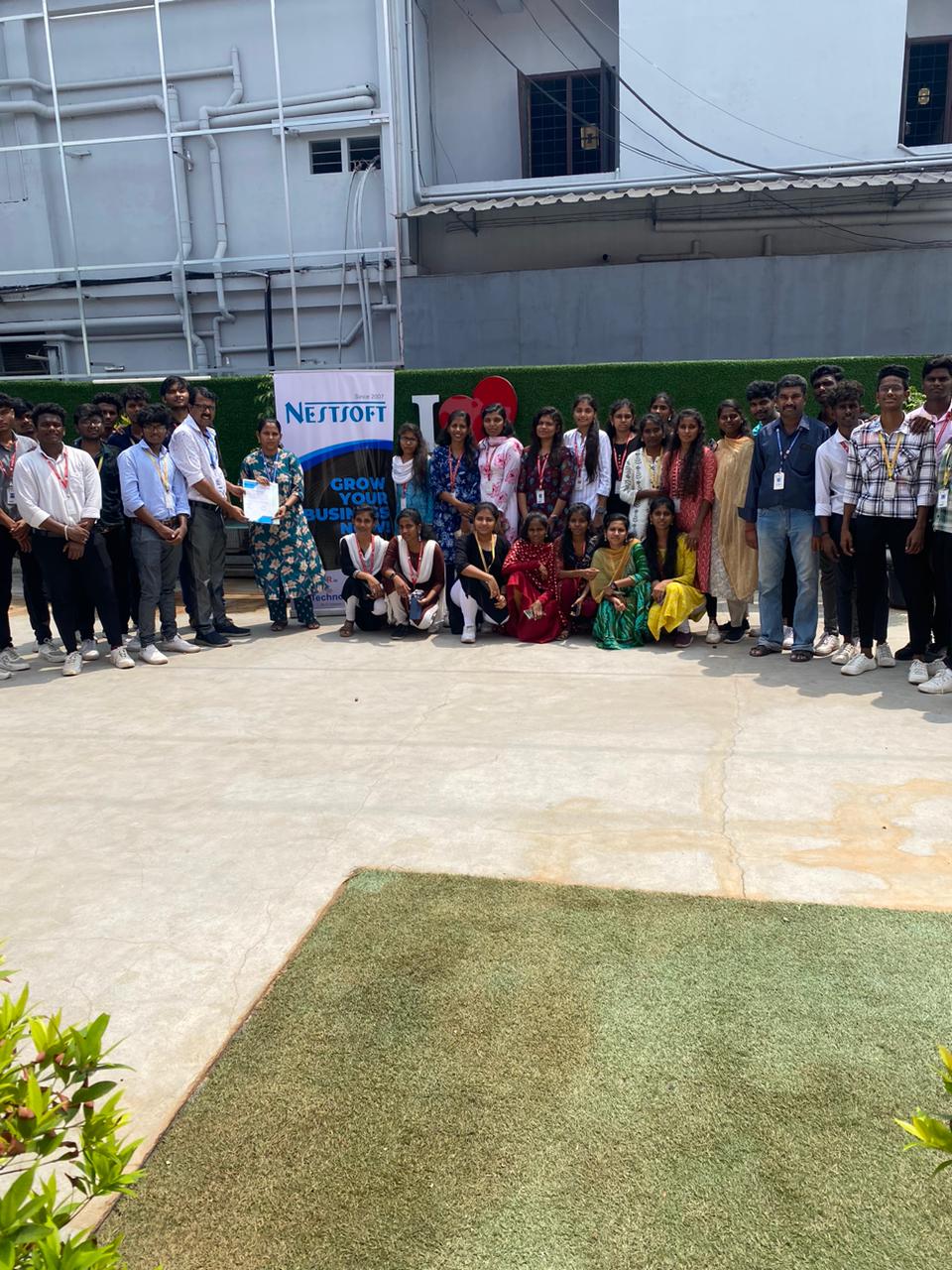
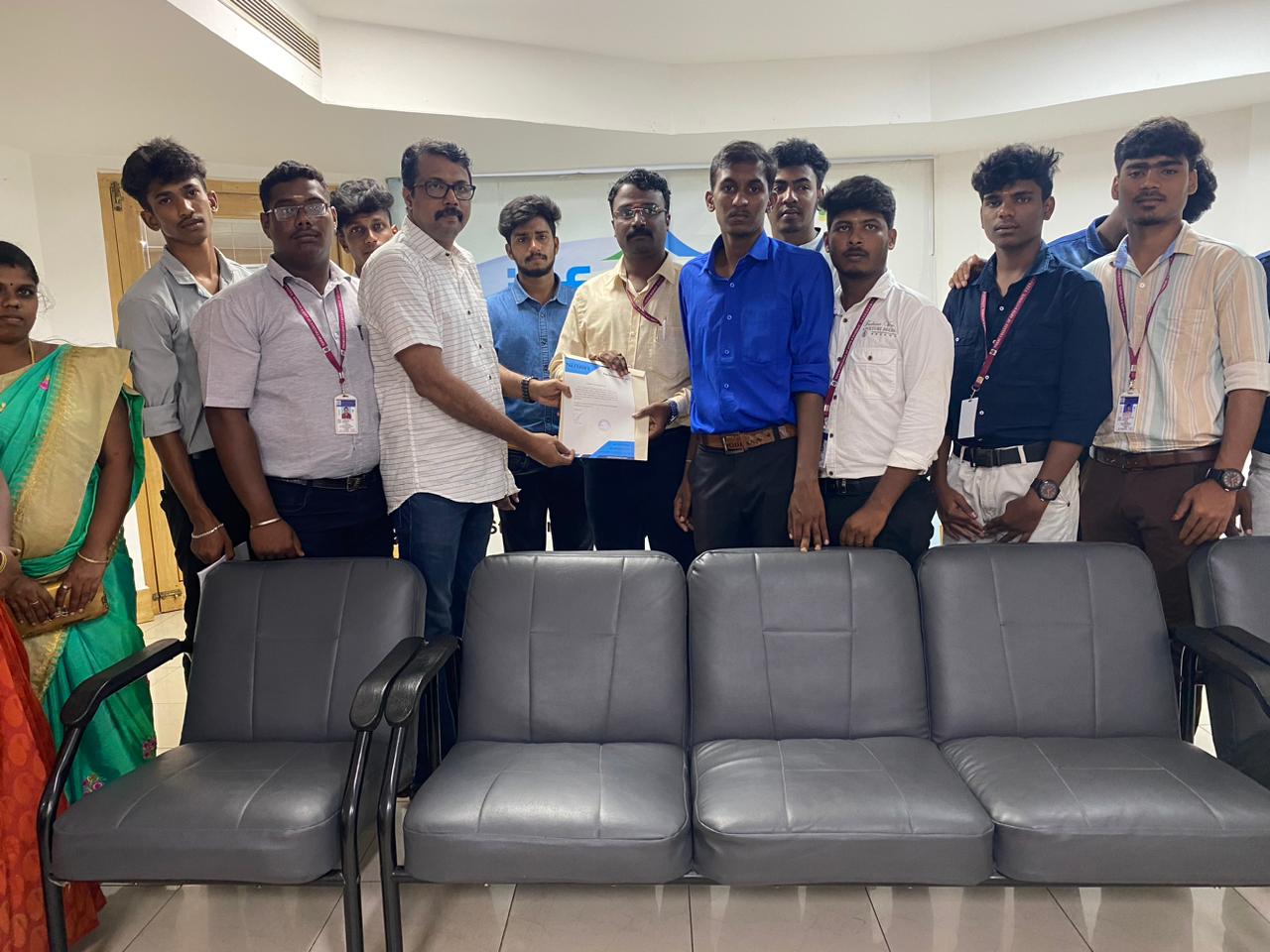
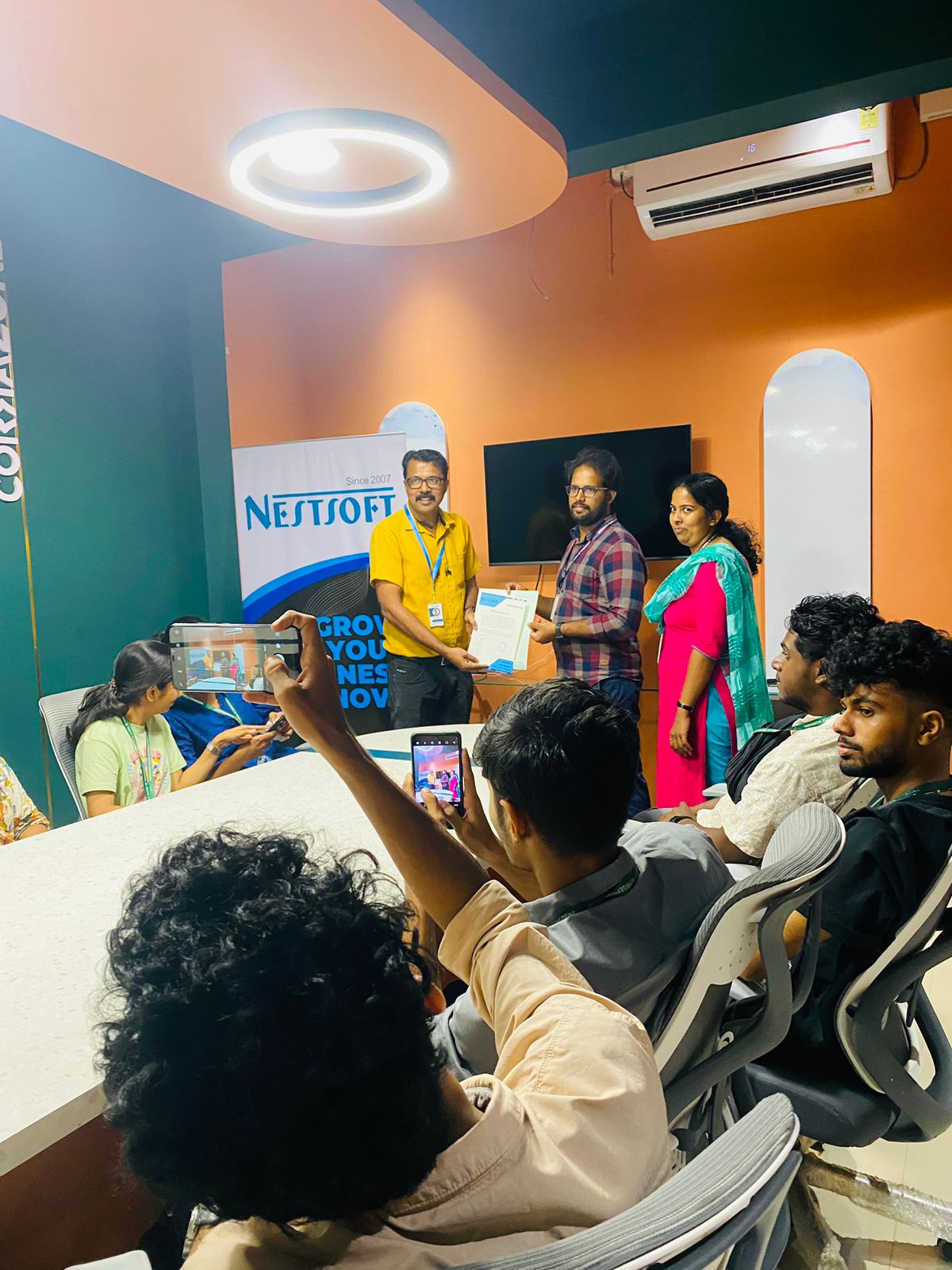
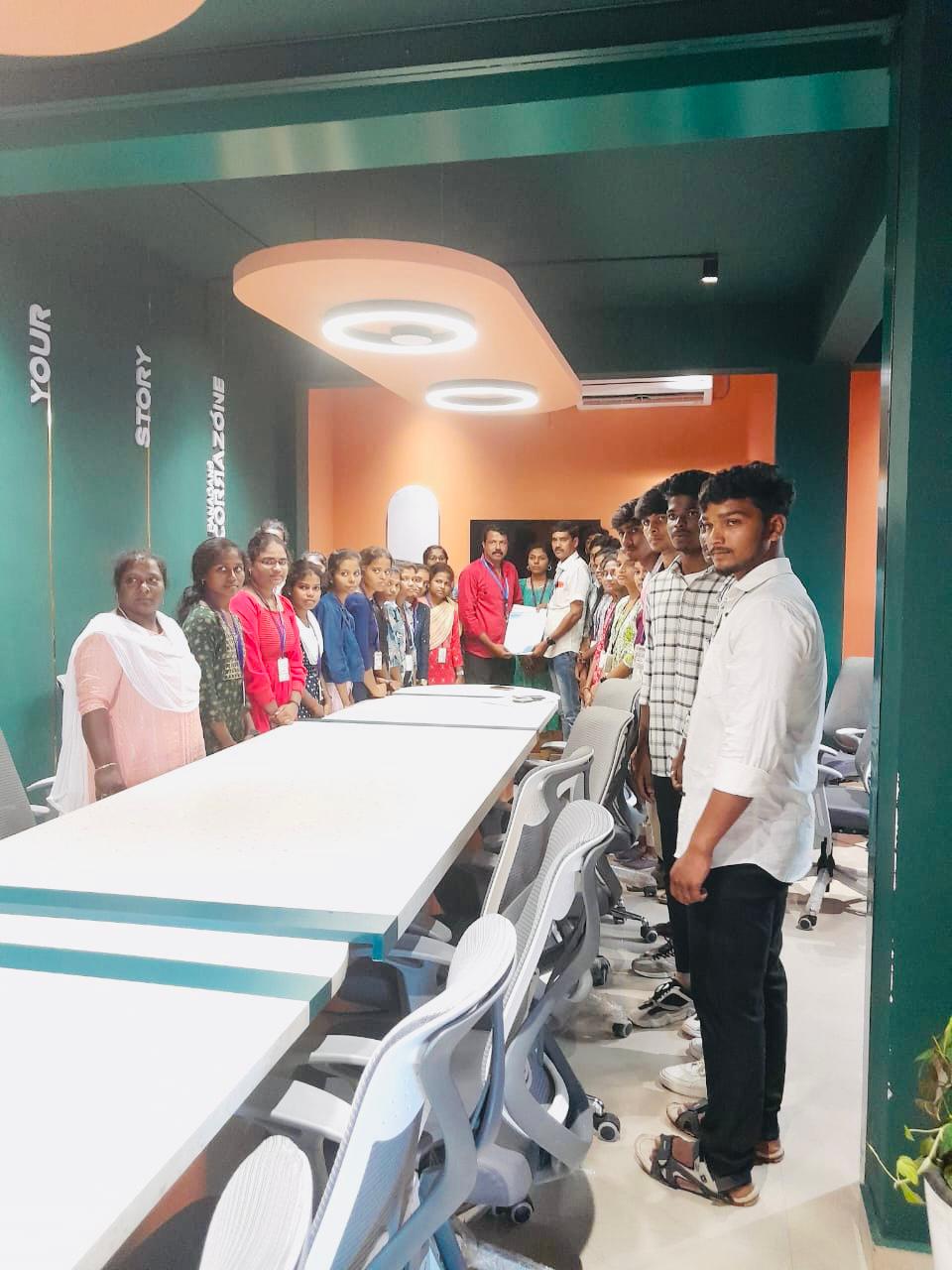
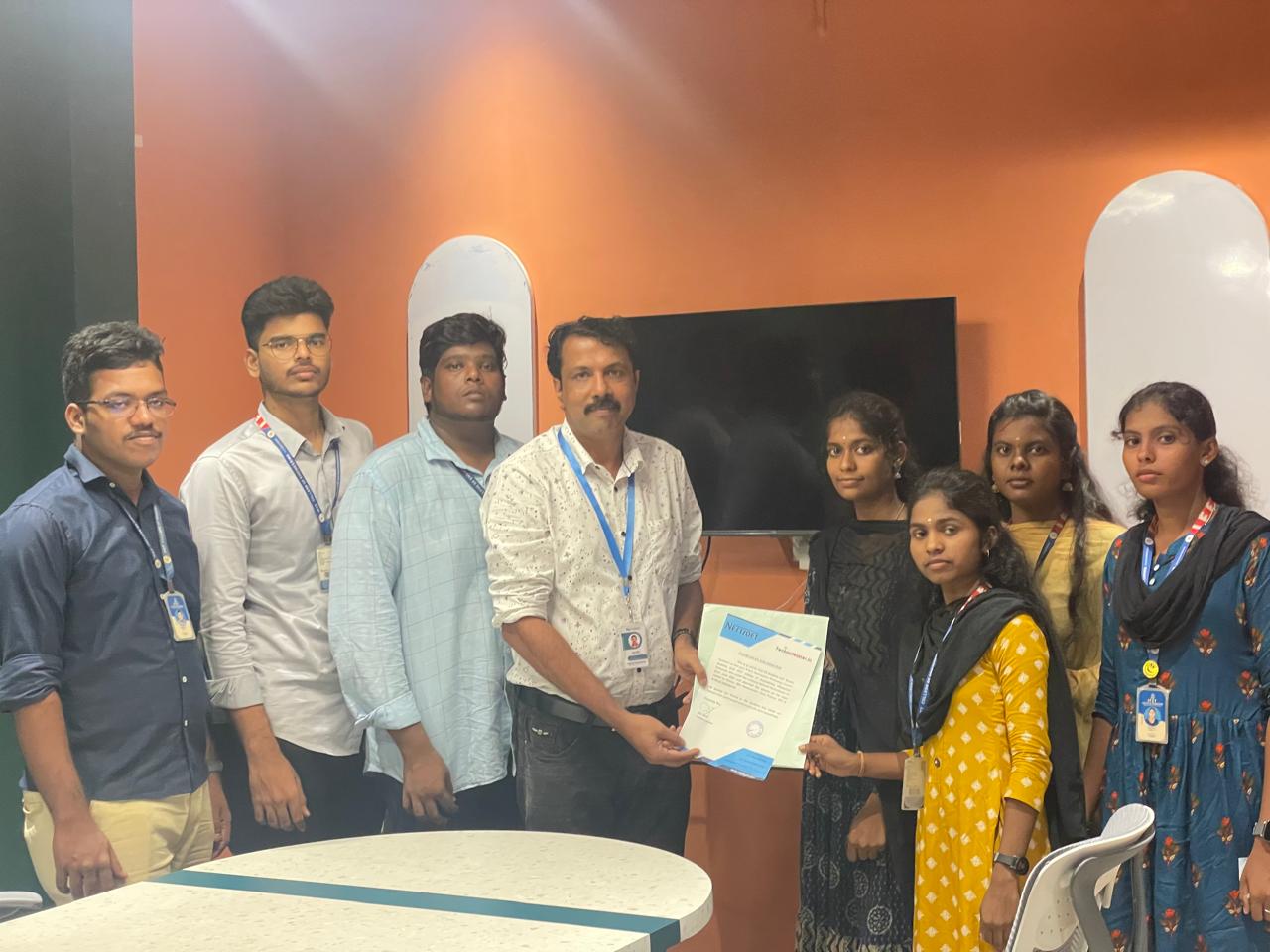
Photos of Training / Internships

Internship/projects in bern

Trained more than 10000+ students who trust Nestsoft TechnoMaster

Get Your Personal Trainer