Adobe Illustrator Online Live Class by Experts

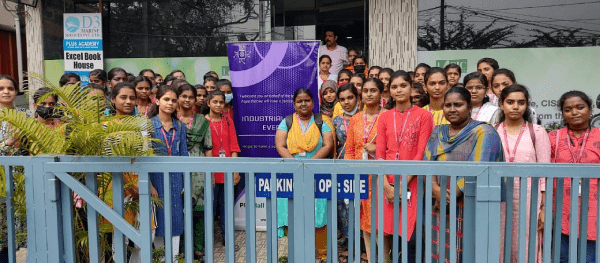
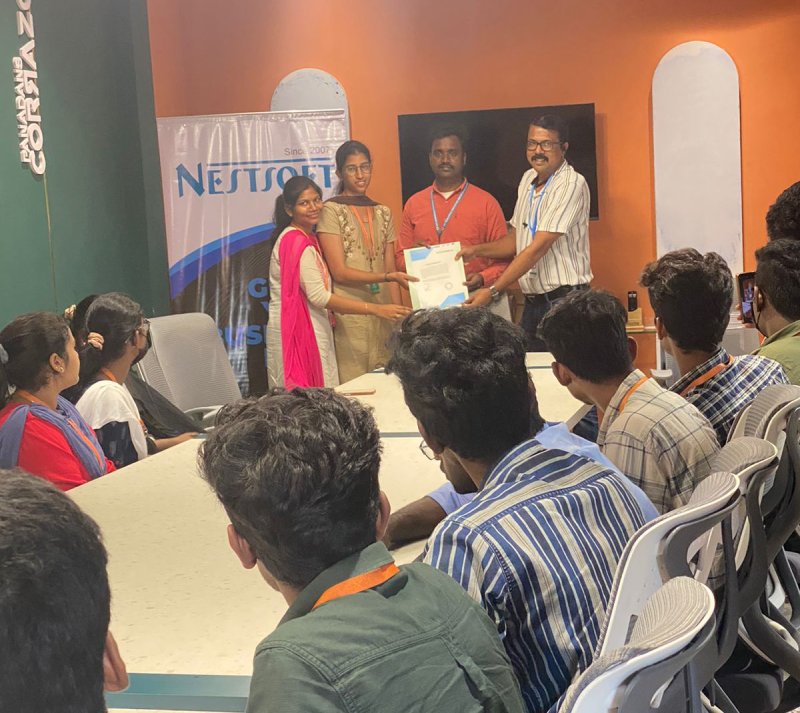
Our Training/Internship Process

Adobe Illustrator Online Live Classes in Lucerne | Free Demo Training

Adobe Illustrator - Syllabus, Fees & Duration

      Module 1: Introduction to Illustrator (1.5 hrs)

    • Overview of Vector Graphics vs. Raster Graphics
    • Illustrator Interface and Navigation
      • Artboards and Workspaces
      • Tools Panel and Properties Panel
    • Creating and Saving Documents
    • Understanding File Formats (AI, EPS, SVG, PDF)

      Module 2: Basic Drawing Tools (2 hrs)

    • Shapes and Paths
      • Rectangle, Ellipse, Polygon, Line tools
      • Working with Fill and Stroke
    • Pen Tool Basics
      • Drawing and Editing Paths
      • Anchor Points and Handles
    • Using the Pencil and Brush Tools

      Module 3: Colors and Gradients (1.5 hrs)

    • Understanding the Color Panel
      • RGB vs. CMYK Modes
      • Swatches and Global Colors
    • Gradients and Gradient Mesh
    • Applying Transparency and Blending Modes

      Module 4: Working with Text (1.5 hrs)

    • Creating and Formatting Text
      • Character and Paragraph Panels
    • Converting Text to Outlines
    • Text on a Path and Text Wrap

      Module 5: Layers and Organizing Artwork (1.5 hrs)

    • Layers Panel Overview
      • Grouping and Ungrouping Objects
      • Locking, Hiding, and Rearranging Layers
    • Clipping Masks
    • Using Guides, Grids, and Smart Guides

      Module 6: Advanced Tools and Effects (2 hrs)

    • Pathfinder and Shape Builder Tools
    • Using the Appearance Panel
      • Applying Effects (Drop Shadow, Outer Glow, etc.)
    • Working with Symbols
    • Creating Patterns

      Module 7: Image Tracing and Masking (1.5 hrs)

    • Image Trace Tool
    • Creating and Using Clipping Masks
    • Opacity Masks for Advanced Effects

      Module 8: Exporting and Finalizing Projects (1.5 hrs)

    • Preparing Artwork for Print vs. Digital
    • Exporting File Formats (PNG, SVG, PDF, etc.)
    • Packaging Files for Clients or Printers

      Module 9: Hands-on Project (2 hrs)

    • Creating a Simple Logo Design
    • Designing a Business Card or Poster
    • Applying Learned Skills to a Practical Task

Download Syllabus - Adobe Illustrator
This syllabus is not final and can be customized as per needs/updates
 
10000+
20+
50+
25+

Adobe Illustrator Jobs in Lucerne

Enjoy the demand

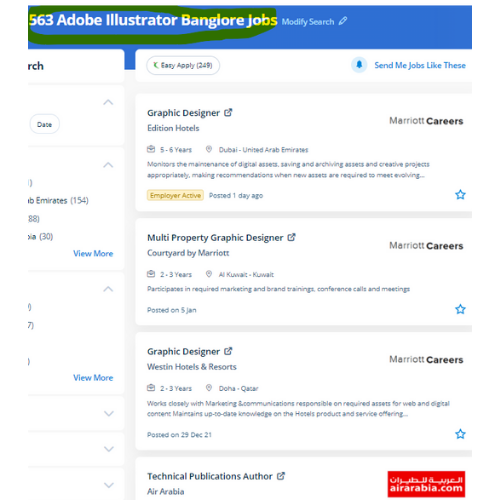
Find jobs related to Adobe Illustrator in search engines (Google, Bing, Yahoo) and recruitment websites (monsterindia, placementindia, naukri, jobsNEAR.in, indeed.co.in, shine.com etc.) based in Lucerne, chennai and europe countries. You can find many jobs for freshers related to the job positions in Lucerne.

  • Graphic Designer
  • Graphic Trainer
  • Industrial Designer
  • Web Designer
  • Freelance Graphic Designer
  • Illustrator Designer
  • Design Assistant
  • Creative Designer
  • Digital UI/UX Designer
  • Female Graphic Designer

Adobe Illustrator Internship/Course Details

Adobe Illustrator internship jobs in Lucerne
Adobe Illustrator Also, the file size is mostly little so that you'll easily share your layout without requiring quite a lot of area. probably illustrator is the best editor for vector graphics and it produces artworks with pixel-perfect accuracy. . using this you'll turn out attractive logos, detailed illustrations, leaflets, web content designs, and plenty of more additionally produce a number of different sized artboards all in a similar document simply and quickly. you'll be able to use it to create web and print images and therefore the user interface is useful. Attain hands-on coaching via live projects with our team. Adobe illustrator files ar place into an Adobe Photoshop layer and keep the vector qualities. We, at Nestsoft, are making our students prepared by coaching them on all the updated software and tools used for designing. Why Adobe Illustrator is so Good ?: It gives a helpful user interface Print at high resolution Good for drawing illustrations Files create in manageable sizes It Is Compatible with All Computer Systems Adobe illustrator could be a sensible tool as you'll see from the deserves we shared. you can use Adobe artist on all computer systems so long as the operating system is updated.


Meet a Few of our Industry Experts 🚀 Your Pathway to IT Career

shivani

Mobile: +91 89210 61945
Location: Online (Lucerne, Switzerland)
Qualification: MscIT

Experience: In total 4 years of experience as a developer 2 years as a dot net developer 2 years of Node  more..

Lakshman

Mobile: +91 91884 77559
Location: Online (Lucerne, Switzerland)
Qualification: MBA

Experience: Good knowledge of MS office Tally ERP-9 and oracle ERP My experience 2 months in teaching and 2 months in  more..

Aswin

Mobile: +91 94975 90866
Location: Online (Lucerne, Switzerland)
Qualification: B. Sc physics

Experience: I have completed in java full Stack developer I know the Technical knowledge of Java Mysql Html Css Jsp   more..

Navratn

Mobile: +91 9895490866
Location: Online (Lucerne, Switzerland)
Qualification: B.Tech

Experience: Skill: Penetration Testing Experience: I bring hands-on experience in penetration testing garnered from my role as a Security Intern at  more..

Rakshitha

Mobile: +91 98474 90866
Location: Online (Lucerne, Switzerland)
Qualification: Masters in Biochemistry

Experience: I have an year of experience in designing with the design software expertise in Canva Adobe Photoshop Adobe Illustrator and  more..

Lakshmana

Mobile: +91 91884 77559
Location: Online (Lucerne, Switzerland)
Qualification: BE CSE

Experience: Subject: Application for Content Writer Position at Jar Company Dear Hiring Manager I am writing to express my strong interest  more..

Ankit

Mobile: +91 94975 90866
Location: Online (Lucerne, Switzerland)
Qualification: Graduate

Experience: Web design social media gogle Add WordPress php  more..

Rajendra

Mobile: +91 8301010866
Location: Online (Lucerne, Switzerland)
Qualification: BCA

Experience: Handling various technical aspects like coding of modules using the given design specifications debugging and fixing the defects as well  more..

Surya

Mobile: +91 89210 61945
Location: Online (Lucerne, Switzerland)
Qualification: BTech cse

Experience: Java python sql  more..

sriraj.p

Mobile: +91 9895490866
Location: Online (Lucerne, Switzerland)
Qualification: bca

Experience: completed ug in BCA and done with the software testing certification from qspyders  more..

Vala

Mobile: +91 91884 77559
Location: Online (Lucerne, Switzerland)
Qualification: B.E(IT)

Experience: Front-end development (html css) Fresher   more..

Disha

Mobile: +91 89210 61945
Location: Online (Lucerne, Switzerland)
Qualification: Pursing in Bsc in Media Graphics and Animation

Experience: one year of hands-on experience in graphic and video editing I have cultivated a deep passion for the realm of  more..

Rajin

Mobile: +91 91884 77559
Location: Online (Lucerne, Switzerland)
Qualification: B tech

Experience: 2 year experience in manual testing and currently done automation testing looking more Opportunitys  more..

Pujari

Mobile: +91 8301010866
Location: Online (Lucerne, Switzerland)
Qualification: 12 th pass and pursuing B tech

Experience: I have worked for 3 projects in wix and I am experienced in e-commerce community groups in wix Also I  more..

Raihana

Mobile: +91 9895490866
Location: Online (Lucerne, Switzerland)
Qualification: BCA

Experience: ï‚· Monitor security alerts and incidents ï‚· Analyze security events to identify potential threats and vulnerabilities ï‚· Assist in incident  more..

Sinsy

Mobile: +91 91884 77559
Location: Online (Lucerne, Switzerland)
Qualification: Btech IT

Experience: iOS developer  more..

Komal

Mobile: +91 9895490866
Location: Online (Lucerne, Switzerland)
Qualification: BE

Experience: I am fresher but I have done internsip in wordpress Developer that reason i have knowledge about this position   more..

Sreejaya

Mobile: +91 9895490866
Location: Online (Lucerne, Switzerland)
Qualification: Master of design in UX

Experience: As a UX designer noteworthy skills include user research wireframing prototyping usability testing and proficiency in design tools like Sketch  more..

Success Stories

The enviable salary packages and track record of our previous students are the proof of our excellence. Please go through our students' reviews about our training methods and faculty and compare it to the recorded video classes that most of the other institutes offer. See for yourself how TechnoMaster is truly unique.

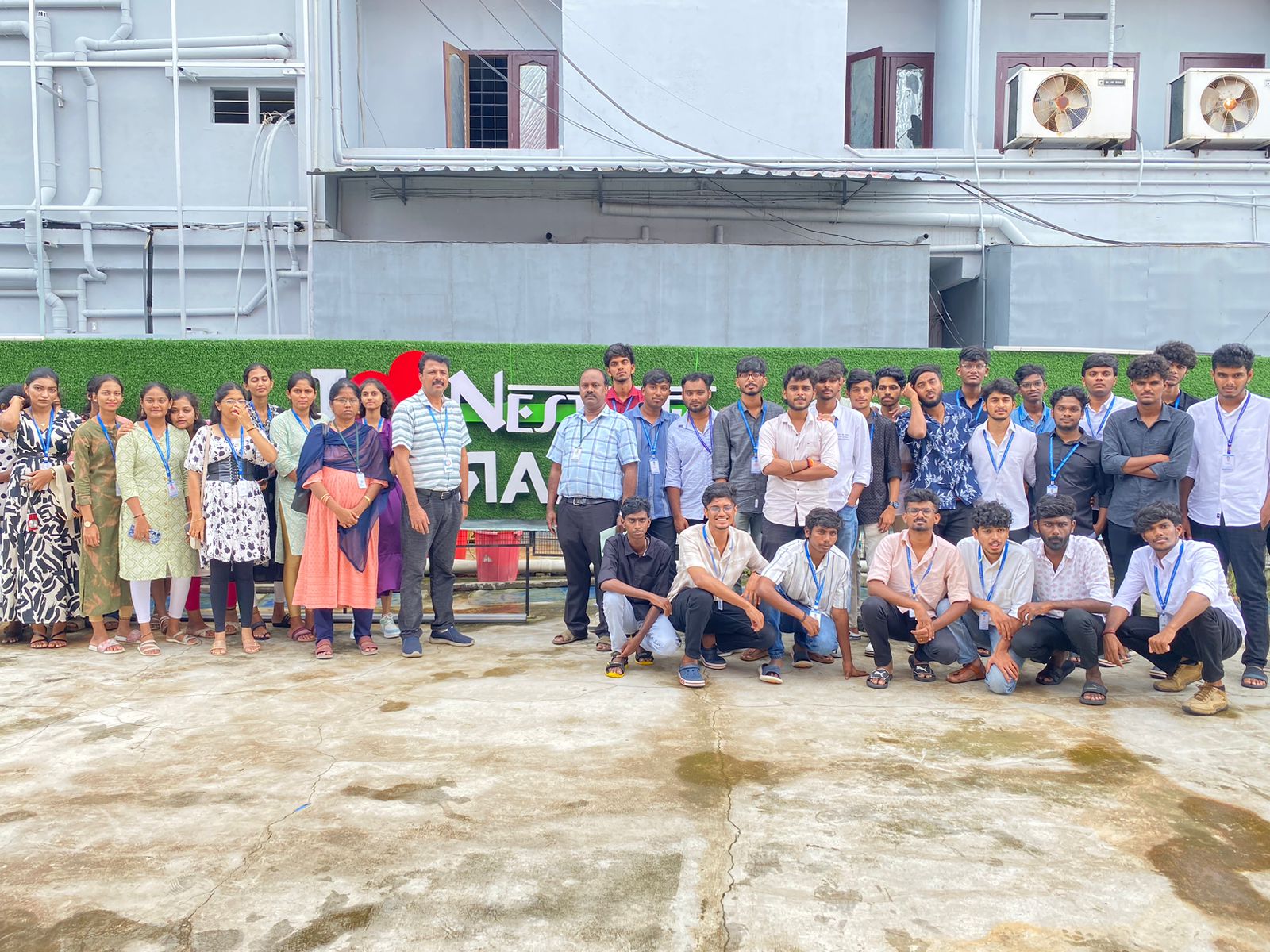
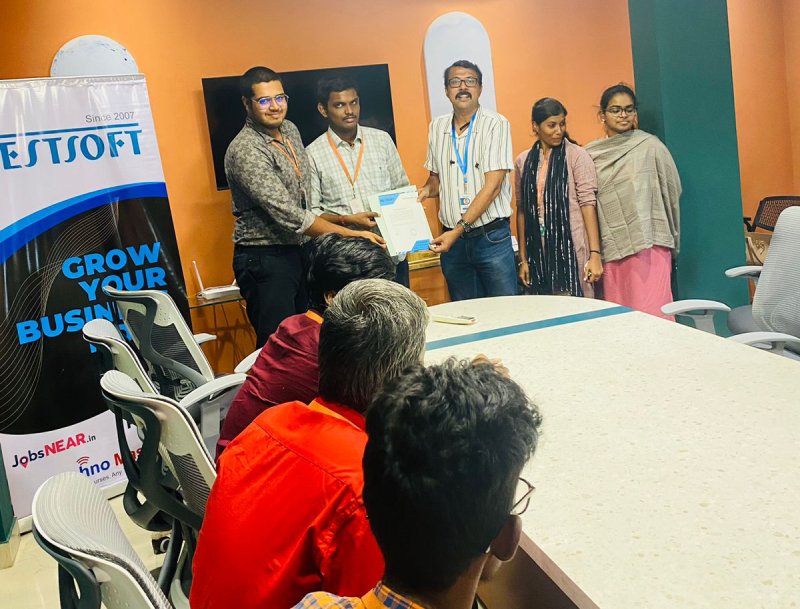
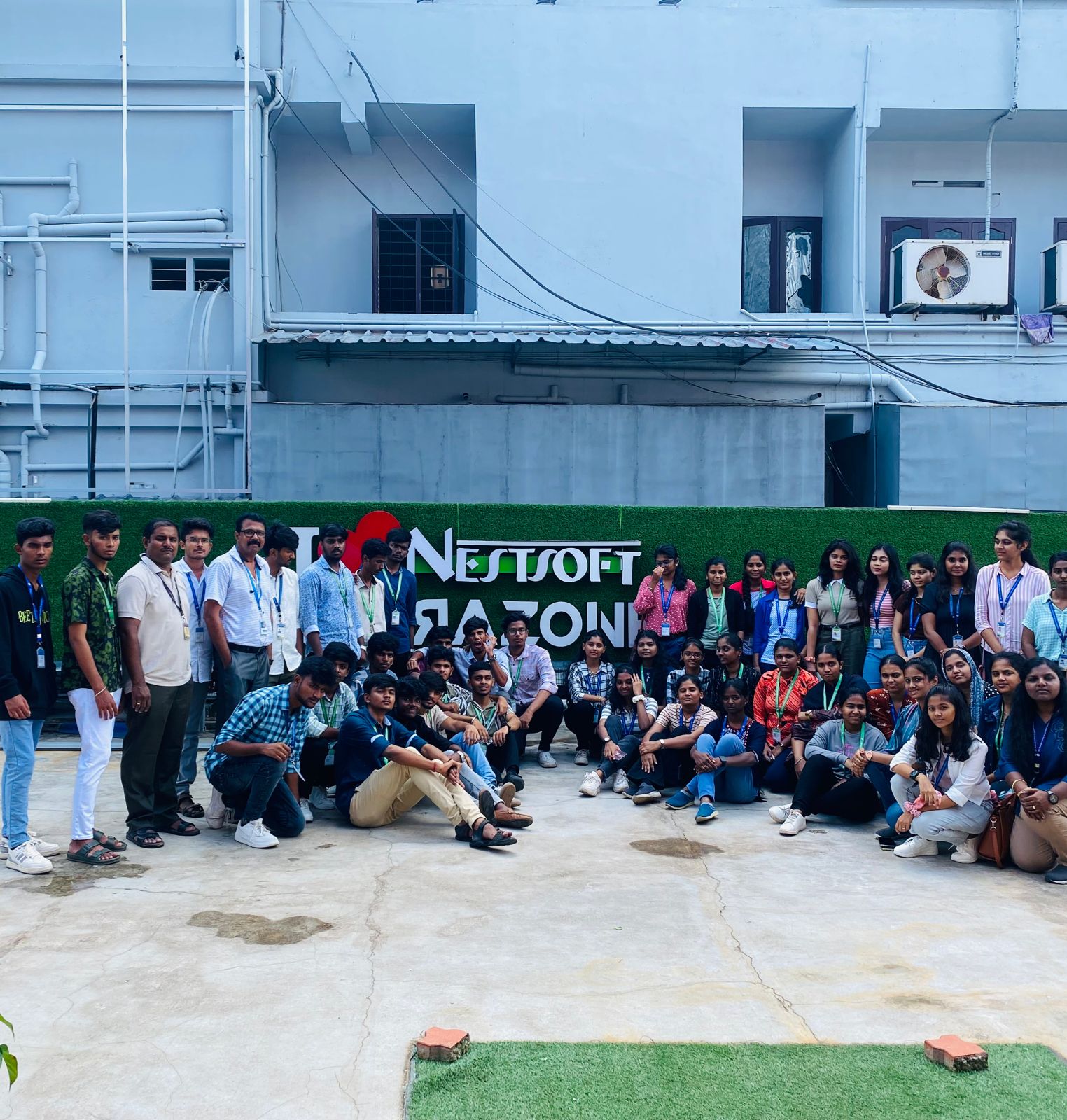
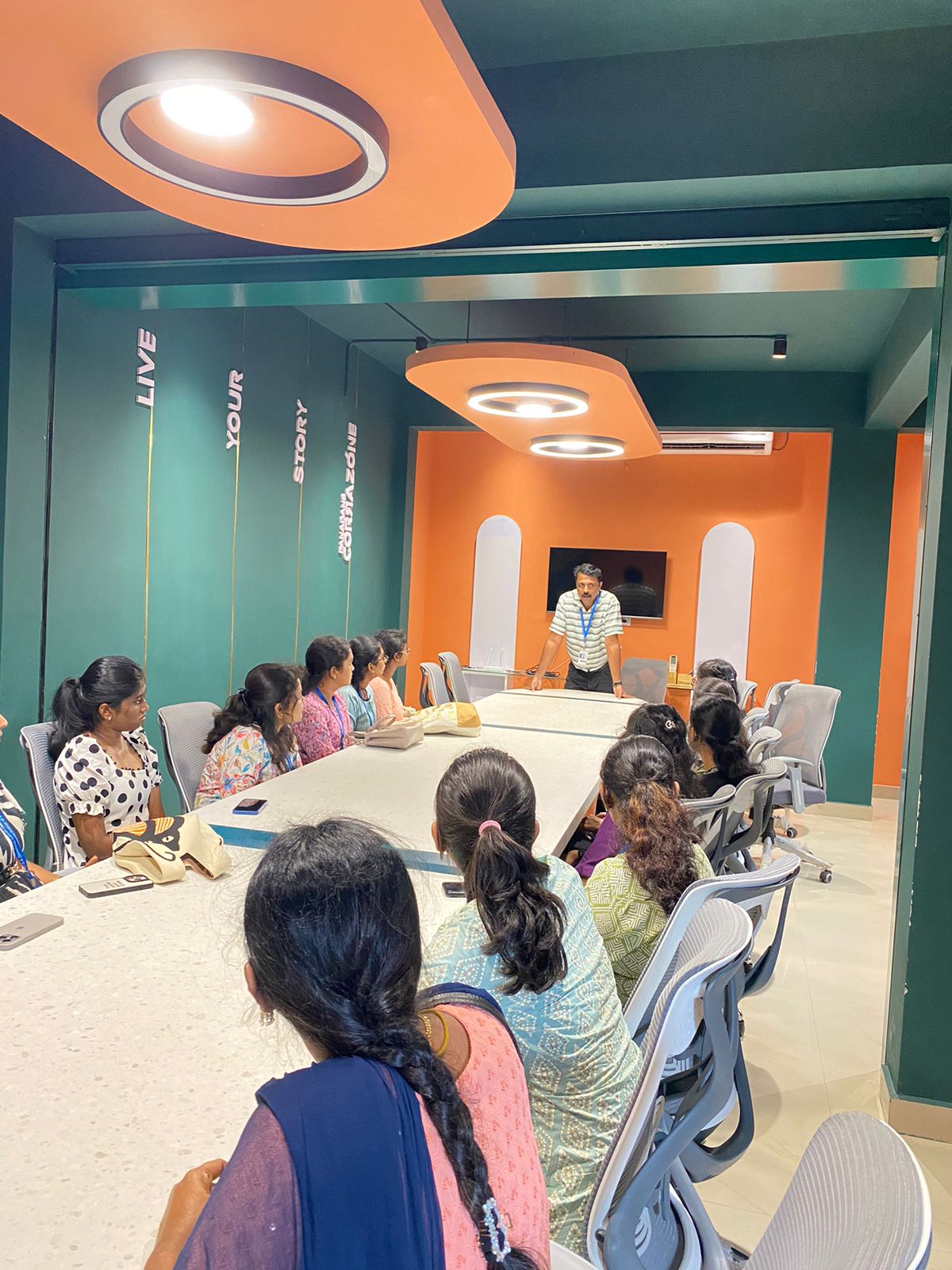
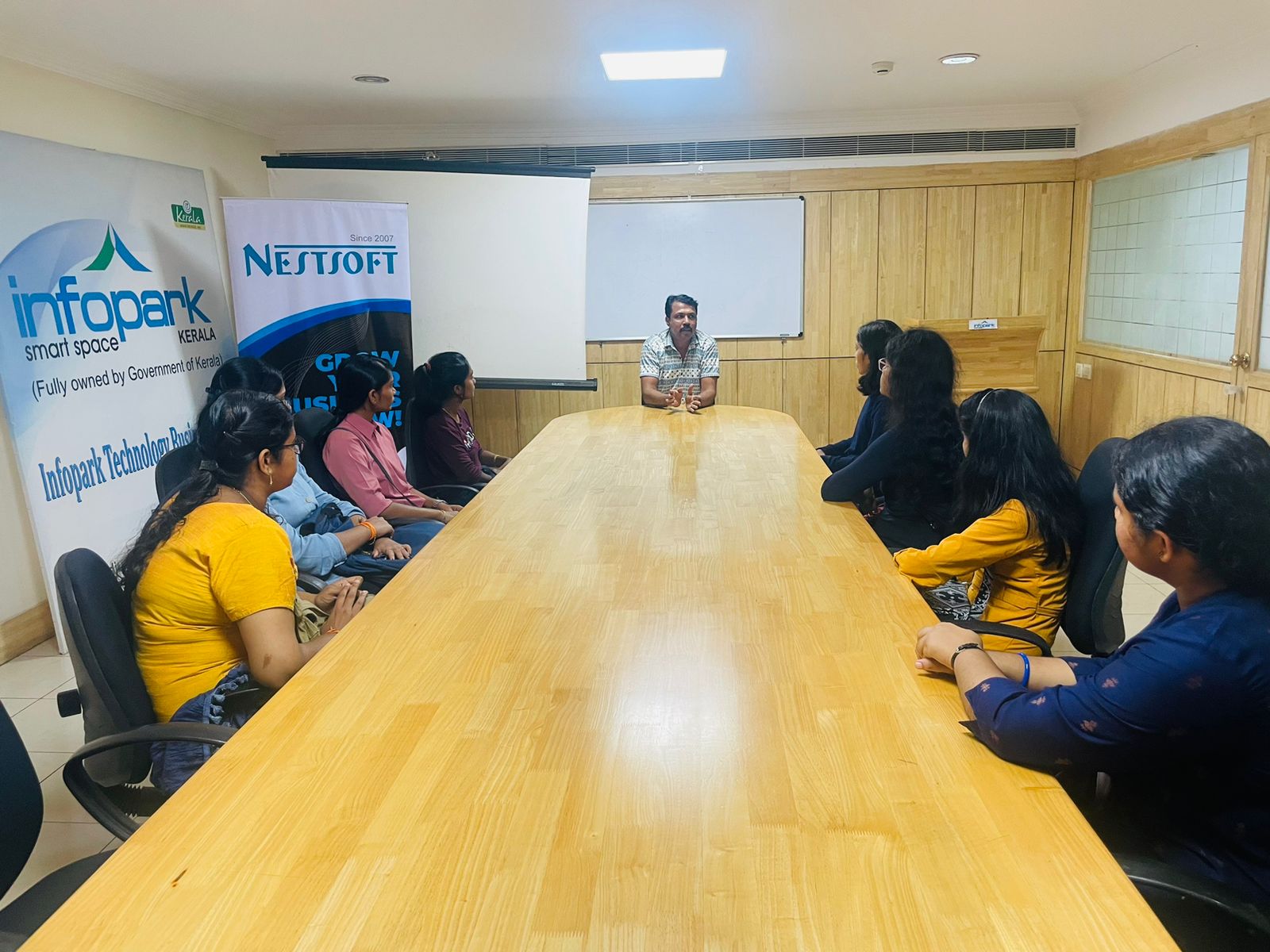
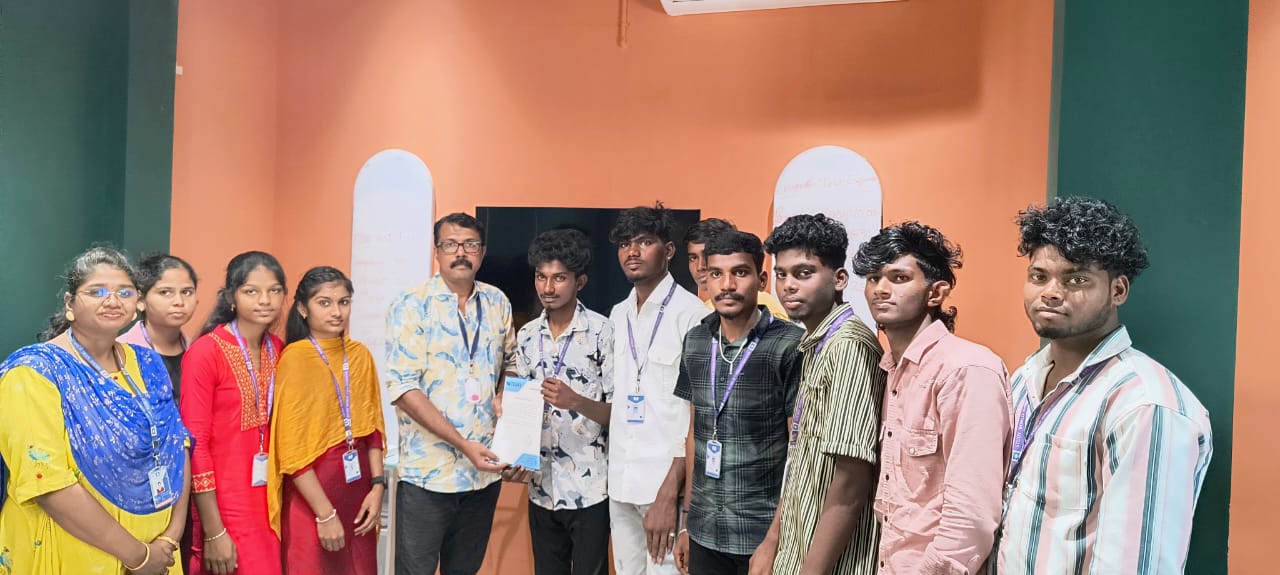
Photos of Training / Internships

Internship/projects in lucerne

Trained more than 10000+ students who trust Nestsoft TechnoMaster

Get Your Personal Trainer