Send enquiry ⏎

Adobe Photoshop Online Live Class by Experts

Our Training/Internship Process

Adobe Photoshop Online Live Classes in Winterthur | Free Demo Training

Adobe Photoshop - Syllabus, Fees & Duration

      Module 1: Introduction to Photoshop (2 Hours)

      Objective: Understand the basics of Photoshop, its interface, and core tools.

      • Overview of Photoshop and its applications
      • Introduction to the workspace:
        • Toolbar, options bar, panels, and canvas
      • Setting up a new document and file formats
      • Basic navigation: Zoom, pan, and rotate view
      • Saving and exporting projects

      Practical: Create and save a simple document with basic shapes.

      Module 2: Working with Layers and Selections (2 Hours)

      Objective: Master layers, layer properties, and selection tools.

      • Understanding layers and the Layers panel
      • Layer types: Text, adjustment, and shape layers
      • Using selection tools:
        • Marquee, Lasso, and Quick Selection tools
        • Refine Edge and Select Subject
      • Basic masking techniques

      Practical: Create a composition using multiple images and adjust layer opacity.

      Module 3: Image Adjustments and Enhancements (3 Hours)

      Objective: Learn to enhance photos using adjustments and filters.

      • Adjusting brightness, contrast, and levels
      • Color corrections: Hue/Saturation and Color Balance
      • Using Adjustment Layers for non-destructive editing
      • Introduction to filters and smart filters
      • Sharpening and blurring images

      Practical: Enhance a photograph by correcting color and applying filters.

      Module 4: Retouching and Repairing Images (2 Hours)

      Objective: Use retouching tools for professional image editing.

      • Healing Brush, Spot Healing Brush, and Patch tools
      • Clone Stamp tool
      • Content-Aware Fill and Move
      • Removing unwanted objects from images
      • Basic portrait retouching techniques

      Practical: Remove blemishes and unwanted objects from a provided image.

      Module 5: Text and Typography (2 Hours)

      Objective: Add and manipulate text for graphic design purposes.

      • Adding text and using the Type tool
      • Formatting text: Fonts, sizes, and styles
      • Working with paragraph and character panels Applying text effects: Drop shadows, strokes, and gradients
      • Typographic layouts and text on paths

      Practical: Create a poster with creative text effects.

      Module 6: Creative Tools and Special Effects (2 Hours)

      Objective: Explore creative possibilities with Photoshop tools and techniques.

      • Introduction to the Pen Tool for paths and shapes
      • Applying layer styles and blending modes
      • Using gradients and patterns
      • Introduction to brushes and custom brushes
      • Creating basic photo manipulations

      Practical: Design a surreal photo manipulation using multiple tools.

      Module 7: Final Project and Review (2 Hours)

      Objective: Consolidate learning by applying all techniques in a final project.

      • Planning and executing a creative project
      • Reviewing core tools and concepts
      • Tips and best practices for Photoshop workflows
      • Feedback on student projects

      Practical: Complete a final project (e.g., a social media post, flyer, or edited photo).

Download Syllabus - Adobe Photoshop
This syllabus is not final and can be customized as per needs/updates
   
10000+
20+
50+
25+

Adobe Photoshop Jobs in Winterthur

Enjoy the demand

Find jobs related to Adobe Photoshop in search engines (Google, Bing, Yahoo) and recruitment websites (monsterindia, placementindia, naukri, jobsNEAR.in, indeed.co.in, shine.com etc.) based in Winterthur, chennai and europe countries. You can find many jobs for freshers related to the job positions in Winterthur.

  • Photoshop Expert
  • Graphic Designer
  • Visual Designer
  • Motion Graphics Designer
  • Photoshop Editor
  • Adobe Photoshop-Architect
  • Graphics Design Trainer
  • Photographer
  • Design Assistant
  • 2d Motion Designer

Adobe Photoshop Internship/Course Details

Adobe Photoshop internship jobs in Winterthur
Adobe Photoshop Usually, it produces the most effective products for a majority of the process effects. Photographers, web designers, or graphic designers must skill to use Adobe Photoshop. Files created in Adobe Photoshop will be simply transferred between totally different programs via creative Suite. after one of our courses, you will be expertise in the use of Photoshop and be assured of getting the professional results you need. Image editors and website creators widely use it. Your works on the projects build it easier and add more by adding special effects or fascinating options on plugins and you'll use numerous tools like brushes, overlays, fonts, textures etc. If you're employed in the graphics field, getting to understand Adobe Photoshop could be a prerequisite. For editing pictures, numerous alternative online applications are available today, but photoshop is the foundation of everything. Photos and videos will be simply and quickly imported into the software using Adobe Photoshop. Adobe Photoshop is the industry-popular image editing code and is employed internationally with the help of using photographers and graphic designers to excellent their virtual pictures.

Meet a Few of our Industry Experts 🚀 Your Pathway to IT Career

Anwar

Mobile: +91 89210 61945
Location: Online (Winterthur, Switzerland)
Qualification: B.Tech CSE

Experience: My technical skills are html css javascript python and basic knowledge of php and ReactJS I am inter in Cetpa  more..

Shilpa

Mobile: +91 9895490866
Location: Online (Winterthur, Switzerland)
Qualification: B.E

Experience: Technical Skills:- • Linux Kernel • Shell Scripting • Advance C Programming • OOP’s using C++ • Data Structures and  more..

Anandhu

Mobile: +91 9895490866
Location: Online (Winterthur, Switzerland)
Qualification: Bachelor's of computer Application

Experience: I Anandhu Narayanan i am bca graduate i completed my graduation in 2023 after my graduation i have done 6  more..

Akshay

Mobile: +91 9895490866
Location: Online (Winterthur, Switzerland)
Qualification: B.E

Experience: I have a 1 year experience in Full stack developer I am working with front end and backend also Skills:-  more..

Rajesh

Mobile: +91 8301010866
Location: Online (Winterthur, Switzerland)
Qualification: M.Tech

Experience: Having rich exp over 10 years on selenium with Java API automation using REST ASSURED mobile testing database testing  more..

Abhinav

Mobile: +91 94975 90866
Location: Online (Winterthur, Switzerland)
Qualification: Btech

Experience: A backend developer with following tech stack 1 Java 2 SpringBoot 3 SQL 4 JavaScript DOM 5 HTML 6 CSS  more..

Akshata

Mobile: +91 98474 90866
Location: Online (Winterthur, Switzerland)
Qualification: MBA IN MARKETING

Experience: 1 9 years Experience On-page seo Off-page seo Google search console Google Analytics Seo tools Social media marketing Keywords research  more..

Ashutosh

Mobile: +91 98474 90866
Location: Online (Winterthur, Switzerland)
Qualification: B.tech CSE

Experience: Front end developer HTML CSS Javascript Bootstrap 1+ year experienced as a Web developer at Invisor Technologies   more..

Nayana

Mobile: +91 9895490866
Location: Online (Winterthur, Switzerland)
Qualification: BTech

Experience: 1 year experience as a software testing Trainee Manual Testing  more..

ravi

Mobile: +91 9895490866
Location: Online (Winterthur, Switzerland)
Qualification: B.Tech

Experience: web development Intern at phn Techlologies pune started coding in java before 6 years have done project in Python and  more..

Vinu

Mobile: +91 89210 61945
Location: Online (Winterthur, Switzerland)
Qualification: B.Tech

Experience: I am having 5 years in android application (java) and support for android projects in kotlin which utilizes sqlite database  more..

Yash

Mobile: +91 91884 77559
Location: Online (Winterthur, Switzerland)
Qualification: Btech

Experience: Front end developer Data structures and algorithms backend developer C++ programming  more..

Nayan

Mobile: +91 91884 77559
Location: Online (Winterthur, Switzerland)
Qualification: B.tech Computer science engineering

Experience: Android developer Java advance Python data mining Linux Oracle Firebase C++ Unity Game development Done 4 running projects in android  more..

Pandiyarajan

Mobile: +91 98474 90866
Location: Online (Winterthur, Switzerland)
Qualification: MSc Information Technology

Experience: Core Java Selenium Automation testing Manual Testing SQL CUCUMBER Framework testNG Jenkins Jira tool   more..

Anjali

Mobile: +91 94975 90866
Location: Online (Winterthur, Switzerland)
Qualification: B.E in computer engineering

Experience: I have 2 6 years of experience in insurance domain and I successfully perform functinal smoke sanity and regression testing  more..

Priyanka

Mobile: +91 94975 90866
Location: Online (Winterthur, Switzerland)
Qualification: B-tech

Experience: Codeigniter developer 10 month experience   more..

Nikhila

Mobile: +91 8301010866
Location: Online (Winterthur, Switzerland)
Qualification: Bca

Experience: Fresher Html angular dbms  more..

Karthik

Mobile: +91 9895490866
Location: Online (Winterthur, Switzerland)
Qualification: BE

Experience: HTML CSS Javascript jquery Bootstrap java python i have experience in front end development around 4 months  more..

Jisha

Mobile: +91 98474 90866
Location: Online (Winterthur, Switzerland)
Qualification: MCA

Experience: Python Html CSS Bootstrap Recently completed internship in python language from sysbreeze technologies kinfra   more..

Abhishek

Mobile: +91 94975 90866
Location: Online (Winterthur, Switzerland)
Qualification: Master in Computer Application

Experience: Linux dot net Aws devops python problem solving critical thinking extrovert time management information gathering  more..

Sahil

Mobile: +91 91884 77559
Location: Online (Winterthur, Switzerland)
Qualification: M.sc(Comp.Sci)

Experience: Skills : JavasScript Java C++ HTML5 CSS3 Tailwind CSS React js React Redux Git MongoDB SQL Building visually appealing user-friendly  more..

anokhilal

Mobile: +91 98474 90866
Location: Online (Winterthur, Switzerland)
Qualification: B.tech

Experience: I have 2year experience asp net mvc and c# winform Using technology java script ajax html css  more..

Mohd

Mobile: +91 98474 90866
Location: Online (Winterthur, Switzerland)
Qualification: MBA

Experience: Passionate Canva designer with a keen eye for aesthetics and a knack for translating concepts into visually appealing graphics Proven  more..

Umesh

Mobile: +91 98474 90866
Location: Online (Winterthur, Switzerland)
Qualification: BE

Experience: Recently i did my software testing courses and i was a top performer in the courses Also i have the  more..

Success Stories

The enviable salary packages and track record of our previous students are the proof of our excellence. Please go through our students' reviews about our training methods and faculty and compare it to the recorded video classes that most of the other institutes offer. See for yourself how TechnoMaster is truly unique.

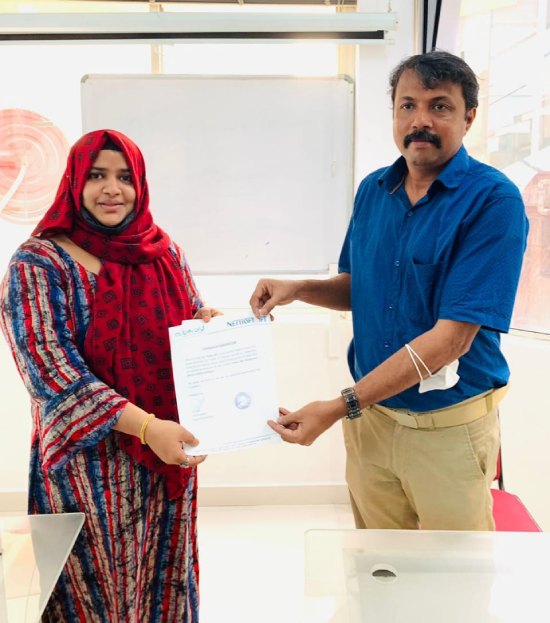
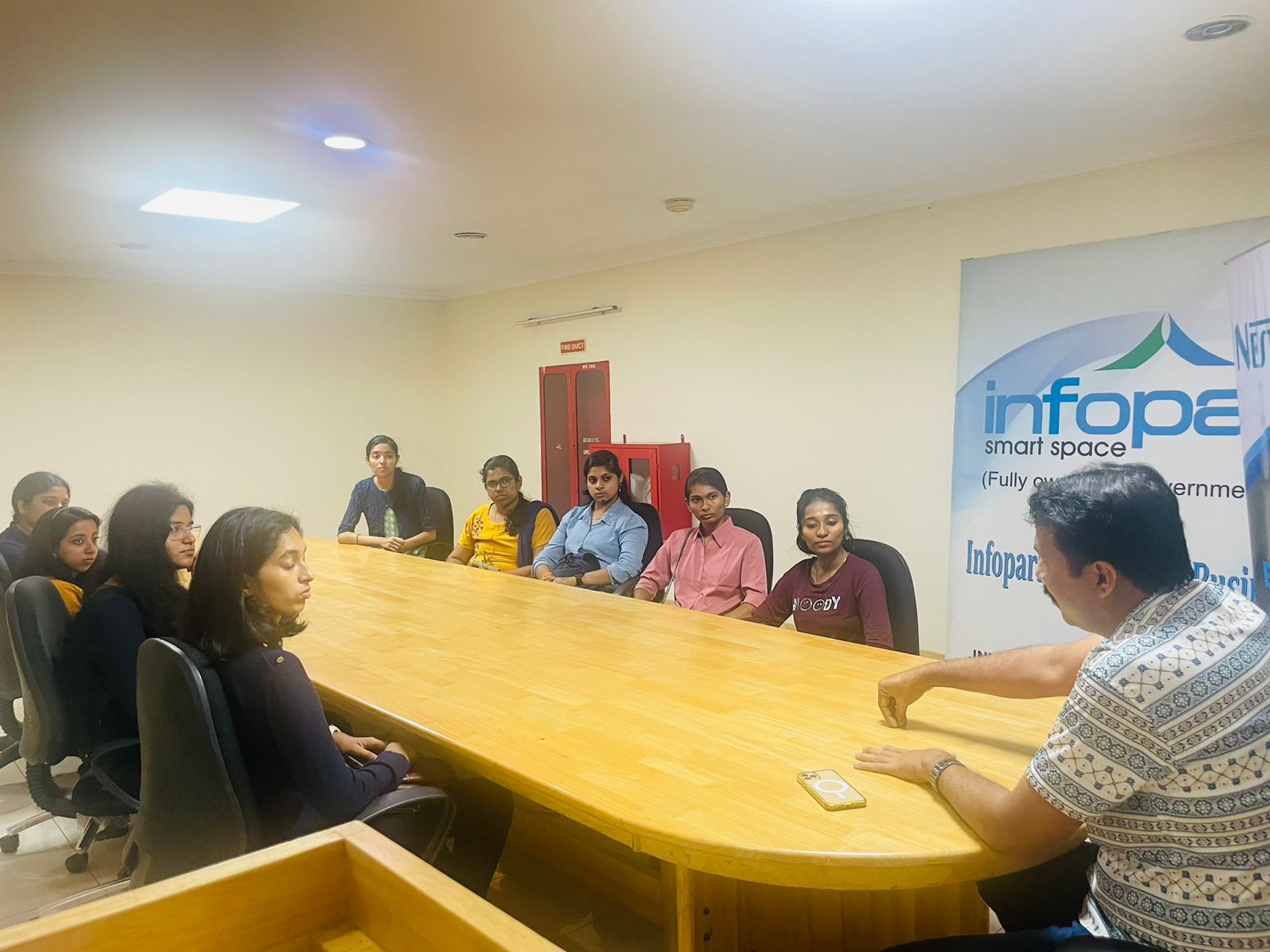
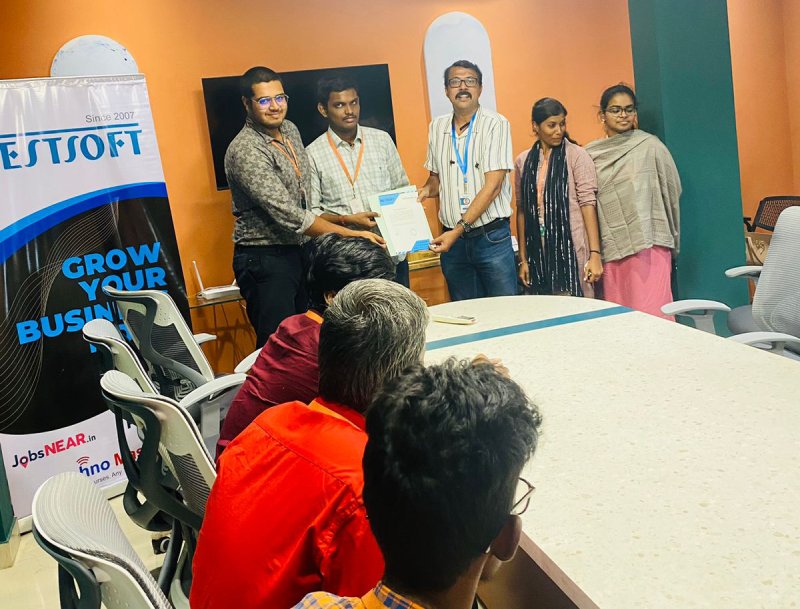
Photos of Training / Internships

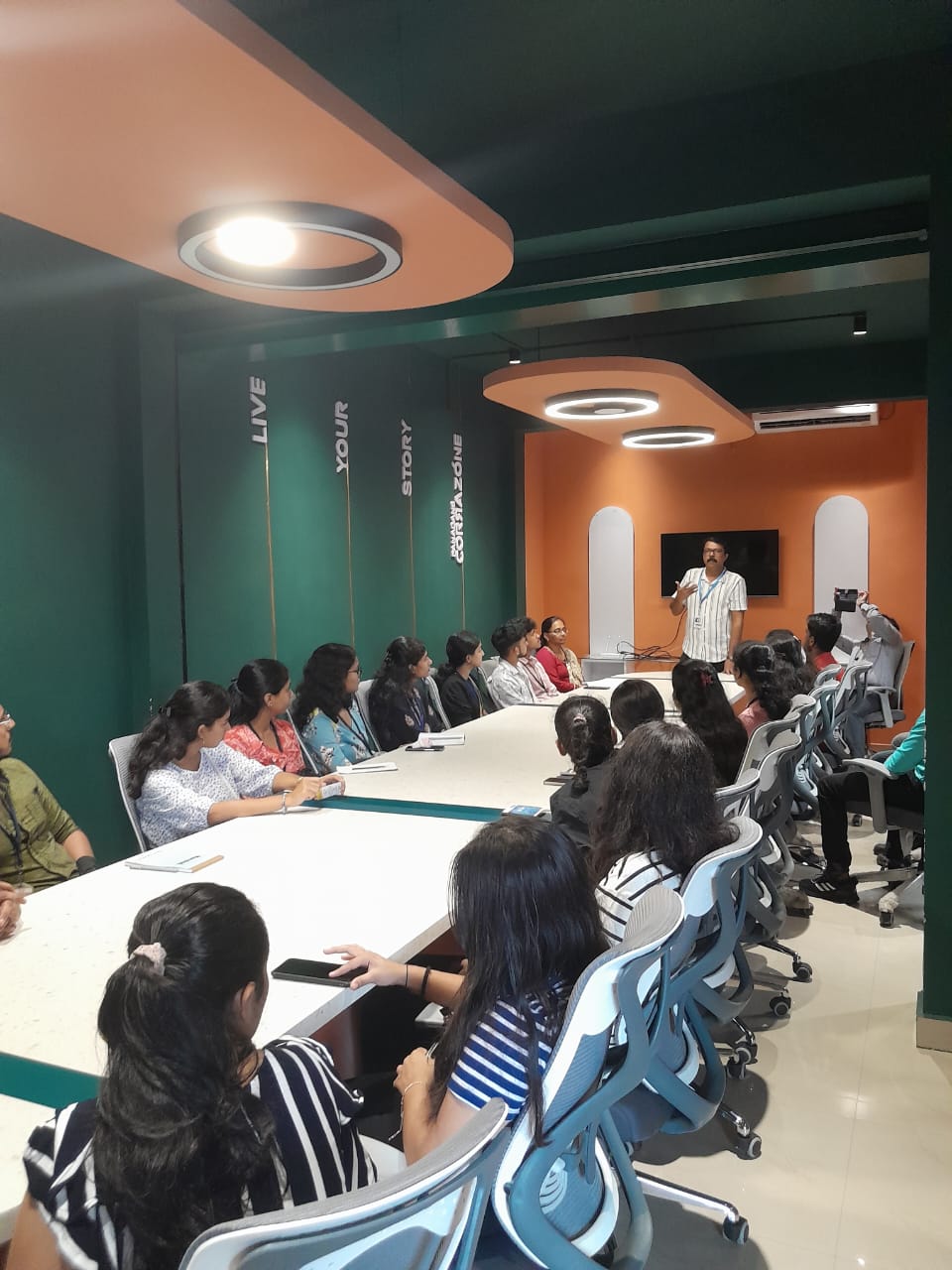
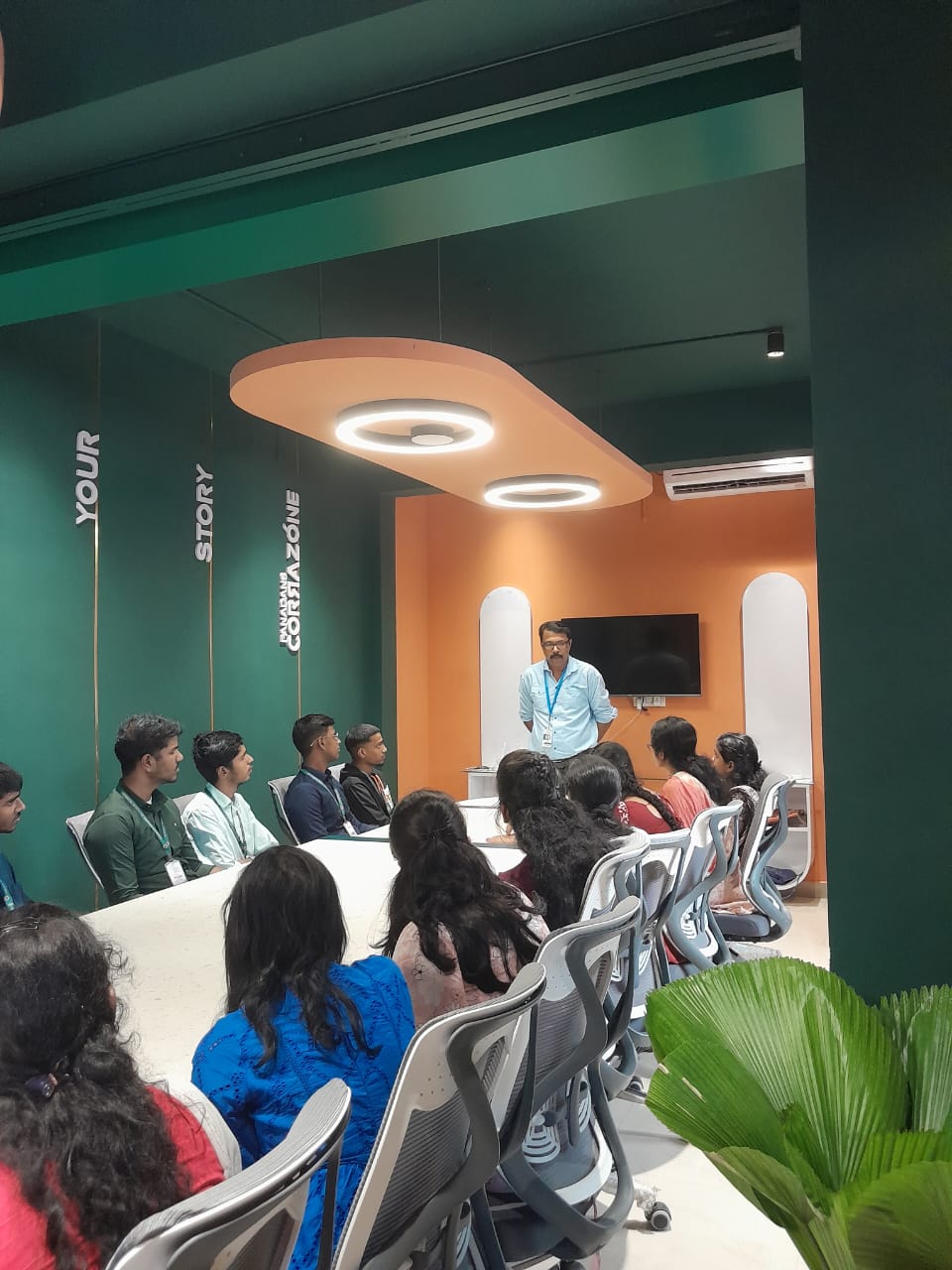
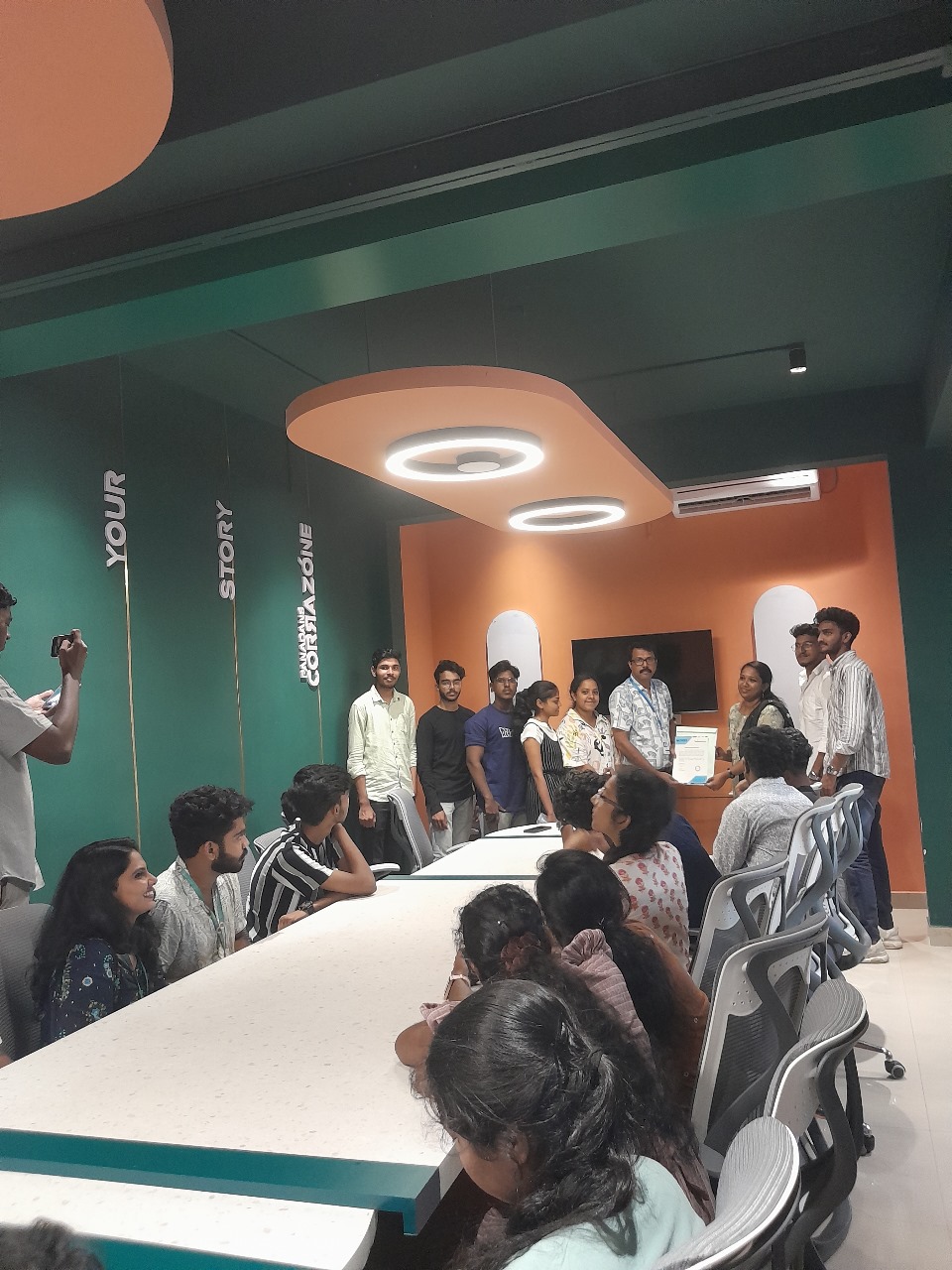
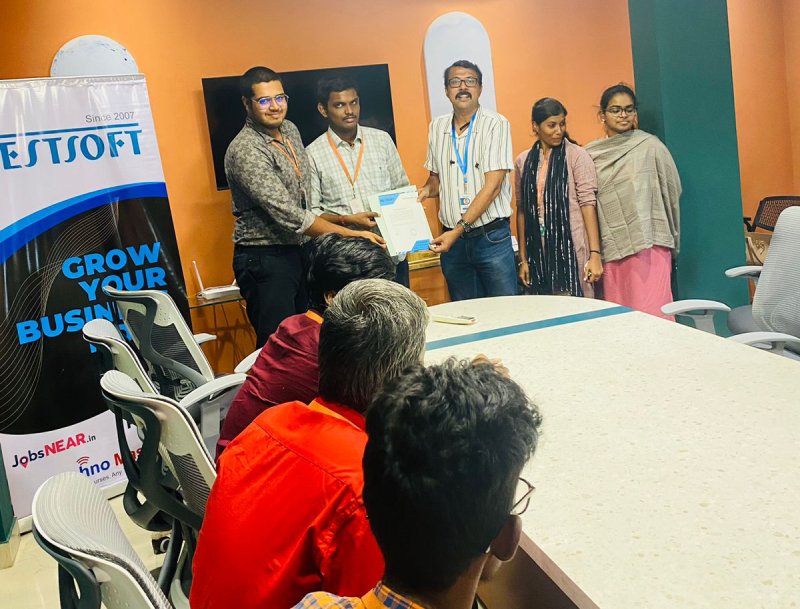
Internship/projects in winterthur

Trained more than 10000+ students who trust Nestsoft TechnoMaster

Get Your Personal Trainer