Send enquiry ⏎

Adobe XD Online Live Class by Experts

Our Training/Internship Process

Adobe XD Online Live Classes in Lugano | Free Demo Training

Adobe XD - Syllabus, Fees & Duration

Section 1

Creating New Files & Designing on a Grid
  • Creating a new file
  • Setting up artboards
  • Importing text
  • Creating colored backgrounds for text
Importing & Cropping Photos
  • Importing a photo as an image fill (crop a photo)
  • Rounding corners
Vector Graphics, Colors, Shadows, & More
  • Importing & modifying vector graphics
  • Aligning & distributing layers
  • Layer opacity vs. fill opacity
  • Reusing colors (color swatches)
  • Adding a drop shadow
Character Styles
  • Creating & Editing Character Styles

Section 2

Repeat Grids
  • Creating a Repeat Grid
  • Customizing the content
  • Adjusting the design
Components (Reusable Elements)
  • Creating & editing components
  • Overriding content in one instance vs. globally updating all components
  • Detaching from a component
  • Components versus Repeat Grids
Turning a Design into a Clickable Prototype
  • Linking between artboards Previewing the prototype Creating an overlay Background blur Fixing the position of elements so they don’t scroll Making a recording of a prototype
Exporting Assets for Web: SVG, JPEG, & PNG
  • Exporting individual assets Exporting artboards
Sharing XD Files (For Review, Developers, etc.)
  • Sharing an XD file Commenting on shared files Pinning a comment Updating an existing shared file Sharing for Development

Section 3

Stacks, Padding, & Responsive Resize
  • Creating a Stack & Adjusting the Spacing Rearranging & Adding Items to a Stack Responsive Resize, Stacks, & Padding Keystrokes for Working with Stacks & Padding Nesting Stacks (Stacks Within Stacks)
Linking Up/Down a Page & Scrollable Areas
  • Making Links that Scroll Up/Down a Page Making the Navbar Fixed to the Screen Adjusting the Position & Speed of the Scroll Creating a Scrollable Area Within a Page
Intro to Auto-Animate
  • The Basics of Auto-Animate Different Kinds of Easing Adding a Timed Animation
Parallax Animation
  • Setting Up the Parallax Assets
  • Building the Parallax Animation
Component States (Hover & More)
  • Adding a Hover State to a Button
  • Custom Component States

Section 4

Creating 3D Transforms
  • Adding 3D Transforms
  • Front to Back versus Z Position
Adding Interactions to a Slideshow: Tap, Drag, & Keys
  • Creating a Working Slideshow Prototype
  • Adding Tap Interactions
  • Adding the Ability to Drag
  • Adding Keystrokes
Time Interactions & Adding Audio (Sound Effects)
  • Adding a Drag Interaction
  • Adding a Time Interaction
  • Adding a Sound Effect
  • Adding a Keystroke
Linked Components & Shared Libraries
  • Linked Components
  • Shared Libraries

Download Syllabus - Adobe XD
This syllabus is not final and can be customized as per needs/updates
   
10000+
20+
50+
25+

Adobe XD Jobs in Lugano

Enjoy the demand

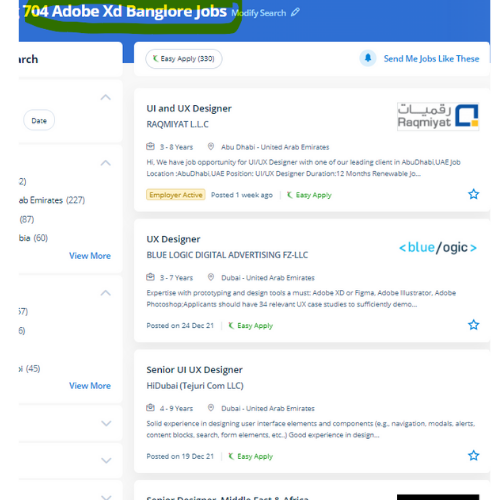
Find jobs related to Adobe XD in search engines (Google, Bing, Yahoo) and recruitment websites (monsterindia, placementindia, naukri, jobshybrid.com, indeed.co.in, shine.com etc.) based in Lugano, chennai and europe countries. You can find many jobs for freshers related to the job positions in Lugano.

  • Graphic Designer
  • UX/UI Designer
  • Digital Marketing Executive
  • UI/UX Artist
  • Freelance Graphic Designer
  • Ui/ux Mobile Designer
  • Adobe XD Web Design
  • UI/UX Front End Developer
  • Ux Designer
  • Website Designer

Adobe XD Internship/Course Details

Adobe XD internship jobs in Lugano
Adobe XD additionally Explore essential tools like colors, artboards, layers, fonts. Gain mastery in ideation, Prototype, Sharing, Testing. Adobe XD empowers designers with the speed, precision, and quality to seamlessly repeat and share interactive prototypes with team members and reviewers across devices and platforms, along with Windows, Mac, iOS, and android. you'll be able to ask queries, concentrate, and communicate with the trainer, even proportion your display screen as a part of these interactive classes. one among the most fascinating examples is one referred to as Repeat Grid, which permits you to simply copy repeatable elements of an interface, the same as tables or lists, and doesn’t consume plenty of system resources. after this course, you may be able to use XD for your production work. . Apps and websites are designed effectively using Adobe Xd . In Adobe XD the coaching course, you may learn to speedily design, prototype, and share interactive experiences using Adobe XD CC. Our institute offers one of the wonderful Adobe XD courses.


Meet a Few of our Industry Experts 🚀 Your Pathway to IT Career

Neenu

Mobile: +91 91884 77559
Location: Online (Lugano, Switzerland)
Qualification: Btech

Experience: I am an experienced php programmer  more..

Kakul

Mobile: +91 8301010866
Location: Online (Lugano, Switzerland)
Qualification: Bachelors in computer applications

Experience: Have 2 years of experience do on page off page technical and local seo as well Currently handling 9 projects  more..

Barinder

Mobile: +91 91884 77559
Location: Online (Lugano, Switzerland)
Qualification: Mca

Experience: Mvvm kotlin Java Android react native navigation Room Google map payment gateways firebase etc  more..

Shalini

Mobile: +91 91884 77559
Location: Online (Lugano, Switzerland)
Qualification: B.Tech

Experience: Done software testing course  more..

Abdul

Mobile: +91 94975 90866
Location: Online (Lugano, Switzerland)
Qualification: BCA

Experience: Java developer fresher   more..

rohini

Mobile: +91 8301010866
Location: Online (Lugano, Switzerland)
Qualification: M. Sc. I. T

Experience: C# sql javascript- jquery asp Net wcf html css azure  more..

Priyanka

Mobile: +91 98474 90866
Location: Online (Lugano, Switzerland)
Qualification: B-tech

Experience: Codeigniter developer 10 month experience   more..

Linkan

Mobile: +91 91884 77559
Location: Online (Lugano, Switzerland)
Qualification: M.E

Experience: Manual testing Automation Testing API Testing SQL  more..

Akhilesh

Mobile: +91 91884 77559
Location: Online (Lugano, Switzerland)
Qualification: B.Tech

Experience: I have 1 8 years of Experience in Web based application testing My skills are Manual Testing API Testing Functional  more..

Sameer

Mobile: +91 91884 77559
Location: Online (Lugano, Switzerland)
Qualification: Graduation

Experience: An enthusiastic learner with a strong will to give vision to exceptional ideas that communicate the brand’s mission at large  more..

Soja

Mobile: +91 94975 90866
Location: Online (Lugano, Switzerland)
Qualification: Btech

Experience: Software testing  more..

Katyayani

Mobile: +91 91884 77559
Location: Online (Lugano, Switzerland)
Qualification: Bachelor of Engineering

Experience: Microsoft excel PowerPoint word web development Canva Creative design editing  more..

Manish

Mobile: +91 91884 77559
Location: Online (Lugano, Switzerland)
Qualification: BSC.IT

Experience: I have good knowledge at java full stack i have trained at naresh i technology in Hyderabad I know both  more..

Krishna

Mobile: +91 9895490866
Location: Online (Lugano, Switzerland)
Qualification: MCA

Experience: Five years of experience in Odoo development including creating developing and deploying Odoo solutions for various customer bases capable of  more..

Raj

Mobile: +91 89210 61945
Location: Online (Lugano, Switzerland)
Qualification: BcA

Experience: This Email is to express my interest in the post of Android Developer With a Bachelor’s degree in Computer Applications(BCA)  more..

Gyanappa

Mobile: +91 98474 90866
Location: Online (Lugano, Switzerland)
Qualification: BE

Experience: 2 5 years of experience in Automation testing skills are selenium Java testng appium MySQL Rest Assured postman   more..

ABI.

Mobile: +91 91884 77559
Location: Online (Lugano, Switzerland)
Qualification: Mca

Experience: Html css Java script react js redux dca  more..

Khelan

Mobile: +91 98474 90866
Location: Online (Lugano, Switzerland)
Qualification: B.E

Experience: Communication(English Hindi Gujarati) team work html css javascript react php sql  more..

VEENA

Mobile: +91 8301010866
Location: Online (Lugano, Switzerland)
Qualification: BTech ECE

Experience: python ML R SQL EXCEL TABLEUA  more..

Aswin

Mobile: +91 91884 77559
Location: Online (Lugano, Switzerland)
Qualification: B. Sc physics

Experience: I have completed in java full Stack developer I know the Technical knowledge of Java Mysql Html Css Jsp   more..

Achutha

Mobile: +91 94975 90866
Location: Online (Lugano, Switzerland)
Qualification: B.Sc

Experience: I have experience in manual testing and automation testing with jira software Jenkins automation testing of Selenium with Java testNG  more..

Abhinav

Mobile: +91 8301010866
Location: Online (Lugano, Switzerland)
Qualification: Btech

Experience: A backend developer with following tech stack 1 Java 2 SpringBoot 3 SQL 4 JavaScript DOM 5 HTML 6 CSS  more..

Abhishek

Mobile: +91 91884 77559
Location: Online (Lugano, Switzerland)
Qualification: Bachelor of Computer Application(BCA)

Experience: I have a strong foundation in UI UX design specializing in Figma for creating prototypes and mockups during various college  more..

Ramathota

Mobile: +91 98474 90866
Location: Online (Lugano, Switzerland)
Qualification: Btech

Experience: Experience I have over 1 5 years of focused experience in UI UX design starting with internships that transitioned into  more..

Success Stories

The enviable salary packages and track record of our previous students are the proof of our excellence. Please go through our students' reviews about our training methods and faculty and compare it to the recorded video classes that most of the other institutes offer. See for yourself how TechnoMaster is truly unique.

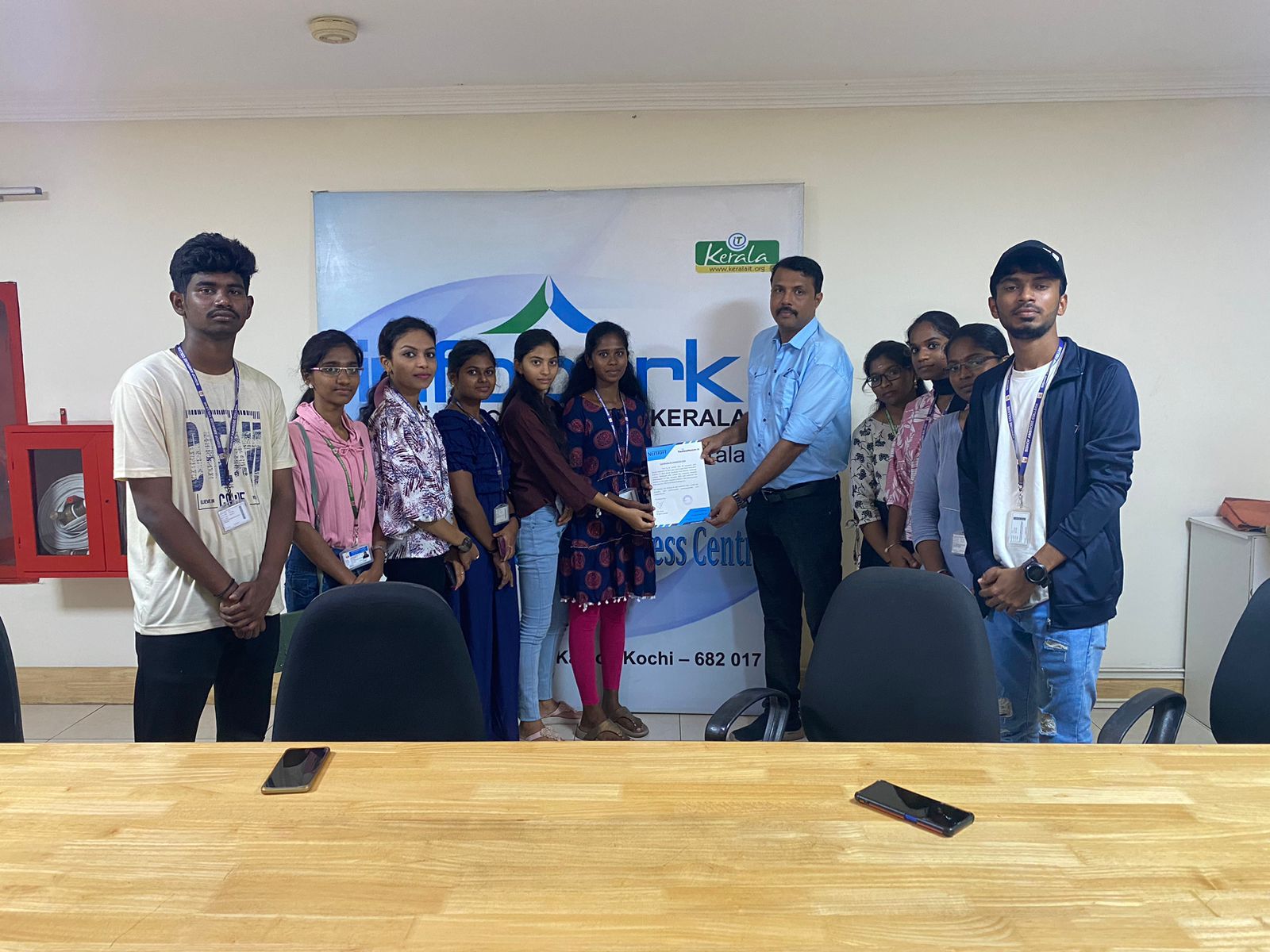
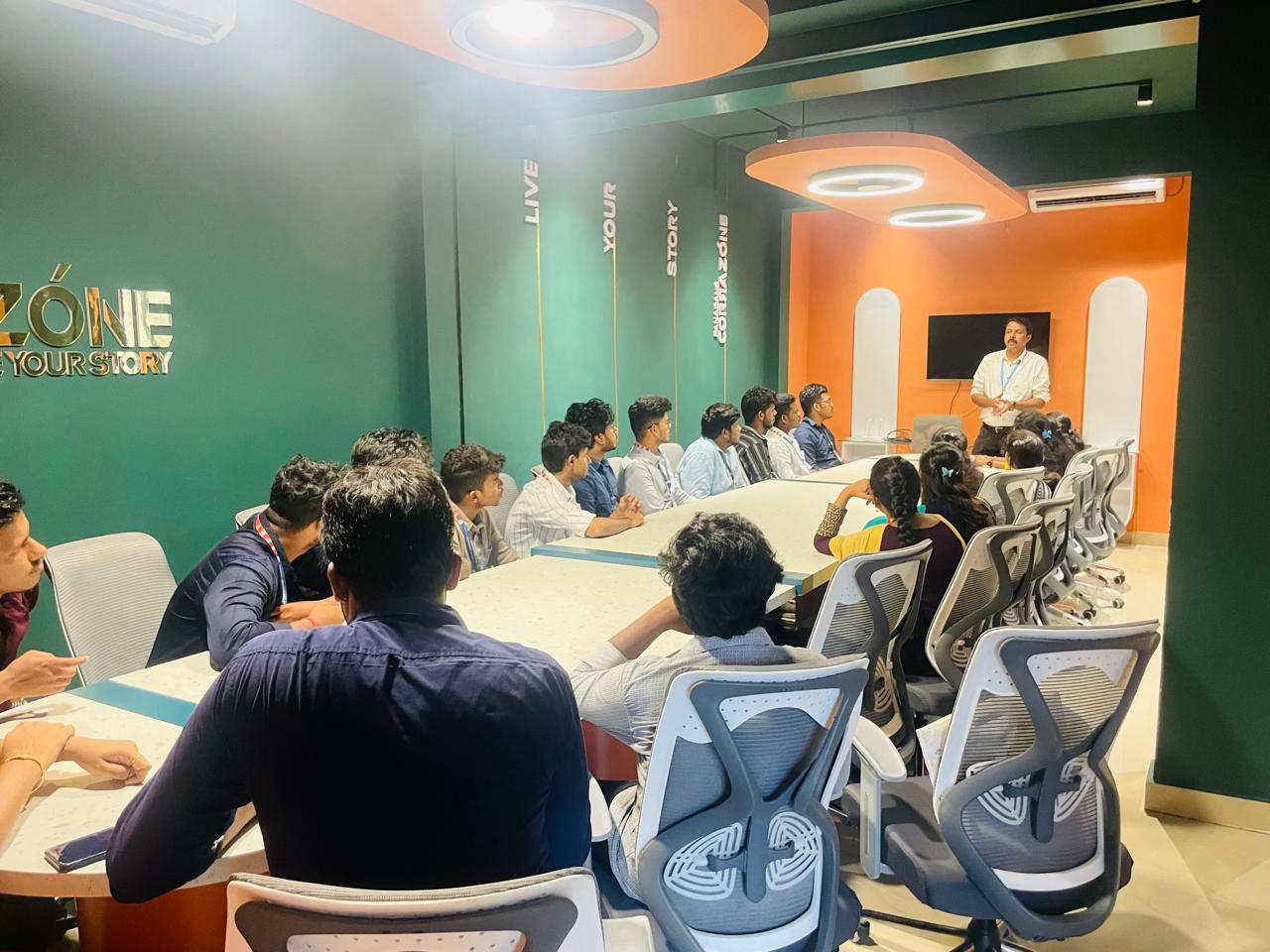
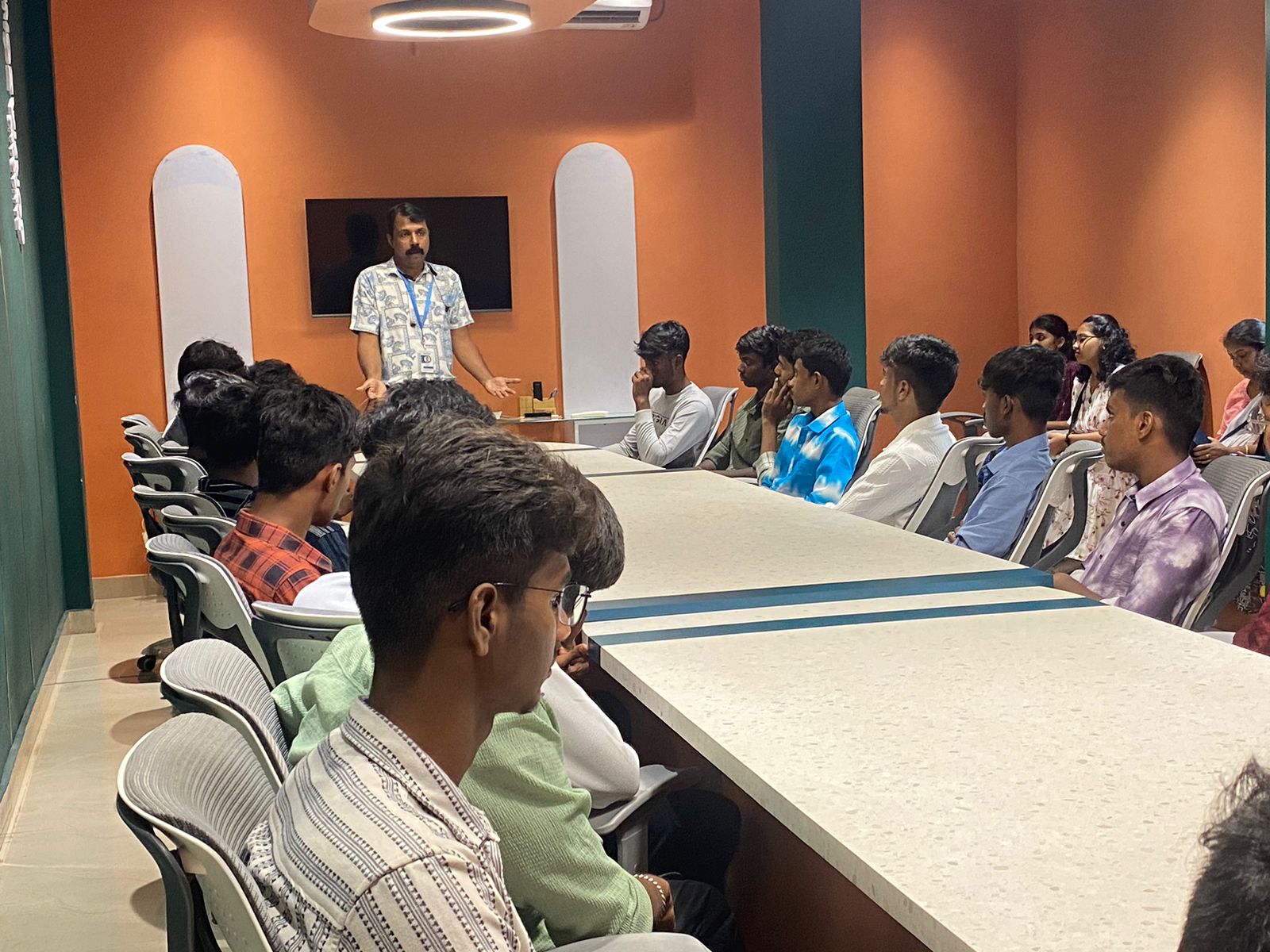
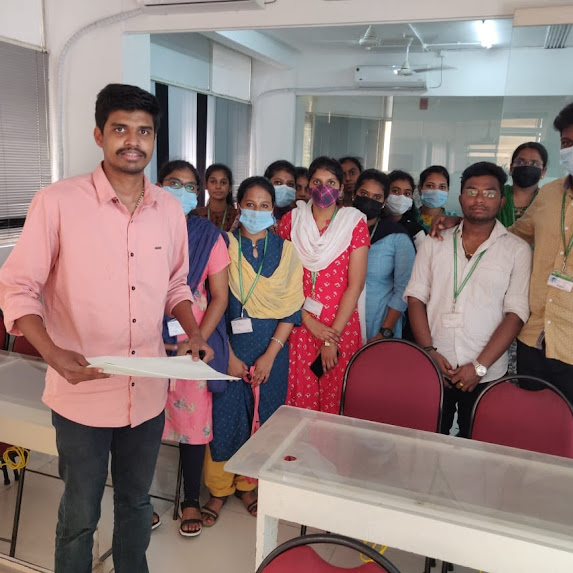
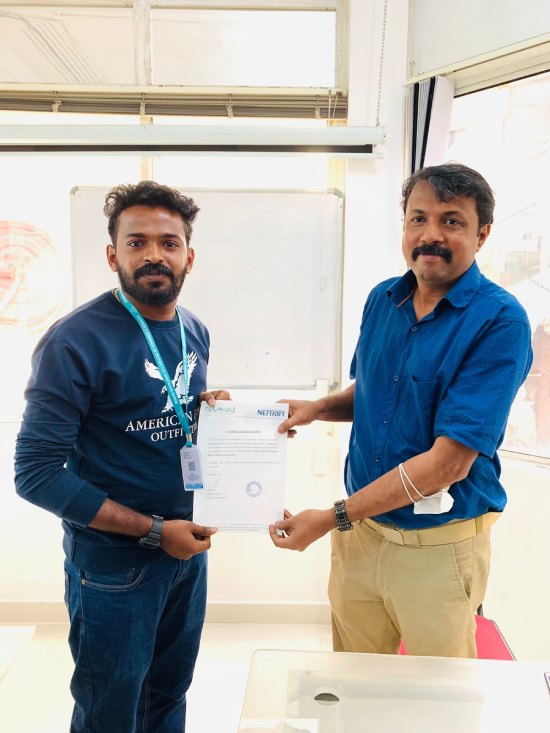
Photos of Training / Internships

Internship/projects in lugano

Trained more than 10000+ students who trust Nestsoft TechnoMaster

Get Your Personal Trainer