Send enquiry ⏎

Adobe XD Online Live Class by Experts

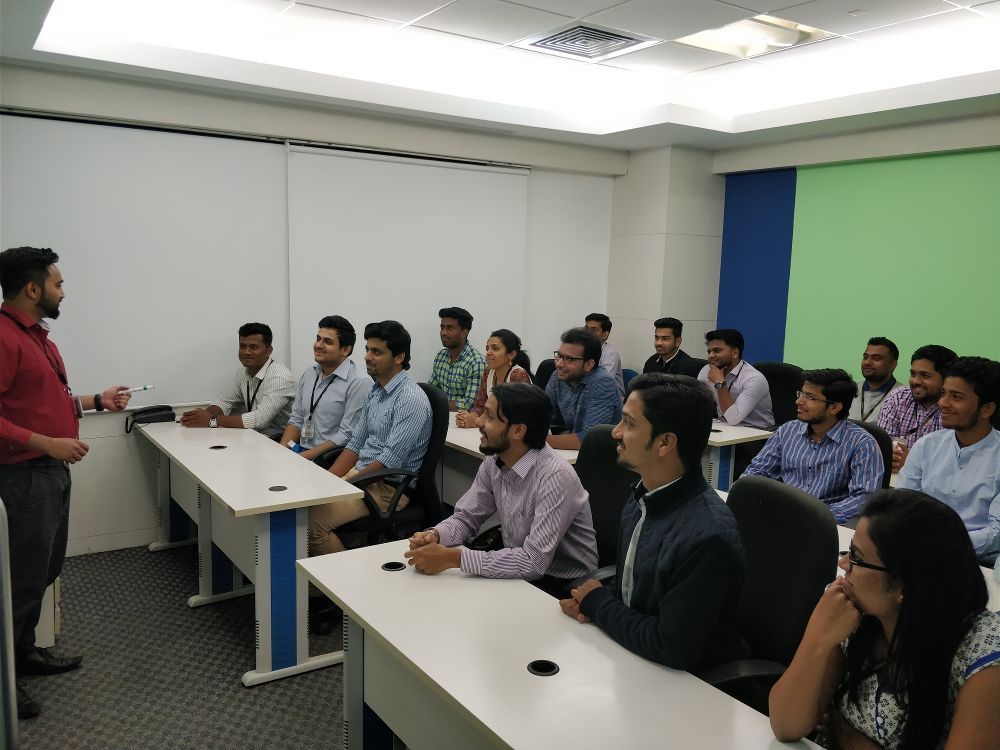
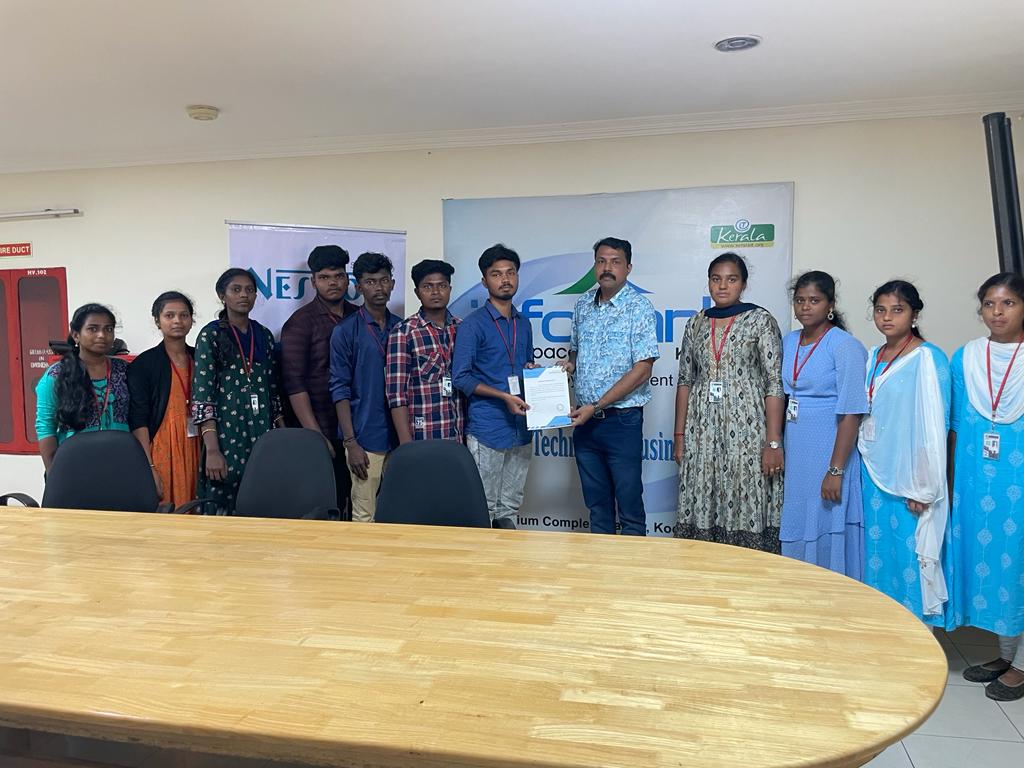
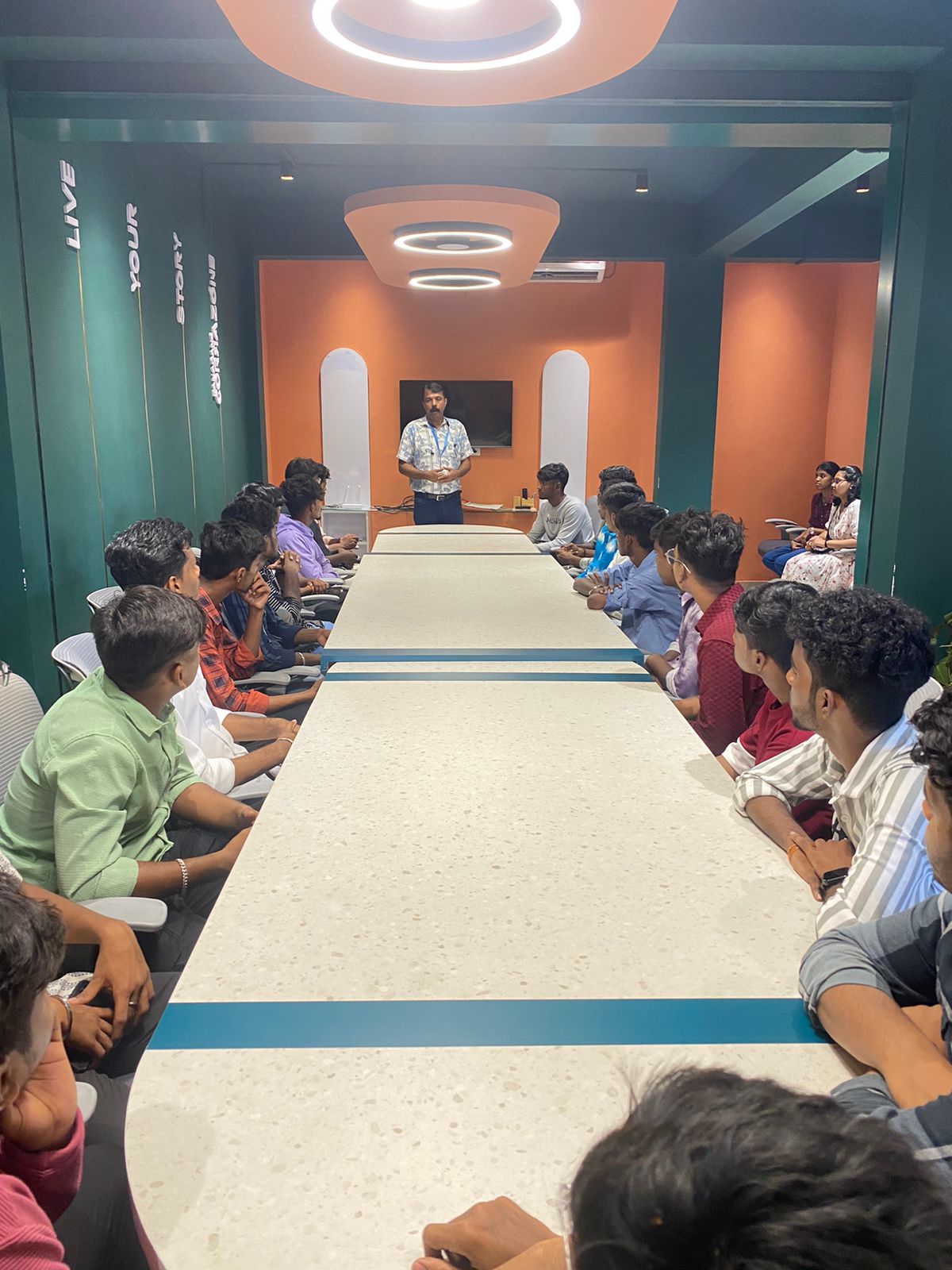
Our Training/Internship Process

Adobe XD Online Live Classes in Chur | Free Demo Training

Adobe XD - Syllabus, Fees & Duration

Section 1

Creating New Files & Designing on a Grid
  • Creating a new file
  • Setting up artboards
  • Importing text
  • Creating colored backgrounds for text
Importing & Cropping Photos
  • Importing a photo as an image fill (crop a photo)
  • Rounding corners
Vector Graphics, Colors, Shadows, & More
  • Importing & modifying vector graphics
  • Aligning & distributing layers
  • Layer opacity vs. fill opacity
  • Reusing colors (color swatches)
  • Adding a drop shadow
Character Styles
  • Creating & Editing Character Styles

Section 2

Repeat Grids
  • Creating a Repeat Grid
  • Customizing the content
  • Adjusting the design
Components (Reusable Elements)
  • Creating & editing components
  • Overriding content in one instance vs. globally updating all components
  • Detaching from a component
  • Components versus Repeat Grids
Turning a Design into a Clickable Prototype
  • Linking between artboards Previewing the prototype Creating an overlay Background blur Fixing the position of elements so they don’t scroll Making a recording of a prototype
Exporting Assets for Web: SVG, JPEG, & PNG
  • Exporting individual assets Exporting artboards
Sharing XD Files (For Review, Developers, etc.)
  • Sharing an XD file Commenting on shared files Pinning a comment Updating an existing shared file Sharing for Development

Section 3

Stacks, Padding, & Responsive Resize
  • Creating a Stack & Adjusting the Spacing Rearranging & Adding Items to a Stack Responsive Resize, Stacks, & Padding Keystrokes for Working with Stacks & Padding Nesting Stacks (Stacks Within Stacks)
Linking Up/Down a Page & Scrollable Areas
  • Making Links that Scroll Up/Down a Page Making the Navbar Fixed to the Screen Adjusting the Position & Speed of the Scroll Creating a Scrollable Area Within a Page
Intro to Auto-Animate
  • The Basics of Auto-Animate Different Kinds of Easing Adding a Timed Animation
Parallax Animation
  • Setting Up the Parallax Assets
  • Building the Parallax Animation
Component States (Hover & More)
  • Adding a Hover State to a Button
  • Custom Component States

Section 4

Creating 3D Transforms
  • Adding 3D Transforms
  • Front to Back versus Z Position
Adding Interactions to a Slideshow: Tap, Drag, & Keys
  • Creating a Working Slideshow Prototype
  • Adding Tap Interactions
  • Adding the Ability to Drag
  • Adding Keystrokes
Time Interactions & Adding Audio (Sound Effects)
  • Adding a Drag Interaction
  • Adding a Time Interaction
  • Adding a Sound Effect
  • Adding a Keystroke
Linked Components & Shared Libraries
  • Linked Components
  • Shared Libraries

Download Syllabus - Adobe XD
This syllabus is not final and can be customized as per needs/updates
   
10000+
20+
50+
25+

Adobe XD Jobs in Chur

Enjoy the demand

Find jobs related to Adobe XD in search engines (Google, Bing, Yahoo) and recruitment websites (monsterindia, placementindia, naukri, jobshybrid.com, indeed.co.in, shine.com etc.) based in Chur, chennai and europe countries. You can find many jobs for freshers related to the job positions in Chur.

  • Graphic Designer
  • UX/UI Designer
  • Digital Marketing Executive
  • UI/UX Artist
  • Freelance Graphic Designer
  • Ui/ux Mobile Designer
  • Adobe XD Web Design
  • UI/UX Front End Developer
  • Ux Designer
  • Website Designer

Adobe XD Internship/Course Details

Adobe XD internship jobs in Chur
Adobe XD Our institute offers one of the wonderful Adobe XD courses. Apps and websites are designed effectively using Adobe Xd . This course may be an advanced analysis of Adobe XD working techniques to be used for the creation and later implementation of our project into a totally fleshed, operating website, whereas not even one line of code. you'll be able to use it to share feedback quickly or raise queries directly within the project by using a built-in commenting feature of xd thus your project's sensible speed by providing you with definite choices. do you need to excel in growing seamless UI/UX styles on your websites and apps? Then, Nestsoft’s Adobe XD coaching is simply the proper course for your career. Adobe XD is needed for designers to form stunning prototypes, UI/UX styles, websites, etc. In Adobe XD the coaching course, you may learn to speedily design, prototype, and share interactive experiences using Adobe XD CC. It supports vector style and web site wireframing and manufacture easy interactive click-through prototypes. additionally Explore essential tools like colors, artboards, layers, fonts. after this course, you may be able to use XD for your production work.


Meet a Few of our Industry Experts 🚀 Your Pathway to IT Career

Sohan

Mobile: +91 94975 90866
Location: Online (Chur, Switzerland)
Qualification: B tech CSE

Experience: I have 5 years in experience in android development I am finding the organization where I can work for a  more..

Aniket

Mobile: +91 9895490866
Location: Online (Chur, Switzerland)
Qualification: Bsc computer science

Experience: Software testing agile methodology API testing hardware software trabulshooting project management  more..

Shalvi

Mobile: +91 89210 61945
Location: Online (Chur, Switzerland)
Qualification: Btech graduate

Experience: Fullstack developer Software engineer   more..

Nishant

Mobile: +91 91884 77559
Location: Online (Chur, Switzerland)
Qualification: Bsc chemistry

Experience: Manual testing automation testing  more..

Yash

Mobile: +91 94975 90866
Location: Online (Chur, Switzerland)
Qualification: Btech

Experience: Front end developer Data structures and algorithms backend developer C++ programming  more..

irfan

Mobile: +91 91884 77559
Location: Online (Chur, Switzerland)
Qualification: B.E

Experience: react javascript tailwind css html wordpress woocommerce elementor builder bootstrap mui front end figma canva  more..

SAHIL

Mobile: +91 8301010866
Location: Online (Chur, Switzerland)
Qualification: Bachelor's

Experience: I have 1 year experience in wordpress and expertise in Html CSS javascript wordpress react I'm familiar with plugins like  more..

Mahendran

Mobile: +91 91884 77559
Location: Online (Chur, Switzerland)
Qualification: Btech

Experience: Skills : 1 User interface design 2 User experience design 3 Wireframing and prototyping 4 Interaction design 5 Usability testing  more..

Athira

Mobile: +91 91884 77559
Location: Online (Chur, Switzerland)
Qualification: ME

Experience: Preparing study plan Curriculum development Teaching Computer skills  more..

Lakshmana

Mobile: +91 8301010866
Location: Online (Chur, Switzerland)
Qualification: BE CSE

Experience: Subject: Application for Content Writer Position at Jar Company Dear Hiring Manager I am writing to express my strong interest  more..

Lavanya

Mobile: +91 98474 90866
Location: Online (Chur, Switzerland)
Qualification: MSc Computer Science

Experience: Web development photoshop Java c c++ SQL  more..

Prince

Mobile: +91 91884 77559
Location: Online (Chur, Switzerland)
Qualification: B.tech

Experience: I have a good knowledge of object oriented programming language (java) and along with database knowledge Oracle SQL Pl-SQL C  more..

Vidhya

Mobile: +91 9895490866
Location: Online (Chur, Switzerland)
Qualification: Mca

Experience: React angular Nodejs netApplication for Angular JS  more..

Jyotika

Mobile: +91 91884 77559
Location: Online (Chur, Switzerland)
Qualification: B.Sc (H) Computer Science

Experience: For the past 5 months I have been working as a UI UX Intern at Grey to Yellow and then  more..

Sahal

Mobile: +91 91884 77559
Location: Online (Chur, Switzerland)
Qualification: BCA

Experience: manual testing automation testing test case test scenario bug report selenium basics of Java basics of SQL server jmeter API  more..

kavya

Mobile: +91 91884 77559
Location: Online (Chur, Switzerland)
Qualification: B tech

Experience: Manual testing Automation testing Retesting Regression testing Black box testing Smoke testing Sanity testing Exploratory testing API testing SQL queries  more..

Kanika

Mobile: +91 89210 61945
Location: Online (Chur, Switzerland)
Qualification: 3rd year BE.CS

Experience: HTML CSS JavaScript: Web development technologies for content design and interactivity Git: Version control for code management and collaboration Java:  more..

Aditya

Mobile: +91 98474 90866
Location: Online (Chur, Switzerland)
Qualification: BCA

Experience: Rich experience in Android development  more..

Chitimelly

Mobile: +91 98474 90866
Location: Online (Chur, Switzerland)
Qualification: B.tech

Experience: I am good at python programming c programming SQL and machine learning  more..

Anant

Mobile: +91 8301010866
Location: Online (Chur, Switzerland)
Qualification: B.TECH

Experience: I have 1 4 years of experience in Android development I have key knowledge of Java Kotlin and Android Development  more..

Himna

Mobile: +91 89210 61945
Location: Online (Chur, Switzerland)
Qualification: MSc Computer Science with specialization in Data Science

Experience: I am confident that with my strong technical skills and experience in both full-stack development and data science I possess  more..

Moksh

Mobile: +91 98474 90866
Location: Online (Chur, Switzerland)
Qualification: Undergraduate

Experience: I am a Computer Science Engineering student with great proficiency in front end development skills such as react js css  more..

Shaik

Mobile: +91 8301010866
Location: Online (Chur, Switzerland)
Qualification: Bcom computers

Experience: 1 year of experience in front end development my skills are html css javascript react js wix   more..

Nitish

Mobile: +91 9895490866
Location: Online (Chur, Switzerland)
Qualification: Master's

Experience: Experience 2 years User Research wireframing mobile design Prototyping  more..

Success Stories

The enviable salary packages and track record of our previous students are the proof of our excellence. Please go through our students' reviews about our training methods and faculty and compare it to the recorded video classes that most of the other institutes offer. See for yourself how TechnoMaster is truly unique.

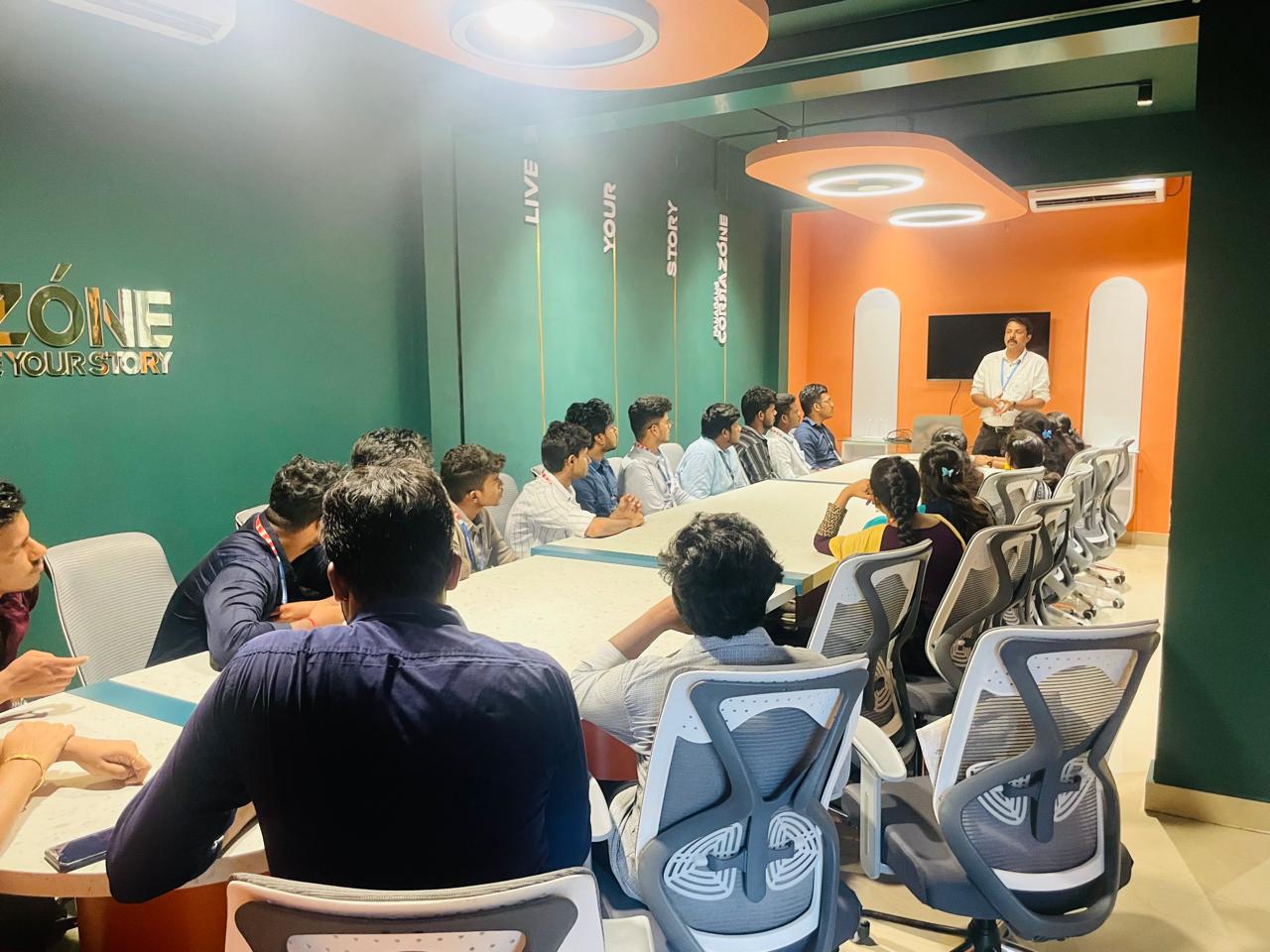
Photos of Training / Internships

Internship/projects in chur

Trained more than 10000+ students who trust Nestsoft TechnoMaster

Get Your Personal Trainer