Send enquiry ⏎

Autodesk 3Ds Max Online Live Class by Experts

Our Training/Internship Process

Autodesk 3Ds Max Online Live Classes in Neuchatel | Free Demo Training

Autodesk 3Ds Max - Syllabus, Fees & Duration

Getting to Know 3ds Max

  • Touring the Interface
  • The Viewports
  • Getting to Know the Command Panel
  • Working with Objects
  • Transforming Objects
  • Copying an Object
  • Understanding the Perspective Viewing Tools
  • Using Multiple Viewports

Introducing 3ds Max Objects

  • Understanding Standard Primitives
  • Adjusting Objects' Parameters
  • Accessing Parameters
  • Modeling Standard Primitives with Modifiers
  • Using the Modifier Stack Tools
  • Making Clones That Share Properties
  • Using Various Modifiers
  • Understanding Extended Primitives
  • Working with Groups

Creating Shapes with Splines

  • Drawing using Splines
  • Lathing a Spline
  • Modifying a Shape Using Sub-object Levels
  • Flipping Surface Normals
  • Creating Thickness with a Spline
  • Combining and Extruding Splines
  • Introducing Other Spline Types
  • Editing Splines

Editing Meshes and Creating Complex Objects

  • Polygon Modeling Techniques
  • Using Graphite Modeling Tools
  • Creating buildings using modifiers

Working with External Design Data

  • Importing AutoCAD Plans into 3ds Max
  • Extruding the Walls

Creating AEC Objects

  • Creating a Parametric Wall
  • Adjusting the Wall’s Parameters
  • Adding Doors and Windows to Walls
  • Creating a Parametric Window
  • Creating Stairs
  • Creating Foliage

Organizing and Editing Objects

  • Naming Objects
  • Organizing Objects by Layers
  • Setting Up Layers
  • Assigning Objects to Layers
  • Assigning Color to Layers
  • Lofting an Object
  • Lofting a Shape Along a Path
  • Using Different Shapes Along the Loft Path
  • Extruding with the Sweep Modifier
  • Aligning Objects

Light and Shadow

  • Understanding the Types of Lights
  • Adding a Spotlight to Simulate the Sun
  • Rendering a View
  • Adding Shadow Effects
  • Softening Shadow Edges

Shading and Texturing

  • Understanding Bitmap Texture Maps
  • Diffuse Color Maps
  • Understanding Surface Properties
  • Adding Materials to Objects
  • Understanding Material Libraries
  • Editing Materials
  • Using Bump Maps
  • Understanding Mapping Coordinates
  • Adjusting the UVW Mapping Gizmo
  • Assigning Materials to Parts of an Object
  • Creating a Multi/Sub-Object Material

Using the 3ds Max Camera

  • Understanding the 3ds Max Camera
  • Adding a Camera
  • Editing the Camera Location with the Viewport Tools
  • Setting Up an Interior View
  • Creating an Environment
  • Working with Walkthrough-Assistant

Creating Animations

  • Using Animation controls
  • Using Keyframe animation
  • Bouncing a Ball
  • Adding Camera Motion
  • Adjusting the Camera Path
  • Creating Preview Animation
  • Compressing and Expanding Time
  • Rendering the Animation

Mental Ray Concepts

  • Understanding Mental Ray
  • Understanding Global Illumination
  • Understanding Final Gather
  • Assigning the Mental Ray Renderer
  • Using the Rendered Frame Window Controls

Gamma Correction

  • Understanding Gamma and Linear Workflow
  • Applying gamma correction

Materials

  • Understanding Autodesk materials
  • Understanding Arch & Design materials
  • Creating various materials

Rendering

  • Improving Rendering Quality
  • Rendering an Exterior Scene
  • Rendering an Interior Scene

VRay

  • What is VRay and how to setup VRay
  • Global Illumination in VRay
  • VRay Image Saving Options
  • VRay Lights
  • VRay Camera

Rendering Scenes

  • Rendering an interior scene using V-Ray
  • Rendering an exterior scene using V-Ray

Download Syllabus - Autodesk 3Ds Max
This syllabus is not final and can be customized as per needs/updates
   
10000+
20+
50+
25+

Autodesk 3Ds Max Jobs in Neuchatel

Enjoy the demand

Find jobs related to Autodesk 3Ds Max in search engines (Google, Bing, Yahoo) and recruitment websites (monsterindia, placementindia, naukri, jobshybrid.com, indeed.co.in, shine.com etc.) based in Neuchatel, chennai and europe countries. You can find many jobs for freshers related to the job positions in Neuchatel.

  • 3Ds Max Designer
  • Graphic Designer
  • Visualizer 3d
  • 3Ds Max Trainer
  • Architectural 3d Visualizer
  • 3d Modeling
  • AutoCAD Draftsman
  • Designing Trainer
  • Motion Graphic Designer
  • Generalist 3D

Autodesk 3Ds Max Internship/Course Details

Autodesk 3Ds Max internship jobs in Neuchatel
Autodesk 3Ds Max Autodesk 3Ds max is one among the current state of the art tools for architectural visualization, industrial design, animation filmmaking, and game design, formerly referred to as 3d max Studio or 3D Studio. This program could be a part of a group of entertainment and multimedia system software products provided by Autodesk. Nestsoft offers 3DTraining programs that are self-paced and conducted online using our patent-pending interactive simulator platform together with live-online classes and sessions are handled by industry experts. In fact, operating with software becomes simple, and it is a lot more fascinating. Our training solutions are here to assist develop your active skills to unleash your creativity to a future level, whether you're a new user or a professional in Autodesk 3D Max and it has plenty of job opportunities these days. With it, users area unit ready to create and put along with geometric figures of various shapes, moreover as apply surface and mesh modeling. Scene explorer might be a tool that provides a hierarchical view of scene knowledge and analysis. The software is additionally very useful for architectural design, infrastructure and construction, product development, and producing planning. Being a 3D modeler or animator suggests being well familiar with each kind and choice of 3D modeling and animation software tools that are used to highlight your creations. Moreover, the program is ideal for the simulation of mechanical components, as well.


Meet a Few of our Industry Experts 🚀 Your Pathway to IT Career

Anju

Mobile: +91 94975 90866
Location: Online (Neuchatel, Switzerland)
Qualification: Btech

Experience: Python & django proficiency Frontend technologies Version controlling API development DBMS  more..

Ajith

Mobile: +91 91884 77559
Location: Online (Neuchatel, Switzerland)
Qualification: BCA

Experience: Manual testing Automation testing Selenium Java postman Jmeter  more..

Albin

Mobile: +91 89210 61945
Location: Online (Neuchatel, Switzerland)
Qualification: Graduate

Experience: Vulnerability scanning troubleshooting network security Operating system Network design  more..

Jisha

Mobile: +91 98474 90866
Location: Online (Neuchatel, Switzerland)
Qualification: MCA

Experience: Python Html CSS Bootstrap Recently completed internship in python language from sysbreeze technologies kinfra   more..

Ramakrushna

Mobile: +91 98474 90866
Location: Online (Neuchatel, Switzerland)
Qualification: MCA

Experience: I am a experience android devloper with proficient knowledge on java kotlin XML and flutter dart also i know I  more..

Himani

Mobile: +91 91884 77559
Location: Online (Neuchatel, Switzerland)
Qualification: BE Computer

Experience: Experience with all stages of development life cycle for dynamic project Develop project concepts and maintain optimal workflow Mostly interaction  more..

Pooja

Mobile: +91 91884 77559
Location: Online (Neuchatel, Switzerland)
Qualification: Graduate

Experience: Creating digital experiences that leave a lasting impression With over 12+ years of UI UX design expertise I bring a  more..

Logeshwaran

Mobile: +91 91884 77559
Location: Online (Neuchatel, Switzerland)
Qualification: BE

Experience: Test planning Manual testing Regression and Automation  more..

sukriti

Mobile: +91 91884 77559
Location: Online (Neuchatel, Switzerland)
Qualification: B.Tech CSE

Experience: skills: Kotlin Android MVVM Permissions API Gson Notifications Android Components Live Data View and Data Binding I am currently doing  more..

Avinash

Mobile: +91 94975 90866
Location: Online (Neuchatel, Switzerland)
Qualification: B. Sc. (IT)

Experience: php laravel yii yii2 and CI html javascript ajax REST API  more..

Reshma

Mobile: +91 91884 77559
Location: Online (Neuchatel, Switzerland)
Qualification: B.Tech

Experience: UX UI design - 2 years User research Figma Wireframing Prototyping Design system  more..

Kaviya

Mobile: +91 91884 77559
Location: Online (Neuchatel, Switzerland)
Qualification: B.Sc IT

Experience: I have completed python full stack developer course  more..

Barinder

Mobile: +91 94975 90866
Location: Online (Neuchatel, Switzerland)
Qualification: Mca

Experience: Mvvm kotlin Java Android react native navigation Room Google map payment gateways firebase etc  more..

Roopal

Mobile: +91 8301010866
Location: Online (Neuchatel, Switzerland)
Qualification: MCA

Experience: I have 2 yrs of experience in android development with both languages i e Java and Kotlin I know rest  more..

Alan

Mobile: +91 8301010866
Location: Online (Neuchatel, Switzerland)
Qualification: Bca

Experience: Worked 6 months as junior php web developer trainee Done projects in core php html jquery and mysql  more..

Manikaran

Mobile: +91 91884 77559
Location: Online (Neuchatel, Switzerland)
Qualification: B.Tech

Experience: Github Link : github com manikaran21 Certificates: drive google com drive folders 1Q-ptc395b998Lu111wdaudi_Lw73YVZ7?usp=sharing HackerRank Profile : hackerrank com masanmb17tes?hr_r=1 I  more..

Chitimelly

Mobile: +91 98474 90866
Location: Online (Neuchatel, Switzerland)
Qualification: B.tech

Experience: I am good at python programming c programming SQL and machine learning  more..

Abdul

Mobile: +91 89210 61945
Location: Online (Neuchatel, Switzerland)
Qualification: BTech(CSE)

Experience: I have recently completed my degree in B Tech from Moradabad institute of technology Throughout my academic journey I have  more..

Raghav

Mobile: +91 98474 90866
Location: Online (Neuchatel, Switzerland)
Qualification: B.Tech

Experience: 1 year selinium experice and testing  more..

Rinil

Mobile: +91 9895490866
Location: Online (Neuchatel, Switzerland)
Qualification: 3year diploma in software engneering &digital marketing

Experience: Ms office seo Google ads social media marketing email marketing 1year experience in jiopoint assistant manager   more..

vaishnavi

Mobile: +91 91884 77559
Location: Online (Neuchatel, Switzerland)
Qualification: Bsc(computer science)

Experience: Software developer at pawani web technologies | Ex junior Software Developer at IRB  more..

Afjitha

Mobile: +91 94975 90866
Location: Online (Neuchatel, Switzerland)
Qualification: Btech

Experience: 2 5 years of experience in Automation testing using selenium java TestNG framework BDD cucumber selenium TestNG API testing using  more..

Anagha

Mobile: +91 8301010866
Location: Online (Neuchatel, Switzerland)
Qualification: B.Tech

Experience: Full stack developer MERN c c++ python mongodbApplication for Meanstack Developer Mean Stack  more..

Krishnapriya

Mobile: +91 91884 77559
Location: Online (Neuchatel, Switzerland)
Qualification: B. Tech

Experience: Java kotlin flutter(basics) REST APIs JSON SQLite MYSQL XML JavaScript  more..

Success Stories

The enviable salary packages and track record of our previous students are the proof of our excellence. Please go through our students' reviews about our training methods and faculty and compare it to the recorded video classes that most of the other institutes offer. See for yourself how TechnoMaster is truly unique.

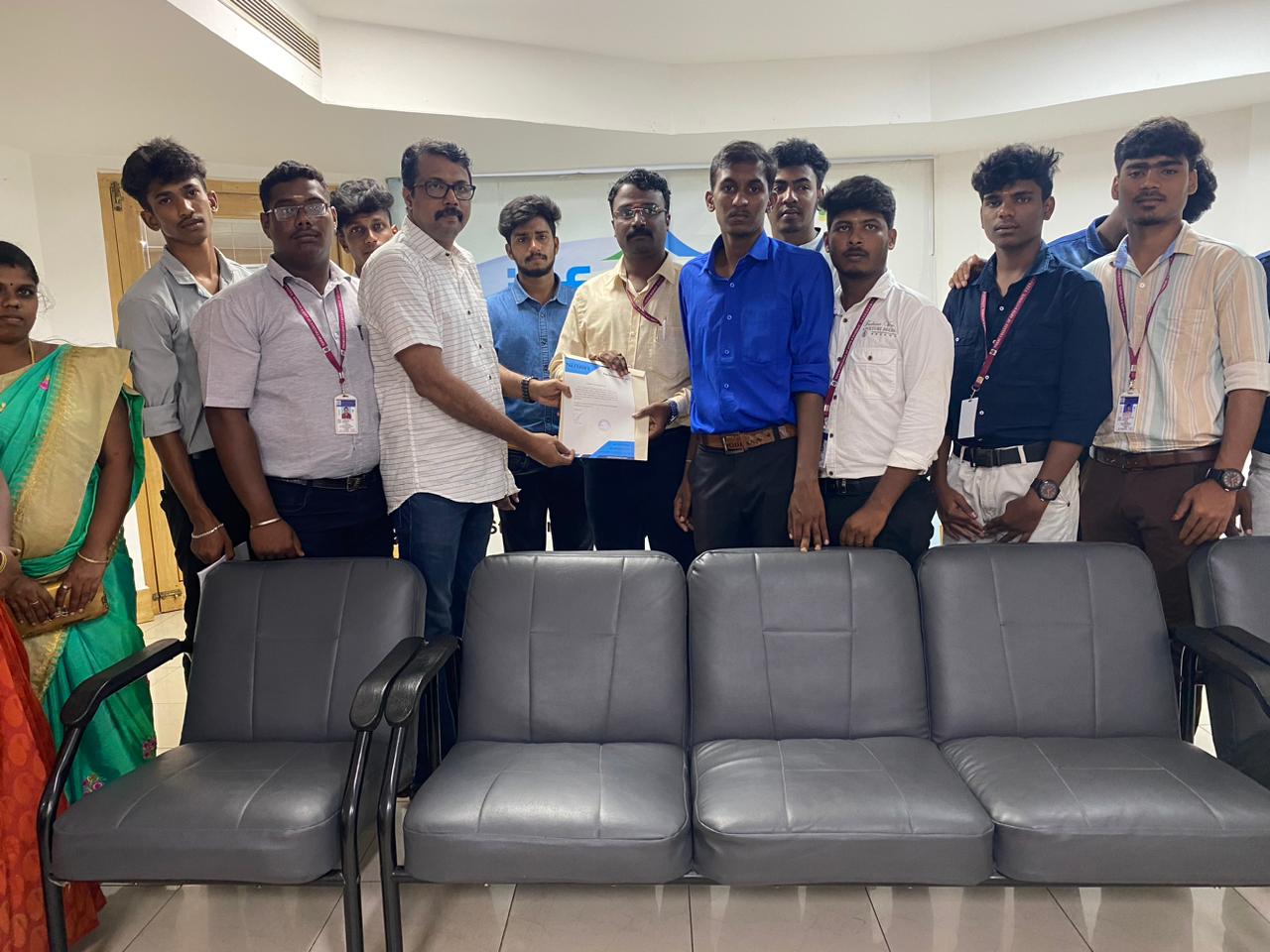
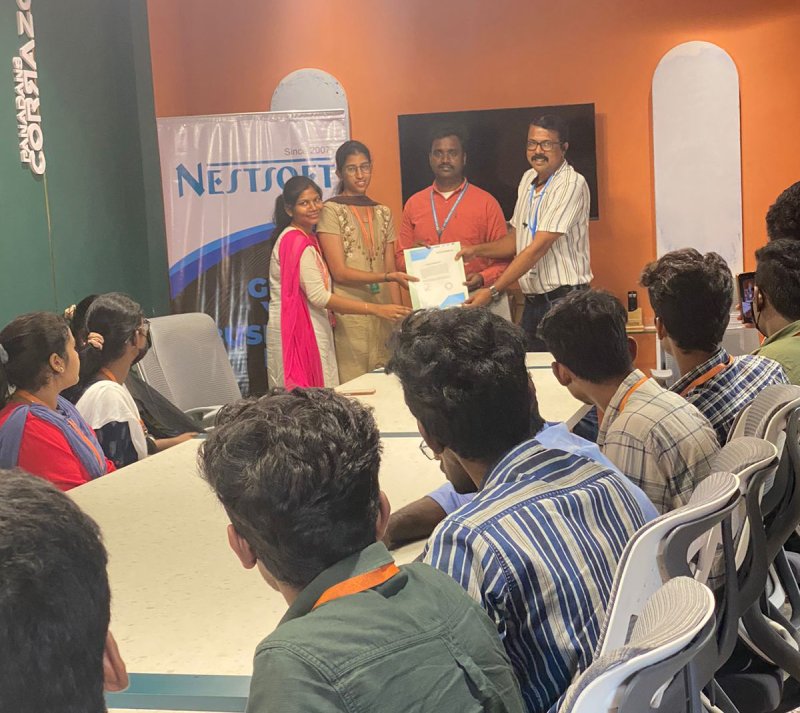
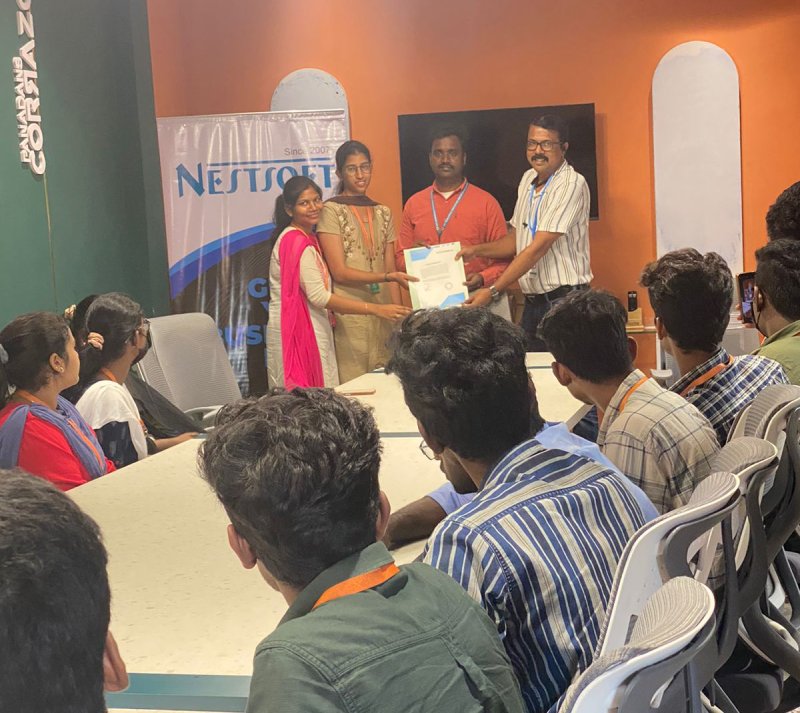
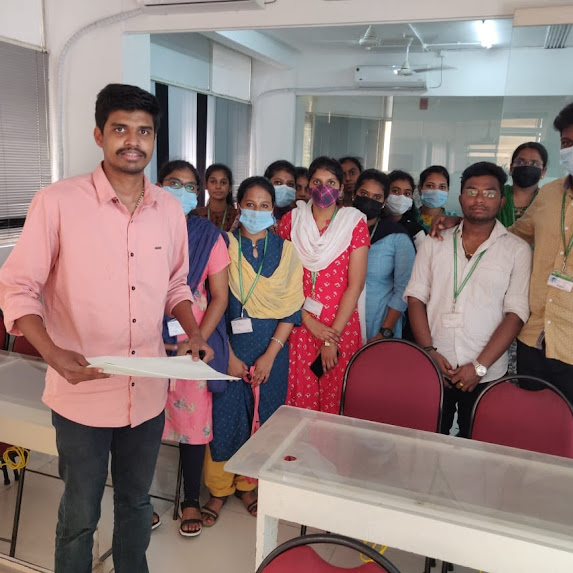
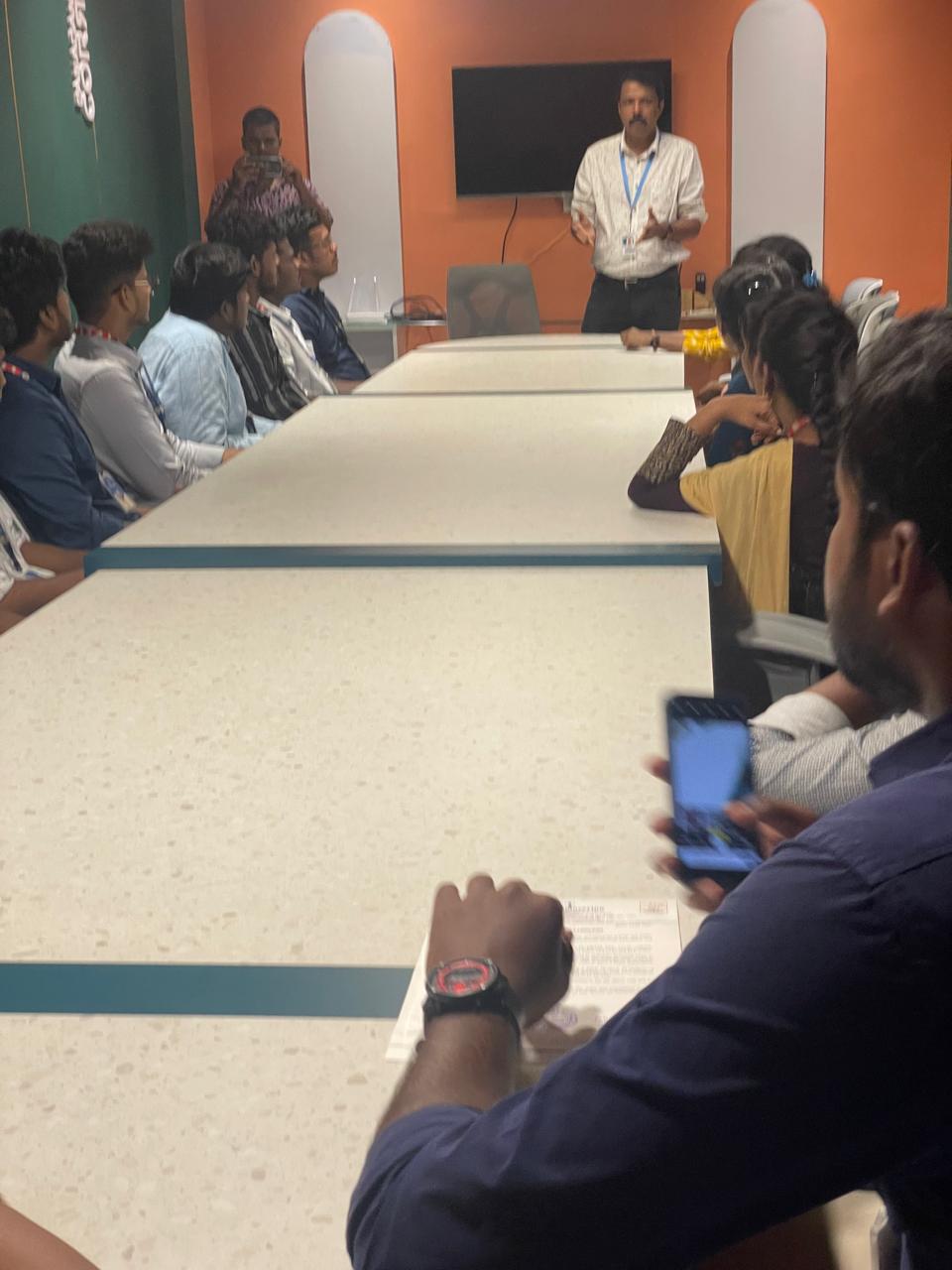
Photos of Training / Internships

Internship/projects in neuchatel

Trained more than 10000+ students who trust Nestsoft TechnoMaster

Get Your Personal Trainer