Send enquiry ⏎

Autodesk 3Ds Max Online Live Class by Experts

Our Training/Internship Process

Autodesk 3Ds Max Online Live Classes in Baden | Free Demo Training

Autodesk 3Ds Max - Syllabus, Fees & Duration

Getting to Know 3ds Max

  • Touring the Interface
  • The Viewports
  • Getting to Know the Command Panel
  • Working with Objects
  • Transforming Objects
  • Copying an Object
  • Understanding the Perspective Viewing Tools
  • Using Multiple Viewports

Introducing 3ds Max Objects

  • Understanding Standard Primitives
  • Adjusting Objects' Parameters
  • Accessing Parameters
  • Modeling Standard Primitives with Modifiers
  • Using the Modifier Stack Tools
  • Making Clones That Share Properties
  • Using Various Modifiers
  • Understanding Extended Primitives
  • Working with Groups

Creating Shapes with Splines

  • Drawing using Splines
  • Lathing a Spline
  • Modifying a Shape Using Sub-object Levels
  • Flipping Surface Normals
  • Creating Thickness with a Spline
  • Combining and Extruding Splines
  • Introducing Other Spline Types
  • Editing Splines

Editing Meshes and Creating Complex Objects

  • Polygon Modeling Techniques
  • Using Graphite Modeling Tools
  • Creating buildings using modifiers

Working with External Design Data

  • Importing AutoCAD Plans into 3ds Max
  • Extruding the Walls

Creating AEC Objects

  • Creating a Parametric Wall
  • Adjusting the Wall’s Parameters
  • Adding Doors and Windows to Walls
  • Creating a Parametric Window
  • Creating Stairs
  • Creating Foliage

Organizing and Editing Objects

  • Naming Objects
  • Organizing Objects by Layers
  • Setting Up Layers
  • Assigning Objects to Layers
  • Assigning Color to Layers
  • Lofting an Object
  • Lofting a Shape Along a Path
  • Using Different Shapes Along the Loft Path
  • Extruding with the Sweep Modifier
  • Aligning Objects

Light and Shadow

  • Understanding the Types of Lights
  • Adding a Spotlight to Simulate the Sun
  • Rendering a View
  • Adding Shadow Effects
  • Softening Shadow Edges

Shading and Texturing

  • Understanding Bitmap Texture Maps
  • Diffuse Color Maps
  • Understanding Surface Properties
  • Adding Materials to Objects
  • Understanding Material Libraries
  • Editing Materials
  • Using Bump Maps
  • Understanding Mapping Coordinates
  • Adjusting the UVW Mapping Gizmo
  • Assigning Materials to Parts of an Object
  • Creating a Multi/Sub-Object Material

Using the 3ds Max Camera

  • Understanding the 3ds Max Camera
  • Adding a Camera
  • Editing the Camera Location with the Viewport Tools
  • Setting Up an Interior View
  • Creating an Environment
  • Working with Walkthrough-Assistant

Creating Animations

  • Using Animation controls
  • Using Keyframe animation
  • Bouncing a Ball
  • Adding Camera Motion
  • Adjusting the Camera Path
  • Creating Preview Animation
  • Compressing and Expanding Time
  • Rendering the Animation

Mental Ray Concepts

  • Understanding Mental Ray
  • Understanding Global Illumination
  • Understanding Final Gather
  • Assigning the Mental Ray Renderer
  • Using the Rendered Frame Window Controls

Gamma Correction

  • Understanding Gamma and Linear Workflow
  • Applying gamma correction

Materials

  • Understanding Autodesk materials
  • Understanding Arch & Design materials
  • Creating various materials

Rendering

  • Improving Rendering Quality
  • Rendering an Exterior Scene
  • Rendering an Interior Scene

VRay

  • What is VRay and how to setup VRay
  • Global Illumination in VRay
  • VRay Image Saving Options
  • VRay Lights
  • VRay Camera

Rendering Scenes

  • Rendering an interior scene using V-Ray
  • Rendering an exterior scene using V-Ray

Download Syllabus - Autodesk 3Ds Max
This syllabus is not final and can be customized as per needs/updates
   
10000+
20+
50+
25+

Autodesk 3Ds Max Jobs in Baden

Enjoy the demand

Find jobs related to Autodesk 3Ds Max in search engines (Google, Bing, Yahoo) and recruitment websites (monsterindia, placementindia, naukri, jobshybrid.com, indeed.co.in, shine.com etc.) based in Baden, chennai and europe countries. You can find many jobs for freshers related to the job positions in Baden.

  • 3Ds Max Designer
  • Graphic Designer
  • Visualizer 3d
  • 3Ds Max Trainer
  • Architectural 3d Visualizer
  • 3d Modeling
  • AutoCAD Draftsman
  • Designing Trainer
  • Motion Graphic Designer
  • Generalist 3D

Autodesk 3Ds Max Internship/Course Details

Autodesk 3Ds Max internship jobs in Baden
Autodesk 3Ds Max Our training solutions are here to assist develop your active skills to unleash your creativity to a future level, whether you're a new user or a professional in Autodesk 3D Max and it has plenty of job opportunities these days. 3Ds max software system consists of the numerous wealthy choices that facilitate the modelers, the renders, and the designers to form flawless photo-realistic 3D images moreover 3D animations of any construction element, furthermore as it is a giant ranging usage in Media, advertisement, and entertainment industry. Autodesk 3Ds max is one among the current state of the art tools for architectural visualization, industrial design, animation filmmaking, and game design, formerly referred to as 3d max Studio or 3D Studio. This software system is intended to develop your modeling techniques, advanced animation, mapping, and advanced lighting. This program could be a part of a group of entertainment and multimedia system software products provided by Autodesk. Sophisticated models have created a very easy manner. In fact, operating with software becomes simple, and it is a lot more fascinating. Scene explorer might be a tool that provides a hierarchical view of scene knowledge and analysis. The software is additionally very useful for architectural design, infrastructure and construction, product development, and producing planning. .

Meet a Few of our Industry Experts 🚀 Your Pathway to IT Career

Aditya

Mobile: +91 9895490866
Location: Online (Baden, Switzerland)
Qualification: be mechanical

Experience: java selenium spring api bavkend testing manual testing  more..

Anumo

Mobile: +91 94975 90866
Location: Online (Baden, Switzerland)
Qualification: Bsc Computer science

Experience: SEO wordpress  more..

Farhana

Mobile: +91 94975 90866
Location: Online (Baden, Switzerland)
Qualification: Msc C. S

Experience: I have 2 years experience in software development Technical skills are PHP Laravel JS html css | Resume for   more..

SAGUL

Mobile: +91 91884 77559
Location: Online (Baden, Switzerland)
Qualification: Diploma in Computer Engineering (Polytechnic)

Experience: An Passionate Digital marketer and Experienced Multimedia designer with a demonstrated history of working in the Media and Marketing industry  more..

Feba

Mobile: +91 91884 77559
Location: Online (Baden, Switzerland)
Qualification: BCA

Experience: Java Python C C++ html php and now I am pursuing MCA  more..

Akssa

Mobile: +91 91884 77559
Location: Online (Baden, Switzerland)
Qualification: B.TECH

Experience: Acquired knowledge of both printing and web related works Converting PSD to HTML E-Mailer UI Mobile App Designing Facebook Ads  more..

karthikeyan

Mobile: +91 94975 90866
Location: Online (Baden, Switzerland)
Qualification: Bachelor of Engineering

Experience: C C++ ASP NET python SQL HTML css Java  more..

Rakshit

Mobile: +91 89210 61945
Location: Online (Baden, Switzerland)
Qualification: BCA

Experience: Skills: Html python java css aws practitioner   more..

Lukhman

Mobile: +91 91884 77559
Location: Online (Baden, Switzerland)
Qualification: Be computer science

Experience: Java sql html css networking  more..

Dharmaraj

Mobile: +91 8301010866
Location: Online (Baden, Switzerland)
Qualification: B.com

Experience: Microsoft firewall Network and servers  more..

Meenakshi

Mobile: +91 98474 90866
Location: Online (Baden, Switzerland)
Qualification: Bca

Experience: C c++ php css java jsp html  more..

Neeraj

Mobile: +91 9895490866
Location: Online (Baden, Switzerland)
Qualification: MCA

Experience: 10+Year of exaperience Developed 25+ application for android platform  more..

karthik

Mobile: +91 94975 90866
Location: Online (Baden, Switzerland)
Qualification: M-tech

Experience: WordPress Developer UI UX Designer and full stack web development  more..

Pranay

Mobile: +91 8301010866
Location: Online (Baden, Switzerland)
Qualification: Btech

Experience: Skills : Plugin and theme development PHP Javascript AJAX Wordpress HTML CSS  more..

Abdul

Mobile: +91 91884 77559
Location: Online (Baden, Switzerland)
Qualification: Bachelor of computer science engineering

Experience: i have 1 yesr experience in Ui Ux designing role and i have skilled in figma adobe illustrator Adobe photoshop  more..

Sunil

Mobile: +91 89210 61945
Location: Online (Baden, Switzerland)
Qualification: btecch

Experience: i have 1 5 years of experience as Web developer skills wordpress html css java script sql  more..

Sreejith

Mobile: +91 8301010866
Location: Online (Baden, Switzerland)
Qualification: Diploma/degree

Experience: On page seo Keyword optimization Offpage Hardware and networking   more..

Pandiyarajan

Mobile: +91 91884 77559
Location: Online (Baden, Switzerland)
Qualification: MSc Information Technology

Experience: Core Java Selenium Automation testing Manual Testing SQL CUCUMBER Framework testNG Jenkins Jira tool   more..

Rahma

Mobile: +91 9895490866
Location: Online (Baden, Switzerland)
Qualification: Bachelor

Experience: 4 years experience of graphic design and concept art |   more..

Gayathiri

Mobile: +91 91884 77559
Location: Online (Baden, Switzerland)
Qualification: MCA

Experience: Oracle SQL DBMS JAVA Mainframe and other front end and back end programming  more..

Hariharasudhan

Mobile: +91 94975 90866
Location: Online (Baden, Switzerland)
Qualification: Bachelor of Engineering

Experience: Having 4 8 Years of Experience in Software Testing in that both Manual and Automation Experience in automation frameworks including  more..

Jatin

Mobile: +91 91884 77559
Location: Online (Baden, Switzerland)
Qualification: Btech CSE 3rd year Student

Experience: Web development -3 years C++ development- 2 years Supervised ML - 0 5 years Video Editing Graphic Designing Event Management  more..

Priyadharshini

Mobile: +91 9895490866
Location: Online (Baden, Switzerland)
Qualification: Bachelor of computer science engineering

Experience: Involved in Selenium – Java automation testing Involved in Mobile Testing to verify Test requirements Involved in Web Application Testing  more..

Ranjima

Mobile: +91 9895490866
Location: Online (Baden, Switzerland)
Qualification: BTech

Experience: Manual testing Automation testing Regression testing   more..

Success Stories

The enviable salary packages and track record of our previous students are the proof of our excellence. Please go through our students' reviews about our training methods and faculty and compare it to the recorded video classes that most of the other institutes offer. See for yourself how TechnoMaster is truly unique.

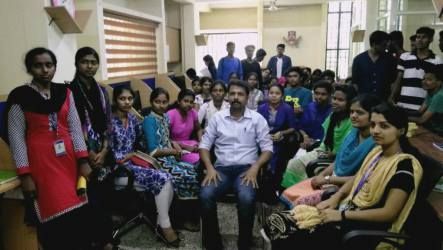
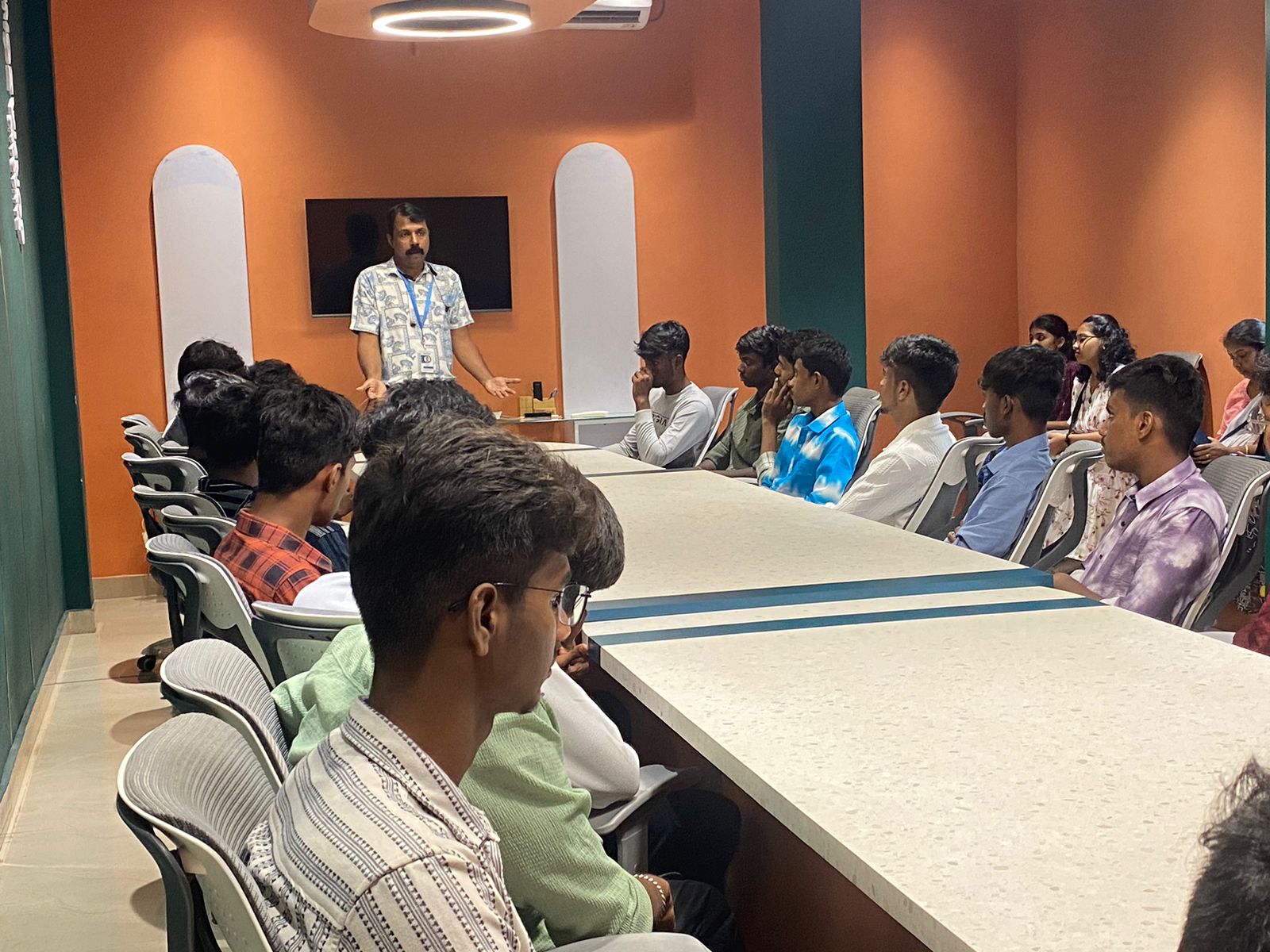
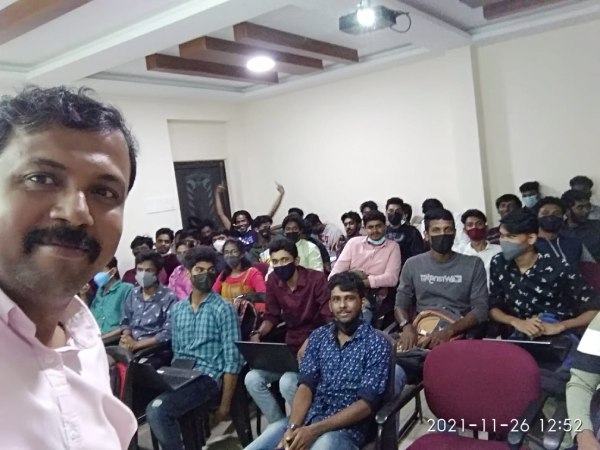
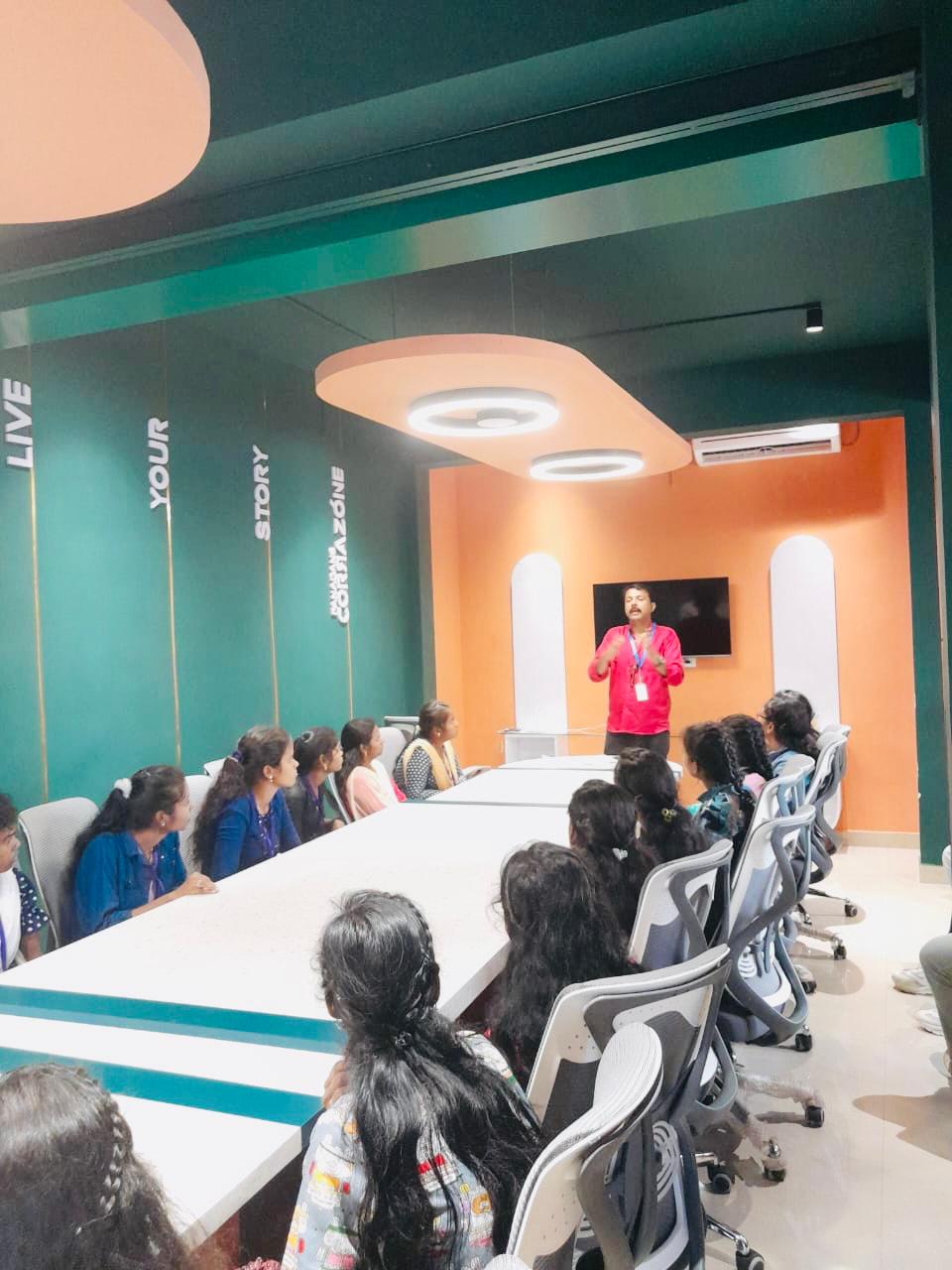
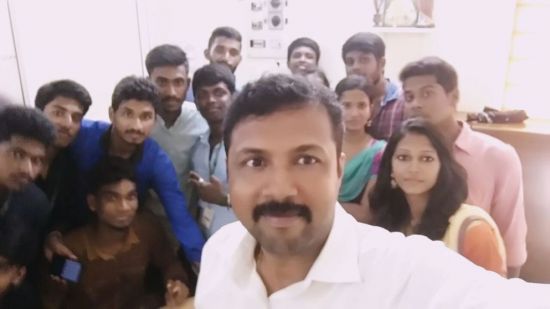
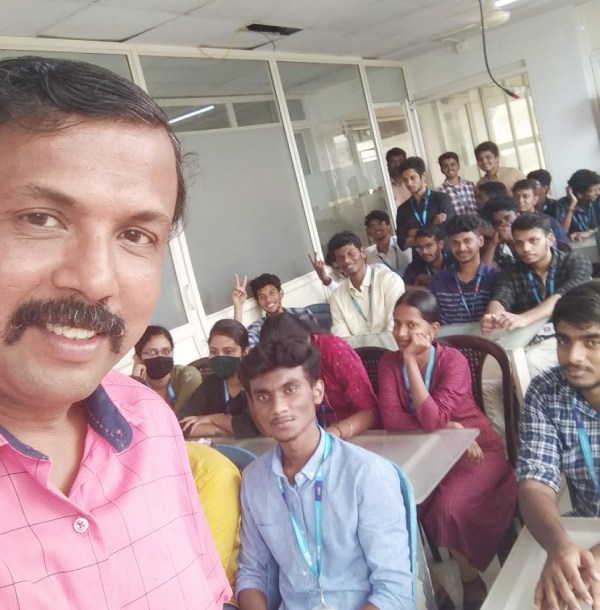
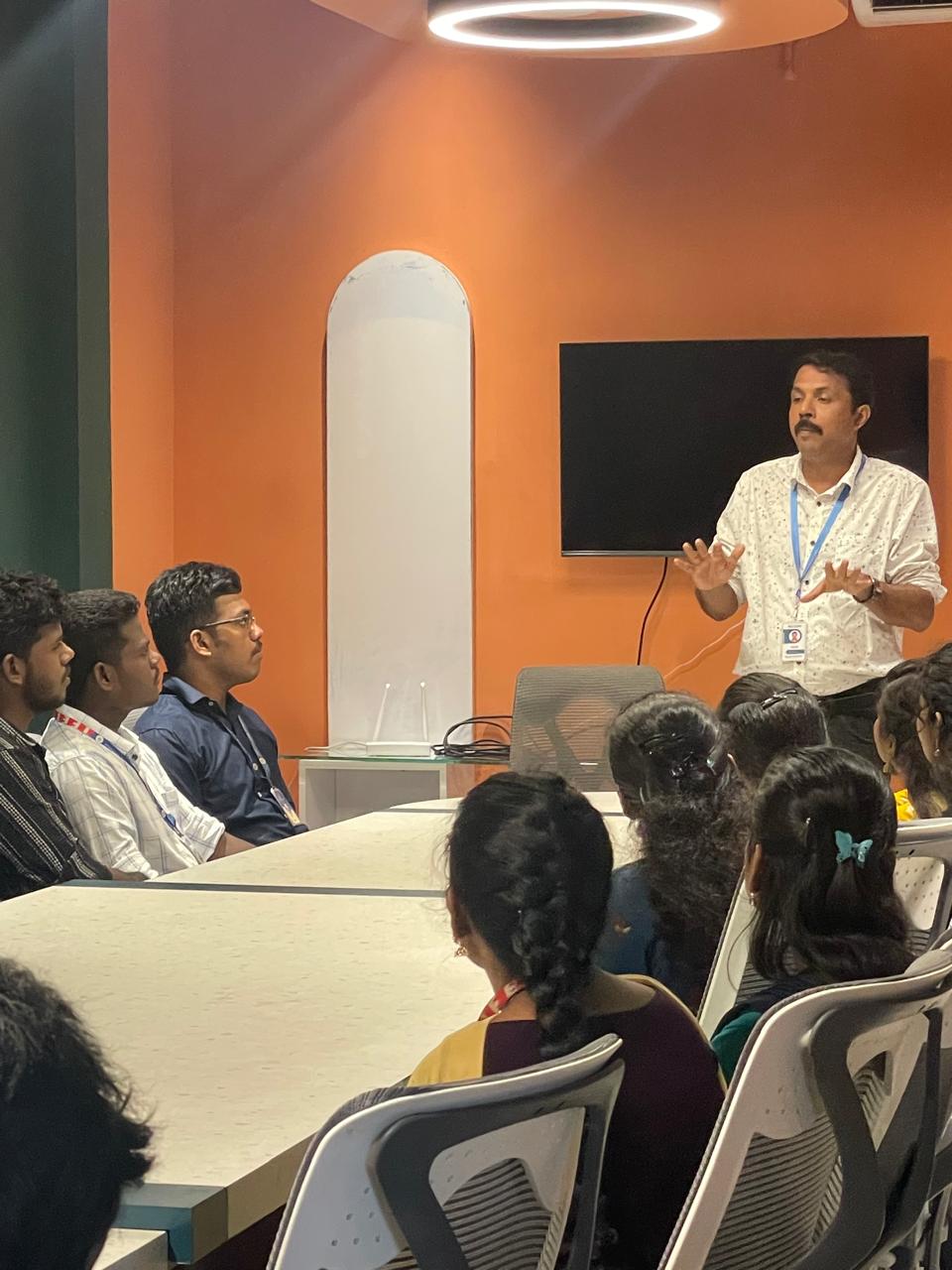
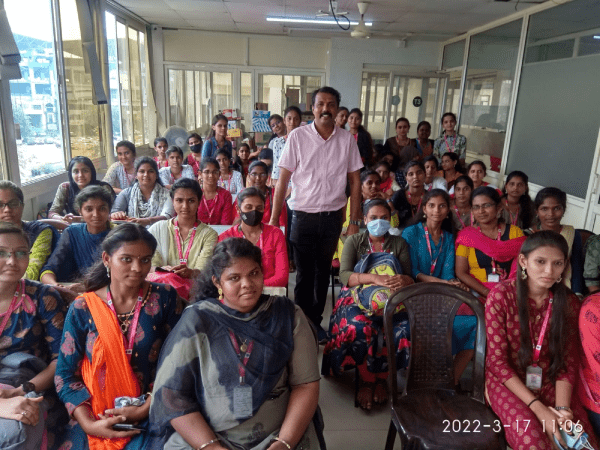
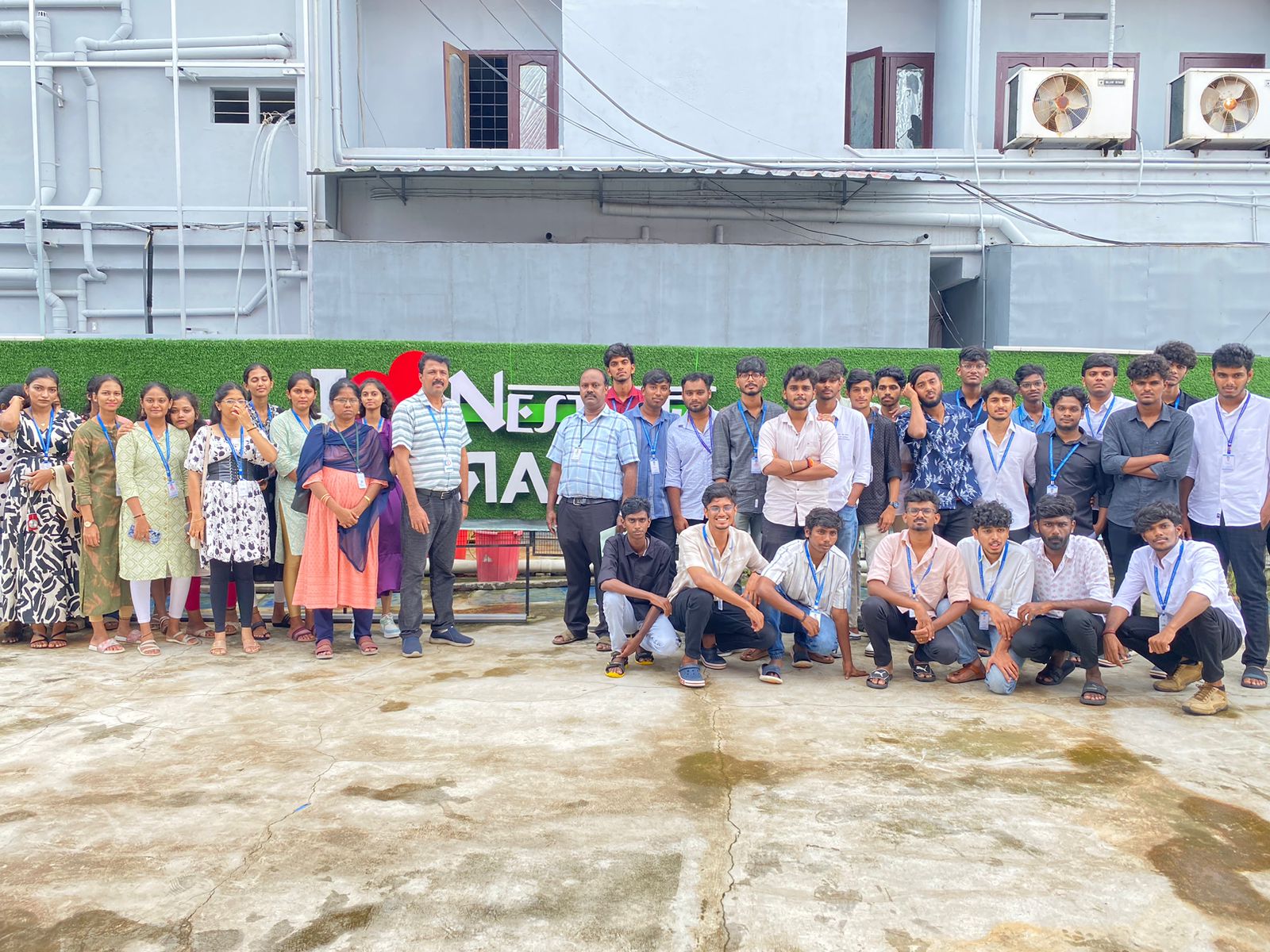
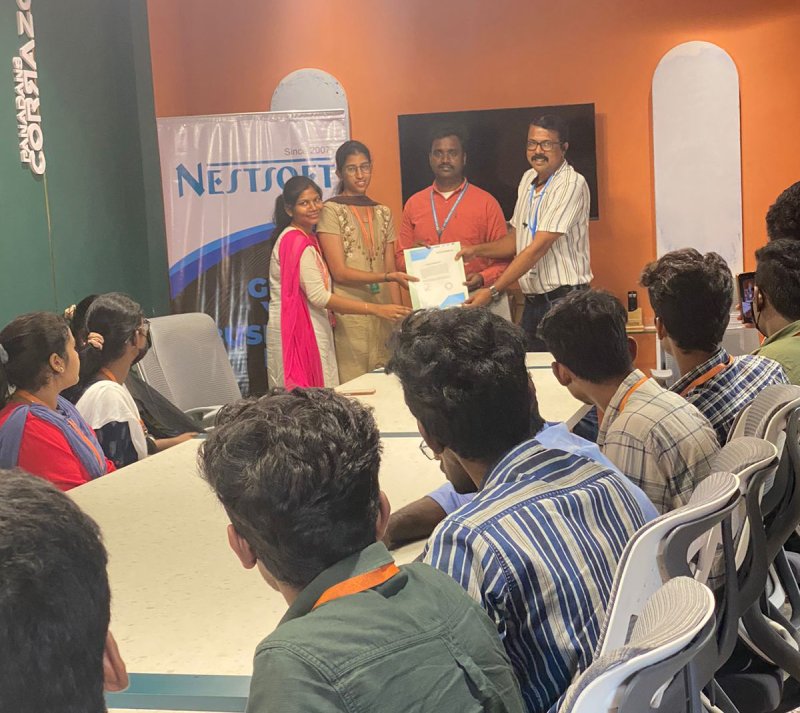
Photos of Training / Internships

Internship/projects in baden

Trained more than 10000+ students who trust Nestsoft TechnoMaster

Get Your Personal Trainer