Send enquiry ⏎

MCSA Online Live Class by Experts

Our Training/Internship Process

MCSA Online Live Classes in Thun | Free Demo Training

MCSA - Syllabus, Fees & Duration

MODULE 1

  • Windows Server 2008 Active Directory, Configuring
  • Configuring DNS for Active Directory
  • Configuring zones
  • Configuring DNS server settings
  • Configuring zone transfer and Replication
  • Configuring the AD infrastructure
  • Configuring a forest or a domain
  • Configuring trusts - Configuring sites
  • Configuring AD replication
  • Configuring the global catalog
  • Configuring operation masters
  • Configuring additional AD server roles
  • Configuring AD Lightweight Directory Services (AD LDS)
  • Configuring AD Rights Management Service (AD RMS)
  • Configuring read-only domain controller (RODC)
  • Configuring AD Federation Services (AD FS)

MODULE 2

  • Configuring and maintaining AD objects
  • Automate the creation of AD accounts
  • Maintain AD accounts
  • Create and apply Group Policy objects (GPOs)
  • Configure GPO templates
  • Configure software deployment GPOs
  • Configure account policies
  • Configure audit policy by using GPOs

MODULE 3

  • Maintaining the AD environment
  • Configuring backup and recovery
  • Perform offline maintenance
  • Monitor AD

MODULE 4

  • Configuring AD Certificate Services
  • Install AD Certificate Services
  • Configure CA server settings
  • Manage certificate templates
  • Manage Enrolments
  • Manage Certificate revocations

MODULE 5

  • Windows Server 2008 Network Infrastructure
  • Configuring IP Addressing and Services
  • Configuring IPv4 and IPv6 addressing
  • Configuring Dynamic Host Configuration Protocol (DHCP)
  • Configuring routing
  • Configuring IPsec

MODULE 6

  • Configuring Name Resolution
  • Configuring DNS Server
  • Configuring DNS zones
  • Configuring DNS records
  • Configuring DNS replication
  • Configuring name resolution for client computers

MODULE 7

  • Configuring Network Access
  • Configure remote access
  • Configure Network Access Protection (NAP)
  • Configure network authentication
  • Configure wireless access
  • Configure firewall settings

MODULE 8

  • Configuring File and Print Services
  • Configure a file server
  • Configure Distributed File System (DFS)
  • Configure shadow copy services
  • Configure backup and restore
  • Manage Disk Quotas
  • Configure and monitor print services

MODULE 9

  • Monitoring and Managing a Network Infrastructure
  • Configure Windows Server Update Services (WSUS) server settings
  • Capture performance data - Monitor event logs
  • Gather network data

MODULE 10

  • Windows Server 2008 Application Infrastructure
  • Configuring Deploy Servers
  • Deploy images by using Windows Deployment Services
  • Configure Microsoft Windows Activation
  • Configure high availability
  • Configure storage

MODULE 11

  • Configuring Terminal Services
  • Configure Windows Server 2008 Terminal Services Remote App (TS Remote App)
  • Configure Terminal Services Gateway
  • Configure Terminal Services load balancing
  • Configure and monitor Terminal Services resources
  • Configure Terminal Services Licensing
  • Configure Terminal Services client connections
  • Configure Terminal Services server options

MODULE 12

  • Configuring a Web Services Infrastructure
  • Configure Web applications
  • Manage Web sites
  • Configure a File Transfer Protocol (FTP) server
  • Configure Simple Mail Transfer Protocol (SMTP).
  • Manager Internet Information Services (IIS)
  • Configure SSL security
  • Configure Web site authentication and permissions

MODULE 13

  • Configuring Network Application Services
  • Configure Windows Media Server
  • Configure Digital Rights Management (DRM)
  • Configure Microsoft Windows SharePoint Services server options
  • Configure Windows SharePoint Services e-mail integration
  • Download Syllabus - MCSA
    This syllabus is not final and can be customized as per needs/updates
   
10000+
20+
50+
25+

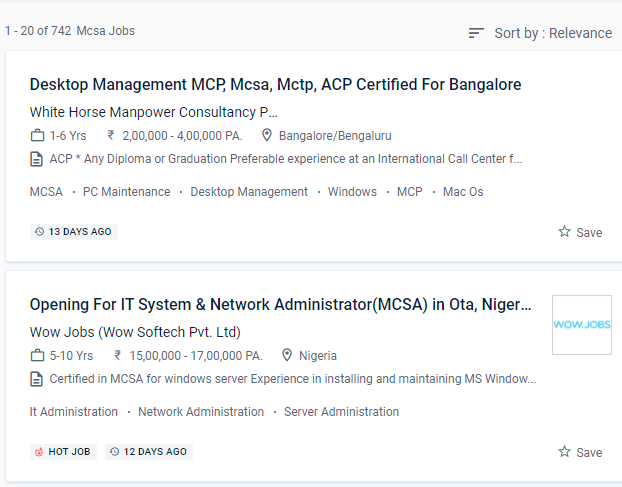
MCSA Jobs in Thun

Enjoy the demand

Find jobs related to MCSA in search engines (Google, Bing, Yahoo) and recruitment websites (monsterindia, placementindia, naukri, jobshybrid.com, indeed.co.in, shine.com etc.) based in Thun, chennai and europe countries. You can find many jobs for freshers related to the job positions in Thun.

  • Project manager
  • System administrator-Microsoft
  • Technical architect
  • Software developer- Microsoft
  • Network engineer/system engineer
  • Team lead
  • Customer support engineer
  • Tech support Engineer
  • system analyst
  • product support engineer.

MCSA Internship/Course Details

MCSA internship jobs in Thun
MCSA The MCSA program might serve as your initial step toward gaining higher/advanced IT abilities. Systems Administrator, Information Technology (IT) Manager, Senior Systems Administrator, Network Administrator, Information Technology (IT) Director, Systems Engineer (Computer Networking / IT), and Senior Systems Engineer are the most prevalent MCSA certification occupations. We will continue to provide 100 percent pleasure to our students in the future. Routing and switching, security, collaboration, and wireless are all covered in our certification examinations. Also, improve your skills in configuring the more complicated server. Installing and configuring domain controllers, Managing user accounts, Advanced AD DS infrastructure management, Implementing and administering AD DS sites and replication, Group Policy, Managing user settings with Group Policy, Planning and implementing an IPv4 network, Implementing DHCP, and more are all covered in the MCSA course. You will learn about the installation, configuration, development, and management of the Windows server by the end of the course. The Microsoft Certified Solutions Associate window server certification is the first step in becoming a Microsoft Certified Solutions Expert for software professionals. The MCSA (Microsoft Certified Solutions Associate) course in Thun is aimed to teach students the fundamentals of the Microsoft Windows server platform's infrastructure. MCSE credentials necessitate MCSA certifications.


Meet a Few of our Industry Experts 🚀 Your Pathway to IT Career

Sudarvizhi

Mobile: +91 91884 77559
Location: Online (Thun, Switzerland)
Qualification: B. E

Experience: Ios developer and 6 years of experience  more..

Kamesh

Mobile: +91 89210 61945
Location: Online (Thun, Switzerland)
Qualification: BE-ECE

Experience: Accomplished Software Tester with 3 2 years of hands-on experience in manual and automation testing Extensive experience in test automation  more..

Tanuj

Mobile: +91 98474 90866
Location: Online (Thun, Switzerland)
Qualification: B.E. in ECE

Experience: I have worked as an Academic counsellor in inurture Skills: Technical skills including Computer programming and MS Excel my soft  more..

Ajay

Mobile: +91 98474 90866
Location: Online (Thun, Switzerland)
Qualification: BE

Experience: manual testing automation testing Api testing core java selenium jira jmeter appium SQL cucumber framework  more..

Sushma

Mobile: +91 89210 61945
Location: Online (Thun, Switzerland)
Qualification: MHA

Experience: Hospital operations HMIS implementation testing training quality insurance and prices designing and implementing   more..

siddharth

Mobile: +91 94975 90866
Location: Online (Thun, Switzerland)
Qualification: 12th,BCA

Experience: i can work in C C++ python html css   more..

Mohd

Mobile: +91 89210 61945
Location: Online (Thun, Switzerland)
Qualification: Undergraduate

Experience: Web design Social media marketing Graphic design   more..

Pravat

Mobile: +91 89210 61945
Location: Online (Thun, Switzerland)
Qualification: Btech

Experience: 2+ of experience in website designing Using HTML5 CSS3 Bootstrap 5 JavaScript wordpress React MySQL   more..

Naga

Mobile: +91 91884 77559
Location: Online (Thun, Switzerland)
Qualification: Bachelor Degree

Experience: Hands-on experience in Selenium Automation testing BDD Cucumber and REST Assured API testing Created multiple automation projects for different web  more..

Shrikant

Mobile: +91 94975 90866
Location: Online (Thun, Switzerland)
Qualification: BCA

Experience: As A wordpress developer and Canva Designing also I having frontend skills like html CSS like that   more..

Nilam

Mobile: +91 91884 77559
Location: Online (Thun, Switzerland)
Qualification: Graduation

Experience: I have 2 years experience in seo field   more..

Jyotika

Mobile: +91 89210 61945
Location: Online (Thun, Switzerland)
Qualification: B.Sc (H) Computer Science

Experience: For the past 5 months I have been working as a UI UX Intern at Grey to Yellow and then  more..

Swati

Mobile: +91 98474 90866
Location: Online (Thun, Switzerland)
Qualification: Bachelor of Technology

Experience: Java J2SE J2EE web development python MySQL SQL performance testing tools- Jmeter Neoload and loadrunner ISTQB certified   more..

ASIF

Mobile: +91 9895490866
Location: Online (Thun, Switzerland)
Qualification: b.tech(cse)

Experience: php ajajx jqurey (bassic) css html JavaScript boostrap  more..

Shilpa

Mobile: +91 91884 77559
Location: Online (Thun, Switzerland)
Qualification: B.E

Experience: Technical Skills:- • Linux Kernel • Shell Scripting • Advance C Programming • OOP’s using C++ • Data Structures and  more..

Anusaya

Mobile: +91 91884 77559
Location: Online (Thun, Switzerland)
Qualification: B.E

Experience: Web development graphics design Digital marketing C C++ Aws Devops  more..

Nomankhan

Mobile: +91 91884 77559
Location: Online (Thun, Switzerland)
Qualification: B.E in Computer Engineering

Experience: C# Java python ASP NET netcore SQL DataStructures Entity Framework Hibernate   more..

Sneha

Mobile: +91 91884 77559
Location: Online (Thun, Switzerland)
Qualification: B Tech

Experience: HTML css sass angular figma photoshop sktech illustrate git invision balsamic  more..

Gincy

Mobile: +91 9895490866
Location: Online (Thun, Switzerland)
Qualification: B.Tech

Experience: Angular Ionic developer with 9+ year experienceApplication for Angular JS  more..

Pratik

Mobile: +91 89210 61945
Location: Online (Thun, Switzerland)
Qualification: Graduation

Experience: Skill:- programming with c and java Communication skills Experience:- fresher   more..

vaishnavi

Mobile: +91 91884 77559
Location: Online (Thun, Switzerland)
Qualification: BE

Experience: I have 2+ years of experience in software testing with core skills of selenium tool automation testing Java Eclipse IDE  more..

Anandhu

Mobile: +91 91884 77559
Location: Online (Thun, Switzerland)
Qualification: BCA - Computer Application

Experience: I have a strong background in website development field and have been working in this field for 2+ years i  more..

Muhabath

Mobile: +91 91884 77559
Location: Online (Thun, Switzerland)
Qualification: Btech

Experience: Manual testing Selenium Java Automation testing  more..

Shruti

Mobile: +91 91884 77559
Location: Online (Thun, Switzerland)
Qualification: PGDHRM

Experience: I am an experienced trainer proficient in both online and in-person environments with a specialization in spoken English My expertise  more..

Success Stories

The enviable salary packages and track record of our previous students are the proof of our excellence. Please go through our students' reviews about our training methods and faculty and compare it to the recorded video classes that most of the other institutes offer. See for yourself how TechnoMaster is truly unique.

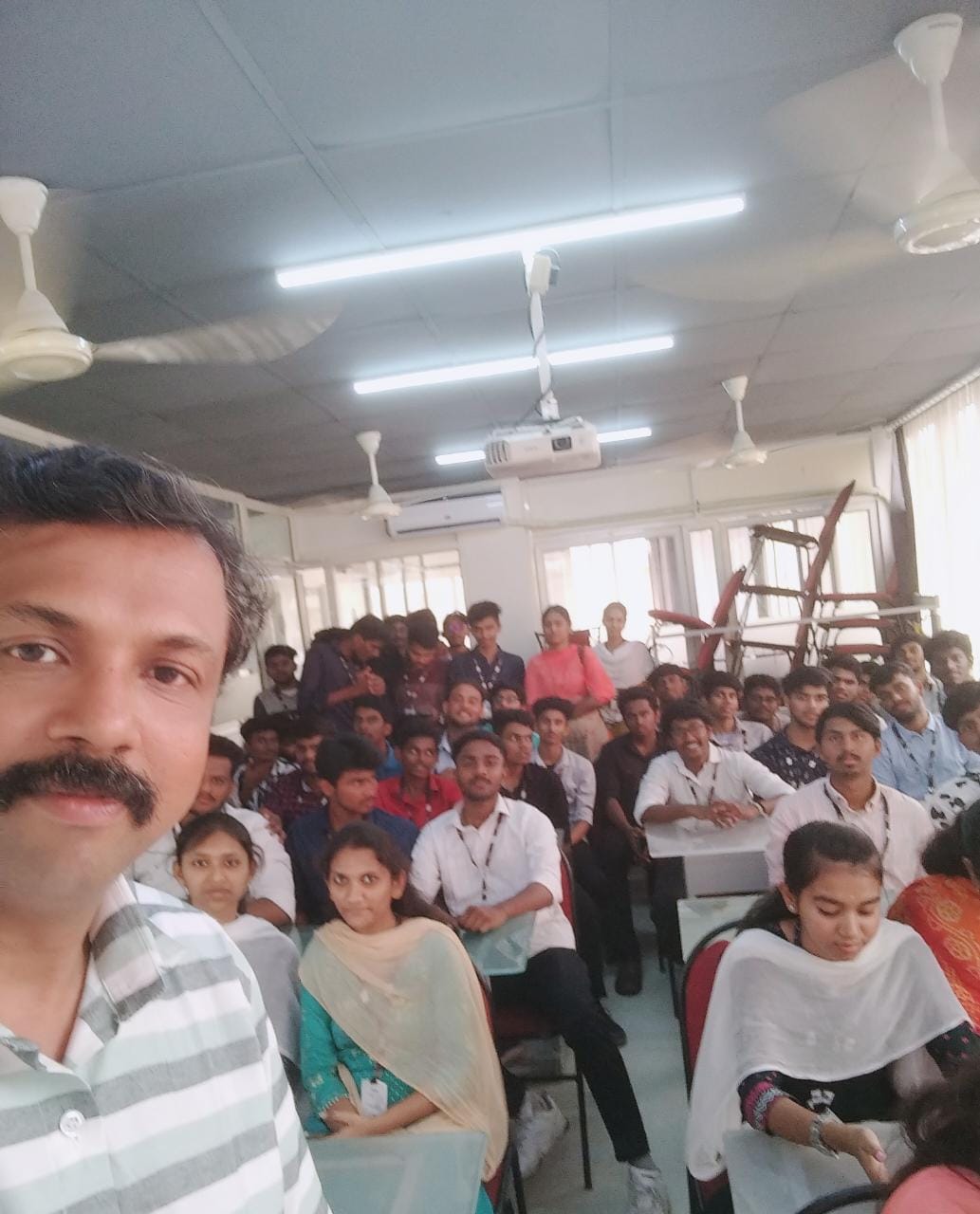
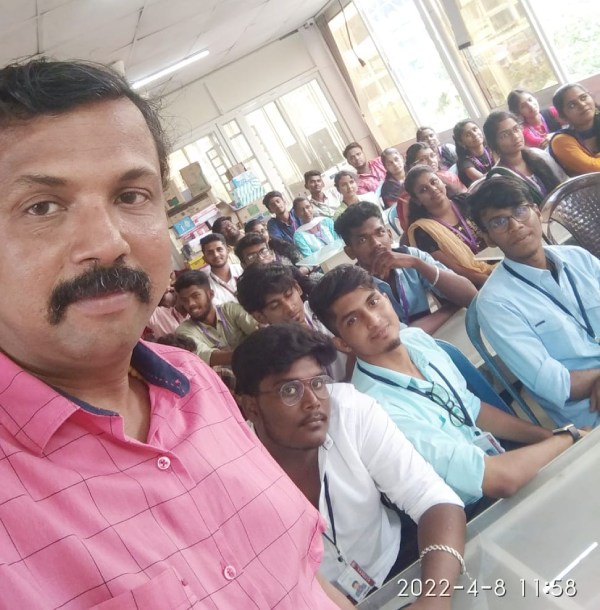
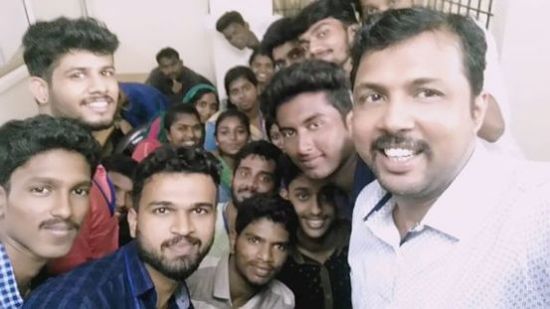
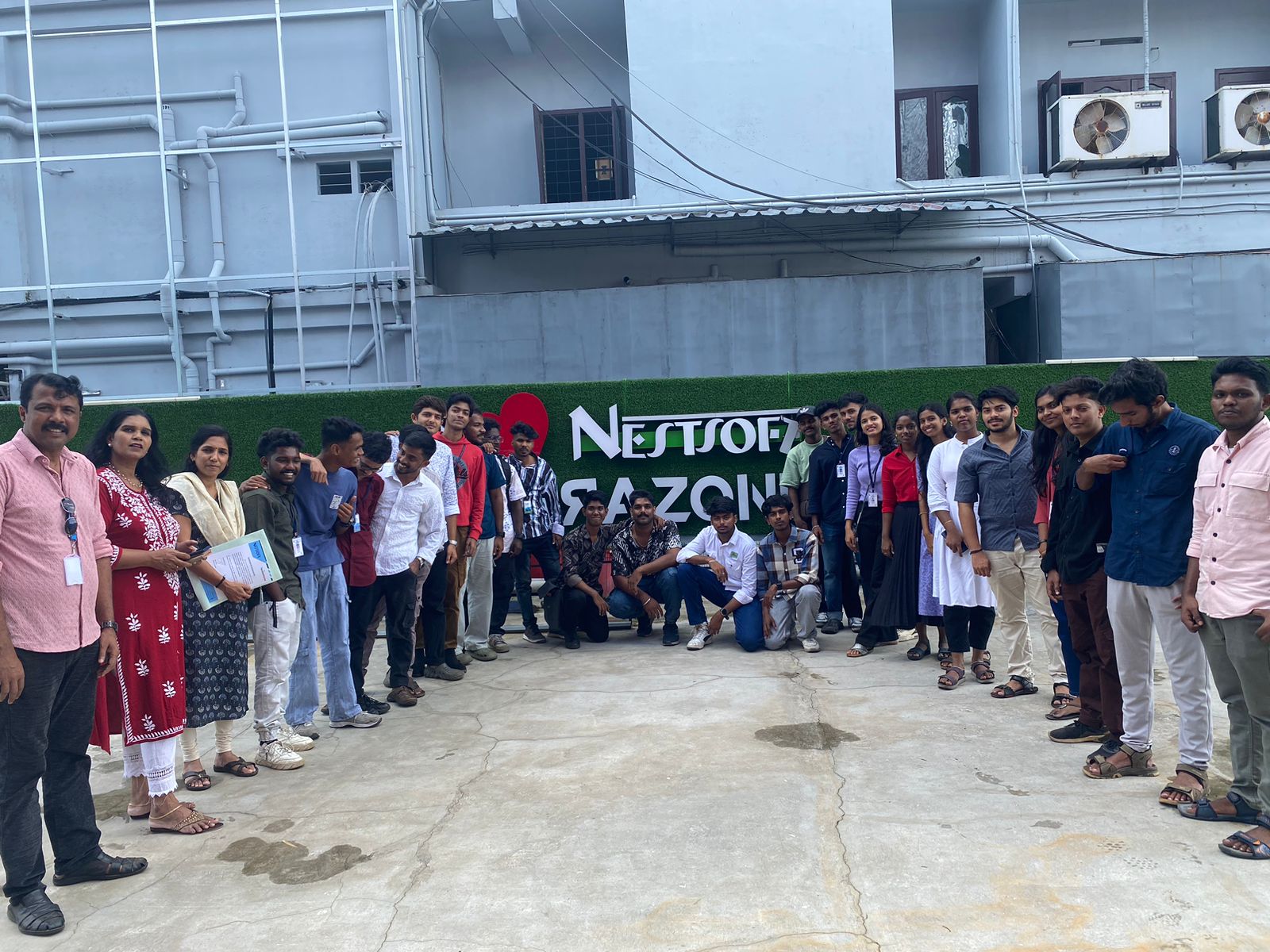
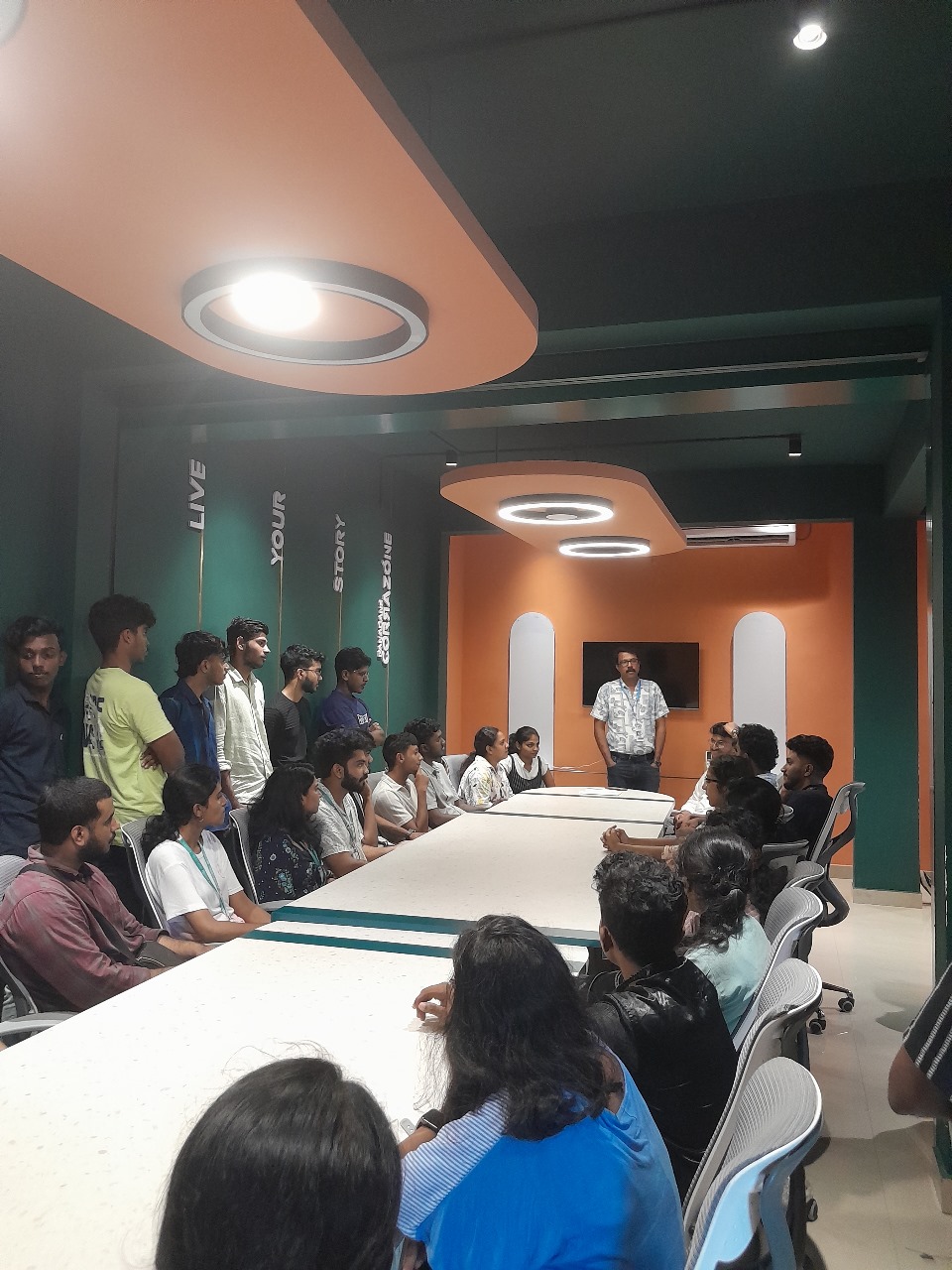
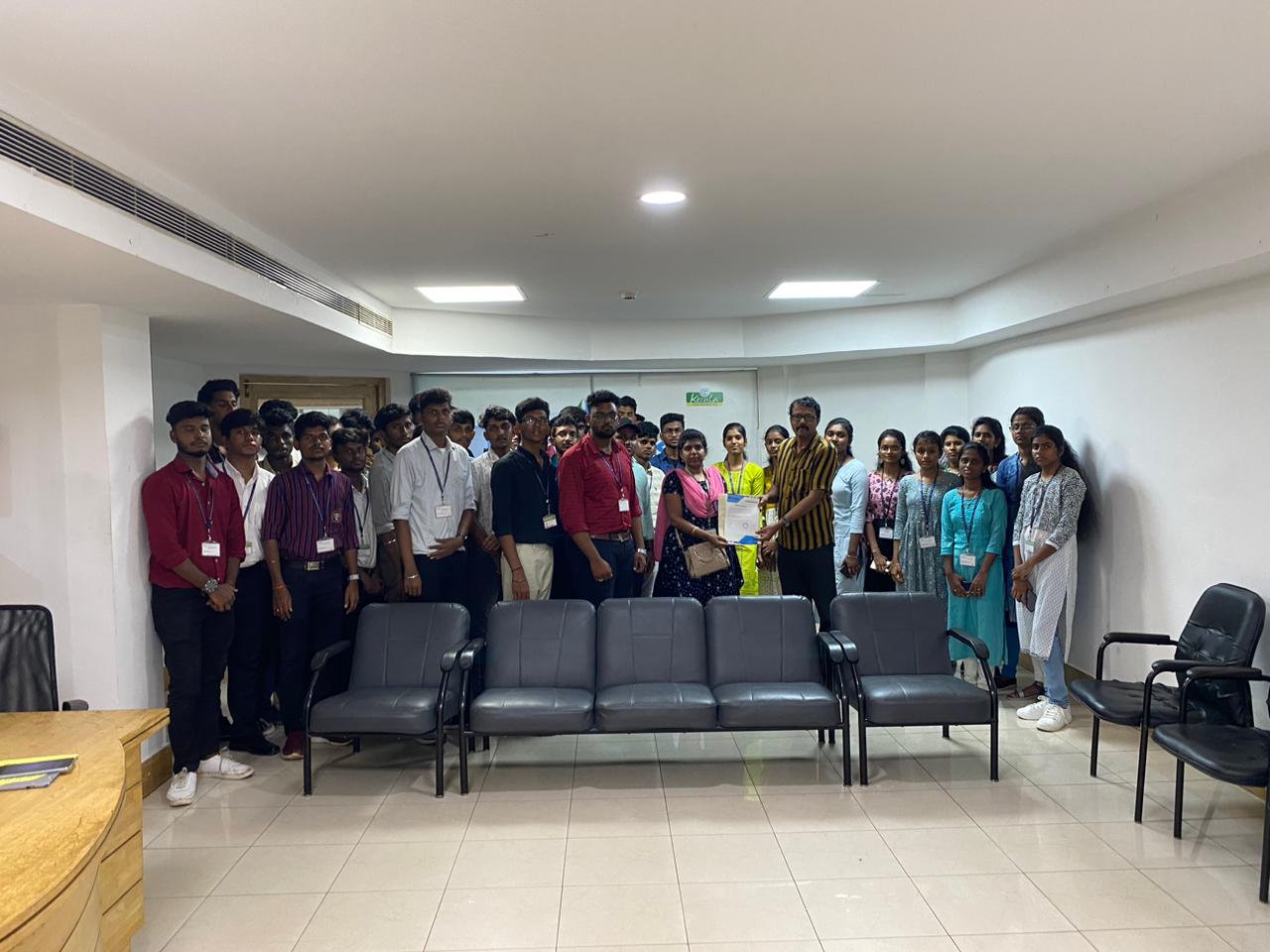
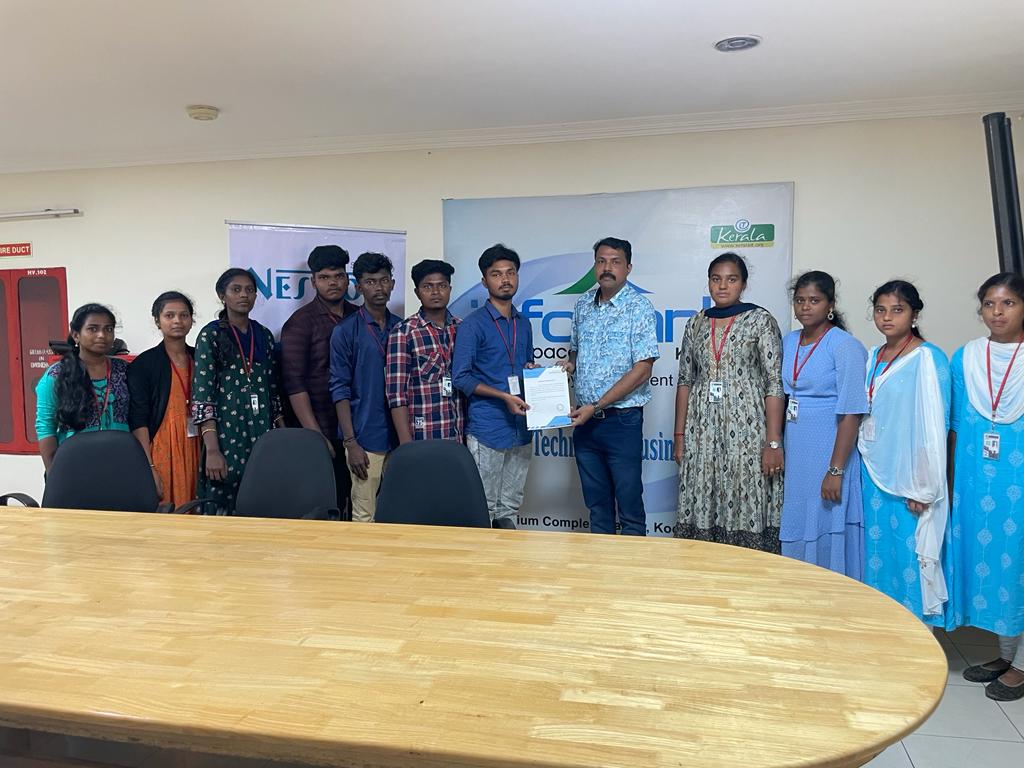
Photos of Training / Internships

Internship/projects in thun

Trained more than 10000+ students who trust Nestsoft TechnoMaster

Get Your Personal Trainer