Send enquiry ⏎

MCSA Online Live Class by Experts

Our Training/Internship Process

MCSA Online Live Classes in Chur | Free Demo Training

MCSA - Syllabus, Fees & Duration

MODULE 1

  • Windows Server 2008 Active Directory, Configuring
  • Configuring DNS for Active Directory
  • Configuring zones
  • Configuring DNS server settings
  • Configuring zone transfer and Replication
  • Configuring the AD infrastructure
  • Configuring a forest or a domain
  • Configuring trusts - Configuring sites
  • Configuring AD replication
  • Configuring the global catalog
  • Configuring operation masters
  • Configuring additional AD server roles
  • Configuring AD Lightweight Directory Services (AD LDS)
  • Configuring AD Rights Management Service (AD RMS)
  • Configuring read-only domain controller (RODC)
  • Configuring AD Federation Services (AD FS)

MODULE 2

  • Configuring and maintaining AD objects
  • Automate the creation of AD accounts
  • Maintain AD accounts
  • Create and apply Group Policy objects (GPOs)
  • Configure GPO templates
  • Configure software deployment GPOs
  • Configure account policies
  • Configure audit policy by using GPOs

MODULE 3

  • Maintaining the AD environment
  • Configuring backup and recovery
  • Perform offline maintenance
  • Monitor AD

MODULE 4

  • Configuring AD Certificate Services
  • Install AD Certificate Services
  • Configure CA server settings
  • Manage certificate templates
  • Manage Enrolments
  • Manage Certificate revocations

MODULE 5

  • Windows Server 2008 Network Infrastructure
  • Configuring IP Addressing and Services
  • Configuring IPv4 and IPv6 addressing
  • Configuring Dynamic Host Configuration Protocol (DHCP)
  • Configuring routing
  • Configuring IPsec

MODULE 6

  • Configuring Name Resolution
  • Configuring DNS Server
  • Configuring DNS zones
  • Configuring DNS records
  • Configuring DNS replication
  • Configuring name resolution for client computers

MODULE 7

  • Configuring Network Access
  • Configure remote access
  • Configure Network Access Protection (NAP)
  • Configure network authentication
  • Configure wireless access
  • Configure firewall settings

MODULE 8

  • Configuring File and Print Services
  • Configure a file server
  • Configure Distributed File System (DFS)
  • Configure shadow copy services
  • Configure backup and restore
  • Manage Disk Quotas
  • Configure and monitor print services

MODULE 9

  • Monitoring and Managing a Network Infrastructure
  • Configure Windows Server Update Services (WSUS) server settings
  • Capture performance data - Monitor event logs
  • Gather network data

MODULE 10

  • Windows Server 2008 Application Infrastructure
  • Configuring Deploy Servers
  • Deploy images by using Windows Deployment Services
  • Configure Microsoft Windows Activation
  • Configure high availability
  • Configure storage

MODULE 11

  • Configuring Terminal Services
  • Configure Windows Server 2008 Terminal Services Remote App (TS Remote App)
  • Configure Terminal Services Gateway
  • Configure Terminal Services load balancing
  • Configure and monitor Terminal Services resources
  • Configure Terminal Services Licensing
  • Configure Terminal Services client connections
  • Configure Terminal Services server options

MODULE 12

  • Configuring a Web Services Infrastructure
  • Configure Web applications
  • Manage Web sites
  • Configure a File Transfer Protocol (FTP) server
  • Configure Simple Mail Transfer Protocol (SMTP).
  • Manager Internet Information Services (IIS)
  • Configure SSL security
  • Configure Web site authentication and permissions

MODULE 13

  • Configuring Network Application Services
  • Configure Windows Media Server
  • Configure Digital Rights Management (DRM)
  • Configure Microsoft Windows SharePoint Services server options
  • Configure Windows SharePoint Services e-mail integration
  • Download Syllabus - MCSA
    This syllabus is not final and can be customized as per needs/updates
   
10000+
20+
50+
25+

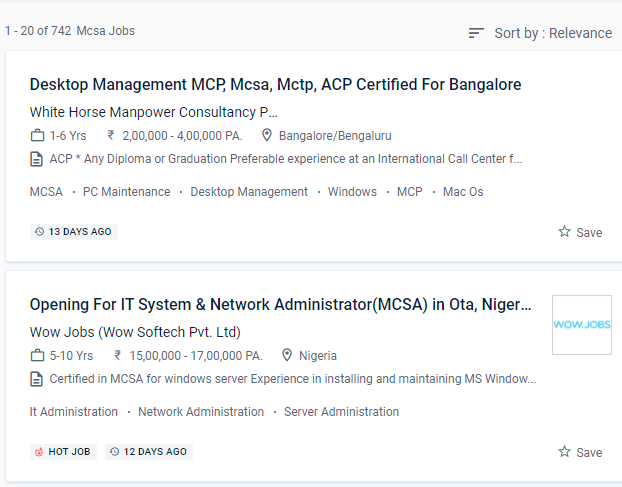
MCSA Jobs in Chur

Enjoy the demand

Find jobs related to MCSA in search engines (Google, Bing, Yahoo) and recruitment websites (monsterindia, placementindia, naukri, jobshybrid.com, indeed.co.in, shine.com etc.) based in Chur, chennai and europe countries. You can find many jobs for freshers related to the job positions in Chur.

  • Project manager
  • System administrator-Microsoft
  • Technical architect
  • Software developer- Microsoft
  • Network engineer/system engineer
  • Team lead
  • Customer support engineer
  • Tech support Engineer
  • system analyst
  • product support engineer.

MCSA Internship/Course Details

MCSA internship jobs in Chur
MCSA The window server administration trainers at NESTSOFT training in the Chur are highly trained and have worked in the IT industry. Routing and switching, security, collaboration, and wireless are all covered in our certification examinations. You can enroll in the MCSA course at NESTSOFT if you have a basic understanding of computers and networking. Systems Administrator, Information Technology (IT) Manager, Senior Systems Administrator, Network Administrator, Information Technology (IT) Director, Systems Engineer (Computer Networking / IT), and Senior Systems Engineer are the most prevalent MCSA certification occupations. Troubleshooting, Monitoring, Managing and Recovering AD DS, as well as installing, upgrading, and moving servers and workloads. It's a type of IT certification for IT professionals and web developers who want to gain jobs based on their Microsoft technology expertise. You will learn about the installation, configuration, development, and management of the Windows server by the end of the course. In the future years, demand for Microsoft Certified Solutions Associate information technology experts will continue to expand at an annual pace of 18 percent through 2020. . Engineers capable of developing, implementing, and operating infrastructure based on Microsoft Windows servers.


Meet a Few of our Industry Experts 🚀 Your Pathway to IT Career

sumana

Mobile: +91 8301010866
Location: Online (Chur, Switzerland)
Qualification: Post graduate

Experience: I have total 7 years exp in seo smo ads email marketing wordpress html design  more..

Sudarsan

Mobile: +91 8301010866
Location: Online (Chur, Switzerland)
Qualification: Diploma in Computer Science

Experience: 8years experience as a HTML developer   more..

prabhav

Mobile: +91 89210 61945
Location: Online (Chur, Switzerland)
Qualification: graduate

Experience: Currently i am a fresher and i am practicing android development from past 1 year   more..

Saikat

Mobile: +91 91884 77559
Location: Online (Chur, Switzerland)
Qualification: B.tech

Experience: Programming Python SQL Data structures and Algorithms Machine Learning Algorithms Linear regression Logistic regression KNN Support Vector Machines Decision Trees  more..

Chiranjeevee

Mobile: +91 98474 90866
Location: Online (Chur, Switzerland)
Qualification: MCA

Experience: Cybersecurity networking Linux OWASP ZAP and many more tools  more..

Febin

Mobile: +91 91884 77559
Location: Online (Chur, Switzerland)
Qualification: Plus two

Experience: Html css javascript node js express js mongo db react js bootstrap jquery ajax figma photoshopApplication for Meanstack Developer Mean  more..

Sreedeep

Mobile: +91 94975 90866
Location: Online (Chur, Switzerland)
Qualification: Mca

Experience: Working as a software developer in bicoders solution kinfra (angular and flutter)Application for Angular JS  more..

Gayatri

Mobile: +91 91884 77559
Location: Online (Chur, Switzerland)
Qualification: BE(CSE)

Experience: I have done 6 months of internship in ODOO ERP and have good understanding of python SQL and odoo ERP  more..

Sudhakar

Mobile: +91 9895490866
Location: Online (Chur, Switzerland)
Qualification: Bachelor of Engineering

Experience: Hi Sir Madam I'm Sudhakar having 2 6 years of experience in web development as a full stack developer My  more..

Sayli

Mobile: +91 8301010866
Location: Online (Chur, Switzerland)
Qualification: Bachelor in Engineering

Experience: I am Sayli Kadam I am all about making digital stuff look and feel awesome ! I studied Electronics Engineering  more..

Gurpreet

Mobile: +91 89210 61945
Location: Online (Chur, Switzerland)
Qualification: Mca

Experience: 1year experience php devolper  more..

Bhakti

Mobile: +91 94975 90866
Location: Online (Chur, Switzerland)
Qualification: B.arch

Experience: Skills User research User Centric research & Design Information Architecture Creative Problem Solving Figma Proficiency in Design Tools - Adobe  more..

jiji

Mobile: +91 89210 61945
Location: Online (Chur, Switzerland)
Qualification: Bcom

Experience: Machine learining data analysis data visualization data modeling python Aws mysql  more..

Reshma

Mobile: +91 91884 77559
Location: Online (Chur, Switzerland)
Qualification: B.Tech

Experience: UX UI design - 2 years User research Figma Wireframing Prototyping Design system  more..

Manish

Mobile: +91 91884 77559
Location: Online (Chur, Switzerland)
Qualification: BE

Experience: jetpack components Clean Architecture SQLite design patterns OneSignal Fireabase Google map Chat social integration of mobile application module Testing and  more..

Srinivas

Mobile: +91 9895490866
Location: Online (Chur, Switzerland)
Qualification: B E

Experience: Hi sir Srinivas punith here currently working in Acrowit technogies pvt ltd (Wittyparrot) I am looking for a part time  more..

Krishna

Mobile: +91 98474 90866
Location: Online (Chur, Switzerland)
Qualification: Bca

Experience: 2 years experience in Android kotlin and java 6 months experience of flutter dart  more..

Shilpa

Mobile: +91 9895490866
Location: Online (Chur, Switzerland)
Qualification: B. Tech

Experience: 4years of experience in digital marketing Skilla card design using canva seo techniques social media video uploading and positive thinker  more..

Ankit

Mobile: +91 94975 90866
Location: Online (Chur, Switzerland)
Qualification: Diploma

Experience: I have done a course of 6 months in which I have learnt to design a website how to make  more..

Rohit

Mobile: +91 9895490866
Location: Online (Chur, Switzerland)
Qualification: BTech

Experience: Fresher (2021 passout) Language-C C++ Python Have knowledge in HTML CSS JS Bootstrap Now im studying a web development course  more..

Soumitra

Mobile: +91 91884 77559
Location: Online (Chur, Switzerland)
Qualification: B Tech

Experience: Understanding of cloud computing and hands-on experience of migrating workloads to Azure Deploy and manage Virtual Machines Storage Accounts (Blob  more..

Navaj

Mobile: +91 9895490866
Location: Online (Chur, Switzerland)
Qualification: BCA

Experience: Network security Vulnerability assessments Penetration testing Security tools Cryptography Web security Capture The Flag (CTF) competitions  more..

Elavarasan

Mobile: +91 98474 90866
Location: Online (Chur, Switzerland)
Qualification: BE mechanical engineering

Experience: Hi am completed in BE mechanical engineering and Python certificate course complete then I have attended in odoo Internship 3months  more..

Savita

Mobile: +91 91884 77559
Location: Online (Chur, Switzerland)
Qualification: BE

Experience: Html css JavaScript figma wordpress basics of php and boostrap   more..

Success Stories

The enviable salary packages and track record of our previous students are the proof of our excellence. Please go through our students' reviews about our training methods and faculty and compare it to the recorded video classes that most of the other institutes offer. See for yourself how TechnoMaster is truly unique.

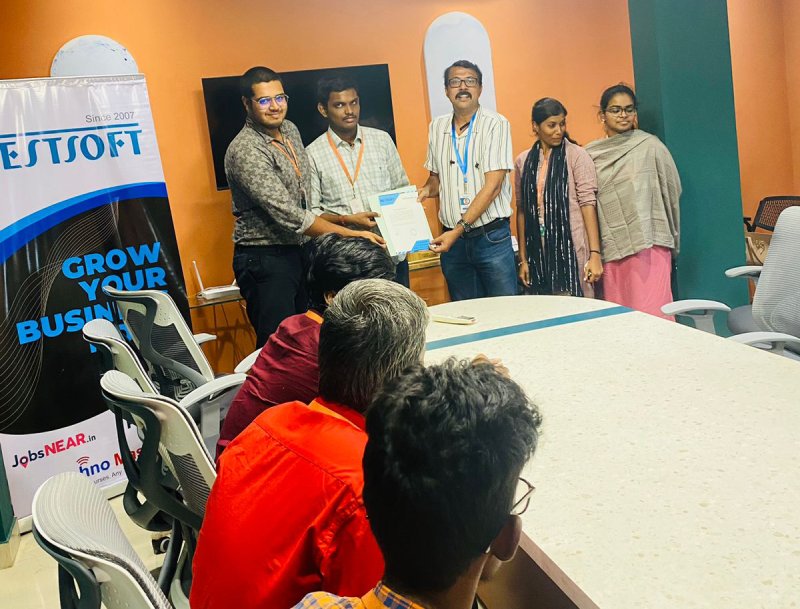
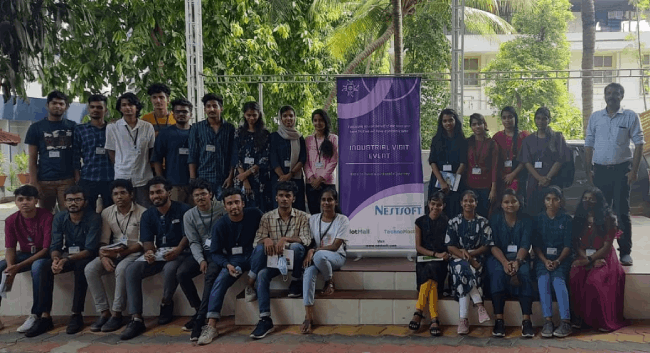
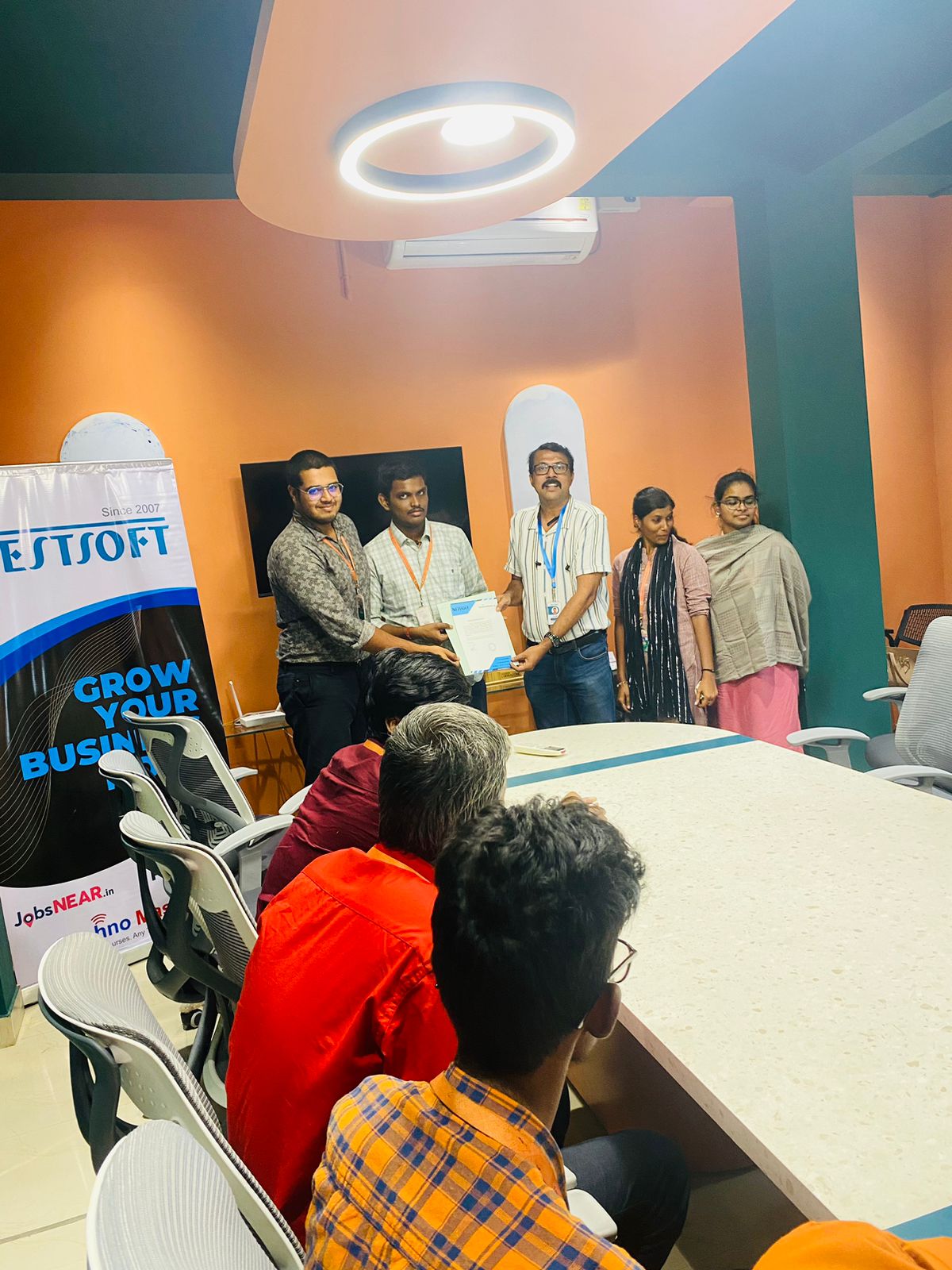
Photos of Training / Internships

Internship/projects in chur

Trained more than 10000+ students who trust Nestsoft TechnoMaster

Get Your Personal Trainer