Send enquiry ⏎

R Programming Online Live Class by Experts

Our Training/Internship Process

R Programming Online Live Classes in Koniz | Free Demo Training

R Programming - Syllabus, Fees & Duration

THE ART OF R PROGRAMMING

    INTRODUCTION
    • Why Use R for Your Statistical Work?
    • Object-Oriented Programming
    • Functional Programming?
    • Functional Programming?
    INSTALLING R
    • Downloading R from CRAN
    • Installing from Source
    GETTING STARTED
      How to Run R
      • Interactive Mode
      • Batch Mode
    First R Session
      Introduction to Functions
      • Variable Scope
      • Default Arguments
      Preview of Some Important R Data Structures
      • Vectors, the R
      • Character Strings
      • Matrices
      • Lists
      • Arrays
      • Data Frames
      VECTORS
        Scalars, Vectors, Arrays, and Matrices
        • Adding and Deleting Vector Elements
        • Obtaining the Length of a Vector
        • Matrices and Arrays as Vectors
        Declarations
        Common Vector Operations
        • Vector Arithmetic and Logical Operations
        • Vector Indexing
        • Generating Useful Vectors with the : Operator
        • Generating Vector Sequences with seq()
        • Repeating Vector Constants with rep
        Vectorized Operations
        • Vector In, Vector Out
        • Vector In, Matrix Out
        NA and NULL Values
        • Using NA
        • Using NULL
        Filtering
        • Generating Filtering Indices
        • Filtering with the subset() Function
        • The Selection Function which
        A Vectorized if-then-else: The ifelse() Function
        • Extended Example: A Measure of Association
        • Extended Example: Recoding an Abalone Data Set
        Testing Vector Equality
        Vector Element Names
        More on c()
      MATRICES AND ARRAYS
        Creating Matrices
        • General Matrix Operations
        • Performing Linear Algebra Operations on Matrices
        • Matrix Indexing
        • Filtering on Matrices
        Applying Functions to Matrix Rows and Columns
        • Using the apply() Function
        • Extended Example: Finding Outliers
        • Adding and Deleting Matrix Rows and Columns
        • Changing the Size of a Matrix
        More on the Vector/Matrix Distinction
        Avoiding Unintended Dimension Reduction
        Naming Matrix Rows and Columns
        Higher-Dimensional Arrays
      LISTS
        Creating Lists
        General List Operations
        • List Indexing
        • Adding and Deleting List Elements
        • Getting the Size of a List
        Accessing List Components and Values
        Applying Functions to Lists
        • Using the lapply() and sapply() Functions
      ARRAYS
      • Naming Columns and Rows
      • Accessing Array Elements
      • Check if an Item Exists
      • Amount of Rows and Columns
      • Array Length
      • Manipulating Array Elements
      • Calculations Across Array Elements
      DATA FRAMES
        Creating Data Frames
        • Accessing Data Frames
        Other Matrix-Like Operations
        • Extracting Subdata Frames
        • More on Treatment of NA Values
        • Using the rbind() and cbind() Functions and Alternatives .
        • Applying apply()
        Merging Data Frames
        • Extended Example: An Employee Database
        Applying Functions to Data Frames
        • Using lapply() and sapply() on Data Frames
      FACTORS AND TABLES
        Factors and Levels
        Common Functions Used with Factors
        • The tapply() Function
        • The split() Function
        • The by() Function
        Working with Tables
        • Matrix/Array-Like Operations on Tables
        • Extended Example: Extracting a
        Other Factor- and Table-Related Functions
        • The aggregate() Function
        • The cut() Function
      R PROGRAMMING STRUCTURES
        Control Statements
        • Loops
        • Looping Over Non vector Sets
        • if-else
        Arithmetic and Boolean Operators and Values
        Default Values for Arguments
        Return Values
        • Deciding Whether to Explicitly Call return()
        • Returning Complex Objects
        Functions Are Objects
        Environment and Scope Issues
        The Top-Level Environment
        • The Scope Hierarchy
        • More on ls()
        • Functions Have (Almost) No Side Effects
        No Pointers in R
        Writing Upstairs
        • Writing to Nonlocals with the Super assignment Operator
        • Writing to Nonlocals with assign()
        When Should You Use Global Variables?
        Replacement Functions
        • What’s Considered a Replacement Function?
        Tools for Composing Function Code
        • Text Editors and Integrated Development Environments
        The edit() Function
        Writing Your Own Binary Operations
        Anonymous Functions
      DOING MATH AND SIMULATIONS IN R
        Math Functions
        • Extended Example
        • Cumulative Sums and Products
        • Minima and Maxima
        Functions for Statistical Distributions
        Sorting
        Linear Algebra Operations on Vectors and Matrices
        • Extended Example: Vector Cross Product
        • Set Operations
        Simulation Programming in R
        • Built-In Random Variate Generators
        • Obtaining the Same Random Stream in Repeated Runs
      INPUT/OUTPUT
        Accessing the Keyboard and Monitor
        • Using the scan() Function
        • Using the readline() Function
        • Printing to the Screen
        Reading and Writing Files
        • Reading a Data Frame or Matrix from a File
        • Reading Text Files
        • Introduction to Connections
        • Extended Example
        • Accessing Files on Remote Machines via URLs
        • Writing to a File
        • Getting File and Directory Information
      STRING MANIPULATION
        An Overview of String-Manipulation Functions
        • grep()
        • nchar()
        • paste()
        • sprintf()
        • substr
        • strsplit()
        • regexpr()
        Regular Expressions
        • Extended Example
      R DATA INTERFACES
        R - CSV Files
        • Reading a CSV File
        • Analyzing the CSV File
        • Writing into a CSV File
        R - Excel Files
        • Install xlsx Package
        • Reading the Excel File
        R - Binary Files
        • Writing the Binary File
        • Reading the Binary File
        R - XML Files
        • Reading XML File
        • XML to Data Frame
        R - JSON Files
        • Install rjson Package
        • Read the JSON File
        • Convert JSON to a Data Frame
        R - Database
        • RMySQL Package
        • Connecting R to MySql
        • Querying the Tables
        • Query with Filter Clause
        • Updating Rows in the Tables
        • Inserting Data into the Tables
        • Creating Tables in MySql
        • Dropping Tables in MySql
      GRAPHICS
        Creating Graphs
        • The Workhorse of R Base Graphics: The plot() Function
        • R - Pie Charts
        • R - Bar Charts
        • R - Boxplots
        • R - Histograms
        • R - Line Graphs
        • R - Scatterplots
        • Starting a New Graph While Keeping the Old Ones
        • Extended Example
        • Adding Points: The points() Function
        • Adding a Legend: The legend() Function
        • Adding Text: The text() Function
        • Pinpointing Locations: The locator() Function
        • Restoring a Plot
        • Customizing Graphs
        • Changing Character Sizes: The cex
        • Changing the Range of Axes: The xlim and ylim Options
        • Graphing Explicit Functions
        • Extended Example
        Saving Graphs to Files
        • R Graphics Devices
        • Saving the Displayed Graph
        • Closing an R Graphics Device
        Creating Three-Dimensional Plots
      R Statistics
        R Statistics Intro
        R Data Set
        R Max and Min
        R Mean Median Mode
        R Percentiles
      INSTALLING AND USING PACKAGES
        Package Basics
        Loading a Package from Your Hard Drive
        Downloading a Package from the Web
        Installing Packages Automatically
        Installing Packages Manually
        Listing the Functions in a Package

    Download Syllabus - R Programming
    This syllabus is not final and can be customized as per needs/updates
   
10000+
20+
50+
25+

R Programming Jobs in Koniz

Enjoy the demand

Find jobs related to R Programming in search engines (Google, Bing, Yahoo) and recruitment websites (monsterindia, placementindia, naukri, jobshybrid.com, indeed.co.in, shine.com etc.) based in Koniz, chennai and europe countries. You can find many jobs for freshers related to the job positions in Koniz.

  • R Programmer
  • Data Scientist
  • Software Engineer
  • Software Technologist
  • R - Shiny Programmer
  • Analytics Engineer
  • R Programming Trainer

R Programming Internship/Course Details

R Programming internship jobs in Koniz
R Programming We offer training who do not have a background in statistics. We train skilled experts how to use the R programming language in statistical analysis, data visualisation, machine learning, and data mining, among other things. Nestsoft offer the best R programming training, starting with the fundamentals and advancing to complex analytics concepts. It is a simple programming language than, other programming languages, would have no requirements. Many large companies, including prominent banks, IT, retail, healthcare, pharmaceutical, supply chain, and logistics industries, adopt R. In R, there are a variety of great packages that can aid in a fast data analysis. The course is designed with statistics students in consideration. While teaching R Programming in the classroom, our Nestsoft trainers discuss their previous and current project experiences with candidates, allowing them to gain exposure to real-world business experience. There is a significant shortage of experts with R programming skills on the market, which brings attention to pursue. Because of its open source credibility, R programming is quickly becoming most in expert in the field of analytics.


Meet a Few of our Industry Experts 🚀 Your Pathway to IT Career

Ayushi

Mobile: +91 94975 90866
Location: Online (Koniz, Switzerland)
Qualification: Diploma in Information Technology

Experience: Wix Web Designing Web development Canva (Graphic Designing)  more..

Amala

Mobile: +91 89210 61945
Location: Online (Koniz, Switzerland)
Qualification: Btech Civil

Experience: Manual testing SQL Java Selenium Web application testing JMeter Postman Performance testing JIRA Git API testing  more..

Sithanya

Mobile: +91 98474 90866
Location: Online (Koniz, Switzerland)
Qualification: MSC computerscience

Experience: Bootstrap c cpp c# php mysql HTML 6 month experience in webdesigner  more..

Layyina

Mobile: +91 98474 90866
Location: Online (Koniz, Switzerland)
Qualification: M.Tech

Experience: as a Student at Ehackify Trainings I conducted network penetration testing using Kali Linux demonstrating proficiency in tools such as  more..

Hardik

Mobile: +91 8301010866
Location: Online (Koniz, Switzerland)
Qualification: Under-Graduate

Experience: As a college student deeply passionate about technology and driven by a desire for continuous growth I am thrilled at  more..

Priyadharshini

Mobile: +91 89210 61945
Location: Online (Koniz, Switzerland)
Qualification: Bachelor of computer science engineering

Experience: Involved in Selenium – Java automation testing Involved in Mobile Testing to verify Test requirements Involved in Web Application Testing  more..

Hari

Mobile: +91 91884 77559
Location: Online (Koniz, Switzerland)
Qualification: Mca

Experience: Html css javascript wordpress angular react  more..

Venkata

Mobile: +91 8301010866
Location: Online (Koniz, Switzerland)
Qualification: B com computers

Experience: Core java adv java oracle |   more..

romesh

Mobile: +91 89210 61945
Location: Online (Koniz, Switzerland)
Qualification: MCA

Experience: I am working as a mean stack developer in E-Tech Services pvt ltd since 11 January 2022 Application for Meanstack  more..

CHIPPY

Mobile: +91 98474 90866
Location: Online (Koniz, Switzerland)
Qualification: BSc BEd

Experience: Curriculum development and lesson planningClassroom management and disciplineDifferentiated instruction to accommodate various learning stylesUtilization of technology in teaching (e g  more..

Aman

Mobile: +91 8301010866
Location: Online (Koniz, Switzerland)
Qualification: Master

Experience: Html javascript bootstrap react jQuery WordPress css  more..

Zainab

Mobile: +91 91884 77559
Location: Online (Koniz, Switzerland)
Qualification: Msc in Computer Science

Experience: 4+ years in python programming 3+ years in odoo development   more..

Vinayak

Mobile: +91 89210 61945
Location: Online (Koniz, Switzerland)
Qualification: Master of computer applications

Experience: Php Java python c sql  more..

Shanthini

Mobile: +91 8301010866
Location: Online (Koniz, Switzerland)
Qualification: 12th pass

Experience: canva web developer web designing full stack communication html css javascript advanced computer skills writing creative leadership Projects: Online Second  more..

Ande

Mobile: +91 94975 90866
Location: Online (Koniz, Switzerland)
Qualification: B-Tech

Experience: Programming skills : python C HTML EXCEL Communication skill   more..

Prachi

Mobile: +91 89210 61945
Location: Online (Koniz, Switzerland)
Qualification: B.Tech

Experience: Dear HR I'm pursuing Bachelor's of Technology in Computer Science from Shambhunath Institute of Engineering and Technology Allahabad I have  more..

vaishnavi

Mobile: +91 98474 90866
Location: Online (Koniz, Switzerland)
Qualification: Bsc(computer science)

Experience: Software developer at pawani web technologies | Ex junior Software Developer at IRB  more..

Guna

Mobile: +91 98474 90866
Location: Online (Koniz, Switzerland)
Qualification: UG

Experience: "Passionate UI UX Designer with a strong foundation in design principles and a proven track record I successfully completed a  more..

Ankit

Mobile: +91 8301010866
Location: Online (Koniz, Switzerland)
Qualification: IA

Experience: With 4 Year of Design experience and 1 year of Work experience I can show my expertise in your projects  more..

sreena

Mobile: +91 91884 77559
Location: Online (Koniz, Switzerland)
Qualification: B-tech, CSE

Experience: I have 6 year experience in web designing and content management system and from last one and half years i  more..

Ramathota

Mobile: +91 91884 77559
Location: Online (Koniz, Switzerland)
Qualification: Btech

Experience: Experience I have over 1 5 years of focused experience in UI UX design starting with internships that transitioned into  more..

Vishal

Mobile: +91 98474 90866
Location: Online (Koniz, Switzerland)
Qualification: graduate

Experience: python Mysql Django Pandas Numpy Matplotlib   more..

Ujjwal

Mobile: +91 8301010866
Location: Online (Koniz, Switzerland)
Qualification: BTech computer science engineering

Experience: Motivated final year B Tech student majoring in Computer Science with a deep passion for cybersecurity Possessing ISC2 certification in  more..

Revella

Mobile: +91 98474 90866
Location: Online (Koniz, Switzerland)
Qualification: B.tech

Experience: Java and Net full stack developer Have been coding since 3 years and have done projects on both java and  more..

Success Stories

The enviable salary packages and track record of our previous students are the proof of our excellence. Please go through our students' reviews about our training methods and faculty and compare it to the recorded video classes that most of the other institutes offer. See for yourself how TechnoMaster is truly unique.

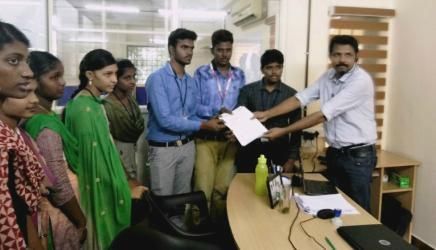
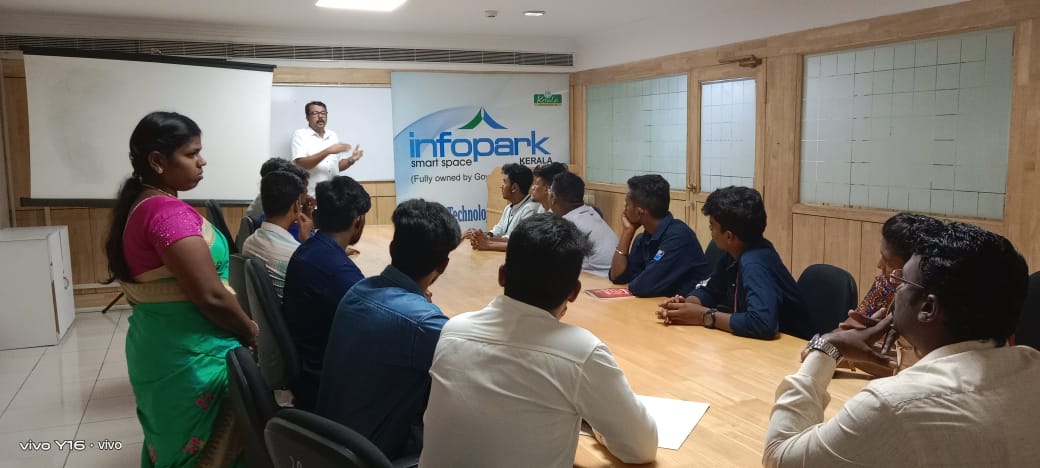
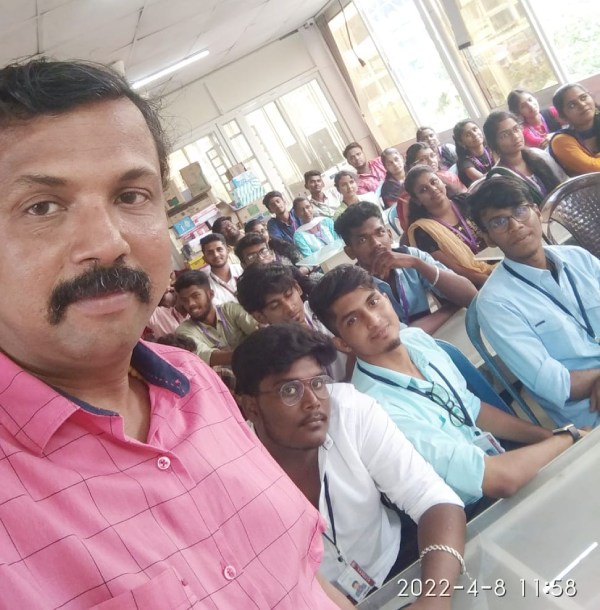
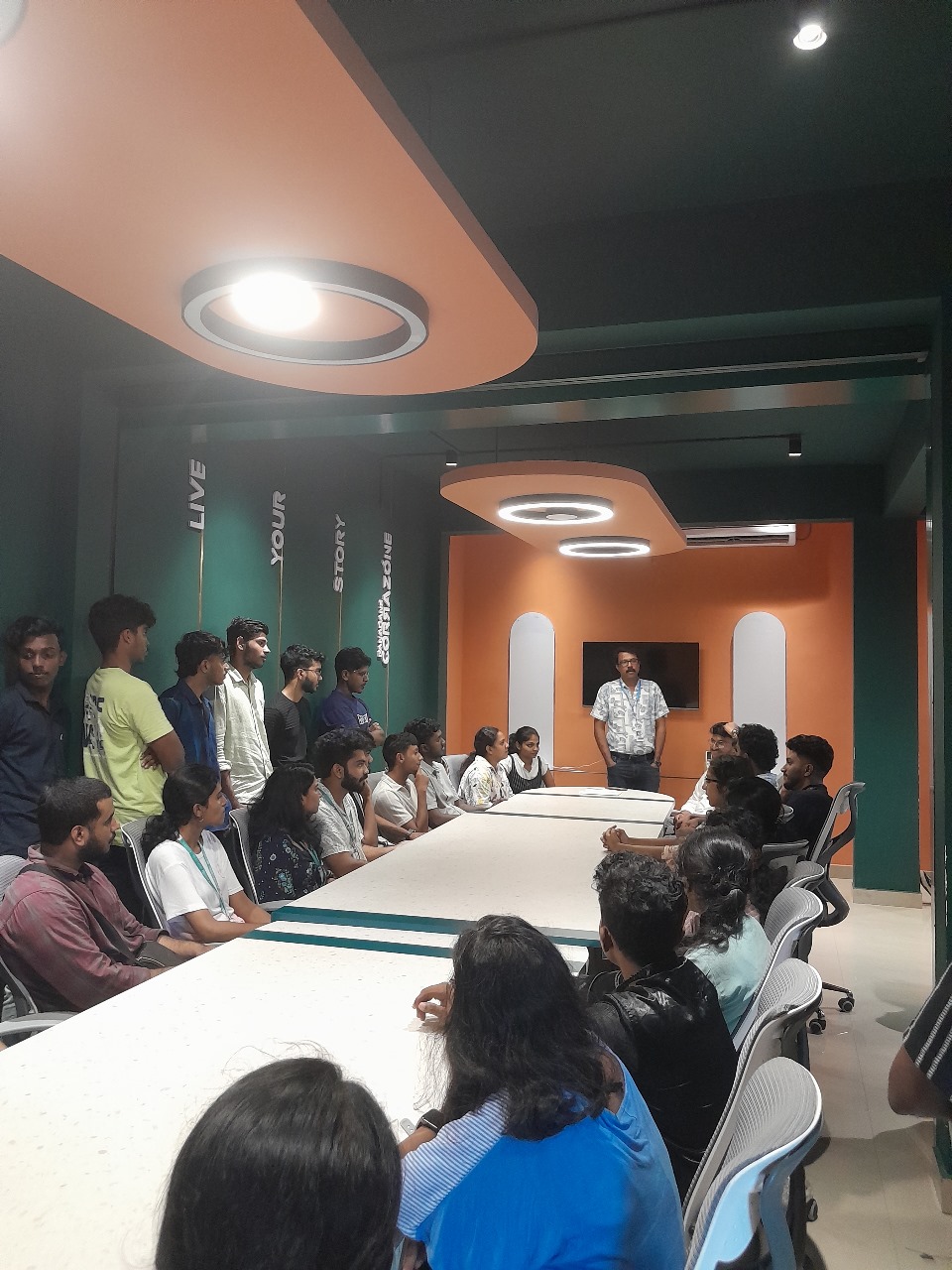
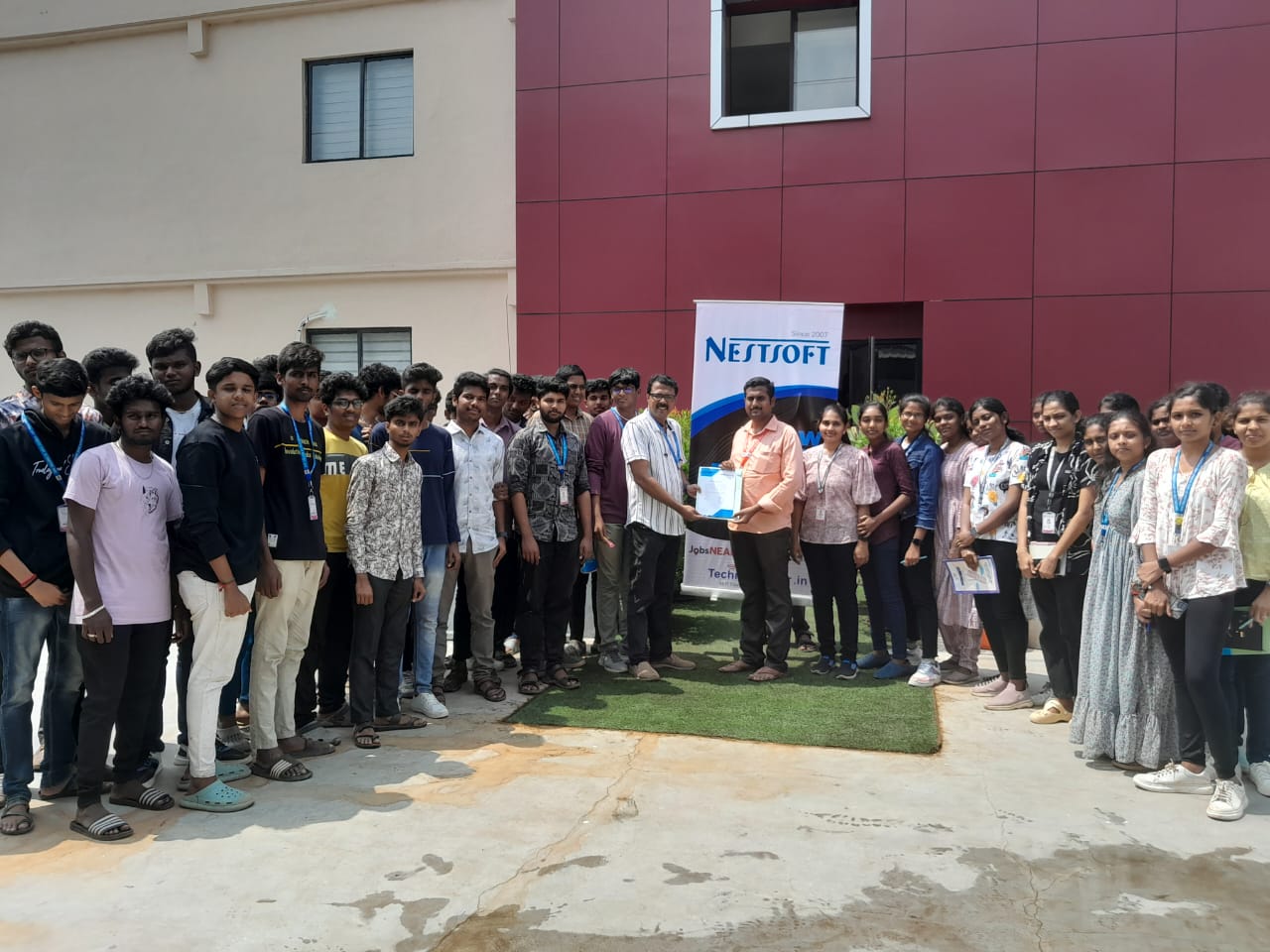
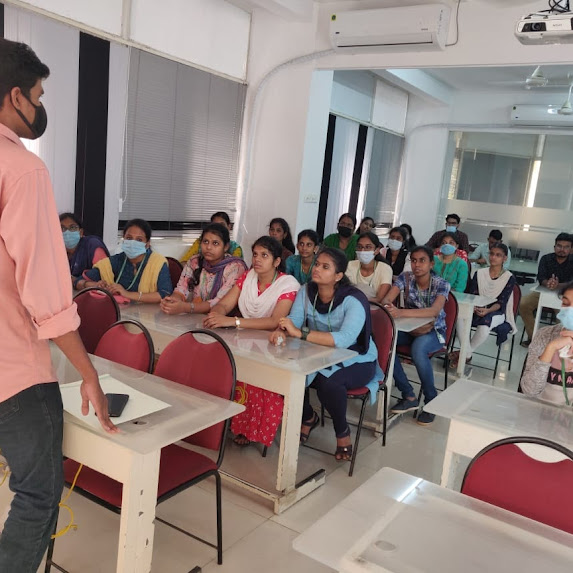
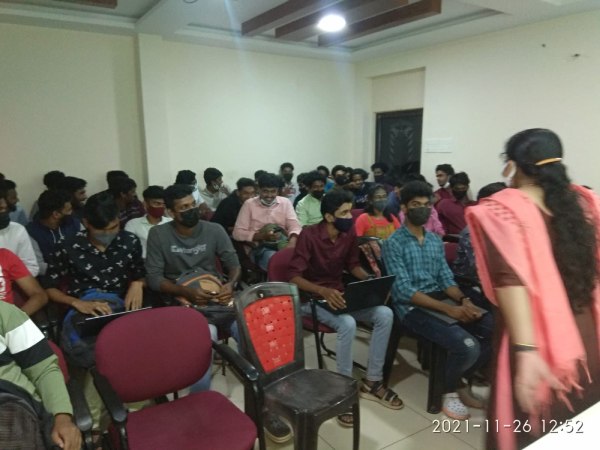
Photos of Training / Internships

Internship/projects in koniz

Trained more than 10000+ students who trust Nestsoft TechnoMaster

Get Your Personal Trainer