Send enquiry ⏎

R Programming Online Live Class by Experts

Our Training/Internship Process

R Programming Online Live Classes in Lugano | Free Demo Training

R Programming - Syllabus, Fees & Duration

THE ART OF R PROGRAMMING

    INTRODUCTION
    • Why Use R for Your Statistical Work?
    • Object-Oriented Programming
    • Functional Programming?
    • Functional Programming?
    INSTALLING R
    • Downloading R from CRAN
    • Installing from Source
    GETTING STARTED
      How to Run R
      • Interactive Mode
      • Batch Mode
    First R Session
      Introduction to Functions
      • Variable Scope
      • Default Arguments
      Preview of Some Important R Data Structures
      • Vectors, the R
      • Character Strings
      • Matrices
      • Lists
      • Arrays
      • Data Frames
      VECTORS
        Scalars, Vectors, Arrays, and Matrices
        • Adding and Deleting Vector Elements
        • Obtaining the Length of a Vector
        • Matrices and Arrays as Vectors
        Declarations
        Common Vector Operations
        • Vector Arithmetic and Logical Operations
        • Vector Indexing
        • Generating Useful Vectors with the : Operator
        • Generating Vector Sequences with seq()
        • Repeating Vector Constants with rep
        Vectorized Operations
        • Vector In, Vector Out
        • Vector In, Matrix Out
        NA and NULL Values
        • Using NA
        • Using NULL
        Filtering
        • Generating Filtering Indices
        • Filtering with the subset() Function
        • The Selection Function which
        A Vectorized if-then-else: The ifelse() Function
        • Extended Example: A Measure of Association
        • Extended Example: Recoding an Abalone Data Set
        Testing Vector Equality
        Vector Element Names
        More on c()
      MATRICES AND ARRAYS
        Creating Matrices
        • General Matrix Operations
        • Performing Linear Algebra Operations on Matrices
        • Matrix Indexing
        • Filtering on Matrices
        Applying Functions to Matrix Rows and Columns
        • Using the apply() Function
        • Extended Example: Finding Outliers
        • Adding and Deleting Matrix Rows and Columns
        • Changing the Size of a Matrix
        More on the Vector/Matrix Distinction
        Avoiding Unintended Dimension Reduction
        Naming Matrix Rows and Columns
        Higher-Dimensional Arrays
      LISTS
        Creating Lists
        General List Operations
        • List Indexing
        • Adding and Deleting List Elements
        • Getting the Size of a List
        Accessing List Components and Values
        Applying Functions to Lists
        • Using the lapply() and sapply() Functions
      ARRAYS
      • Naming Columns and Rows
      • Accessing Array Elements
      • Check if an Item Exists
      • Amount of Rows and Columns
      • Array Length
      • Manipulating Array Elements
      • Calculations Across Array Elements
      DATA FRAMES
        Creating Data Frames
        • Accessing Data Frames
        Other Matrix-Like Operations
        • Extracting Subdata Frames
        • More on Treatment of NA Values
        • Using the rbind() and cbind() Functions and Alternatives .
        • Applying apply()
        Merging Data Frames
        • Extended Example: An Employee Database
        Applying Functions to Data Frames
        • Using lapply() and sapply() on Data Frames
      FACTORS AND TABLES
        Factors and Levels
        Common Functions Used with Factors
        • The tapply() Function
        • The split() Function
        • The by() Function
        Working with Tables
        • Matrix/Array-Like Operations on Tables
        • Extended Example: Extracting a
        Other Factor- and Table-Related Functions
        • The aggregate() Function
        • The cut() Function
      R PROGRAMMING STRUCTURES
        Control Statements
        • Loops
        • Looping Over Non vector Sets
        • if-else
        Arithmetic and Boolean Operators and Values
        Default Values for Arguments
        Return Values
        • Deciding Whether to Explicitly Call return()
        • Returning Complex Objects
        Functions Are Objects
        Environment and Scope Issues
        The Top-Level Environment
        • The Scope Hierarchy
        • More on ls()
        • Functions Have (Almost) No Side Effects
        No Pointers in R
        Writing Upstairs
        • Writing to Nonlocals with the Super assignment Operator
        • Writing to Nonlocals with assign()
        When Should You Use Global Variables?
        Replacement Functions
        • What’s Considered a Replacement Function?
        Tools for Composing Function Code
        • Text Editors and Integrated Development Environments
        The edit() Function
        Writing Your Own Binary Operations
        Anonymous Functions
      DOING MATH AND SIMULATIONS IN R
        Math Functions
        • Extended Example
        • Cumulative Sums and Products
        • Minima and Maxima
        Functions for Statistical Distributions
        Sorting
        Linear Algebra Operations on Vectors and Matrices
        • Extended Example: Vector Cross Product
        • Set Operations
        Simulation Programming in R
        • Built-In Random Variate Generators
        • Obtaining the Same Random Stream in Repeated Runs
      INPUT/OUTPUT
        Accessing the Keyboard and Monitor
        • Using the scan() Function
        • Using the readline() Function
        • Printing to the Screen
        Reading and Writing Files
        • Reading a Data Frame or Matrix from a File
        • Reading Text Files
        • Introduction to Connections
        • Extended Example
        • Accessing Files on Remote Machines via URLs
        • Writing to a File
        • Getting File and Directory Information
      STRING MANIPULATION
        An Overview of String-Manipulation Functions
        • grep()
        • nchar()
        • paste()
        • sprintf()
        • substr
        • strsplit()
        • regexpr()
        Regular Expressions
        • Extended Example
      R DATA INTERFACES
        R - CSV Files
        • Reading a CSV File
        • Analyzing the CSV File
        • Writing into a CSV File
        R - Excel Files
        • Install xlsx Package
        • Reading the Excel File
        R - Binary Files
        • Writing the Binary File
        • Reading the Binary File
        R - XML Files
        • Reading XML File
        • XML to Data Frame
        R - JSON Files
        • Install rjson Package
        • Read the JSON File
        • Convert JSON to a Data Frame
        R - Database
        • RMySQL Package
        • Connecting R to MySql
        • Querying the Tables
        • Query with Filter Clause
        • Updating Rows in the Tables
        • Inserting Data into the Tables
        • Creating Tables in MySql
        • Dropping Tables in MySql
      GRAPHICS
        Creating Graphs
        • The Workhorse of R Base Graphics: The plot() Function
        • R - Pie Charts
        • R - Bar Charts
        • R - Boxplots
        • R - Histograms
        • R - Line Graphs
        • R - Scatterplots
        • Starting a New Graph While Keeping the Old Ones
        • Extended Example
        • Adding Points: The points() Function
        • Adding a Legend: The legend() Function
        • Adding Text: The text() Function
        • Pinpointing Locations: The locator() Function
        • Restoring a Plot
        • Customizing Graphs
        • Changing Character Sizes: The cex
        • Changing the Range of Axes: The xlim and ylim Options
        • Graphing Explicit Functions
        • Extended Example
        Saving Graphs to Files
        • R Graphics Devices
        • Saving the Displayed Graph
        • Closing an R Graphics Device
        Creating Three-Dimensional Plots
      R Statistics
        R Statistics Intro
        R Data Set
        R Max and Min
        R Mean Median Mode
        R Percentiles
      INSTALLING AND USING PACKAGES
        Package Basics
        Loading a Package from Your Hard Drive
        Downloading a Package from the Web
        Installing Packages Automatically
        Installing Packages Manually
        Listing the Functions in a Package

    Download Syllabus - R Programming
    This syllabus is not final and can be customized as per needs/updates
   
10000+
20+
50+
25+

R Programming Jobs in Lugano

Enjoy the demand

Find jobs related to R Programming in search engines (Google, Bing, Yahoo) and recruitment websites (monsterindia, placementindia, naukri, jobshybrid.com, indeed.co.in, shine.com etc.) based in Lugano, chennai and europe countries. You can find many jobs for freshers related to the job positions in Lugano.

  • R Programmer
  • Data Scientist
  • Software Engineer
  • Software Technologist
  • R - Shiny Programmer
  • Analytics Engineer
  • R Programming Trainer

R Programming Internship/Course Details

R Programming internship jobs in Lugano
R Programming With the help of R programming, massive datasets may be analysed in less time. We offer training who do not have a background in statistics. Nestsoft offer the best R programming training, starting with the fundamentals and advancing to complex analytics concepts. Because R is a free programme, it is extensively utilised, which opens up all sorts of chances for professionals interested in pursuing a career in R programming. Our primary goal is to introduce students with the fundamentals and advanced concepts of the R programming language. R is a computer language that can be used for statistical analysis, reporting, and graphics. Because of its open source credibility, R programming is quickly becoming most in expert in the field of analytics. The course is designed with statistics students in consideration. It is a simple programming language than, other programming languages, would have no requirements. There is a significant shortage of experts with R programming skills on the market, which brings attention to pursue.


Meet a Few of our Industry Experts 🚀 Your Pathway to IT Career

Simran

Mobile: +91 98474 90866
Location: Online (Lugano, Switzerland)
Qualification: Bcom

Experience: I am seo executive for over last 9 5 months I am responsible for handling and overseeing on page off  more..

Himani

Mobile: +91 91884 77559
Location: Online (Lugano, Switzerland)
Qualification: BE Computer

Experience: Experience with all stages of development life cycle for dynamic project Develop project concepts and maintain optimal workflow Mostly interaction  more..

Sharique

Mobile: +91 91884 77559
Location: Online (Lugano, Switzerland)
Qualification: MBA - Public Health Informatics

Experience: I am an MBA graduate in PUBLIC HEALTH INFORMATICS with FELLOWSHIP in HMIS having certification in DATA ANALYTICS from IIM-R  more..

Akash

Mobile: +91 91884 77559
Location: Online (Lugano, Switzerland)
Qualification: B Tech (Mechanical)

Experience: C programming language C++  more..

Anna

Mobile: +91 89210 61945
Location: Online (Lugano, Switzerland)
Qualification: BTech

Experience: I've participated in logo design contests and prepared posters and flyers for my friends; I'm an artist and I love  more..

Vijaya

Mobile: +91 8301010866
Location: Online (Lugano, Switzerland)
Qualification: MCM

Experience: I have foundation knowledge of angular web development Hands on projects Practice on angular projects also knwoledge of bootstrap mongodb  more..

KHAJARAFI

Mobile: +91 94975 90866
Location: Online (Lugano, Switzerland)
Qualification: mca

Experience: This is khajarafi Shaik having 8+experience as a TechnicalTrainer I can able to deliver the training on Corejava Advjava Struts  more..

Revella

Mobile: +91 91884 77559
Location: Online (Lugano, Switzerland)
Qualification: B.tech

Experience: Java and Net full stack developer Have been coding since 3 years and have done projects on both java and  more..

Roshan

Mobile: +91 9895490866
Location: Online (Lugano, Switzerland)
Qualification: BE Computer Science And Engineering

Experience: Java Selenium Webdriver TestNg Bdd Cucumber Api testing and RestAssured MERN Stack Android Dev   more..

Sanurag

Mobile: +91 98474 90866
Location: Online (Lugano, Switzerland)
Qualification: Bcom

Experience: 6year html5 css3 bootstrap responsive photoshop figma xd angular and react ui developer   more..

Rakshitha

Mobile: +91 98474 90866
Location: Online (Lugano, Switzerland)
Qualification: Masters in Biochemistry

Experience: I have an year of experience in designing with the design software expertise in Canva Adobe Photoshop Adobe Illustrator and  more..

Suryamol

Mobile: +91 89210 61945
Location: Online (Lugano, Switzerland)
Qualification: Btech

Experience: Hi myself suryamol m s currently working as a php developer l have good knowledge in HTML CSS bootstrap jQuery  more..

GIRISHKUMAR

Mobile: +91 89210 61945
Location: Online (Lugano, Switzerland)
Qualification: BE. It., MBA

Experience: I have an experience in software programming languages like php html and css java as ell as python  more..

Tejaswini

Mobile: +91 91884 77559
Location: Online (Lugano, Switzerland)
Qualification: BE E&TC

Experience: Java my SQL react Android iOS  more..

Ajay

Mobile: +91 94975 90866
Location: Online (Lugano, Switzerland)
Qualification: BE

Experience: manual testing automation testing Api testing core java selenium jira jmeter appium SQL cucumber framework  more..

Shubham

Mobile: +91 94975 90866
Location: Online (Lugano, Switzerland)
Qualification: B.E.

Experience: 1 3 years experience in Python development skills - Html CSS Bootstrap  more..

Nidhinsha

Mobile: +91 91884 77559
Location: Online (Lugano, Switzerland)
Qualification: bsc

Experience: As a recent graduate with a BSc in Electronics I bring a comprehensive understanding of web development to the table  more..

VIVEK

Mobile: +91 9895490866
Location: Online (Lugano, Switzerland)
Qualification: MCA

Experience: I have a strong foundation in fundamental programming concepts and a passion for web development I am proficient in a  more..

Abdul

Mobile: +91 8301010866
Location: Online (Lugano, Switzerland)
Qualification: bsc.computer science

Experience: i can design web perfectly   more..

Neha

Mobile: +91 9895490866
Location: Online (Lugano, Switzerland)
Qualification: Currently pursuing degree

Experience: Canva skills and design skills Experience on fiverr and personal projects  more..

Anu

Mobile: +91 91884 77559
Location: Online (Lugano, Switzerland)
Qualification: BTech

Experience: I am writing to express my interest in the front end developer position With a proven track record in application  more..

Vasantha

Mobile: +91 8301010866
Location: Online (Lugano, Switzerland)
Qualification: Graduation

Experience: I have 5 experience as Canva Designer and I am able to design logos posters ect as per client requirements  more..

nilam

Mobile: +91 98474 90866
Location: Online (Lugano, Switzerland)
Qualification: B.E

Experience: I have 2 years of experience in odoo knowledge of e-commerce sales apps and also good knowledge of odoo development  more..

Sai

Mobile: +91 91884 77559
Location: Online (Lugano, Switzerland)
Qualification: B.tech (C.S.E)

Experience: Experience In Training students one to one and also group Experience in Training students on real time projects for WordPress  more..

Success Stories

The enviable salary packages and track record of our previous students are the proof of our excellence. Please go through our students' reviews about our training methods and faculty and compare it to the recorded video classes that most of the other institutes offer. See for yourself how TechnoMaster is truly unique.

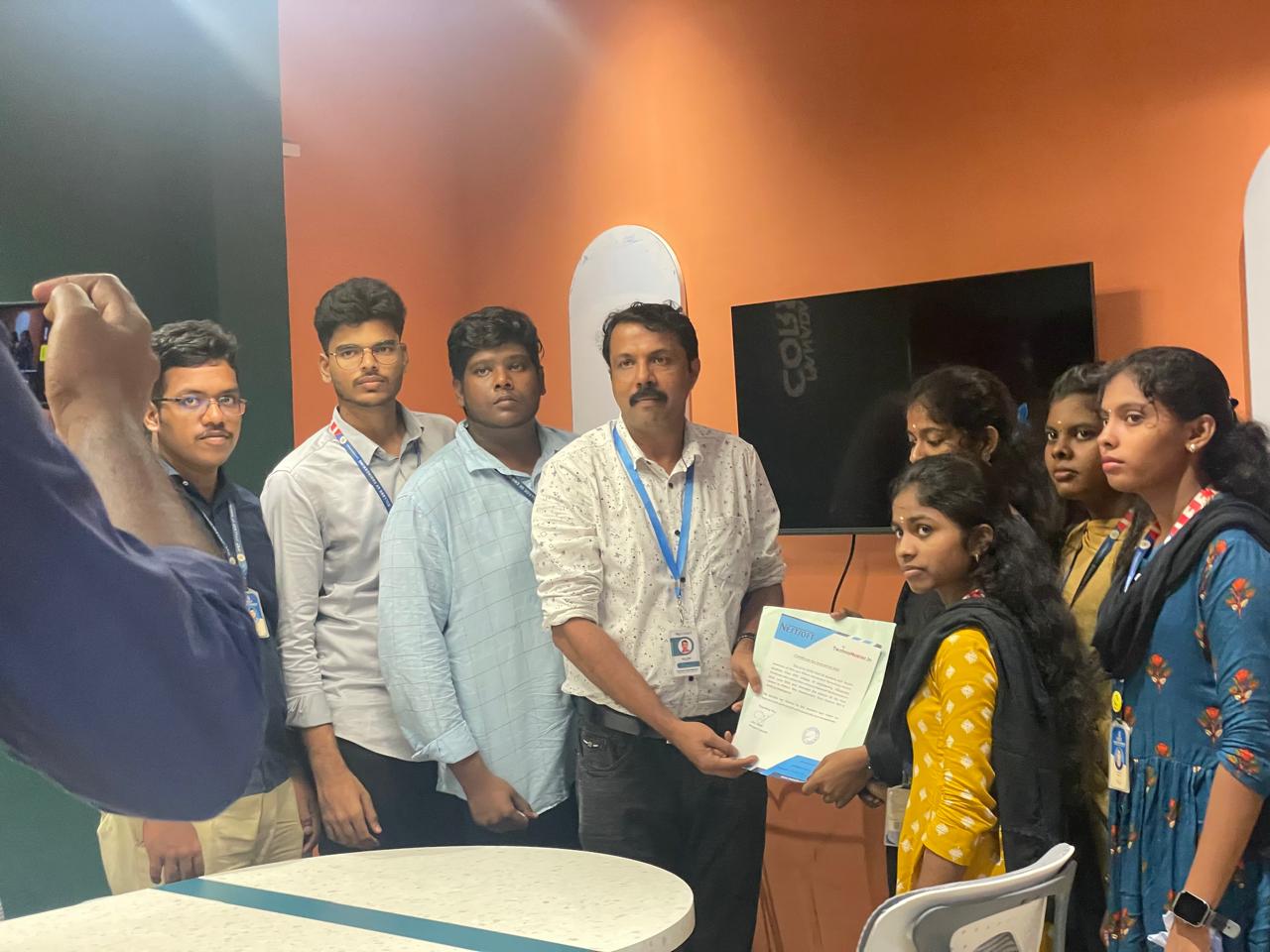
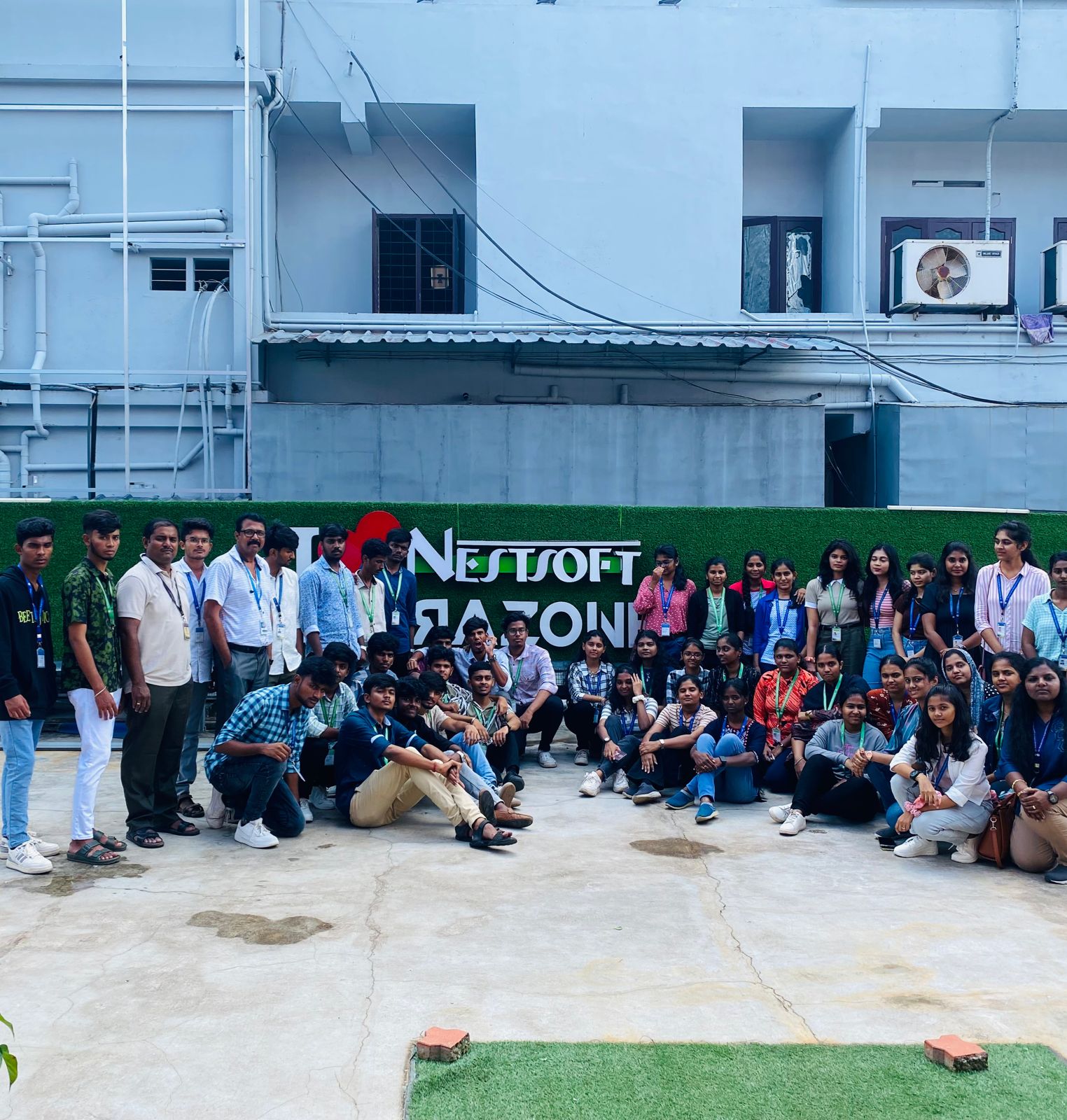
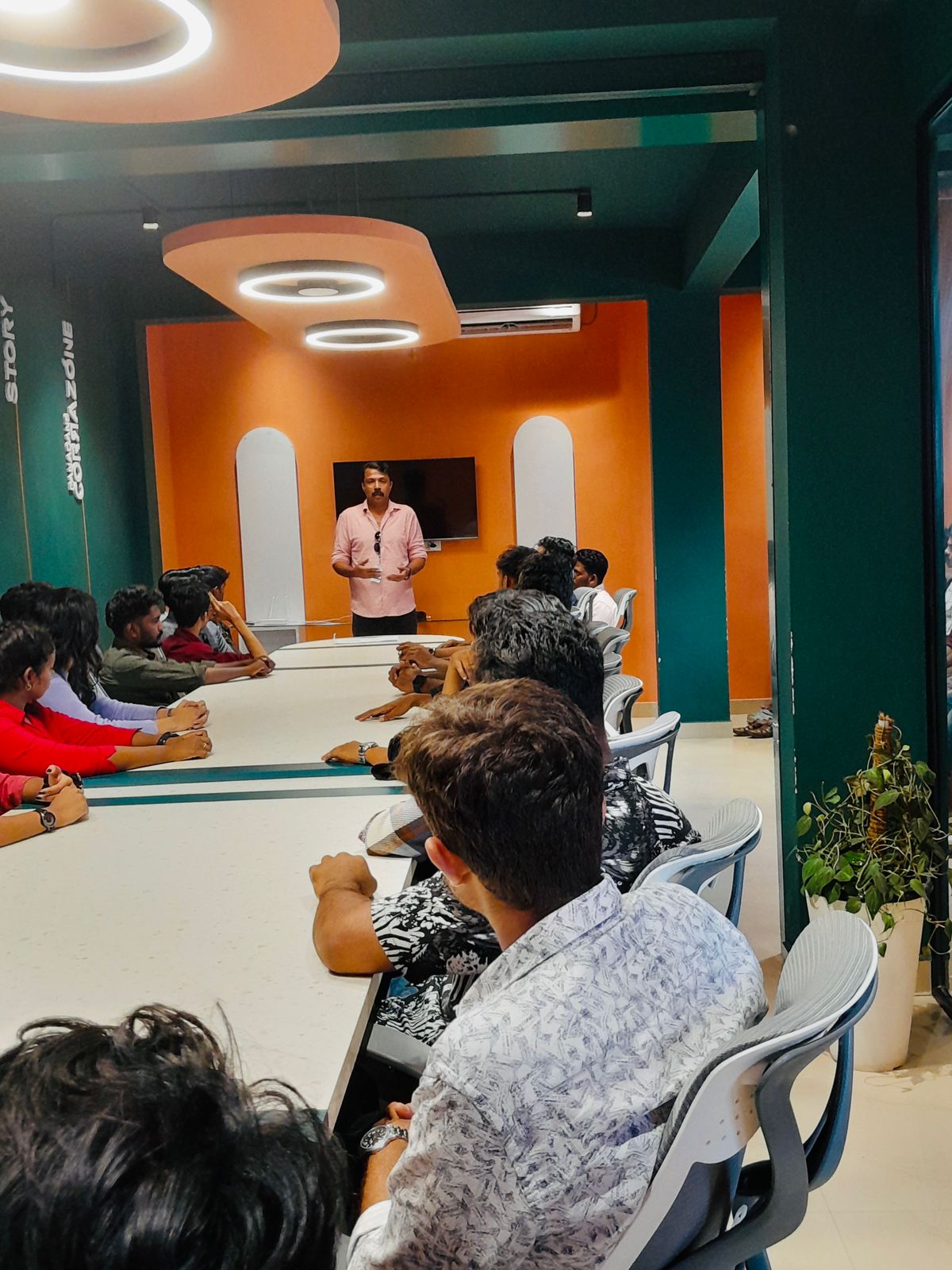
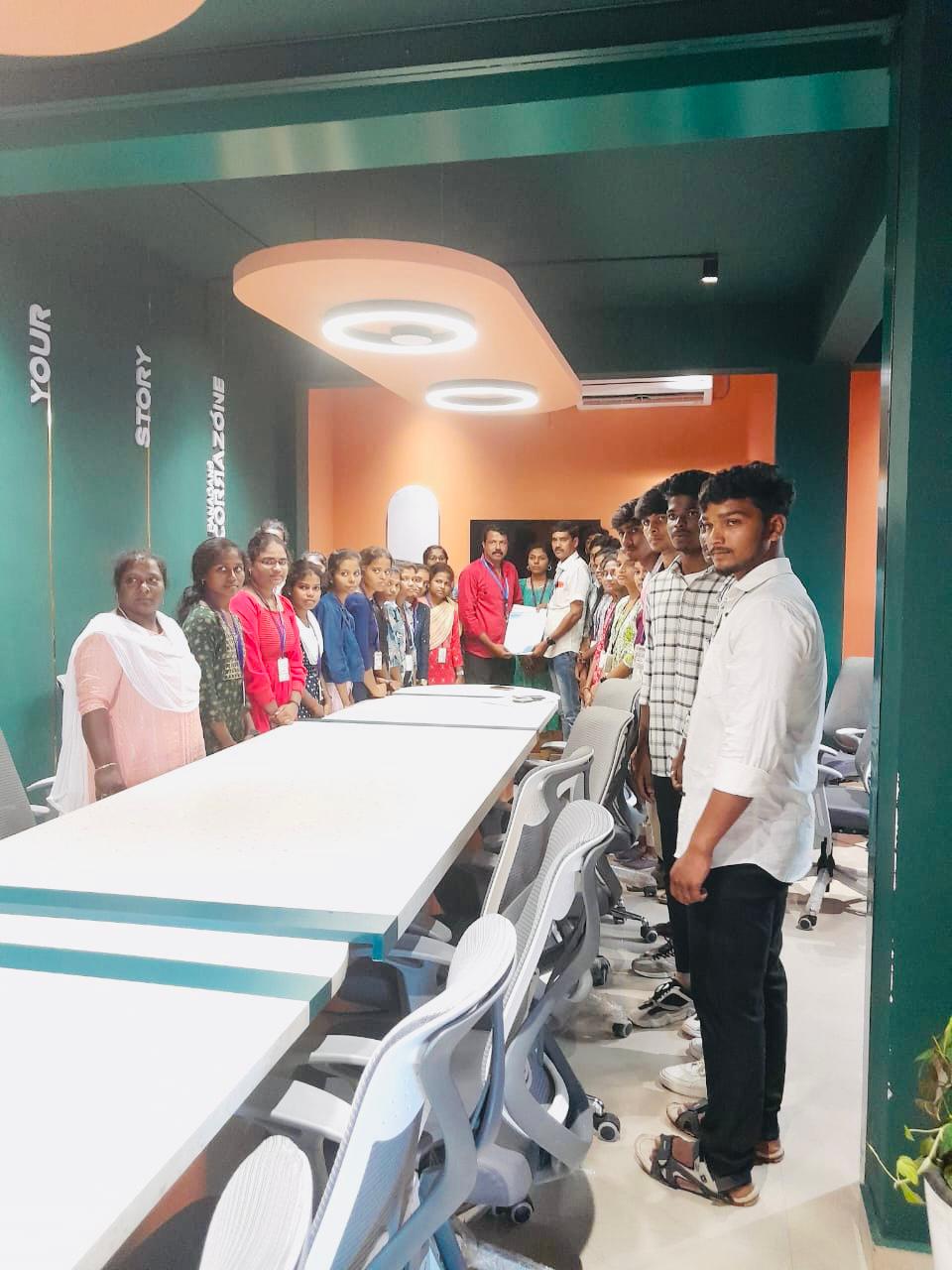
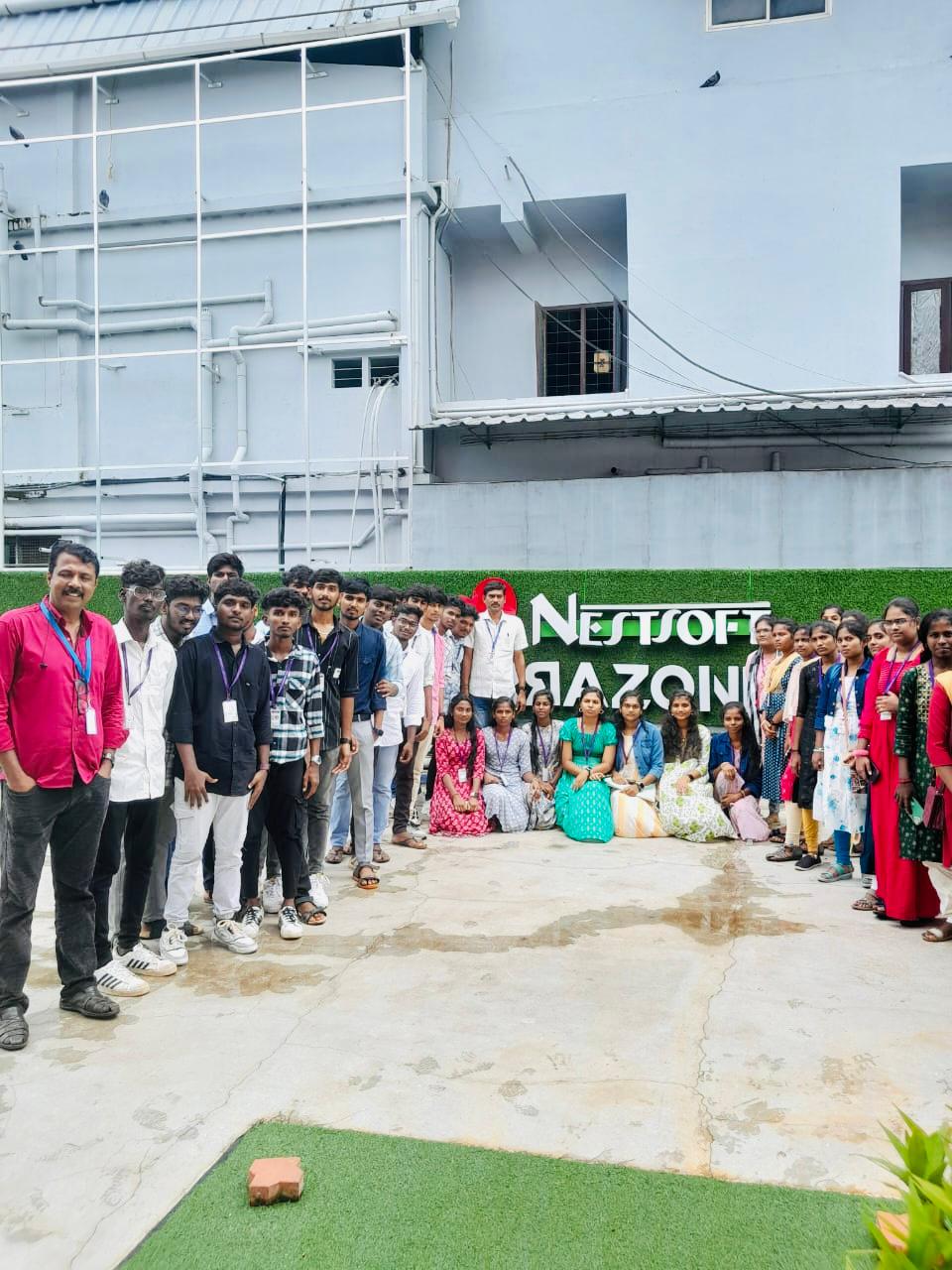
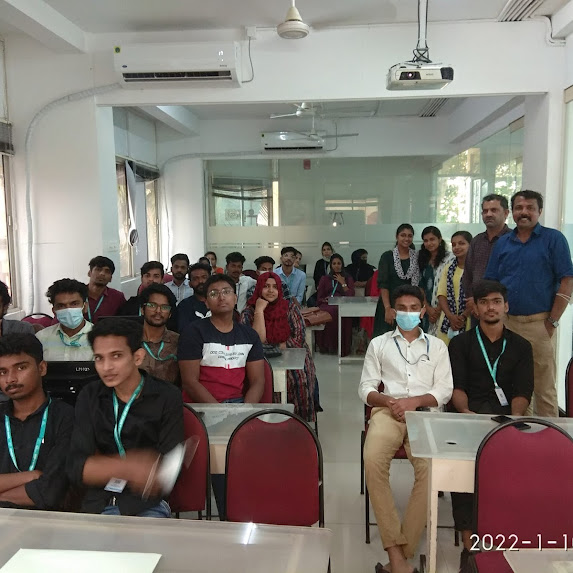
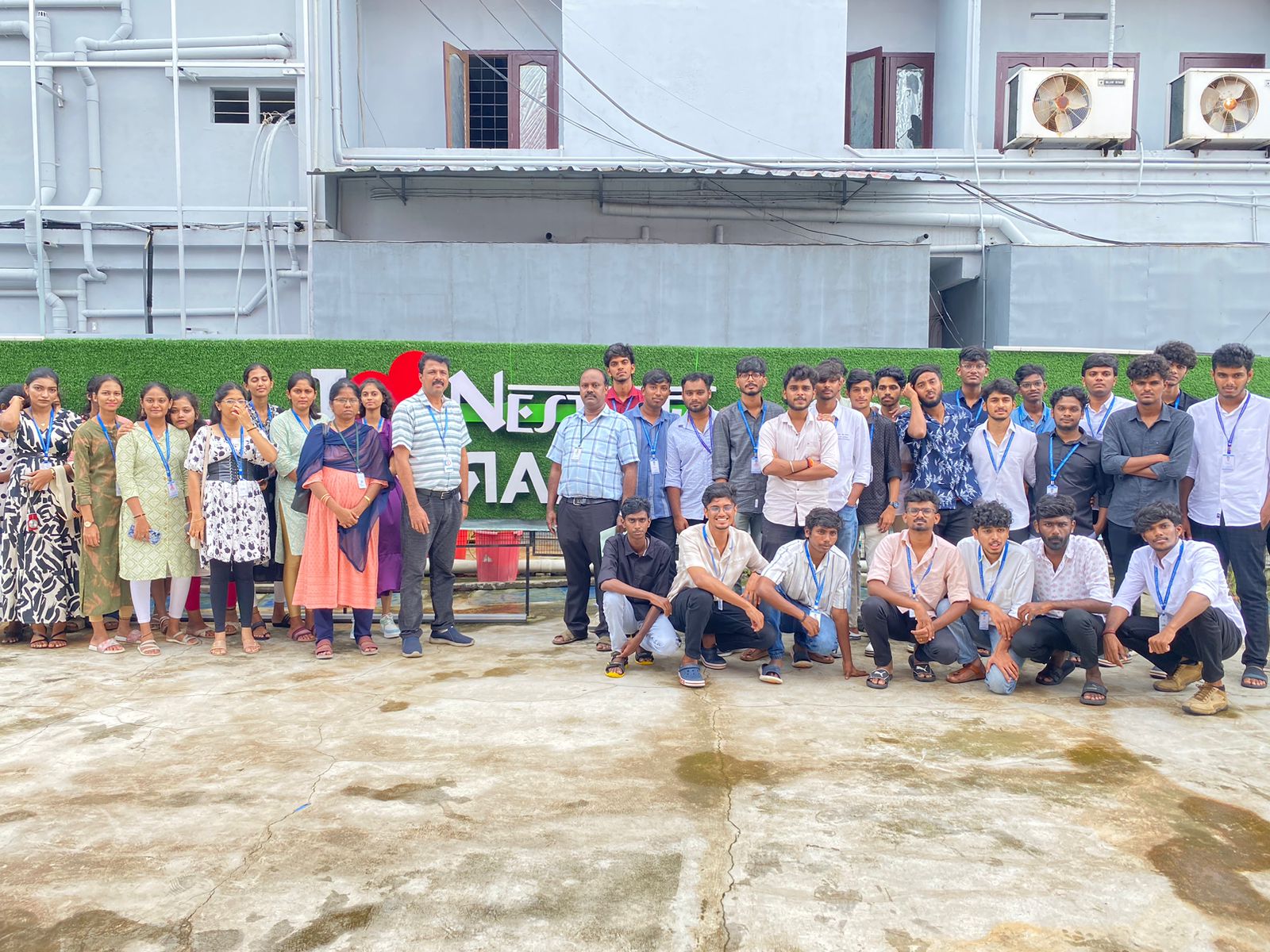
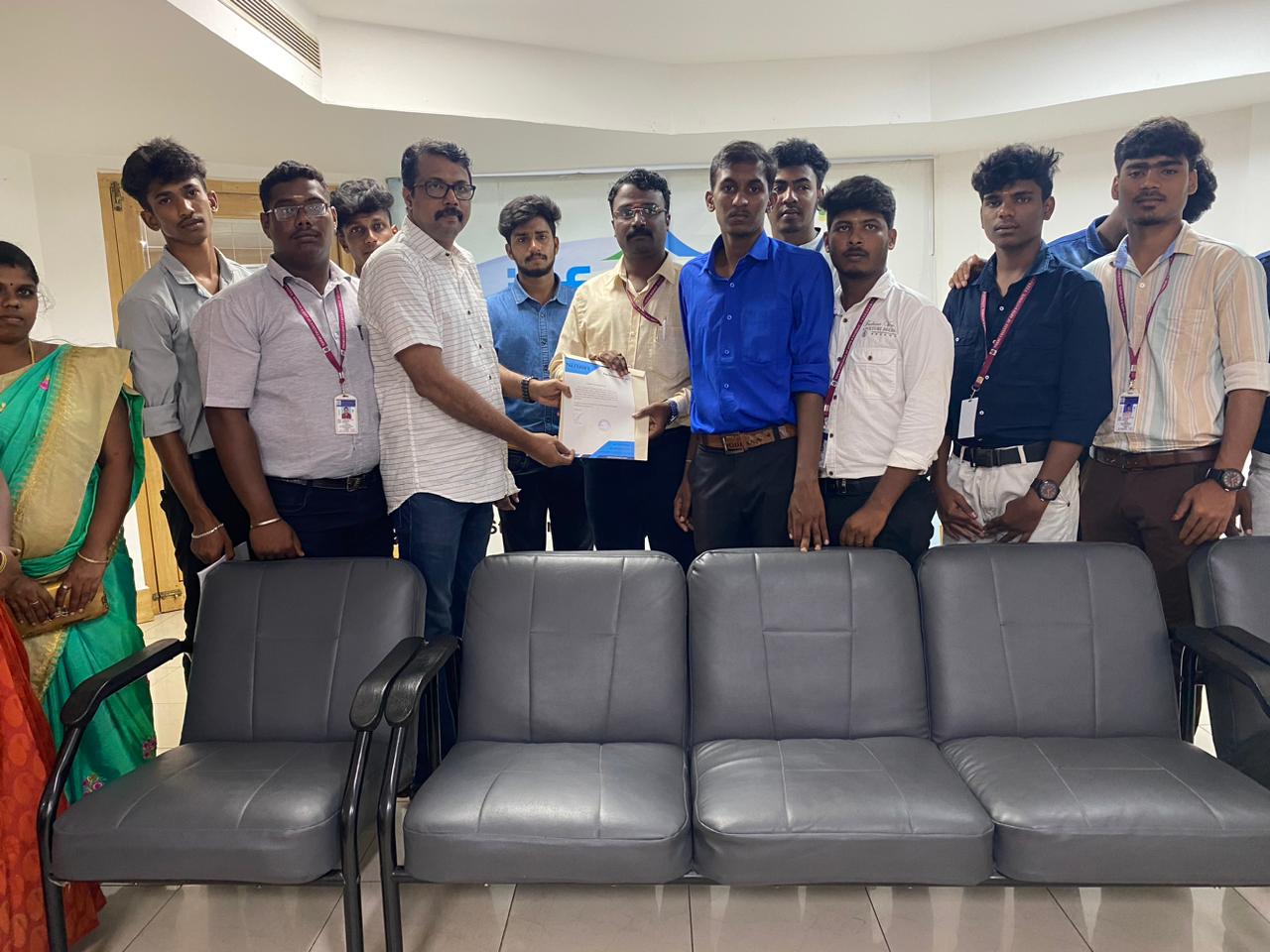
Photos of Training / Internships

Internship/projects in lugano

Trained more than 10000+ students who trust Nestsoft TechnoMaster

Get Your Personal Trainer